
ImageFrame Fabric Port
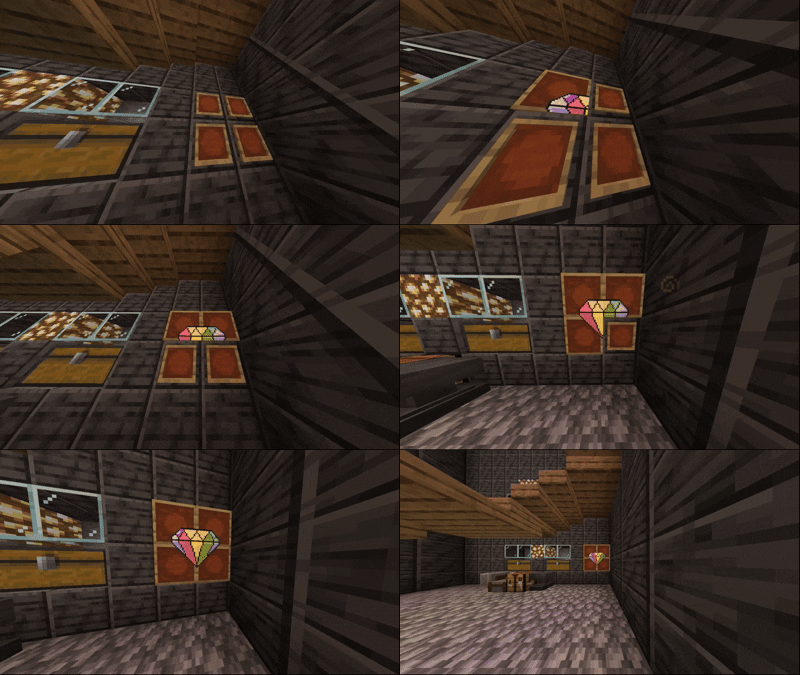
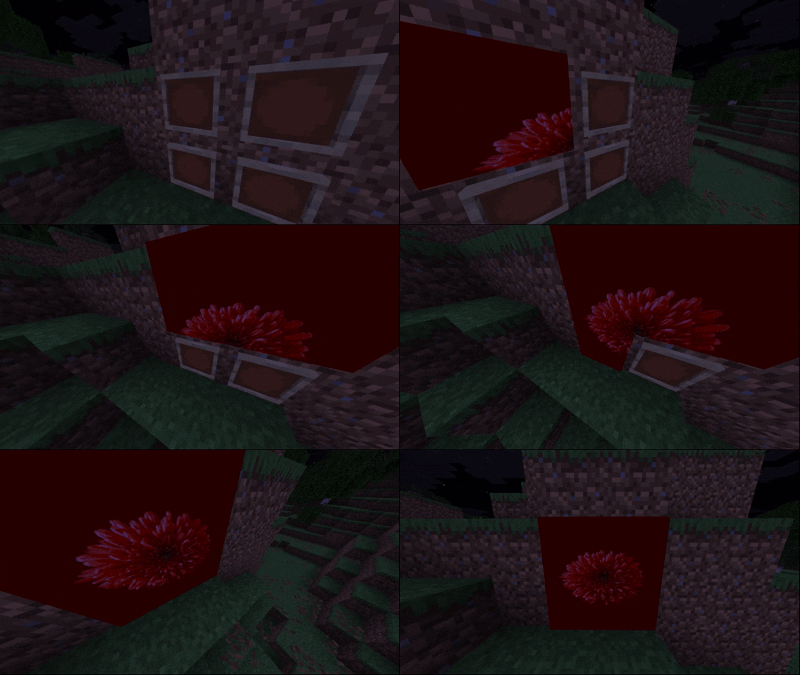
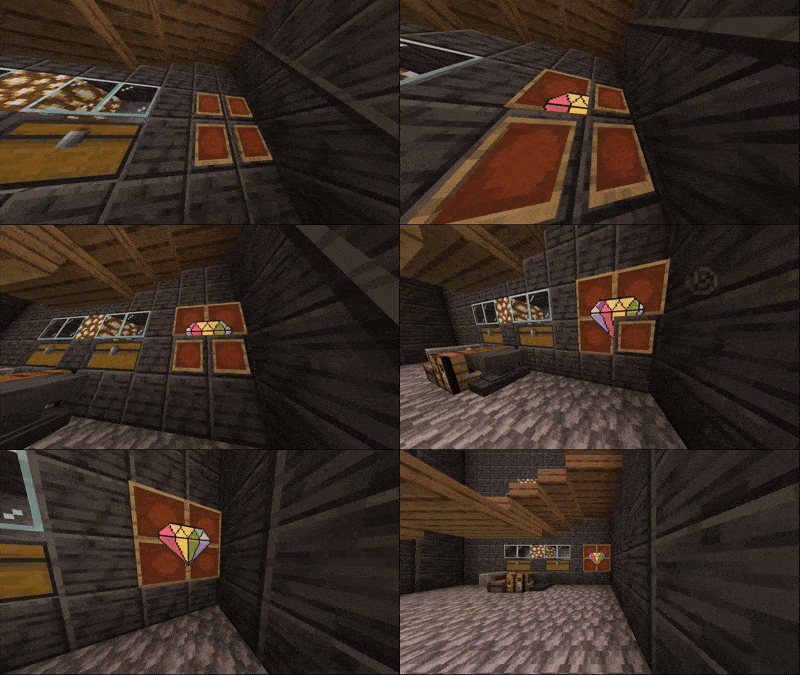
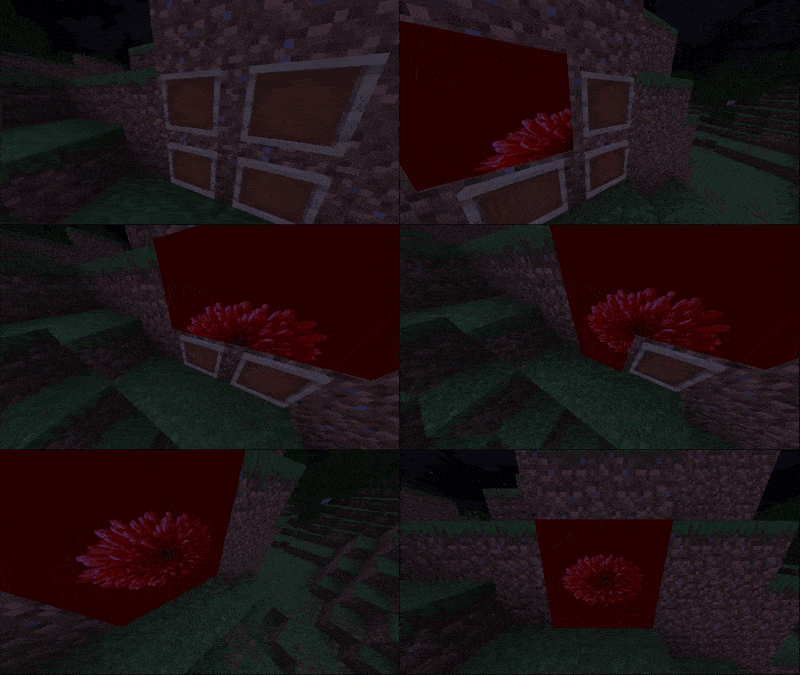
High-performance, server-side Fabric port of ImageFrame. Place HD images & animated GIFs on maps and walls with zero client-side mods required!
Screenshots
About this Mod
ImageFrame (Fabric Port)
A high-performance, server-side-only Fabric port of the popular Spigot plugin ImageFrame by LoohpJames. Put images and animated GIFs on maps and walls!
This port has been modernized and optimized for Minecraft 1.21+ (Fabric) while retaining 100% data compatibility with Spigot maps.
Important Disclaimer & Maintenance
- Support & Maintenance: This port was created for a private server with friends. As such, do not expect regular updates, active maintenance, or guaranteed bugfixes.
- Future Updates: While support is not guaranteed, critical bugs or compatibility updates might be released if they are needed for our personal server.
- Original Creator Invitation: If the original author (LoohpJames) wishes to adapt, use, or merge any part of this Fabric port code into the official project, they are warmly welcomed and encouraged to do so!
- Fabric Port Developer: Developed and optimized for Fabric by reyhe66243.
- Credits: Huge credits to LoohpJames for the original Spigot plugin design, asset loaders, and architecture.
Features & Optimizations
This Fabric port is designed to be incredibly lightweight and server-safe, running entirely on the server-side with no client-side mods required:
- Dynamic Map Color Engine:
- Uses a pixel-perfect Mojang NMS color matching system to map image RGB colors to Minecraft's built-in map colors dynamically.
- No hardcoded palette files or inaccurate colors. Parity is absolute.
- Network Visibility Cache:
- Optimized for large multiplayer servers! Maps and animation frames are only sent to players holding a map or standing within 32 blocks of an active map frame.
- This eliminates network packet overhead, dramatically reduces bandwidth usage, and prevents clients from lagging due to off-screen animation updates.
- Invisible Item Frames:
- Supports placing maps on invisible frames.
- Integrates seamlessly with splash potions of invisibility or area effect clouds containing invisibility. Throwing them on item frames turns them invisible, while breaking or modifying them updates the state correctly.
- No Client-Side Mod Required:
- Works entirely server-side! Vanilla clients can connect and enjoy the custom map paintings.
📄 License & Original Work
This project is a derivative work of ImageFrame by LoohpJames. In compliance with the original project's license, this port is licensed under the GNU General Public License v3 (GPLv3).
- You are free to use, modify, and redistribute this software.
- Any derivative works must also be open-source under the GPLv3 license.
- The original license text is preserved in the
LICENSEfile.
Available Versions
How to Install ImageFrame Fabric Port on Your Server
Order Server
Order a Minecraft Java server with at least 3 GB RAM (4 GB recommended).
Set fabric Loader
In the panel under "Egg", select the fabric loader and matching Minecraft version (26.1.2).
Install Mod
Open the mod browser in the dashboard and search for "ImageFrame Fabric Port". Click "Install" – done! Alternatively, upload the .jar via SFTP to the /mods folder.
Compatibility
Mod Loaders
Minecraft Versions
26.1.2
Server-side
✓ RequiredRecommended RAM
4 GB(min. 3 GB)Frequently Asked Questions
ImageFrame Fabric Port server crashes on startup – what to do?
Most common cause: wrong fabric version or insufficient RAM. Check the server log (latest.log) for "OutOfMemoryError" or "Mixin" errors. With Mado Hosting: ensure at least 3 GB RAM is allocated and the loader matches the mod version (26.1.2). You can switch loaders with one click in the panel.
Is ImageFrame Fabric Port compatible with fabric?
ImageFrame Fabric Port officially supports fabric for Minecraft 26.1.2. The Mado dashboard automatically detects incompatible loader combinations.
Server lagging with ImageFrame Fabric Port – how to optimize performance?
Recommended RAM: 4 GB (per 8 players). Use /spark profiler to check if ImageFrame Fabric Port consumes the most tick time. Common fixes: reduce server view-distance to 8-10, install "performant" or "starlight" as supplementary mods on Forge. With Mado Hosting, your server runs on NVMe SSDs with dedicated CPU cores for minimal latency.
Similar Mods

![[ETF] Entity Texture Features](https://cdn.modrinth.com/data/BVzZfTc1/af683d206d50b05258d865b0d6e4aa2f2cee12f2_96.webp)
![[EMF] Entity Model Features](https://cdn.modrinth.com/data/4I1XuqiY/6e5bbd0d06b1741bfdab6c0cfab6de8fdaf0064c_96.webp)



Rent Modded Server
Install ImageFrame Fabric Port with just one click on your server.