
Incremental Mining
A satisfying overhaul to Minecraft's block mining swings.
Screenshots
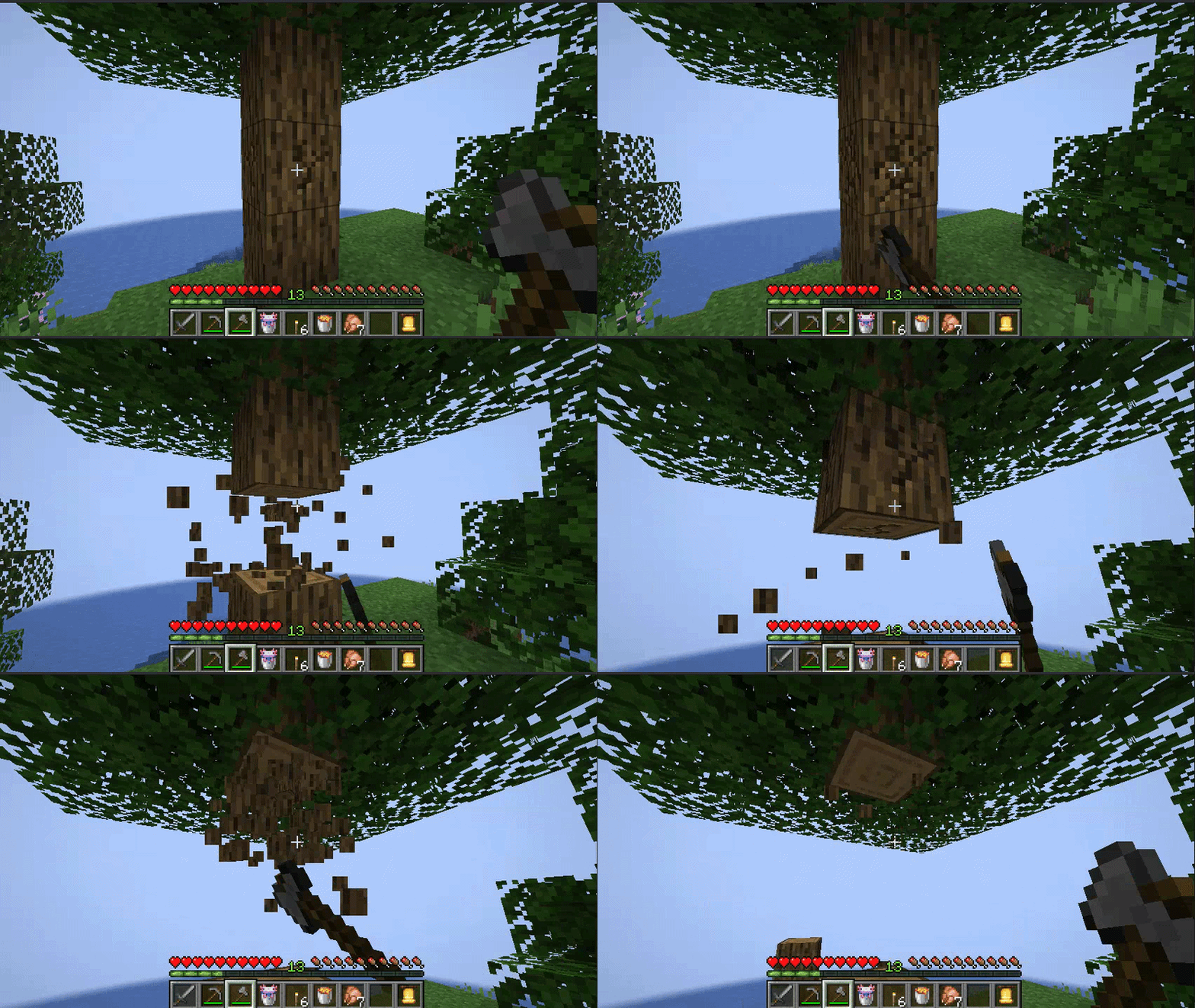
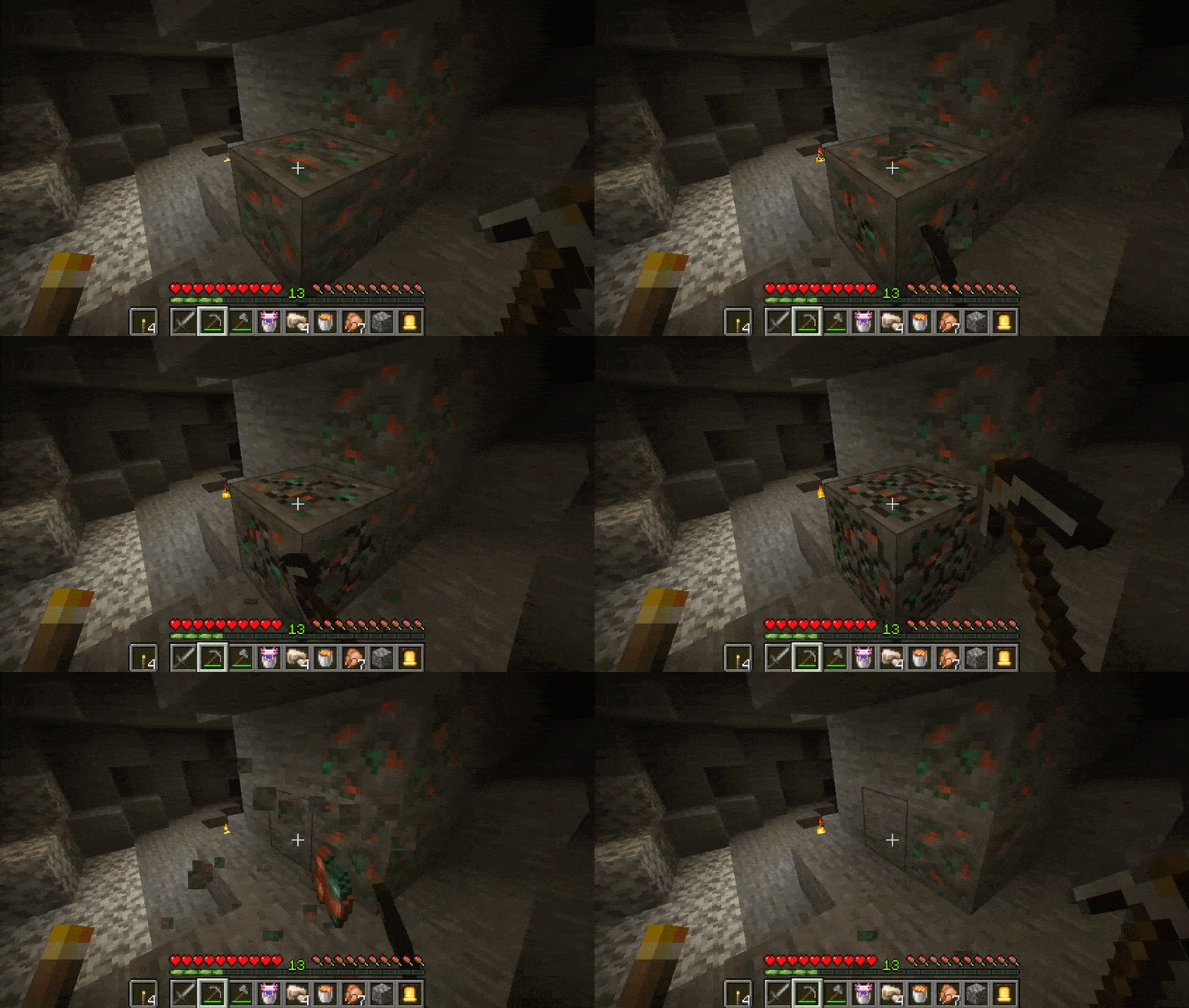
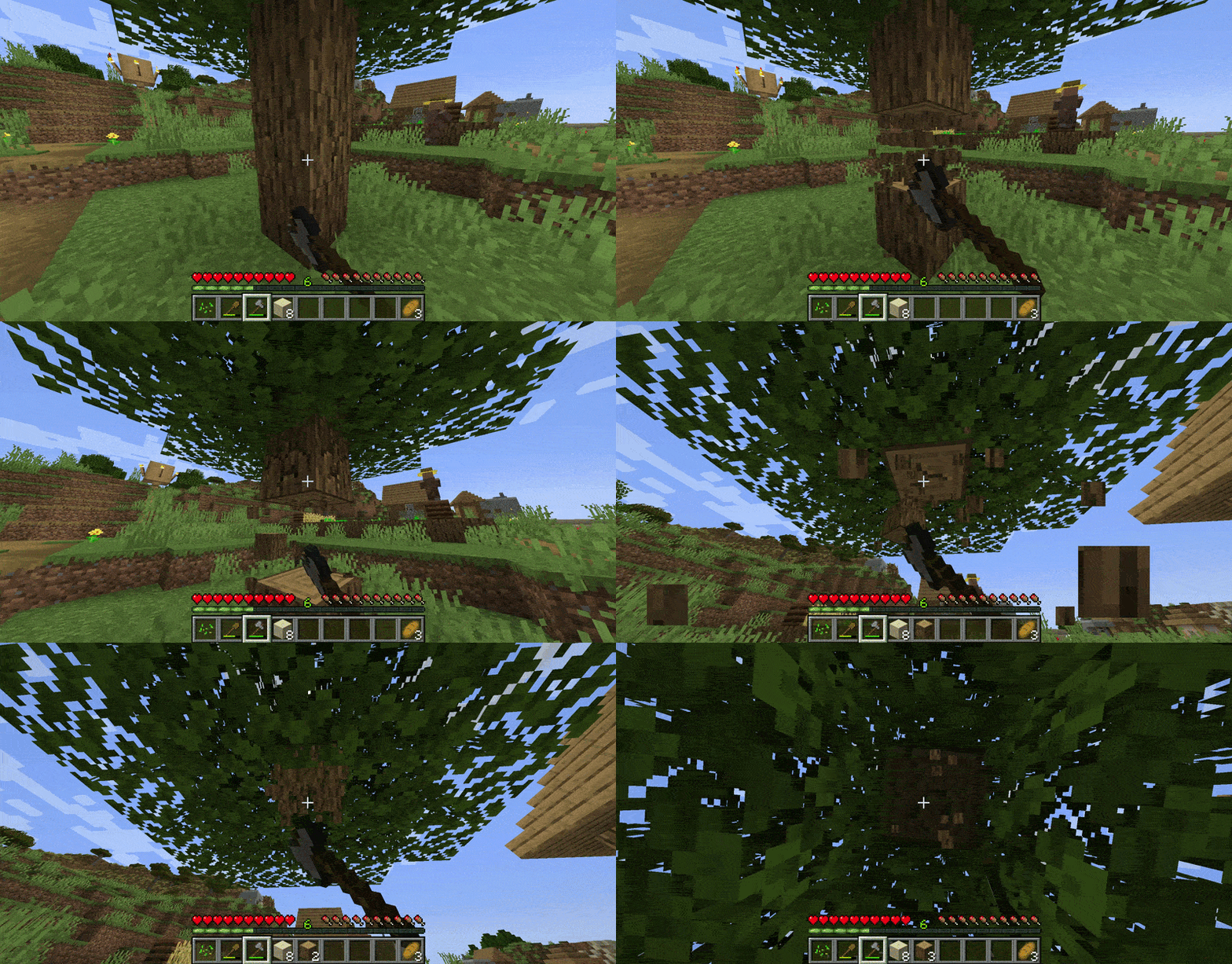
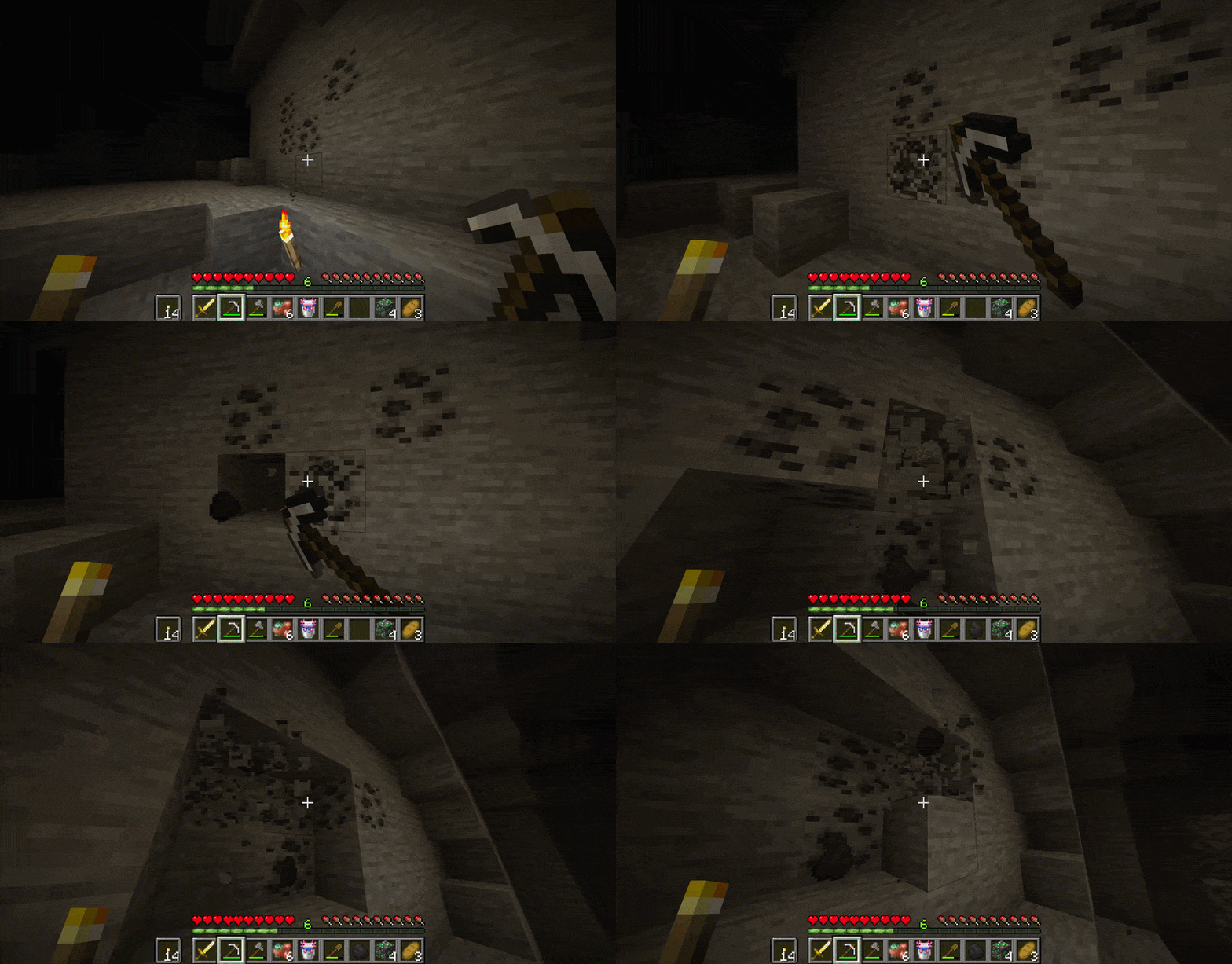
About this Mod

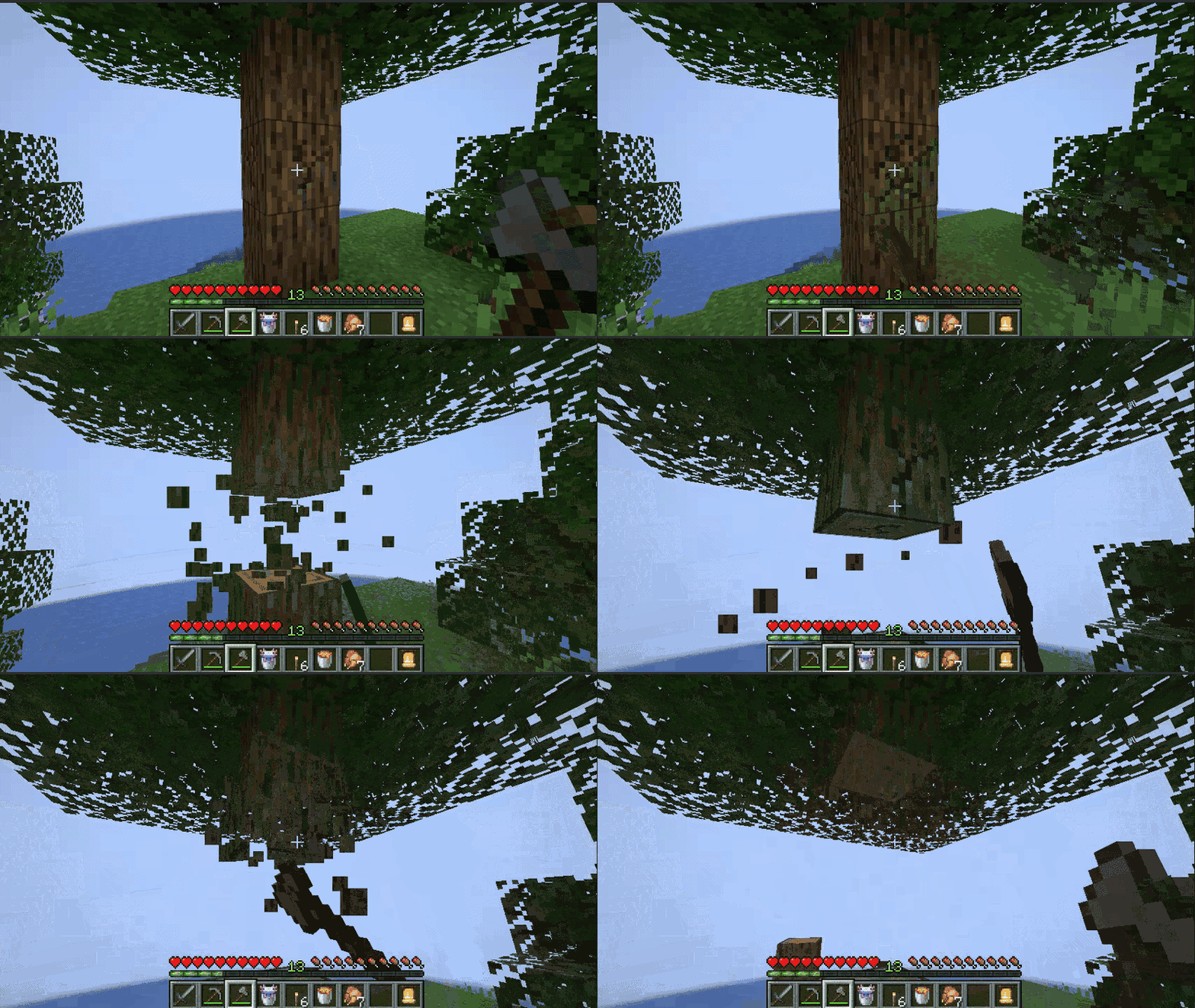
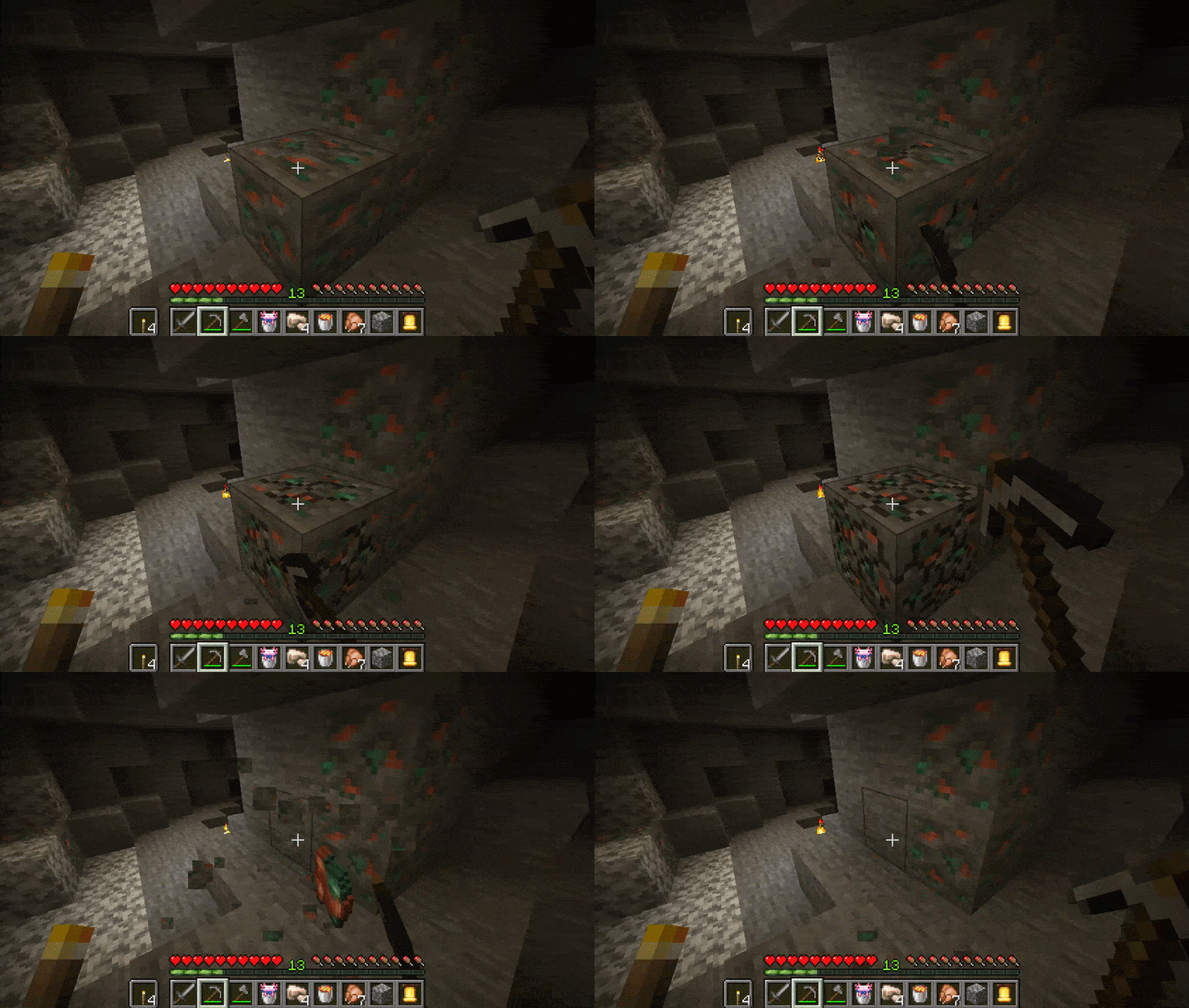
Incremental Mining changes block harvesting to work based on tool swings (like Stardew Valley or Terraria)
The goal of this mod is to improve the feel of the fairly common action of mining. In vanilla, progress feels more like a mining drill than distinct impacts. So, Incremental Mining addresses this nitpick.
If you enjoy the mod, please consider supporting me!
Features
- Block Damage:
- Each time you swing your tool, it chips away at the block. After a few hits, the block will break.
- Buffs like Efficiency and Haste will increase how fast your arm swings and deals block damage.
- Your tool's tier (Wood, Stone, Iron, etc.) will deal different amounts of block damage.
- Synced Swing Animation:
- The player's swing animation is synced up with each swing of your tool.
- By default, this is quite a bit slower than the superhuman arm flailing in vanilla, while still taking about the same amount of time to mine.
- Sound Effects:
- New sounds are given to blocks to play on each impact, opposed to the rapidly looping breaking sound.
- Ore blocks have been giving unique sounds when hit.
- These sounds can be fully customized in the config.
- Water splashing:
- You can splash water by swinging/punching it!
- Custom sounds will be played when mining underwater
Compatibility
- Supports first person animation mods, such as Punchy or Vintage Animations
- Make sure to go into the preset menu and pick your matching preset!
- This will make each swing timed with the animation
- Compatibility with Multi Mine (persistant block damage)
- Compatibility for HT's TreeChop
- Compatibility for Mining & Placing Animations (Mining Quakes)
- New: Compatibility for Dynamic Trees
- Incremental Mining will not work properly on servers without the mod. Client-side only support may be looked into!
Config
The mod's behavior can be customized and balanced to your liking! Some example settings include:
- Mod Enabled: So you can toggle to compare to vanilla
- Swing Interval: Amount of ticks between swings
- Damage Multiplier: Will change amount of block damage per swing
- Vanilla Foliage Break: Allows breaking foliage to ignore the mod's system
- Sounds: You can customize what sounds are played when hitting certain block types.
- Instant Tool Raise: Visually disables the slow raising/switching of tools.
Available Versions
How to Install Incremental Mining on Your Server
Order Server
Order a Minecraft Java server with at least 3 GB RAM (4 GB recommended).
Set neoforge Loader
In the panel under "Egg", select the neoforge loader and matching Minecraft version (1.21.1).
Install Mod
Open the mod browser in the dashboard and search for "Incremental Mining". Click "Install" – done! Alternatively, upload the .jar via SFTP to the /mods folder.
Compatibility
Mod Loaders
Minecraft Versions
1.21.1
Server-side
✓ RequiredRecommended RAM
4 GB(min. 3 GB)Frequently Asked Questions
Incremental Mining server crashes on startup – what to do?
Most common cause: wrong neoforge version or insufficient RAM. Check the server log (latest.log) for "OutOfMemoryError" or "Mixin" errors. With Mado Hosting: ensure at least 3 GB RAM is allocated and the loader matches the mod version (1.21.1). You can switch loaders with one click in the panel.
Is Incremental Mining compatible with neoforge?
Incremental Mining officially supports neoforge for Minecraft 1.21.1. The Mado dashboard automatically detects incompatible loader combinations.
Server lagging with Incremental Mining – how to optimize performance?
Recommended RAM: 4 GB (per 8 players). Use /spark profiler to check if Incremental Mining consumes the most tick time. Common fixes: reduce server view-distance to 8-10, install "performant" or "starlight" as supplementary mods on Forge. With Mado Hosting, your server runs on NVMe SSDs with dedicated CPU cores for minimal latency.
Similar Mods

![[ETF] Entity Texture Features](https://cdn.modrinth.com/data/BVzZfTc1/af683d206d50b05258d865b0d6e4aa2f2cee12f2_96.webp)
![[EMF] Entity Model Features](https://cdn.modrinth.com/data/4I1XuqiY/6e5bbd0d06b1741bfdab6c0cfab6de8fdaf0064c_96.webp)



Rent Modded Server
Install Incremental Mining with just one click on your server.