
Infinity Buttons
A mod which adds new exciting buttons!
Screenshots
About this Mod

Infinity Buttons is a mod which adds exciting new buttons!


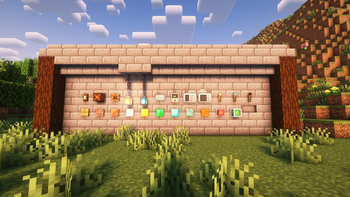
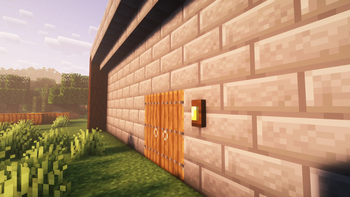
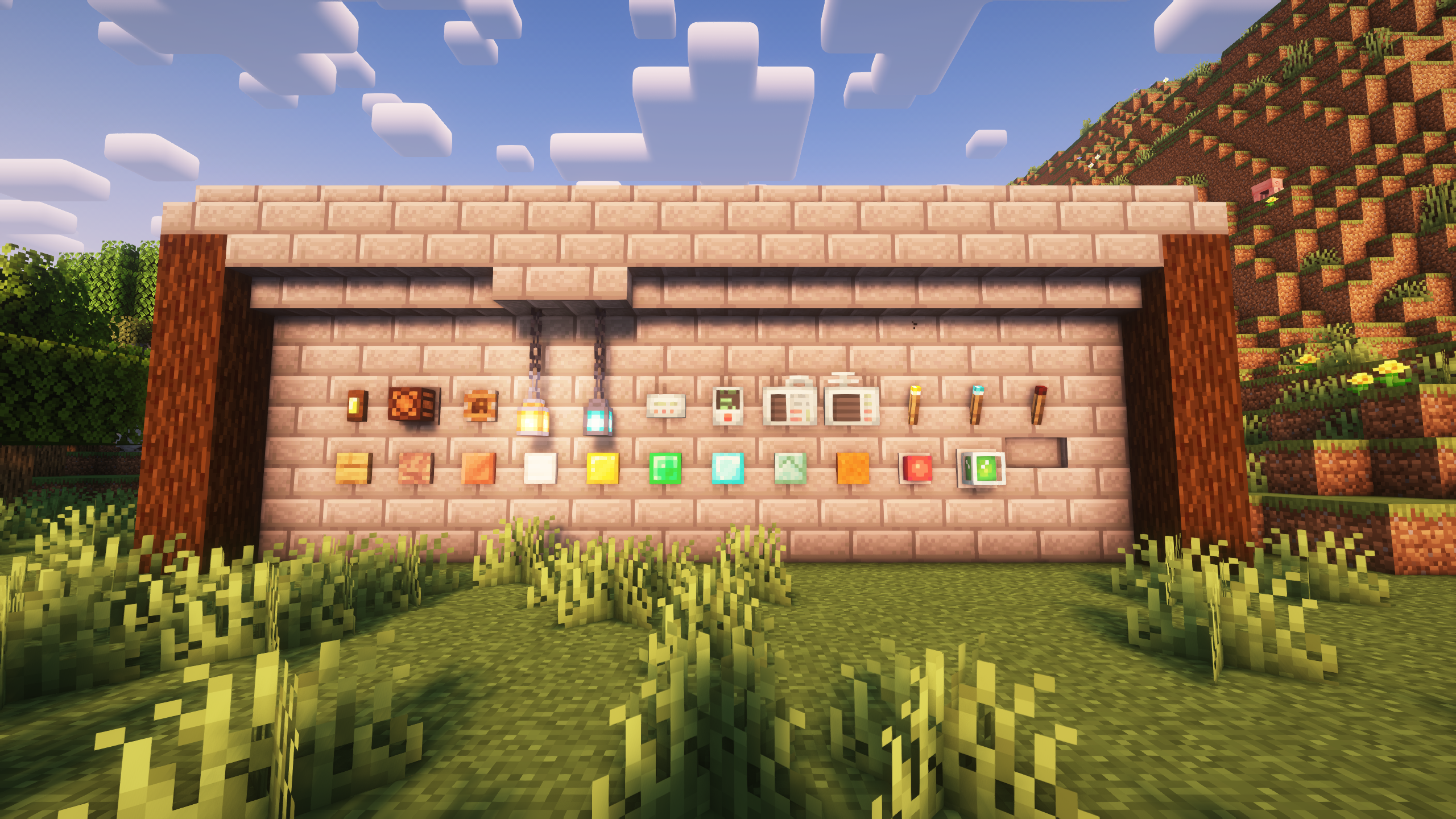
Ever felt like those pesky small buttons just aren't enough? Try Infinity Buttons! This mod adds a lot of new cool buttons to spice up your Minecraft experience. Keep missing the small button at your door while running? Try the Large Buttons! Want to set off some explosions? The emergency button has got you covered. Want to hide your base? Secret Buttons will do the trick! Those aren't the only buttons though, right beneath this text are some more buttons listed.
What buttons does this mod add?
- Large Buttons, which are bigger than normal buttons.
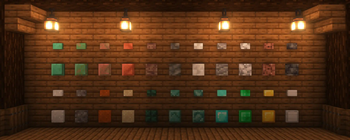
- Buttons from different materials. Each material has a different function.
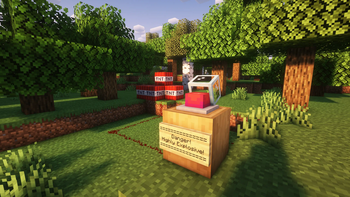
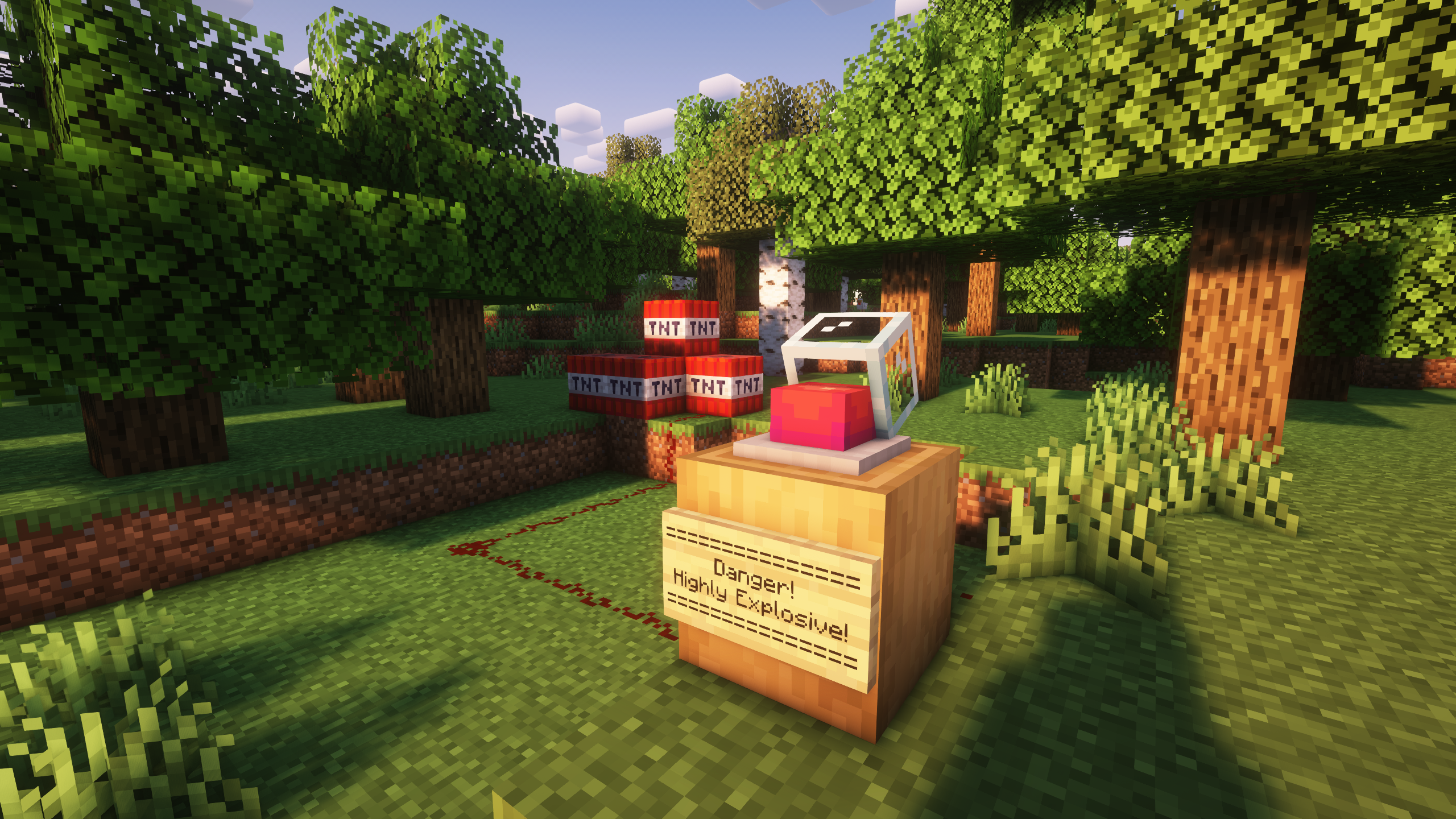
- Emergency Buttons in all 16 colors, and a special rainbow variant. Available with or without glass casing! They also produce an alarm sound.
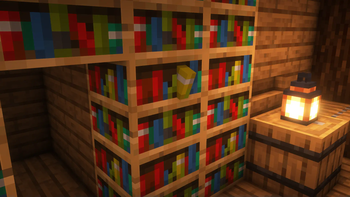
- Secret Buttons, which blend into walls. Containing bookshelves, bricks, planks and more. These buttons will even be hidden when using Jade!
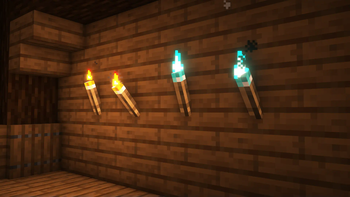
- Torch Buttons and Levers. They also come in soul and redstone form.
- Lantern Buttons, which provide a redstone signal at the top of the Chain.
- A Doorbell!
- Special Buttons like Console Buttons, Letter Buttons and Lamp Buttons.
- Sand, Red Sand, Gravel and Concrete Powder Buttons which can only be pressed once.
Important! This mod has dependencies!
Install Every Compat (Wood Good) for modded wood compatibility!
Fabric:
- (1.19+) oωo lib is required!
- (1.18.2) Cloth Config API is required!
Can be played without, but has additional content with:
- Create (1.18.2 & 1.19.2)
- Nether's Delight (1.18.2 & 1.19.2)
- Carpenter (1.18.2)
Forge:
- Cloth Config API is required!
Can be played without, but has additional content with:
- Quark
- Create (1.18.2+)
- Nether's Delight
- Woodworks (1.18.2+)
- Carpenter (1.18.2)
- Environmental
- The Endergetic Expansion (1.16.5)
- Autumnity
- Abundance (1.16.5)
- Atmospheric
- Bamboo Blocks (1.16.5)
- Bayou Blues (1.16.5)
- Enhanced Mushrooms (1.16.5)
- Upgrade Aquatic
- Buzzier Bees
- Neapolitan
- Savage & Ravage
Available Versions
How to Install Infinity Buttons on Your Server
Order Server
Order a Minecraft Java server with at least 3 GB RAM (4 GB recommended).
Set fabric Loader
In the panel under "Egg", select the fabric loader and matching Minecraft version (1.20.1).
Install Mod
Open the mod browser in the dashboard and search for "Infinity Buttons". Click "Install" – done! Alternatively, upload the .jar via SFTP to the /mods folder.
Compatibility
Mod Loaders
Minecraft Versions
1.20.1, 1.20, 1.19.3 (+5 more)
Server-side
✓ RequiredRecommended RAM
4 GB(min. 3 GB)Frequently Asked Questions
Infinity Buttons server crashes on startup – what to do?
Most common cause: wrong fabric version or insufficient RAM. Check the server log (latest.log) for "OutOfMemoryError" or "Mixin" errors. With Mado Hosting: ensure at least 3 GB RAM is allocated and the loader matches the mod version (1.20.1). You can switch loaders with one click in the panel.
Is Infinity Buttons compatible with fabric and forge?
Infinity Buttons officially supports fabric, forge for Minecraft 1.20.1, 1.20, 1.19.3. Note: Forge and Fabric mods are NOT cross-compatible – pick one loader and stick with it. The Mado dashboard automatically detects incompatible loader combinations.
Server lagging with Infinity Buttons – how to optimize performance?
Recommended RAM: 4 GB (per 8 players). Use /spark profiler to check if Infinity Buttons consumes the most tick time. Common fixes: reduce server view-distance to 8-10, install "performant" or "starlight" as supplementary mods on Forge. With Mado Hosting, your server runs on NVMe SSDs with dedicated CPU cores for minimal latency.
Similar Mods

![[ETF] Entity Texture Features](https://cdn.modrinth.com/data/BVzZfTc1/af683d206d50b05258d865b0d6e4aa2f2cee12f2_96.webp)
![[EMF] Entity Model Features](https://cdn.modrinth.com/data/4I1XuqiY/6e5bbd0d06b1741bfdab6c0cfab6de8fdaf0064c_96.webp)



Rent Modded Server
Install Infinity Buttons with just one click on your server.