
Input Optimizer
Near-zero client input latency.
Screenshots

About this Mod
Kemmlow's Input Optimizer

Kemmlow's Input Optimizer is a client-side Fabric mod that reduces the delay between your physical mouse and keyboard inputs and the game registering them.
What It Does
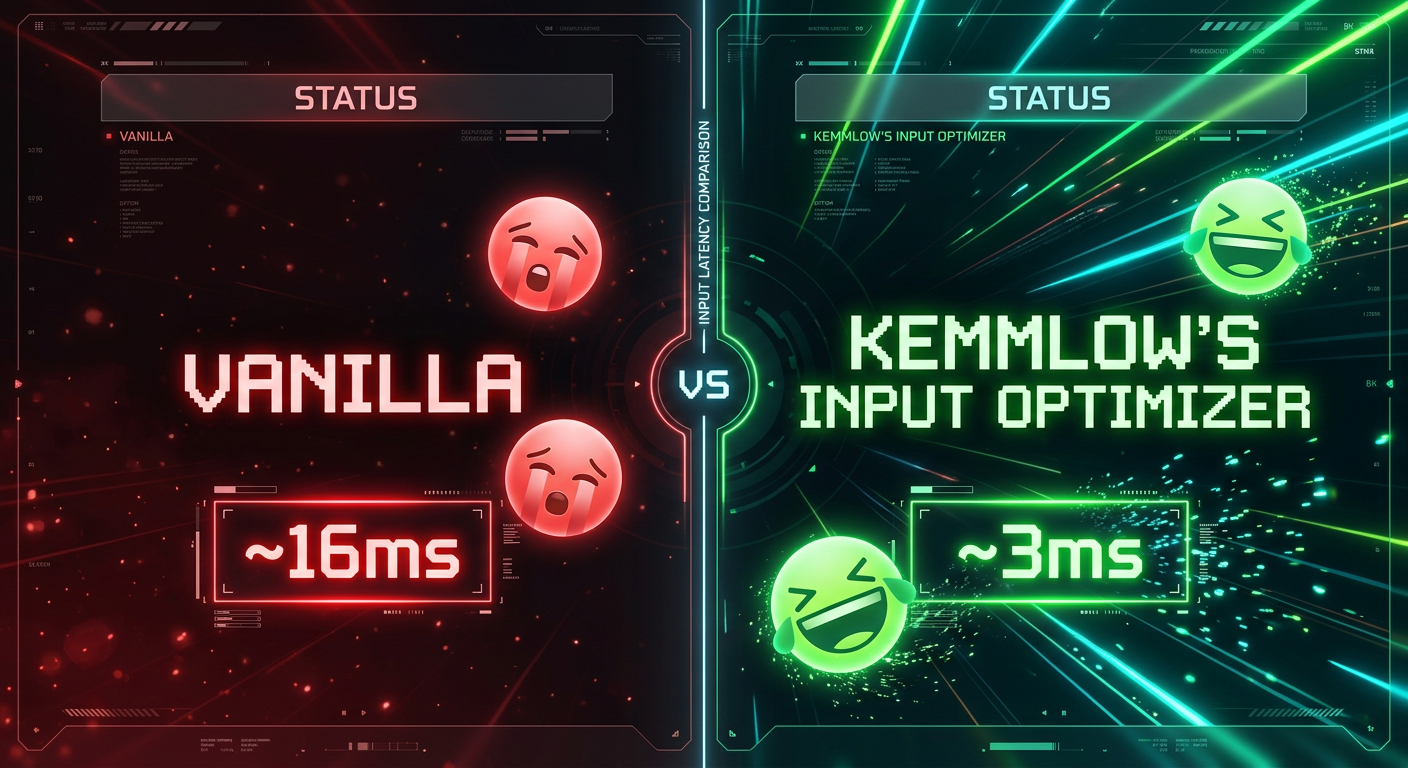
Minecraft processes mouse and keyboard input later in the frame cycle than it needs to. This mod corrects that by reading input earlier, feeding fresher data into the vanilla input pipeline, and aligning input consumption to the correct point in the render cycle.
On Windows, Linux, and macOS the mod bypasses the standard GLFW input layer and reads directly from OS level input APIs. This is the lowest level a mod can access without writing a device driver. The result is that input from your physical device reaches the game faster and through fewer intermediate layers.
Keyboard input timing is also improved on all platforms. This is not something comparable mods currently address.
The vanilla mouse smoothing algorithm is left completely intact. The mod changes nothing about how input feels.
What It Does Not Do
This mod does not affect rendering performance or framerate. It does not change mouse sensitivity, combat mechanics, or any data visible to servers. It does not remove or alter vanilla mouse smoothing. No configuration is needed or available. The mod works automatically on launch.
Why Download It
If input responsiveness matters to you in any context, whether that is PvP, building, speedrunning, or general play, this mod reduces the gap between your physical input and the game acting on it. It does this without changing any gameplay behavior and without requiring any setup.
Platform Support
Out of the box support is provided for Windows, Linux, and macOS, including the full set of lower level OS input API improvements. Partial support is provided for Android based Minecraft launchers, where limited input timing improvements apply. On any other platform the mod loads and falls back gracefully without causing issues.
Critical Information Before Downloading
This mod is client side only. Servers do not need to install it and will not detect any change. The mod does not affect any server visible behavior. Vanilla mouse smoothing is fully preserved.
Known Incompatibilities
FAQ
Is this client side only?
Yes. Servers do not need to install anything.
Does this increase FPS?
No. This mod does not touch rendering performance.
Does this change how the mouse feels?
No. Vanilla smoothing is completely preserved.
Does this affect servers or other players?
No. All changes are local to the client input path only.
Will it work on my system?
Out of the box support is provided for Windows, Linux, and macOS. Partial support is provided for Android based launchers. The mod falls back gracefully on any other platform.
License
LGPL-3.0-only
Copyright (c) Kemmlow
Available Versions
How to Install Input Optimizer on Your Server
Order Server
Order a Minecraft Java server with at least 3 GB RAM (4 GB recommended).
Set fabric Loader
In the panel under "Egg", select the fabric loader and matching Minecraft version (26.1.2).
Install Mod
Open the mod browser in the dashboard and search for "Input Optimizer". Click "Install" – done! Alternatively, upload the .jar via SFTP to the /mods folder.
Compatibility
Mod Loaders
Minecraft Versions
26.1.2, 26.1.1, 26.1 (+1 more)
Server-side
✗ UnsupportedRecommended RAM
4 GB(min. 3 GB)Frequently Asked Questions
Input Optimizer server crashes on startup – what to do?
Most common cause: wrong fabric version or insufficient RAM. Check the server log (latest.log) for "OutOfMemoryError" or "Mixin" errors. With Mado Hosting: ensure at least 3 GB RAM is allocated and the loader matches the mod version (26.1.2). You can switch loaders with one click in the panel.
Is Input Optimizer compatible with fabric?
Input Optimizer officially supports fabric for Minecraft 26.1.2, 26.1.1, 26.1. The Mado dashboard automatically detects incompatible loader combinations.
Server lagging with Input Optimizer – how to optimize performance?
Recommended RAM: 4 GB (per 8 players). Use /spark profiler to check if Input Optimizer consumes the most tick time. Common fixes: reduce server view-distance to 8-10, install "performant" or "starlight" as supplementary mods on Forge. With Mado Hosting, your server runs on NVMe SSDs with dedicated CPU cores for minimal latency.
Similar Mods




Rent Modded Server
Install Input Optimizer with just one click on your server.