
InstaSlate
InstaSlate is a Fabric mod that makes deepslate mine as fast as stone.
Screenshots
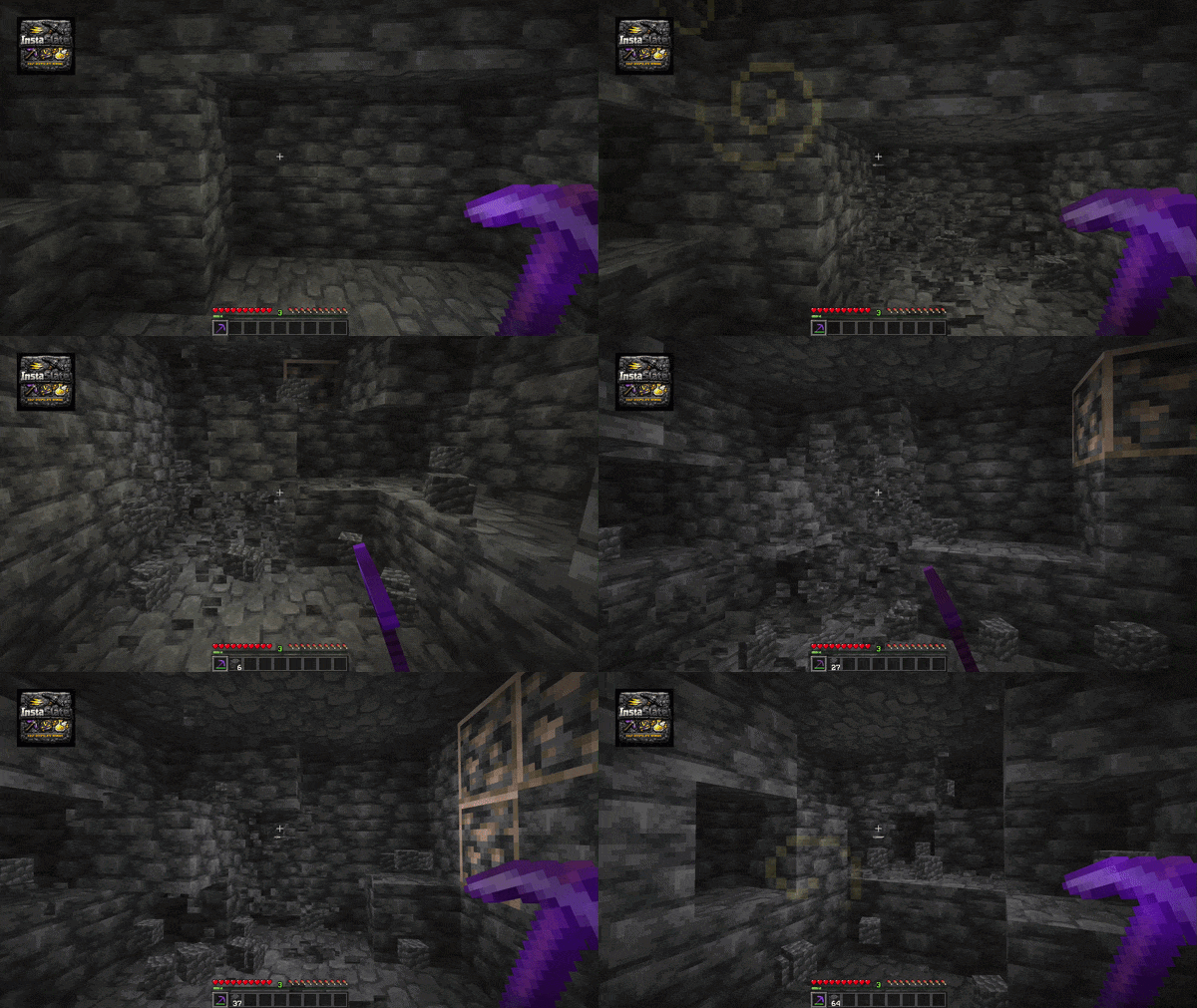
About this Mod
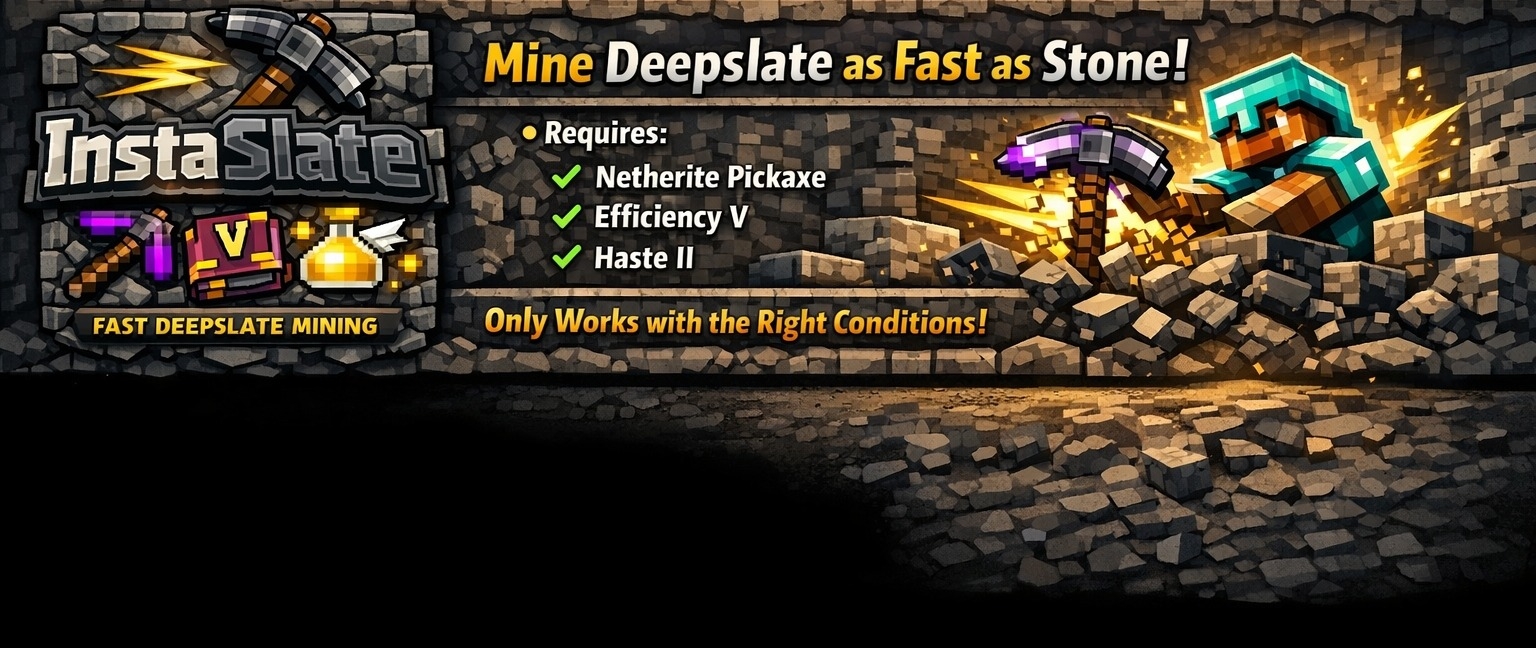
InstaSlate
Mining deepslate at vanilla speed just feels slow, especially once you have already worked your way up to a Netherite Pickaxe, Efficiency V, and Haste II. At that point, you want to keep the momentum going, not spend half your time waiting for dark stone to finally break.
This mod fixes exactly that. With InstaSlate installed, deepslate tears apart at stone-like speed under the right setup, and honestly, who would not want that?
InstaSlate is a Fabric mod that makes deepslate mine as fast as stone when the player uses:
- a Netherite Pickaxe
- Efficiency V
- Haste II
The mod is intentionally small and focused. If the conditions are not met, vanilla mining behavior is unchanged.
✨ Features
- Speeds up deepslate mining to stone-like speed under the correct setup
- Speeds up base deepslate mining
- Includes a simple config file
- Optional Mod Menu integration
- Optional Cloth Config screen on the client
🏠 Optional Client Integrations
Mod Menu is optional.Cloth Config is also optional and is not required at runtime.
This means:
- Singleplayer with Cloth Config installed: full config screen
- Dedicated server: works normally, no Cloth Config needed
- Client without Cloth Config: the mod still works, but there is no config GUI
⚙️ Configuration
The config file is created at:
config/instaslate.json
Current option:
enabled: enables or disables the mod behavior
🏜️ Test Server
Feel free to join my Minecraft server to test my mods: play.swordfishbe.eu
Available Versions
How to Install InstaSlate on Your Server
Order Server
Order a Minecraft Java server with at least 3 GB RAM (4 GB recommended).
Set fabric Loader
In the panel under "Egg", select the fabric loader and matching Minecraft version (26.1.2).
Install Mod
Open the mod browser in the dashboard and search for "InstaSlate". Click "Install" – done! Alternatively, upload the .jar via SFTP to the /mods folder.
Compatibility
Mod Loaders
Minecraft Versions
26.1.2
Server-side
✓ RequiredRecommended RAM
4 GB(min. 3 GB)Frequently Asked Questions
InstaSlate server crashes on startup – what to do?
Most common cause: wrong fabric version or insufficient RAM. Check the server log (latest.log) for "OutOfMemoryError" or "Mixin" errors. With Mado Hosting: ensure at least 3 GB RAM is allocated and the loader matches the mod version (26.1.2). You can switch loaders with one click in the panel.
Is InstaSlate compatible with fabric?
InstaSlate officially supports fabric for Minecraft 26.1.2. The Mado dashboard automatically detects incompatible loader combinations.
Server lagging with InstaSlate – how to optimize performance?
Recommended RAM: 4 GB (per 8 players). Use /spark profiler to check if InstaSlate consumes the most tick time. Common fixes: reduce server view-distance to 8-10, install "performant" or "starlight" as supplementary mods on Forge. With Mado Hosting, your server runs on NVMe SSDs with dedicated CPU cores for minimal latency.
Similar Mods




Rent Modded Server
Install InstaSlate with just one click on your server.