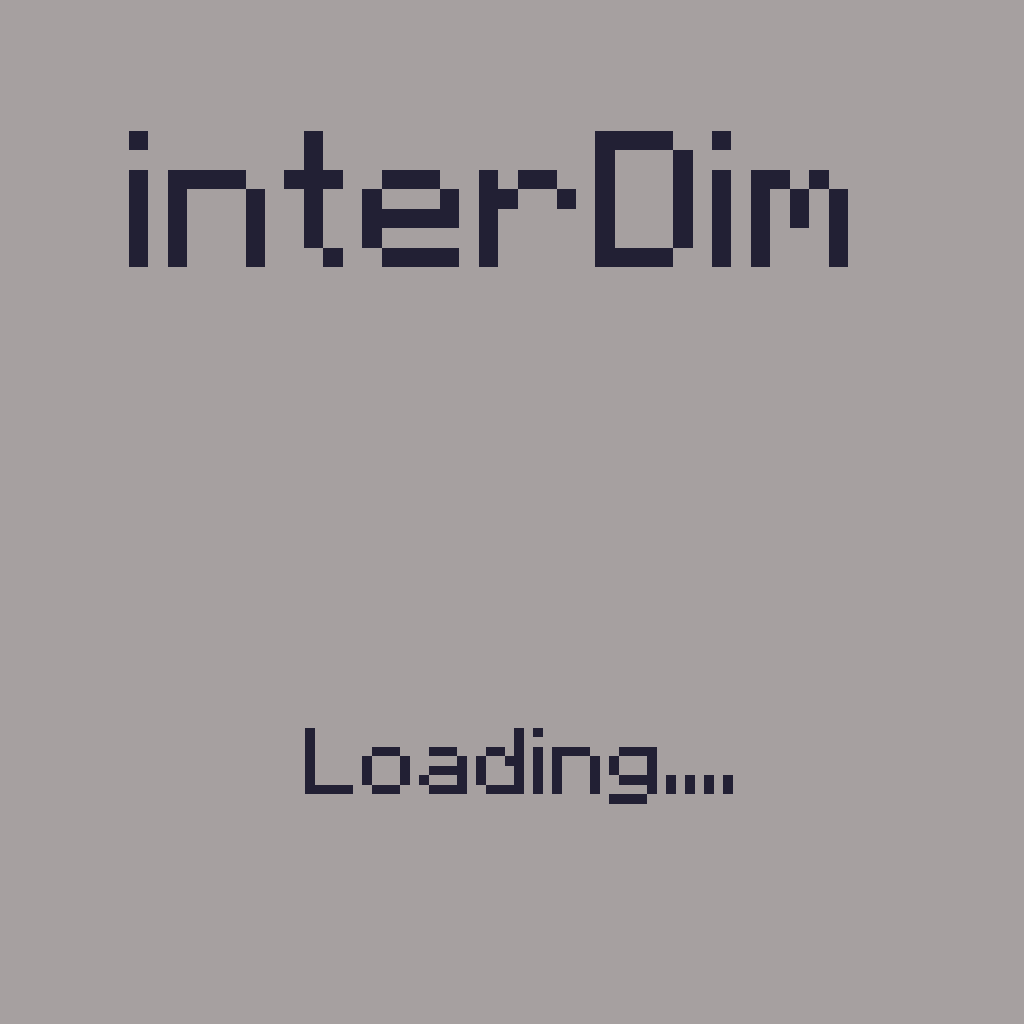
Interworlds Splashscreens
Allows you to customise screen while you've been moving to another dim. Custom text included!
Screenshots
About this Mod
Clientside mod that allows you to add custom loading screens while you are transferred into another dimension
You can also add some text on the screen to display it to players
You might not notice them too much in a single player due to fast loading, but it will give you immersive senses while playing on a modded remote server or modpack with a lot of mods (or if you have an old PC)
Note: New splashes are have to be placed into <game dir>/config/InterworldSplashscreen/splashes in .png format.
Some examples:
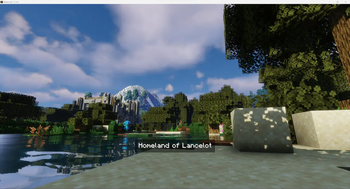
Overworld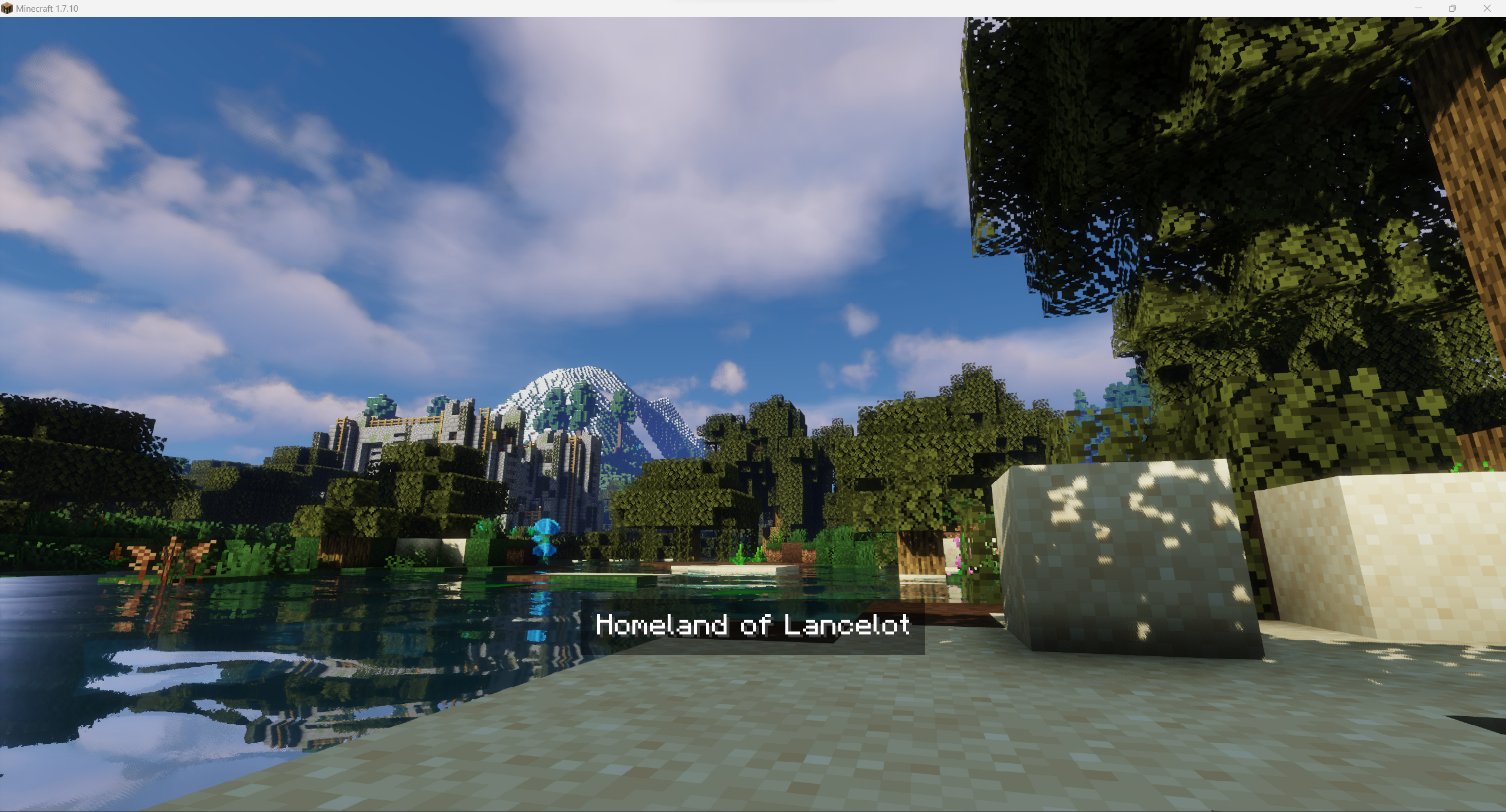
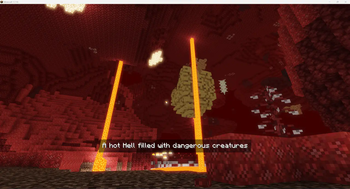
Nether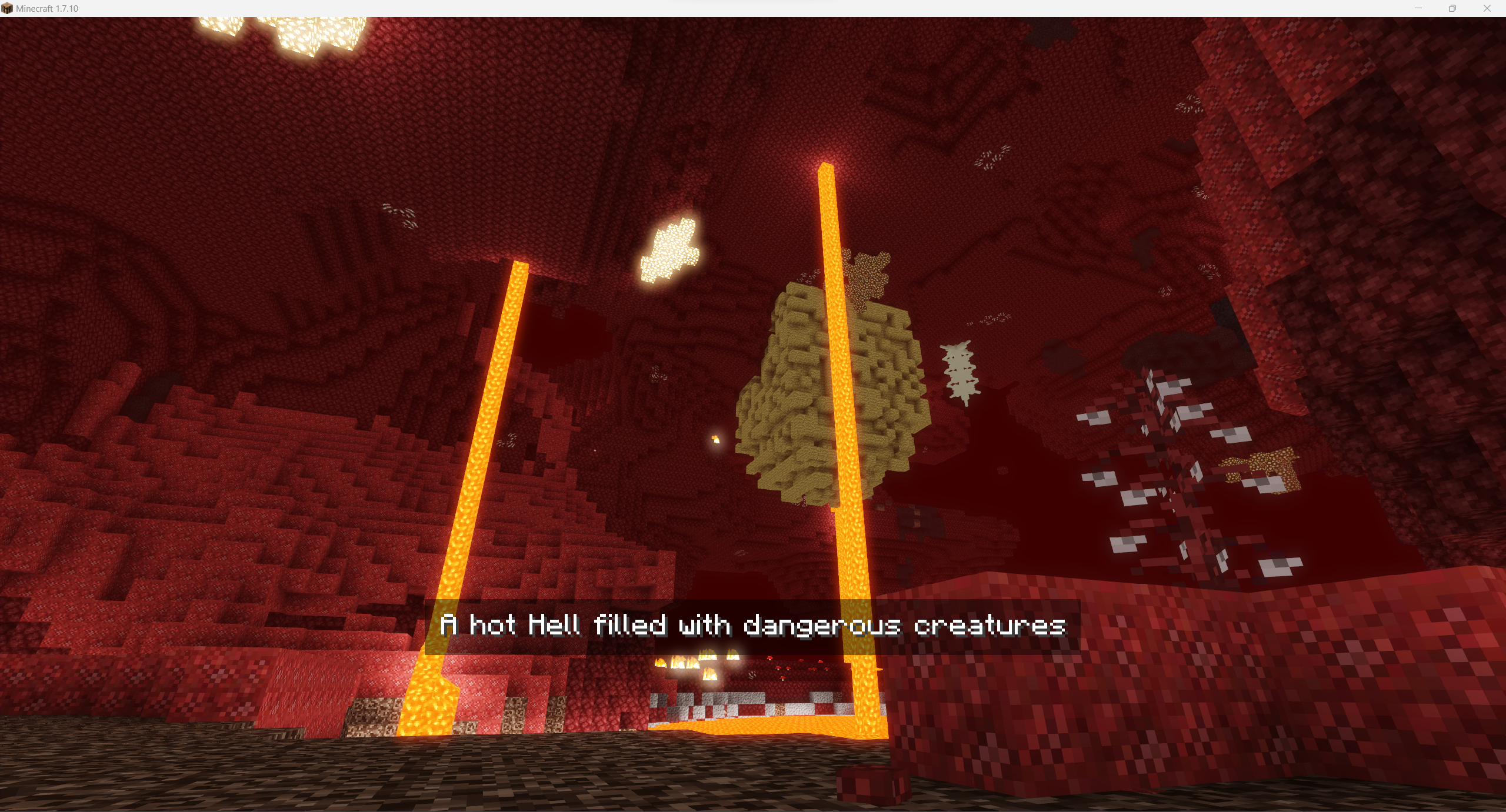
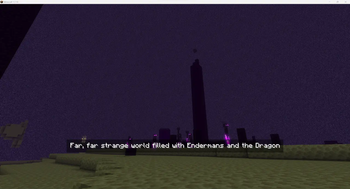
The End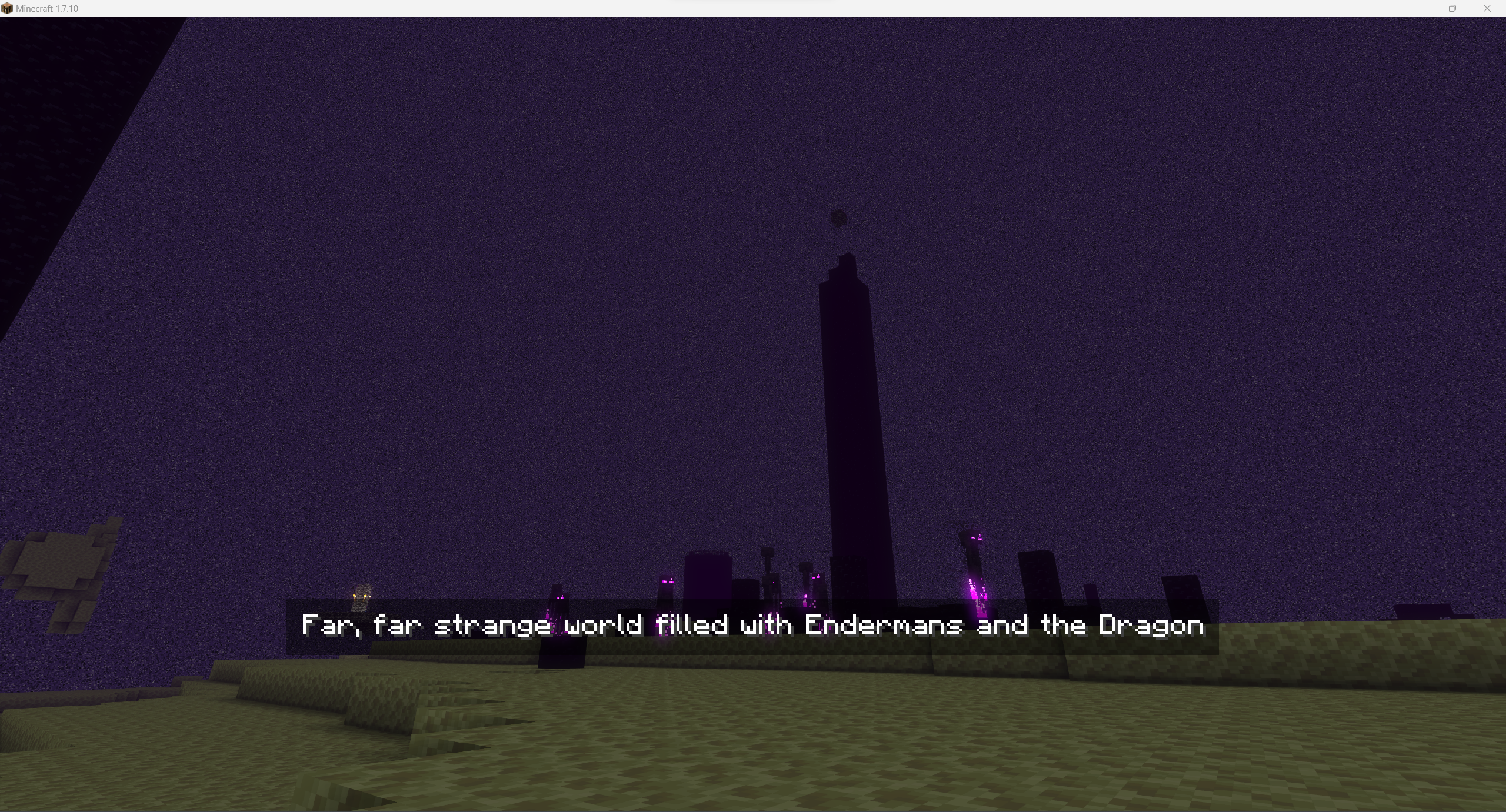
For images above I've used the following image for Overworld and config:
"splashes files" {
    # Default splash to be used if not set for world [default: Overworld]
    S:defaultSplash=Overworld_water

    # Splashes images to be used in loading screen. Use just filename without extension. Files must be stored in folder splashes in mod's config directory [default: [Nether:Nether], [The End:The End], [Overworld:Overworld], [splashConnecting:Overworld], [splashDisconnecting:Overworld]]
    S:splashesPaths <
        Nether:Nether
        The End:The End
        Overworld:Overworld_water
        splashConnecting:Overworld
        splashDisconnecting:Overworld
     >
}

"splashes texts" {
    # Splashes texts to be displayed on splash [default: [Nether:Nether], [The End:The End], [Overworld:Overworld], [splashConnecting:Overworld], [splashDisconnecting:Overworld]]
    S:splashesTexts <
        Nether:A hot Hell filled with dangerous creatures
        The End:Far, far strange world filled with Endermans and the Dragon
        Overworld:Homeland of Lancelot
        splashConnecting:Overworld
        splashDisconnecting:Overworld
     >
}
Wanna use it it your modpack / on your server? You are free to use it, it's highly recommended for better world investigation experience!
Available Versions
How to Install Interworlds Splashscreens on Your Server
Order Server
Order a Minecraft Java server with at least 3 GB RAM (4 GB recommended).
Set forge Loader
In the panel under "Egg", select the forge loader and matching Minecraft version (1.7.10).
Install Mod
Open the mod browser in the dashboard and search for "Interworlds Splashscreens". Click "Install" – done! Alternatively, upload the .jar via SFTP to the /mods folder.
Compatibility
Mod Loaders
Minecraft Versions
1.7.10
Server-side
✗ UnsupportedRecommended RAM
4 GB(min. 3 GB)Frequently Asked Questions
Interworlds Splashscreens server crashes on startup – what to do?
Most common cause: wrong forge version or insufficient RAM. Check the server log (latest.log) for "OutOfMemoryError" or "Mixin" errors. With Mado Hosting: ensure at least 3 GB RAM is allocated and the loader matches the mod version (1.7.10). You can switch loaders with one click in the panel.
Is Interworlds Splashscreens compatible with forge?
Interworlds Splashscreens officially supports forge for Minecraft 1.7.10. The Mado dashboard automatically detects incompatible loader combinations.
Server lagging with Interworlds Splashscreens – how to optimize performance?
Recommended RAM: 4 GB (per 8 players). Use /spark profiler to check if Interworlds Splashscreens consumes the most tick time. Common fixes: reduce server view-distance to 8-10, install "performant" or "starlight" as supplementary mods on Forge. With Mado Hosting, your server runs on NVMe SSDs with dedicated CPU cores for minimal latency.
Similar Mods

![[ETF] Entity Texture Features](https://cdn.modrinth.com/data/BVzZfTc1/af683d206d50b05258d865b0d6e4aa2f2cee12f2_96.webp)
![[EMF] Entity Model Features](https://cdn.modrinth.com/data/4I1XuqiY/6e5bbd0d06b1741bfdab6c0cfab6de8fdaf0064c_96.webp)



)
Rent Modded Server
Install Interworlds Splashscreens with just one click on your server.