
InventoryBinds
A mod that adds buttons with binds directly to the inventory
Screenshots




About this Mod

🇺🇸
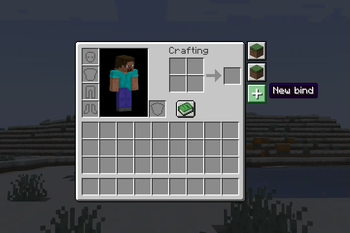
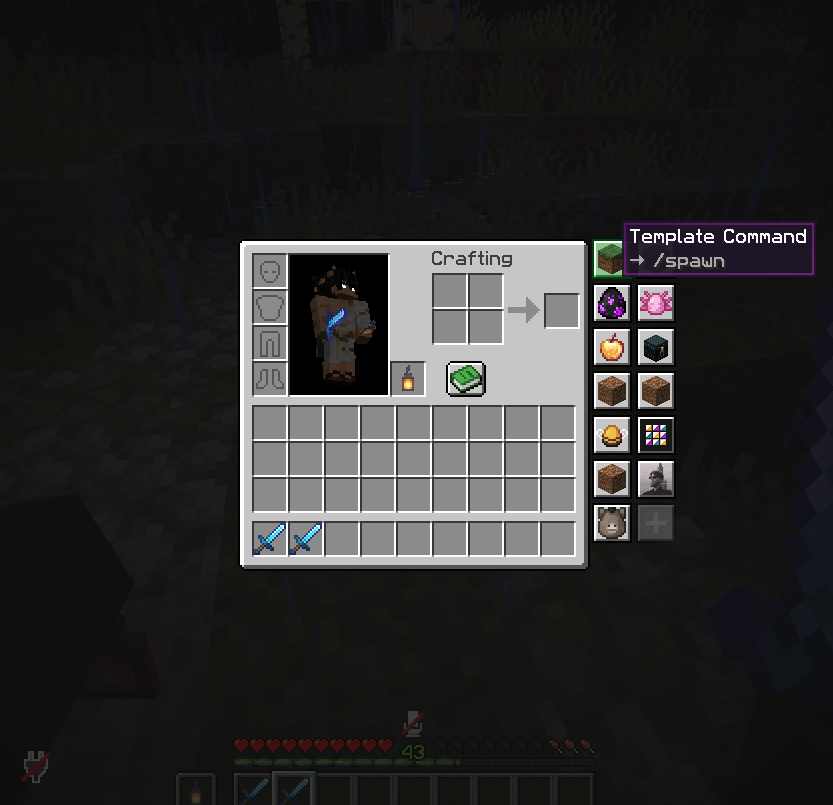
InventoryBinds adds customizable bind buttons directly to your inventory and container screens.
Binds support three action types:
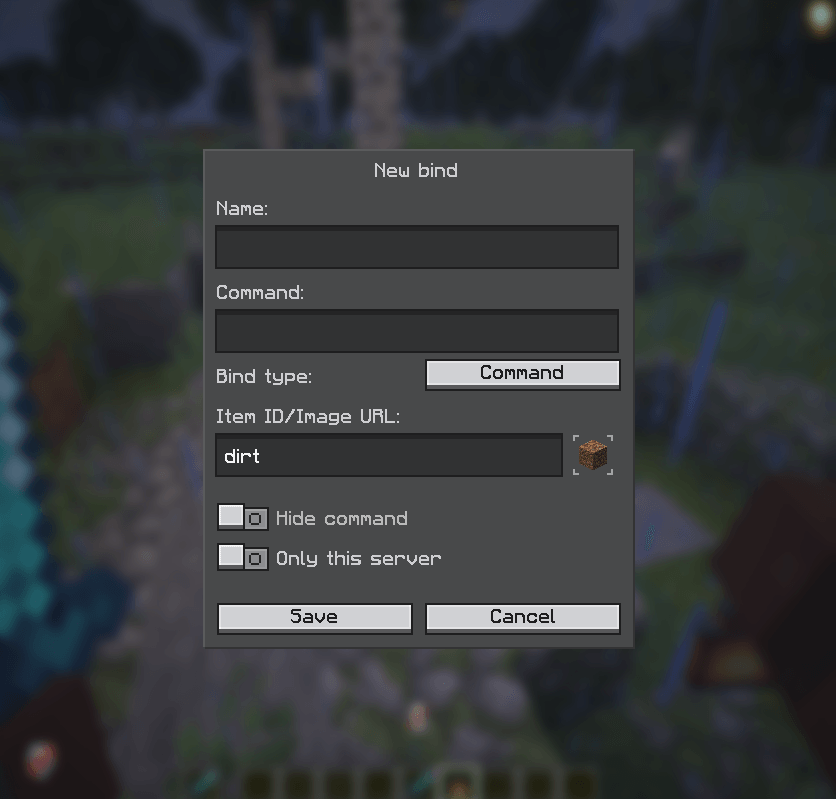
- Command — instantly sends the command to the server.
- Suggestion — inserts the command into chat for manual send/edit.
- Chat message — sends plain text to chat.
You can fully customize each bind: name, action text, visibility, server scope, and icon.
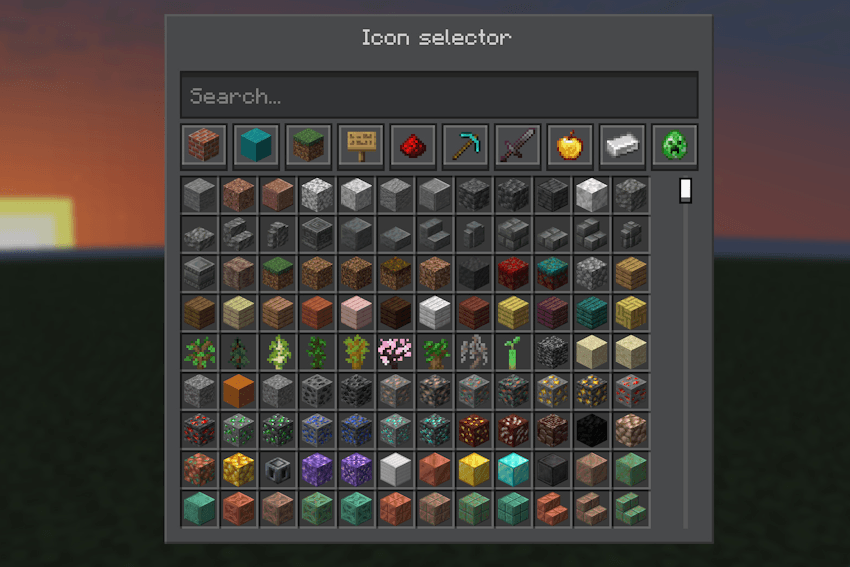
Supported icon sources:
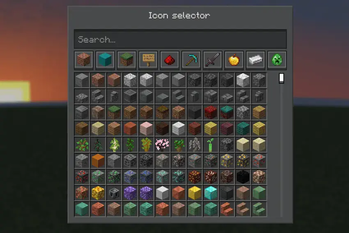
- Minecraft item ID (for example:
minecraft:diamond_sword). - Item ID + custom model data via
::(for example:namespace:item::123ornamespace:item::model_name). - Direct image URL (HTTP/HTTPS).
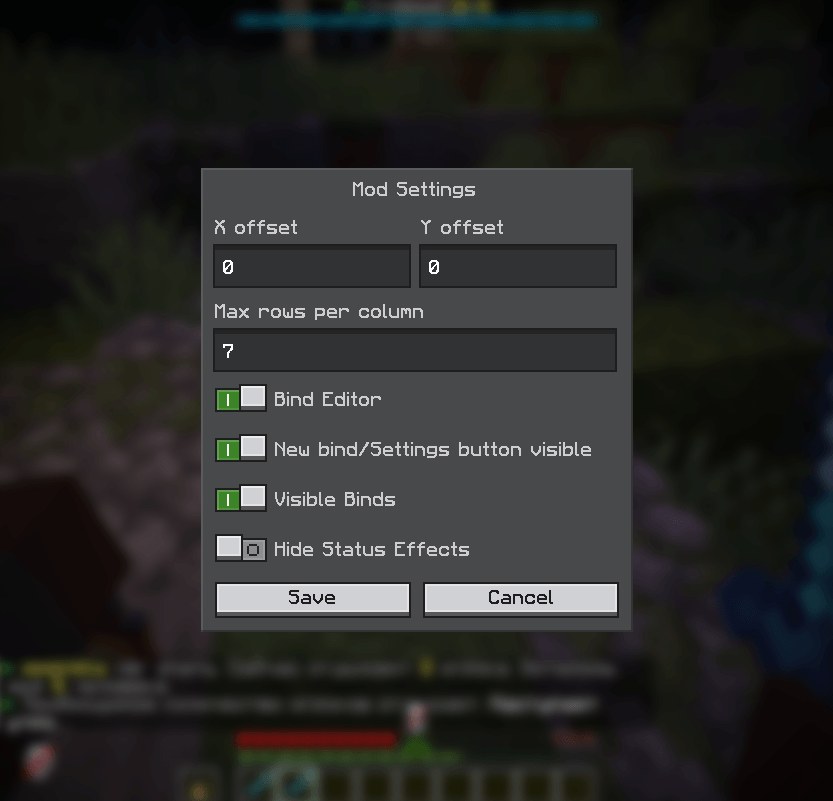
Mod settings let you configure button visibility, panel offsets, rows per column, and additional UI behavior.
Bind management includes creating, editing, moving binds up/down (Alt + LMB/RMB), and deleting binds.
🇷🇺
InventoryBinds добавляет настраиваемые кнопки-бинды прямо в окна инвентаря и контейнеров.
Бинды поддерживают три типа действий:
- Команда — сразу отправляет команду на сервер.
- Команда-подсказка — подставляет команду в чат для ручной отправки/редактирования.
- Сообщение в чат — отправляет обычный текст в чат.
Каждый бинд можно гибко настроить: название, текст действия, видимость, привязку к серверу и иконку.
Поддерживаемые источники иконок:
- ID предмета Minecraft (например:
minecraft:diamond_sword). - ID предмета + custom model data через
::(например:namespace:item::123илиnamespace:item::model_name). - Прямая ссылка на изображение (HTTP/HTTPS).
В настройках мода можно управлять видимостью кнопок, смещением панели, количеством строк в столбце и дополнительным поведением интерфейса.
Управление биндами включает создание, редактирование, перемещение биндов вверх/вниз (Alt + ЛКМ/ПКМ) и удаление.
Available Versions
How to Install InventoryBinds on Your Server
Order Server
Order a Minecraft Java server with at least 3 GB RAM (4 GB recommended).
Set fabric Loader
In the panel under "Egg", select the fabric loader and matching Minecraft version (1.21.11).
Install Mod
Open the mod browser in the dashboard and search for "InventoryBinds". Click "Install" – done! Alternatively, upload the .jar via SFTP to the /mods folder.
Compatibility
Mod Loaders
Minecraft Versions
1.21.11, 1.21.10, 1.21.9 (+14 more)
Server-side
✗ UnsupportedRecommended RAM
4 GB(min. 3 GB)Frequently Asked Questions
InventoryBinds server crashes on startup – what to do?
Most common cause: wrong fabric version or insufficient RAM. Check the server log (latest.log) for "OutOfMemoryError" or "Mixin" errors. With Mado Hosting: ensure at least 3 GB RAM is allocated and the loader matches the mod version (1.21.11). You can switch loaders with one click in the panel.
Is InventoryBinds compatible with fabric and forge and neoforge?
InventoryBinds officially supports fabric, forge, neoforge for Minecraft 1.21.11, 1.21.10, 1.21.9. Note: Forge and Fabric mods are NOT cross-compatible – pick one loader and stick with it. The Mado dashboard automatically detects incompatible loader combinations.
Server lagging with InventoryBinds – how to optimize performance?
Recommended RAM: 4 GB (per 8 players). Use /spark profiler to check if InventoryBinds consumes the most tick time. Common fixes: reduce server view-distance to 8-10, install "performant" or "starlight" as supplementary mods on Forge. With Mado Hosting, your server runs on NVMe SSDs with dedicated CPU cores for minimal latency.
Similar Mods

![[ETF] Entity Texture Features](https://cdn.modrinth.com/data/BVzZfTc1/af683d206d50b05258d865b0d6e4aa2f2cee12f2_96.webp)
![[EMF] Entity Model Features](https://cdn.modrinth.com/data/4I1XuqiY/6e5bbd0d06b1741bfdab6c0cfab6de8fdaf0064c_96.webp)



Rent Modded Server
Install InventoryBinds with just one click on your server.