
Item Rain
A simple mod that allow you to make items rain down from the sky onto players
Screenshots
About this Mod
Item Rain Mod
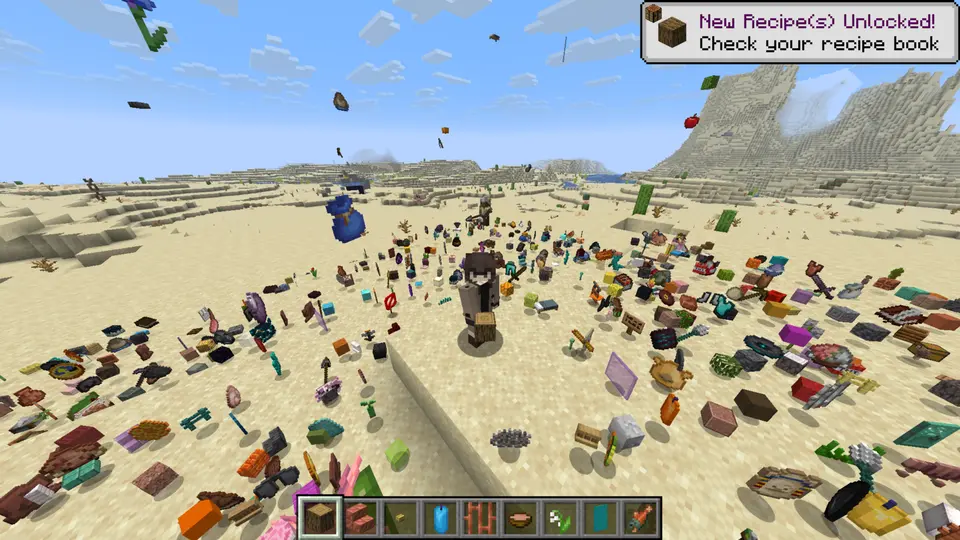
This mod introduces the /ir command, which controls all the item rain functionality.
Command Syntax:
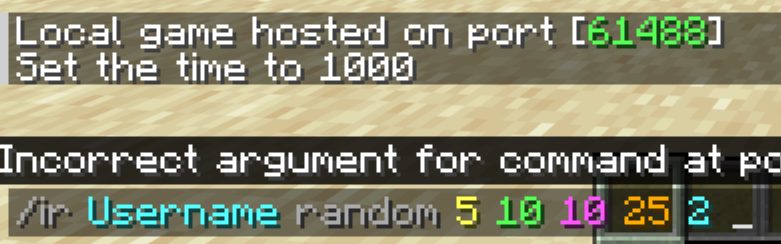
/ir <target> <item-name> [amount] [duration] [range] [height] [delay]
How to Use
1. Target
First, you must specify who the items will rain on. The command will not work if this parameter is missing.
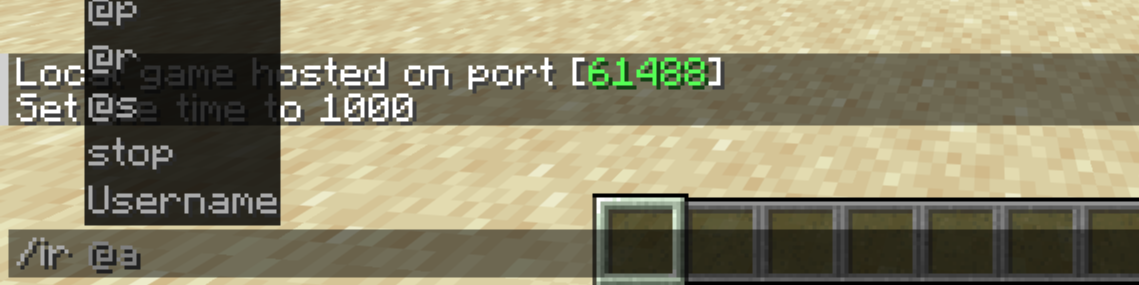
2. Item
Next, choose which item will fall from the sky.
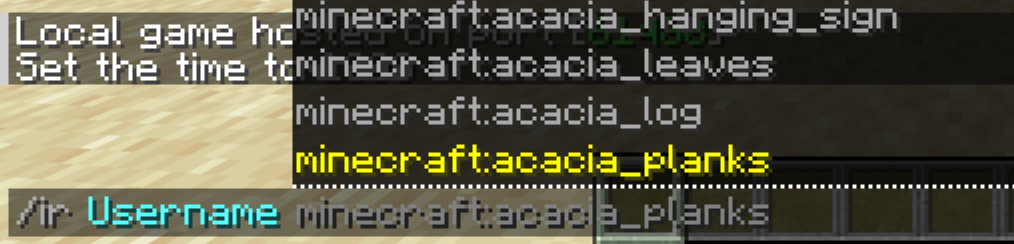
If you want completely randomized item drops, simply type random instead of an item name.
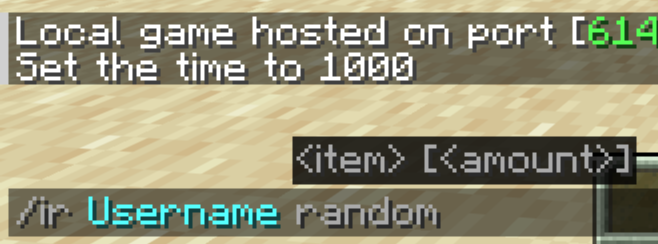
3. Amount
Now, decide how fast and dense the items should fall.
- Default: 1
- Minimum: 1
- Maximum: 5
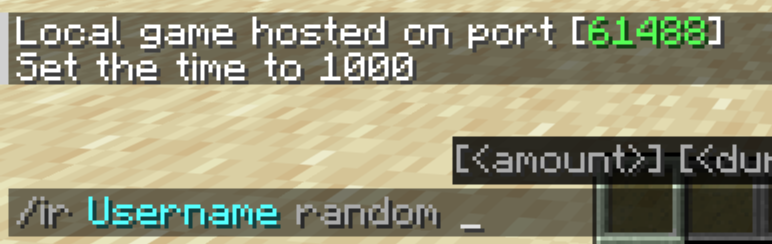
4. Duration
Specify how long (in seconds) the item rain will last.
- Default: 10 seconds
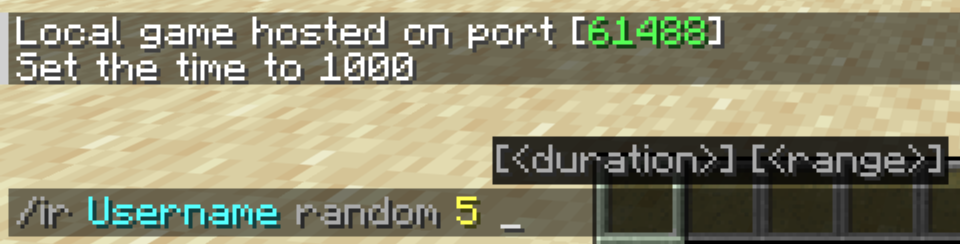
5. Range
Determine the horizontal radius (in blocks) around the target where the items will scatter.
- Default: 10 blocks
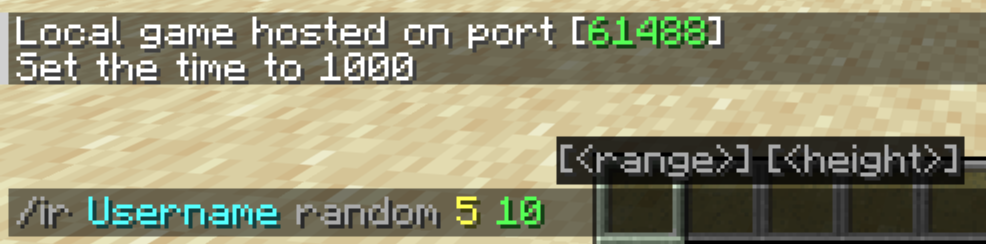
6. Height
Choose how high above the target the items will spawn and begin their descent.
- Default: 20 blocks
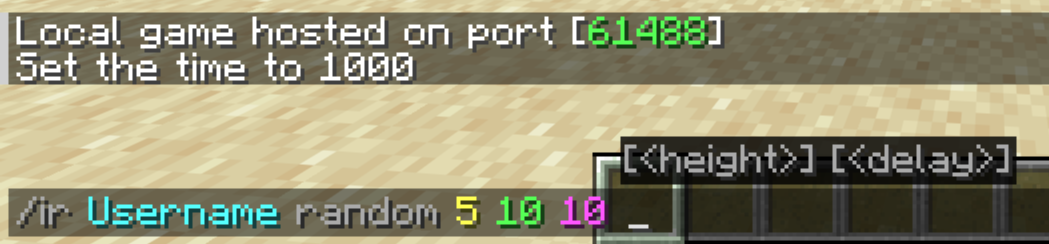
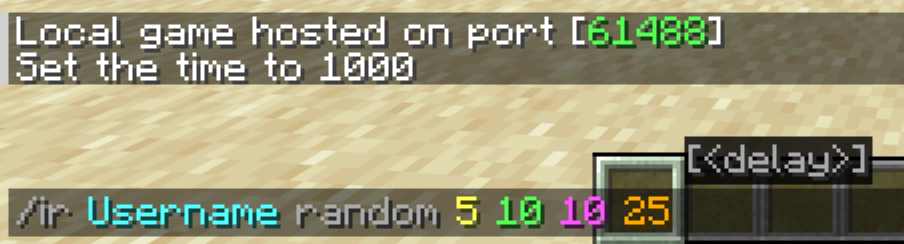
7. Delay
Finally, you can add a countdown timer (in seconds) before the rain starts. This is completely optional.
Stop the Rain
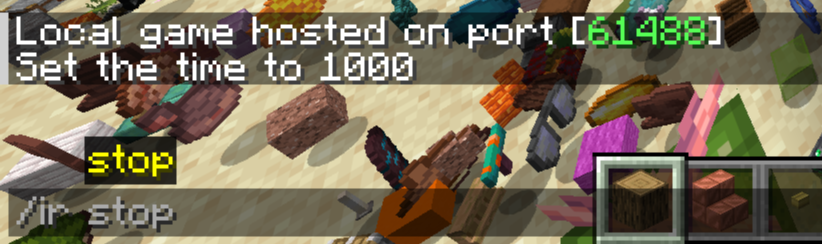
If the chaos gets out of hand, you can clear all active rain effects instantly by running:
/ir stop
NOTE: You can also launch a quick rain by typing only the target and the item name.
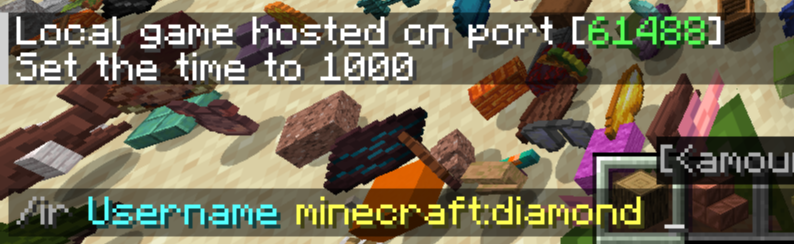
Example
/ir Username minecraft:redstone
/ir YourFriend minecraft:cobblestone 5
/ir stop
Available Versions
How to Install Item Rain on Your Server
Order Server
Order a Minecraft Java server with at least 3 GB RAM (4 GB recommended).
Set fabric Loader
In the panel under "Egg", select the fabric loader and matching Minecraft version (1.21.11).
Install Mod
Open the mod browser in the dashboard and search for "Item Rain". Click "Install" – done! Alternatively, upload the .jar via SFTP to the /mods folder.
Compatibility
Mod Loaders
Minecraft Versions
1.21.11
Server-side
✓ RequiredRecommended RAM
4 GB(min. 3 GB)Frequently Asked Questions
Item Rain server crashes on startup – what to do?
Most common cause: wrong fabric version or insufficient RAM. Check the server log (latest.log) for "OutOfMemoryError" or "Mixin" errors. With Mado Hosting: ensure at least 3 GB RAM is allocated and the loader matches the mod version (1.21.11). You can switch loaders with one click in the panel.
Is Item Rain compatible with fabric?
Item Rain officially supports fabric for Minecraft 1.21.11. The Mado dashboard automatically detects incompatible loader combinations.
Server lagging with Item Rain – how to optimize performance?
Recommended RAM: 4 GB (per 8 players). Use /spark profiler to check if Item Rain consumes the most tick time. Common fixes: reduce server view-distance to 8-10, install "performant" or "starlight" as supplementary mods on Forge. With Mado Hosting, your server runs on NVMe SSDs with dedicated CPU cores for minimal latency.
Similar Mods




Rent Modded Server
Install Item Rain with just one click on your server.