
Item Signs
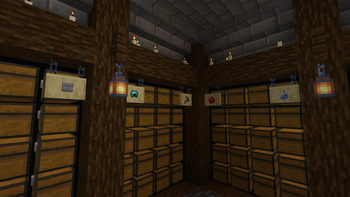
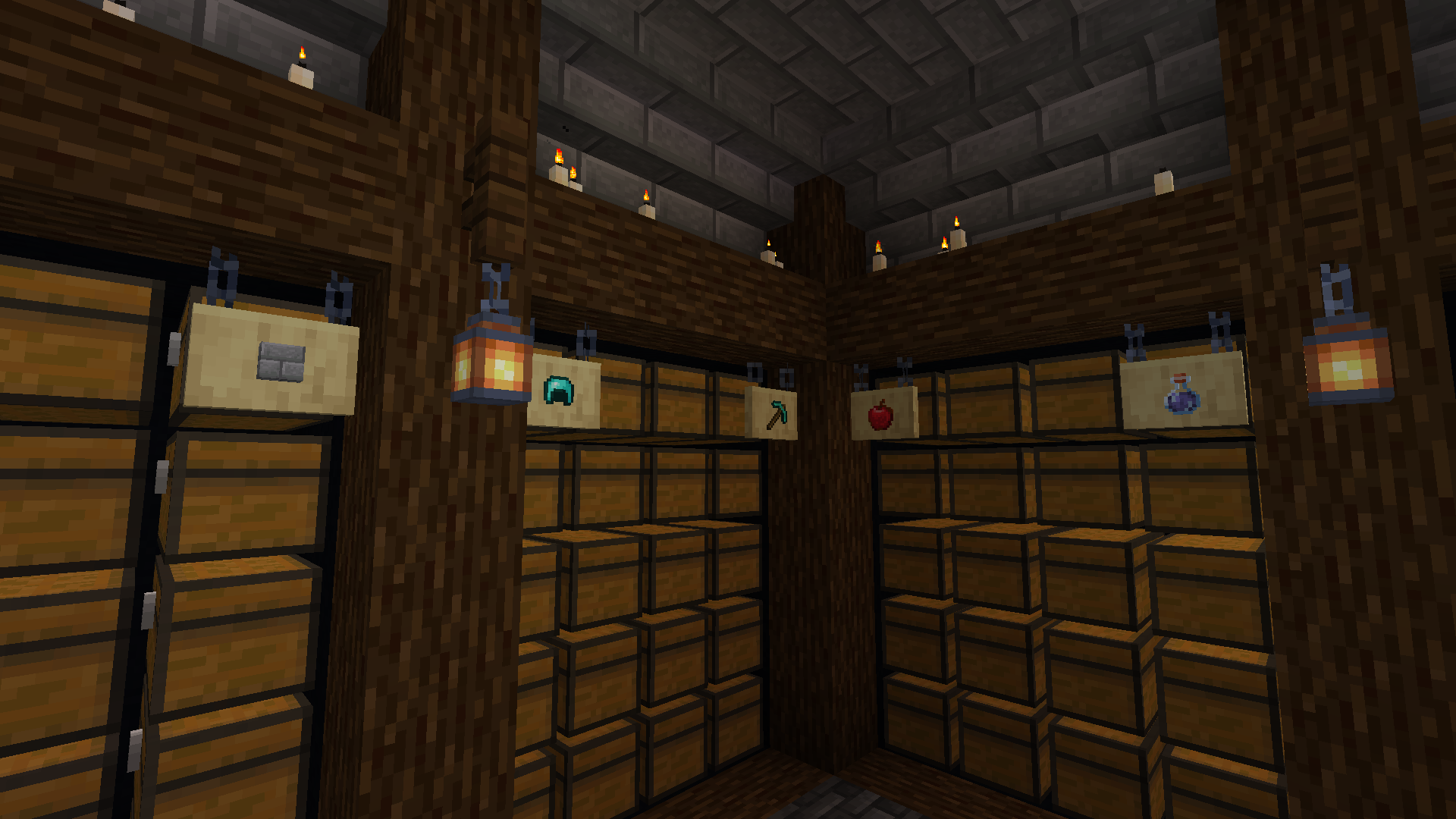
Place items into signs the same way you can with item frames!
Screenshots
About this Mod







Place items into signs the same way you can with item frames! Works for signs of all materials, including both hanging and freestanding varieties!
Compatibility
Enhanced Block Entities 🔗
This mod comes with a compatibility hook for Enhanced Block Entities, disabling its "Enhanced Signs" configuration option, as it takes away the ability to render the mounted items. If the hook ever doesn't work automatically and your items are invisible, check EBE's configuration and make sure it is leaving signs alone!
KetKet's Better Hanging Signs 🔗
If you're coming from KetKet's Better Hanging Signs datapack, you might be pleased to hear it works perfectly fine next to this mod. More importantly, if you want to migrate off the datapack to use this mod exclusively, (as of v1.1.0) this mod will detect the absence of the datapack and clean up after it automatically! If a sign still exists and you haven't placed items on it via this mod yet, it'll transfer the items directly onto the mod while it cleans up the invisible entities spawned by the datapack. If it can't find a sign or there aren't enough slots available, it'll drop the old items on the floor and notify you in chat!
Available Versions
How to Install Item Signs on Your Server
Order Server
Order a Minecraft Java server with at least 3 GB RAM (4 GB recommended).
Set fabric Loader
In the panel under "Egg", select the fabric loader and matching Minecraft version (26.1.2).
Install Mod
Open the mod browser in the dashboard and search for "Item Signs". Click "Install" – done! Alternatively, upload the .jar via SFTP to the /mods folder.
Compatibility
Mod Loaders
Minecraft Versions
26.1.2, 26.1.1, 26.1 (+12 more)
Server-side
✓ RequiredRecommended RAM
4 GB(min. 3 GB)Frequently Asked Questions
Item Signs server crashes on startup – what to do?
Most common cause: wrong fabric version or insufficient RAM. Check the server log (latest.log) for "OutOfMemoryError" or "Mixin" errors. With Mado Hosting: ensure at least 3 GB RAM is allocated and the loader matches the mod version (26.1.2). You can switch loaders with one click in the panel.
Is Item Signs compatible with fabric and forge and neoforge and quilt?
Item Signs officially supports fabric, forge, neoforge, quilt for Minecraft 26.1.2, 26.1.1, 26.1. Note: Forge and Fabric mods are NOT cross-compatible – pick one loader and stick with it. The Mado dashboard automatically detects incompatible loader combinations.
Server lagging with Item Signs – how to optimize performance?
Recommended RAM: 4 GB (per 8 players). Use /spark profiler to check if Item Signs consumes the most tick time. Common fixes: reduce server view-distance to 8-10, install "performant" or "starlight" as supplementary mods on Forge. With Mado Hosting, your server runs on NVMe SSDs with dedicated CPU cores for minimal latency.
Similar Mods

![[ETF] Entity Texture Features](https://cdn.modrinth.com/data/BVzZfTc1/af683d206d50b05258d865b0d6e4aa2f2cee12f2_96.webp)
![[EMF] Entity Model Features](https://cdn.modrinth.com/data/4I1XuqiY/6e5bbd0d06b1741bfdab6c0cfab6de8fdaf0064c_96.webp)



Rent Modded Server
Install Item Signs with just one click on your server.