
Japanese Altar
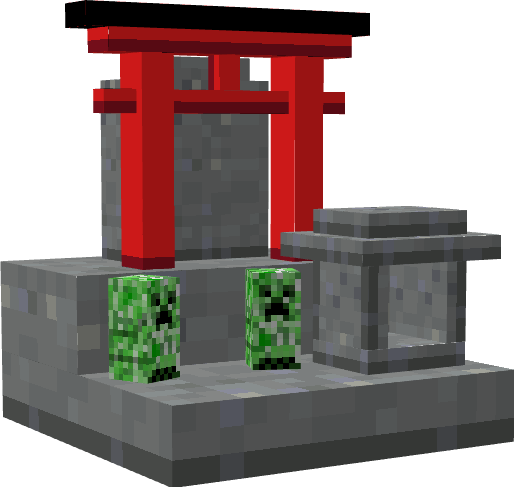
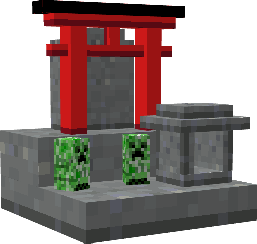
Adds a Japanese-styled altar that grants various effects when given an offering.
Screenshots
About this Mod
About
Japanese Altar adds a new block, the altar, to the game. The altar can be crafted and when used will grant the player a blessing. It can also be placed for decoration.
Mod Loader
Fabric Loader
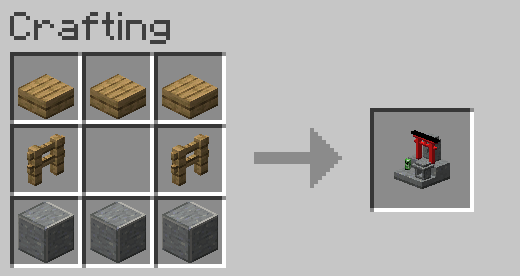
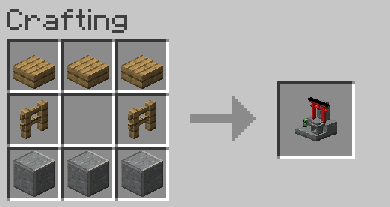
How to Craft an Altar
An altar requires polished andesite, wooden fences, and wooden slabs.
How to Use an Altar
The altar will bestow a status effect when the player gives an offering at the altar.
To make an offering:
- Have at least 5 XP levels
- Have a valid offering in your main hand
- Right-click the altar with the offering
Blessings
When a player is blessed with a status effect, it will last for half of a Minecraft day (10 minutes). You can only have one blessing at a time. To get another blessing, you must wait out the effect or drink milk to clear the effects.
Basic Offering VS Special Offering
- A basic offering is made when you offer bread. This will give you a random effect.
- A special offering is made when you offer a specific item. This will give you a more specific effect.
Effects List & Offerings
An offering of bread will give a random effect.
Specific Offerings & Effects
Spoiler
- Glistering Melon
- Regeneration
- Golden Carrot
- Saturation
- Blaze Powder
- Strength
- Golden Apple
- Resistance
- Absorption V
- Sugar
- Speed
- Haste
Images (also in Gallery)
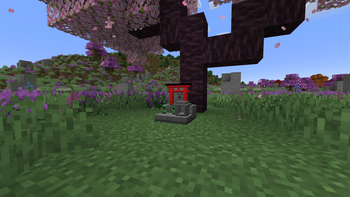
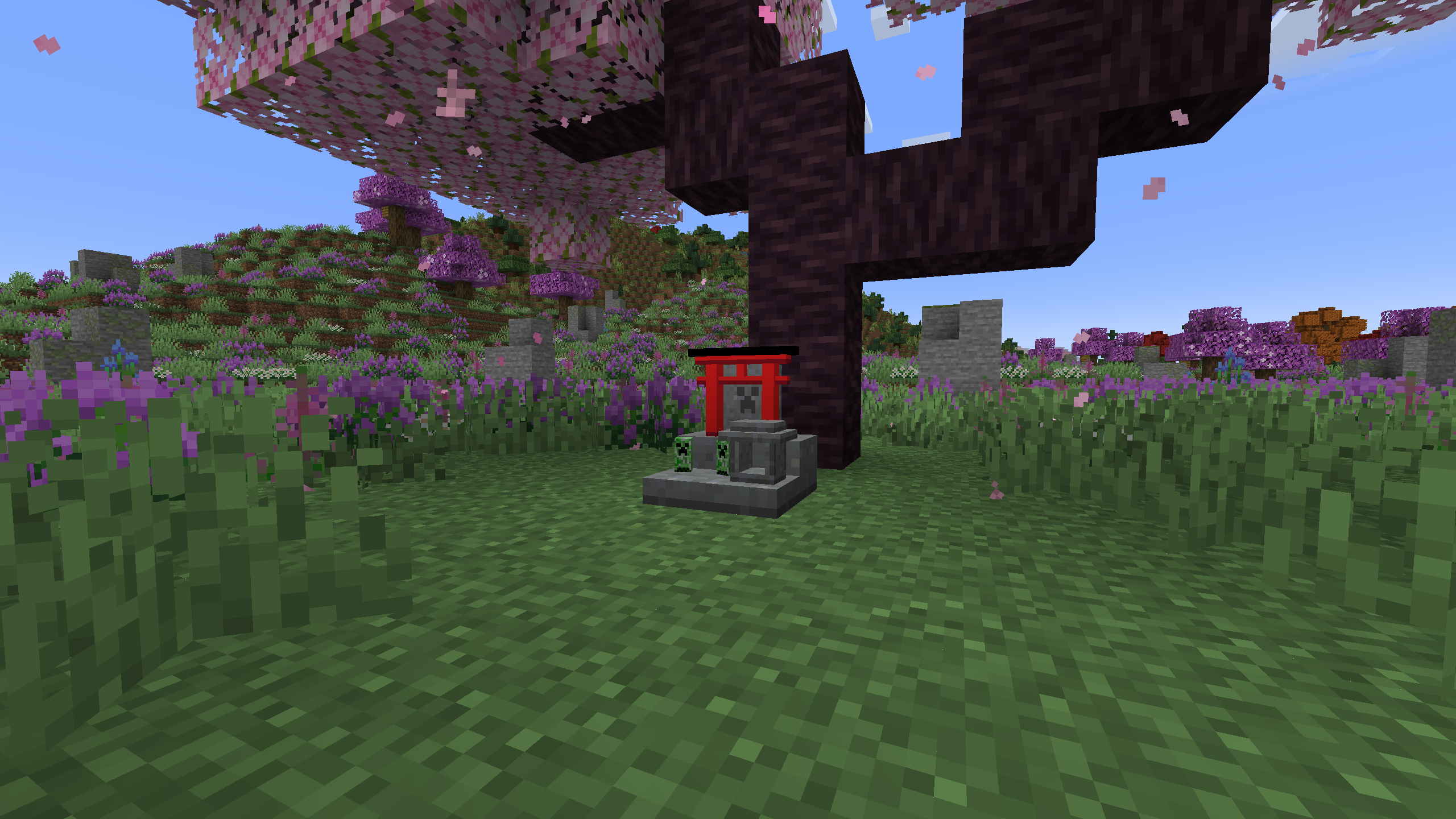
An altar beneath a cherry tree
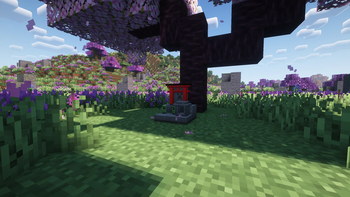
An altar beneath a cherry tree (shader)
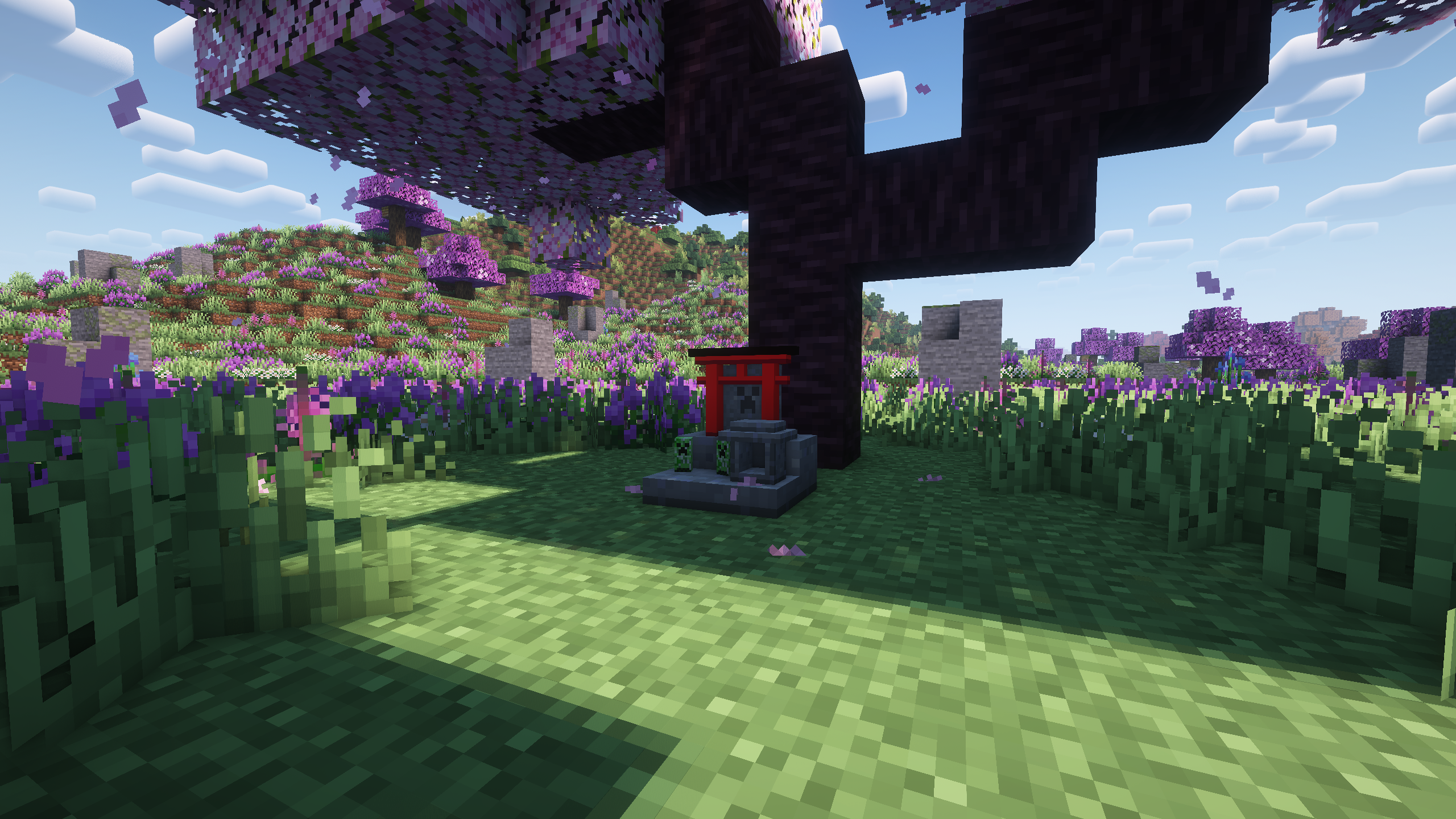
Image information:
- "Regions Unexplored" responsible for biome seen in the background
- "Complementary Reimagined r2.2.1" shader used in shader image
Available Versions
How to Install Japanese Altar on Your Server
Order Server
Order a Minecraft Java server with at least 3 GB RAM (4 GB recommended).
Set fabric Loader
In the panel under "Egg", select the fabric loader and matching Minecraft version (1.20.4).
Install Mod
Open the mod browser in the dashboard and search for "Japanese Altar". Click "Install" – done! Alternatively, upload the .jar via SFTP to the /mods folder.
Compatibility
Mod Loaders
Minecraft Versions
1.20.4, 1.20.3, 1.20.2 (+1 more)
Server-side
✓ RequiredRecommended RAM
4 GB(min. 3 GB)Frequently Asked Questions
Japanese Altar server crashes on startup – what to do?
Most common cause: wrong fabric version or insufficient RAM. Check the server log (latest.log) for "OutOfMemoryError" or "Mixin" errors. With Mado Hosting: ensure at least 3 GB RAM is allocated and the loader matches the mod version (1.20.4). You can switch loaders with one click in the panel.
Is Japanese Altar compatible with fabric?
Japanese Altar officially supports fabric for Minecraft 1.20.4, 1.20.3, 1.20.2. The Mado dashboard automatically detects incompatible loader combinations.
Server lagging with Japanese Altar – how to optimize performance?
Recommended RAM: 4 GB (per 8 players). Use /spark profiler to check if Japanese Altar consumes the most tick time. Common fixes: reduce server view-distance to 8-10, install "performant" or "starlight" as supplementary mods on Forge. With Mado Hosting, your server runs on NVMe SSDs with dedicated CPU cores for minimal latency.
Similar Mods

![[ETF] Entity Texture Features](https://cdn.modrinth.com/data/BVzZfTc1/af683d206d50b05258d865b0d6e4aa2f2cee12f2_96.webp)
![[EMF] Entity Model Features](https://cdn.modrinth.com/data/4I1XuqiY/6e5bbd0d06b1741bfdab6c0cfab6de8fdaf0064c_96.webp)



Rent Modded Server
Install Japanese Altar with just one click on your server.