
Kaf HUD
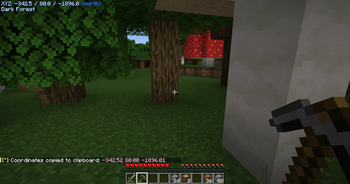
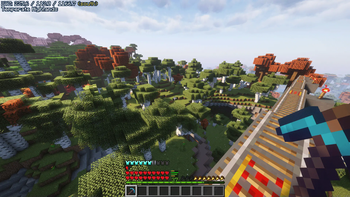
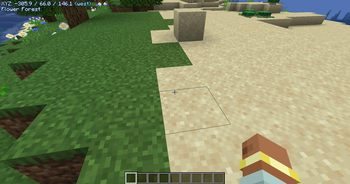
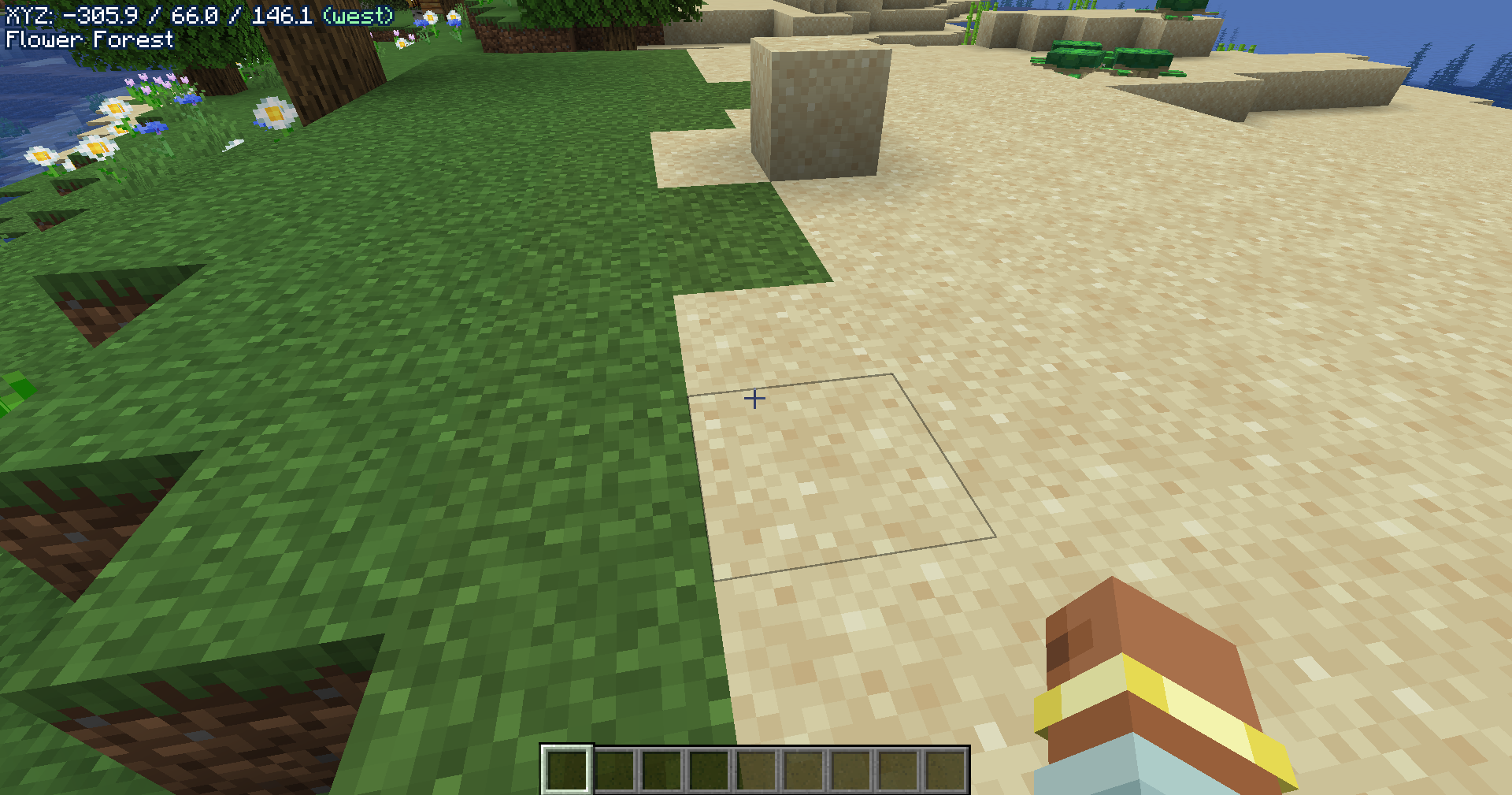
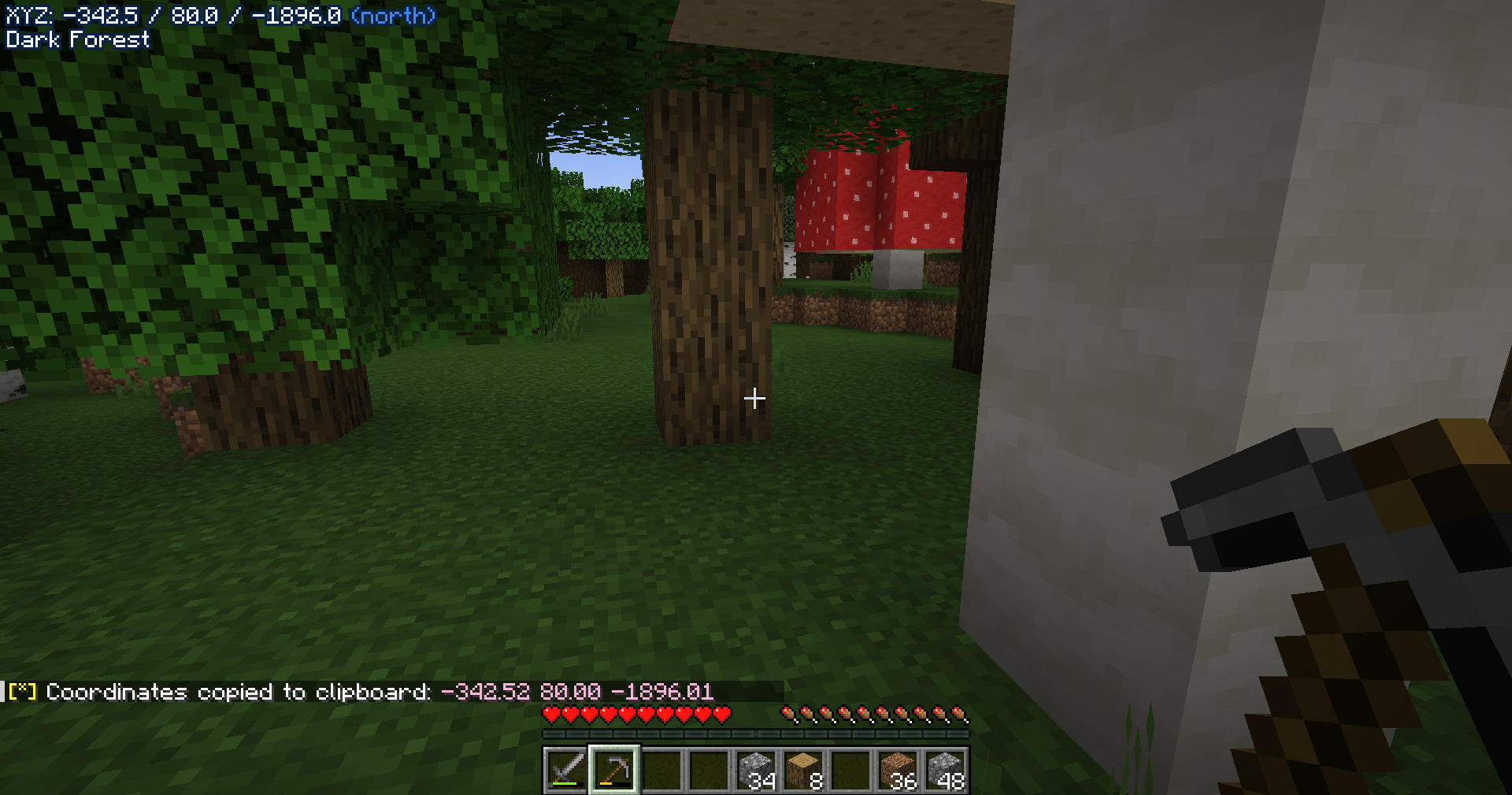
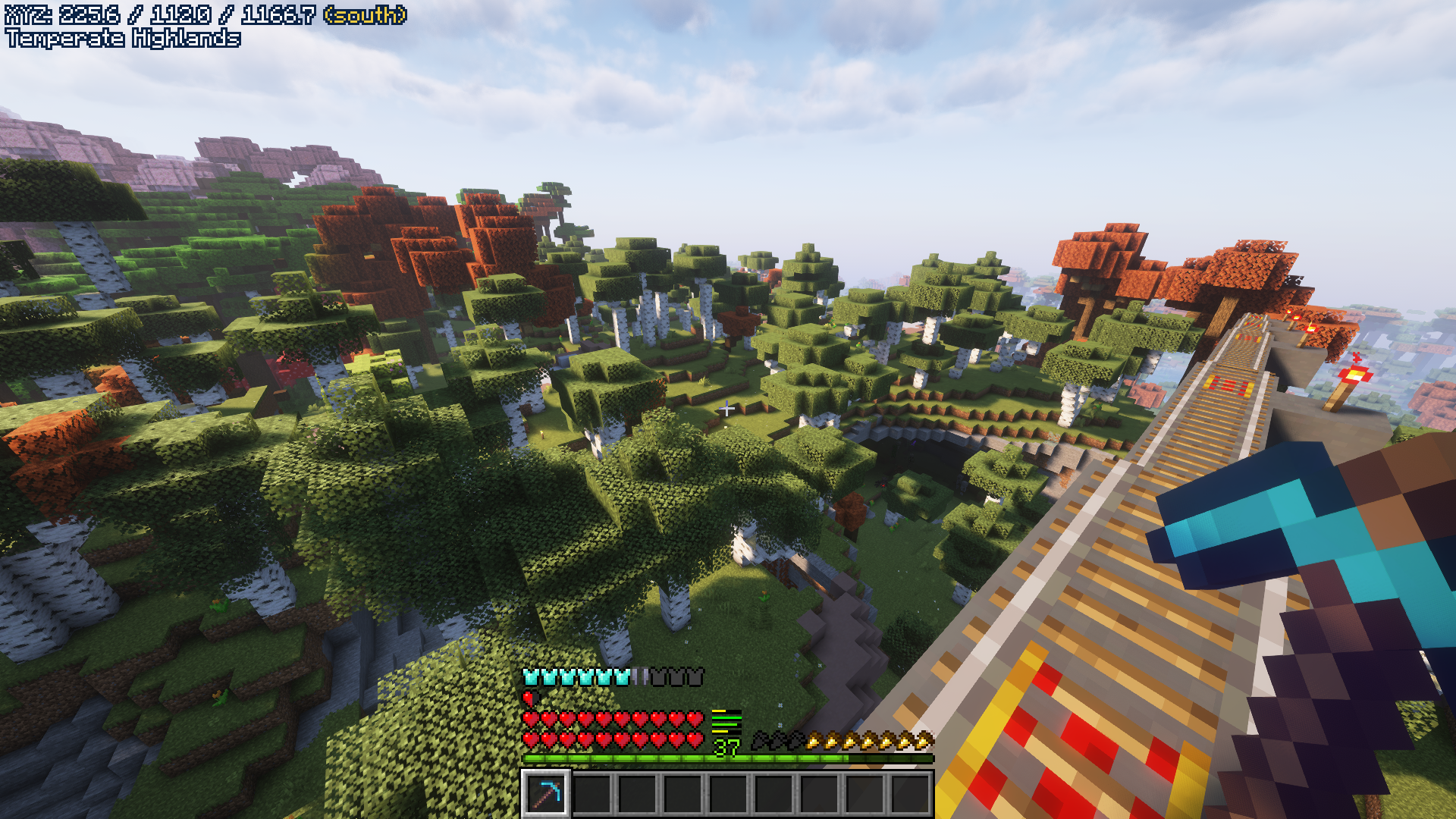
A minimal location HUD for Fabric and NeoForge.
Screenshots
About this Mod
Kaf HUD



A minimal location HUD for Fabric and NeoForge.
How To Use It
Toggle the HUD with the keybind (default N) and copy your coordinates holding shift plus the keybind (default Shift+N).
Current Plan
The development plan is to make the mod more customizable and update it to the latest versions of Minecraft. If you have any requests for features or mod compats let me know.
Roadmap
- Port to 1.21.4
- Port to 1.20.1
- Add a config file
Thank you for the support!
Pics
Q&A
Q: Where can I ask something that is not listed here?
A: Make an issue here or join the Discord and shoot me a message.
Q: Can you port it to [MC version/Mod loader]?
A: If enough people request it I'll give it some time, but this really is a 1-man team so it might take a while.
Q: Can I include it in my modpack?
A: Yes, no need to give credit or ask.
Compatibility
Let me know if you find any issues.
Credits
- Architectury API for the multiloader setup in which the mod is built upon.
- Minimal Coords HUD go check that out if you want more features, really good mod.
- And most importantly, Aris, for always being there for me.
📃 2025-05-29T02:15:27.856Z
Available Versions
How to Install Kaf HUD on Your Server
Order Server
Order a Minecraft Java server with at least 3 GB RAM (4 GB recommended).
Set fabric Loader
In the panel under "Egg", select the fabric loader and matching Minecraft version (26.2).
Install Mod
Open the mod browser in the dashboard and search for "Kaf HUD". Click "Install" – done! Alternatively, upload the .jar via SFTP to the /mods folder.
Compatibility
Mod Loaders
Minecraft Versions
26.2, 26.1.2, 26.1.1 (+9 more)
Server-side
✗ UnsupportedRecommended RAM
4 GB(min. 3 GB)Frequently Asked Questions
Kaf HUD server crashes on startup – what to do?
Most common cause: wrong fabric version or insufficient RAM. Check the server log (latest.log) for "OutOfMemoryError" or "Mixin" errors. With Mado Hosting: ensure at least 3 GB RAM is allocated and the loader matches the mod version (26.2). You can switch loaders with one click in the panel.
Is Kaf HUD compatible with fabric and forge and neoforge and quilt?
Kaf HUD officially supports fabric, forge, neoforge, quilt for Minecraft 26.2, 26.1.2, 26.1.1. Note: Forge and Fabric mods are NOT cross-compatible – pick one loader and stick with it. The Mado dashboard automatically detects incompatible loader combinations.
Server lagging with Kaf HUD – how to optimize performance?
Recommended RAM: 4 GB (per 8 players). Use /spark profiler to check if Kaf HUD consumes the most tick time. Common fixes: reduce server view-distance to 8-10, install "performant" or "starlight" as supplementary mods on Forge. With Mado Hosting, your server runs on NVMe SSDs with dedicated CPU cores for minimal latency.
Similar Mods




![[ETF] Entity Texture Features](https://cdn.modrinth.com/data/BVzZfTc1/af683d206d50b05258d865b0d6e4aa2f2cee12f2_96.webp)
![[EMF] Entity Model Features](https://cdn.modrinth.com/data/4I1XuqiY/6e5bbd0d06b1741bfdab6c0cfab6de8fdaf0064c_96.webp)
Rent Modded Server
Install Kaf HUD with just one click on your server.