
Kill to Spectate
Switches players to spectator mode when killed by another player, otherwise keeps them in survival.
Screenshots
About this Mod
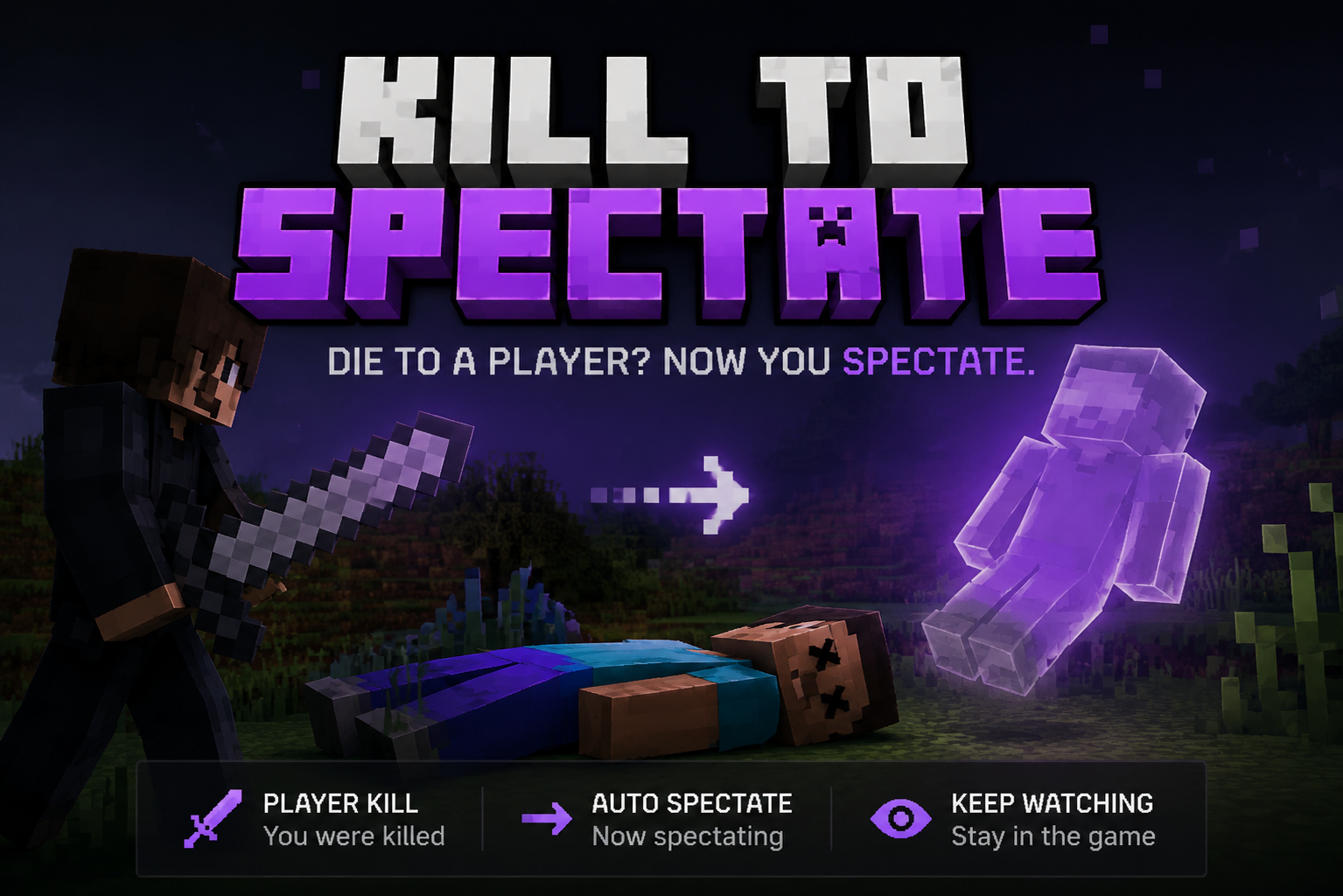
Kill to Spectate is a simple server-side Minecraft mod that changes how player deaths are handled.
How It Works
- PVP deaths: If a player is killed by another player, they are automatically switched to Spectator mode.
- Other deaths: Deaths from fall damage, mobs, lava, and other environmental causes keep the player in Survival or Adventure mode.
This mod is perfect for PVP servers where you want defeated players to continue watching the game without leaving it entirely.
Commands
/spectatormod on
Enables the mod./spectatormod off
Disables the mod./spectatormod status
Displays whether the mod is enabled or disabled, and shows the currently selected mode./spectatormod mode instant
Players are switched to Spectator immediately after being killed by another player./spectatormod mode afterdeath
Players die normally, drop their items, and are switched to Spectator after respawning.
Modes
instant
Immediately switches players to Spectator upon PVP death.
afterdeath
Players die normally, drop their inventory, and are switched to Spectator after respawning.
Features
- Server-side only (clients do not need to install the mod)
- Can be enabled or disabled at any time
- Two configurable spectator modes
- Configuration is saved automatically and persists across server restarts
- Works on dedicated Forge servers for Minecraft 1.20.1
Default Settings
- Mod enabled by default
- Default mode:
afterdeath
Creators: Schultz IHNE & sssilverhand IHNE
Available Versions
How to Install Kill to Spectate on Your Server
Order Server
Order a Minecraft Java server with at least 3 GB RAM (4 GB recommended).
Set forge Loader
In the panel under "Egg", select the forge loader and matching Minecraft version (1.20.1).
Install Mod
Open the mod browser in the dashboard and search for "Kill to Spectate". Click "Install" – done! Alternatively, upload the .jar via SFTP to the /mods folder.
Compatibility
Mod Loaders
Minecraft Versions
1.20.1
Server-side
✓ RequiredRecommended RAM
4 GB(min. 3 GB)Frequently Asked Questions
Kill to Spectate server crashes on startup – what to do?
Most common cause: wrong forge version or insufficient RAM. Check the server log (latest.log) for "OutOfMemoryError" or "Mixin" errors. With Mado Hosting: ensure at least 3 GB RAM is allocated and the loader matches the mod version (1.20.1). You can switch loaders with one click in the panel.
Is Kill to Spectate compatible with forge?
Kill to Spectate officially supports forge for Minecraft 1.20.1. The Mado dashboard automatically detects incompatible loader combinations.
Server lagging with Kill to Spectate – how to optimize performance?
Recommended RAM: 4 GB (per 8 players). Use /spark profiler to check if Kill to Spectate consumes the most tick time. Common fixes: reduce server view-distance to 8-10, install "performant" or "starlight" as supplementary mods on Forge. With Mado Hosting, your server runs on NVMe SSDs with dedicated CPU cores for minimal latency.
Similar Mods




Rent Modded Server
Install Kill to Spectate with just one click on your server.