
Landmarks
Procedurally generated rock formations, clearings, ponds, and more.
Screenshots
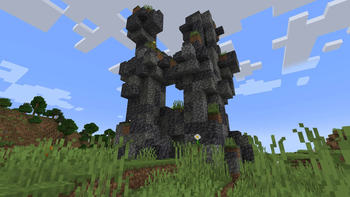
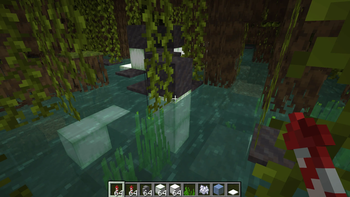
About this Mod
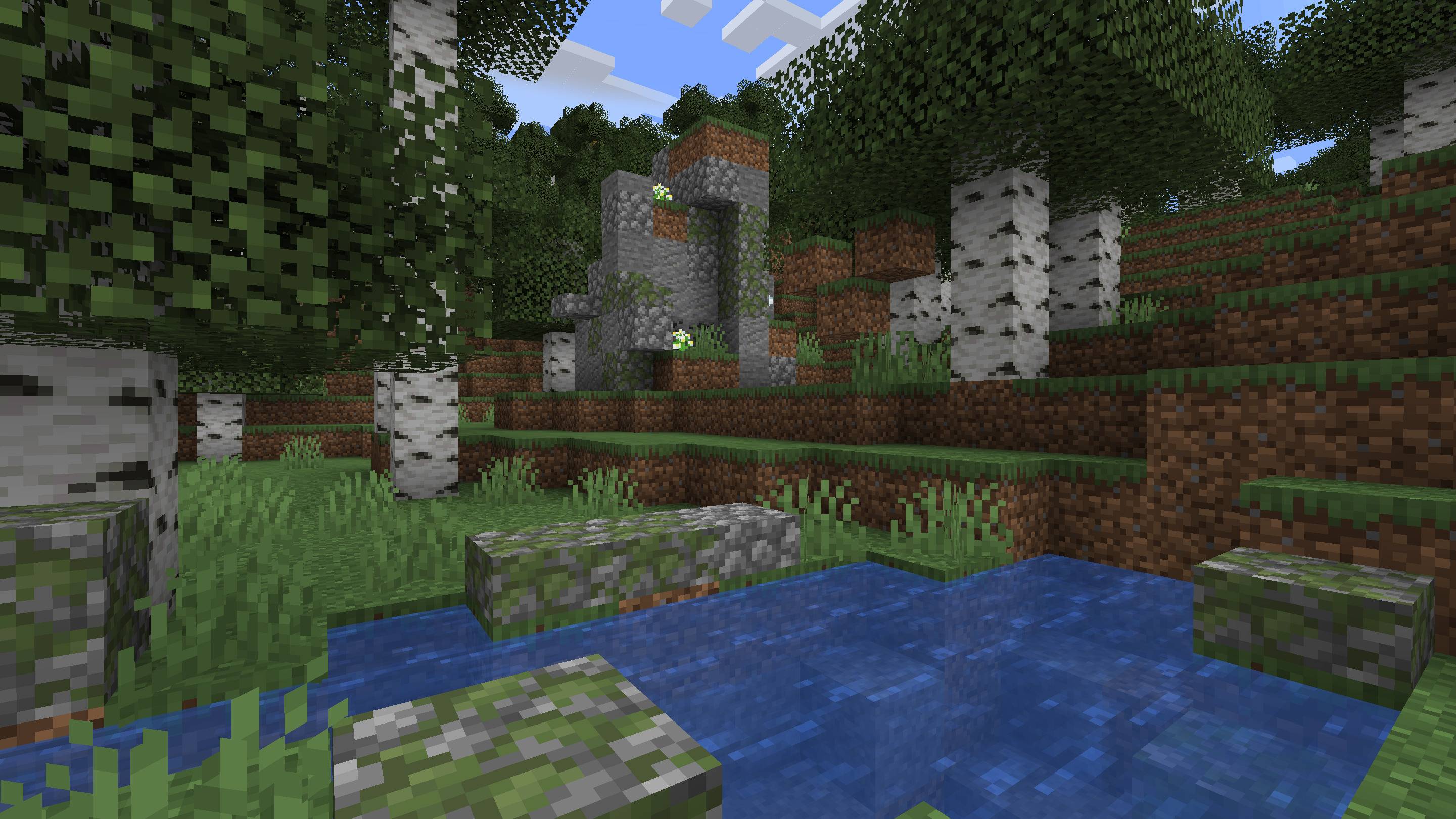
Landmarks is a worldgen mod that adds some natural features to the Overworld.
Other than aesthetics, the purpose of this mod is to make each area more distinctive through small-scale details that complement the existing large-scale terrain and biomes varations, and make it easier to recognize a certain place from looking around rather than using coordinates, hence the name. For this reason, the features are all procedurally generated and are neither ubiquitous nor rare.
This mod is server-side.
You can now add, modify and remove palettes with a datapack.
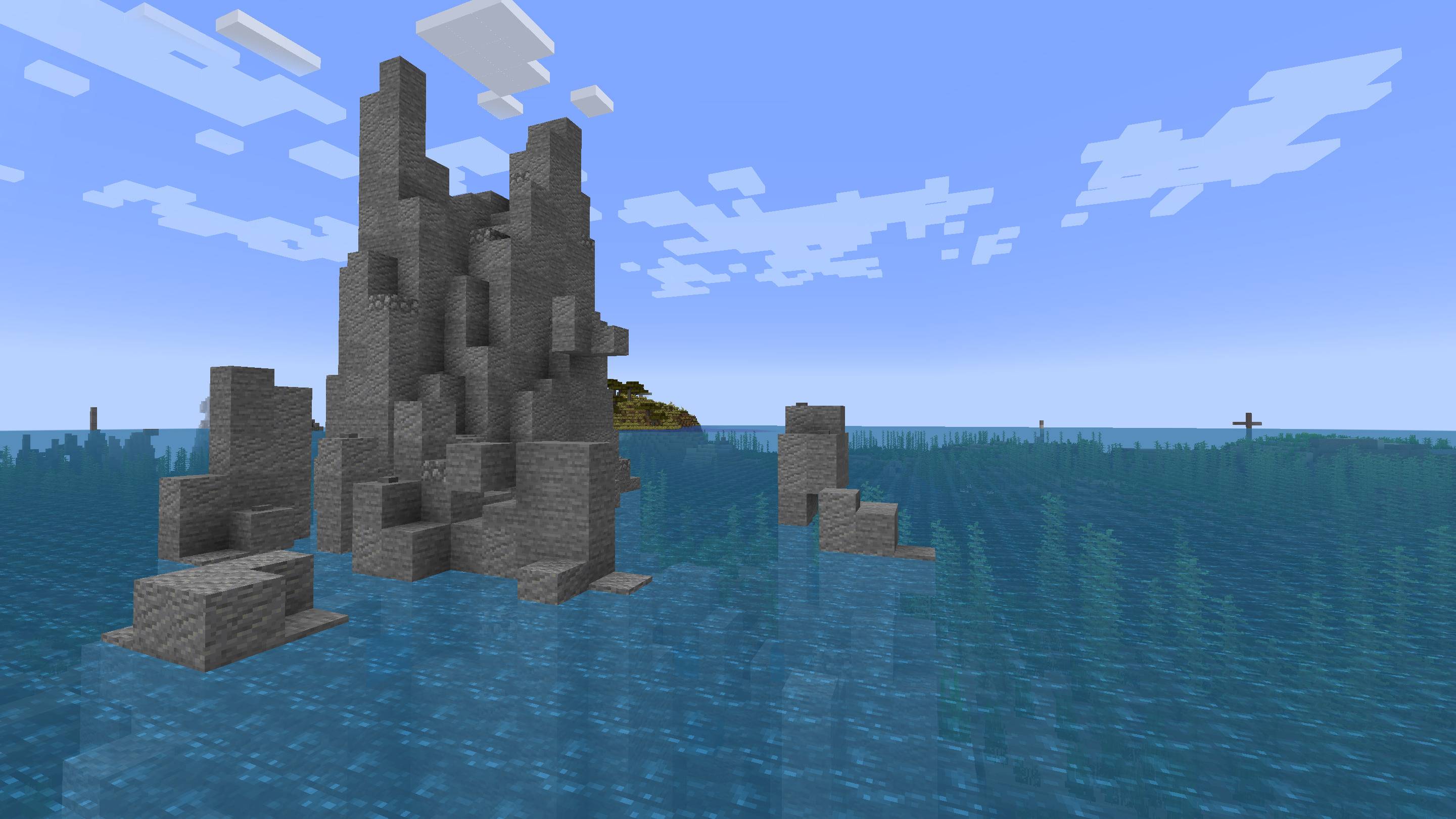
Rock Formations
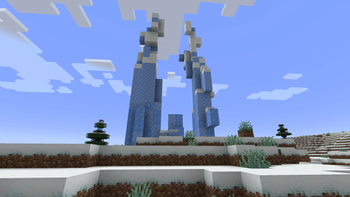
Rock formations are highly diverse features that generate in every overworld biome (with some biome-specific variants). They can be made of different materials and can be small, big, isolated, clustered, smooth, rugged, etc.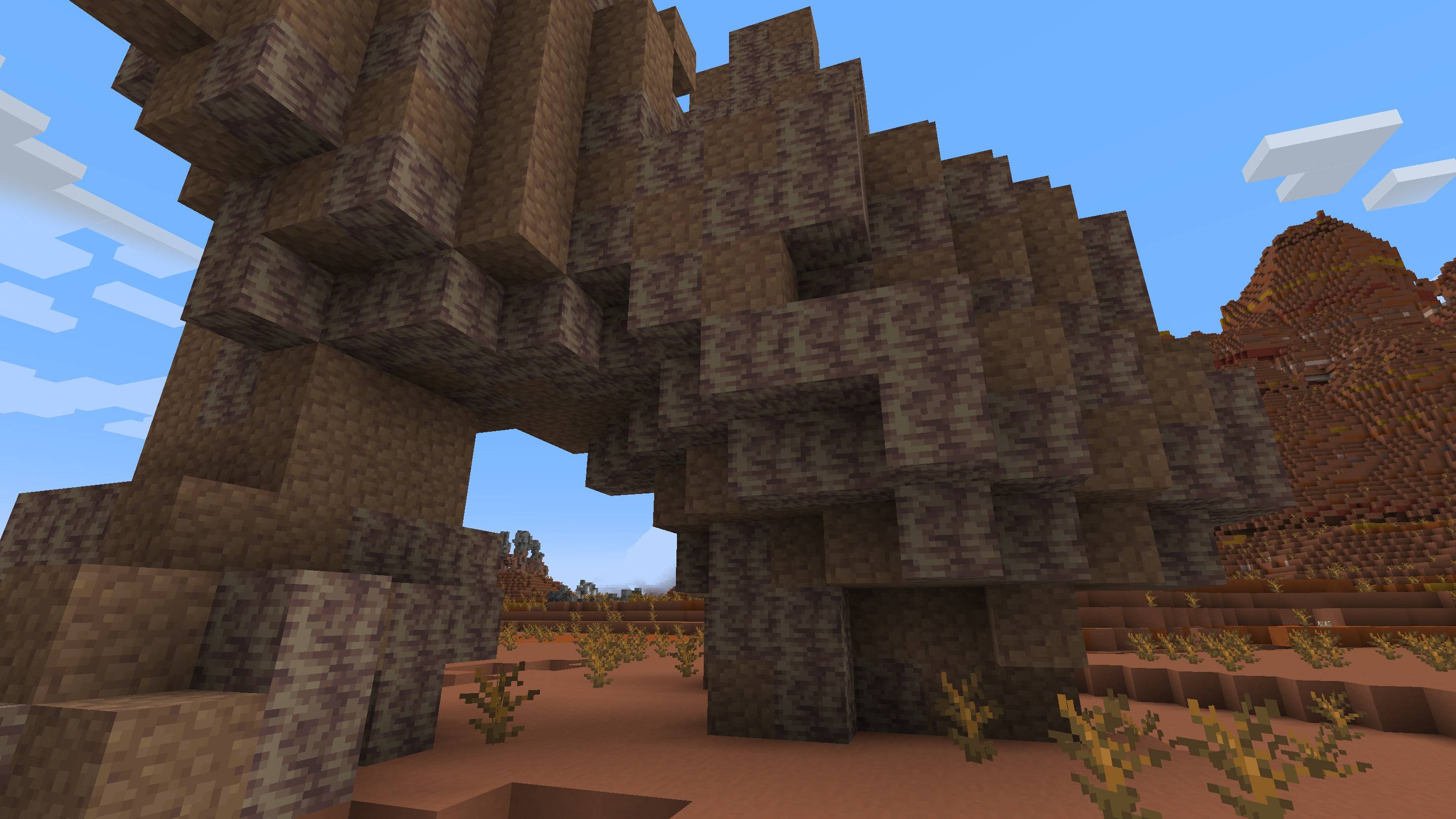
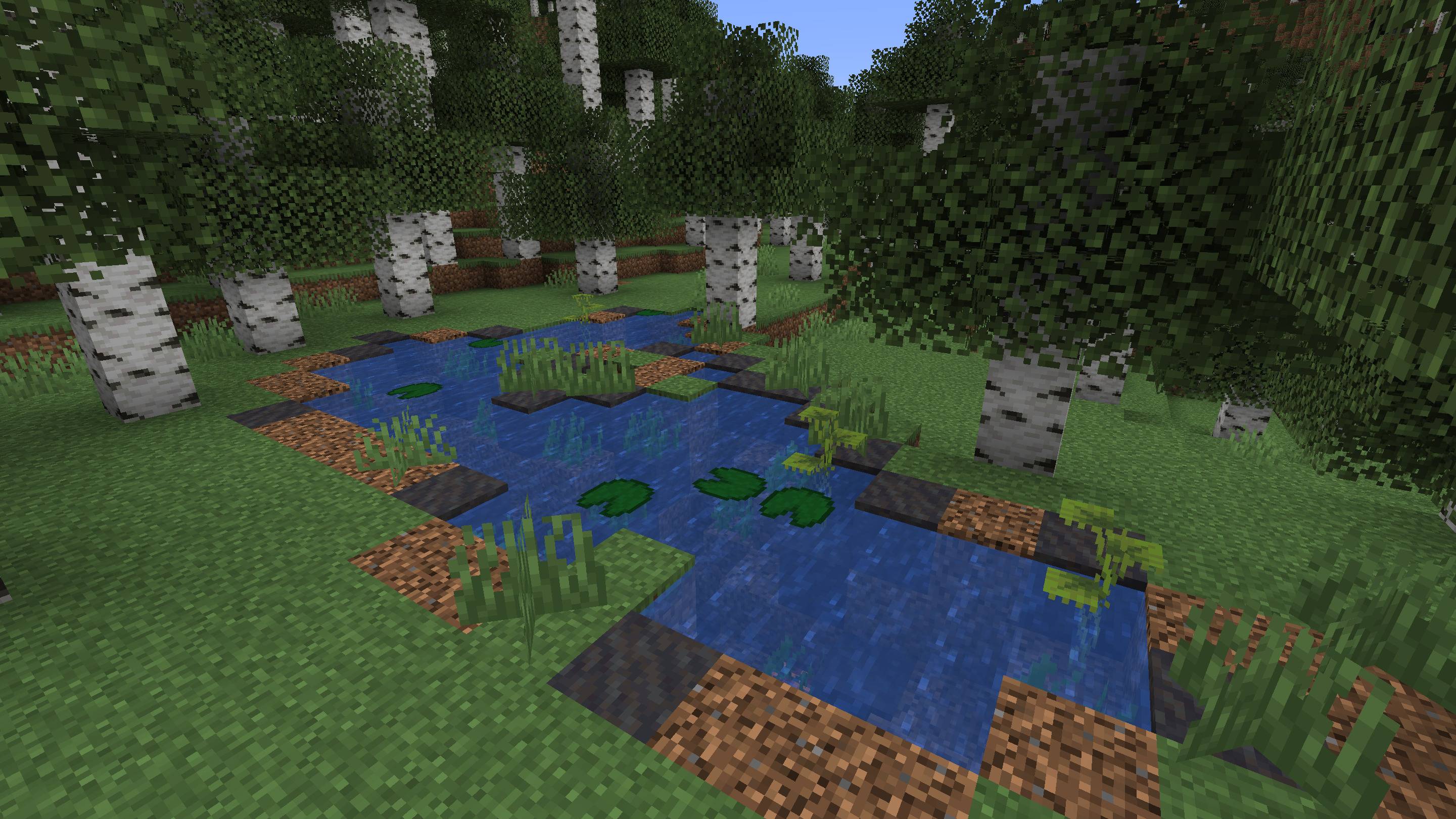
Ponds
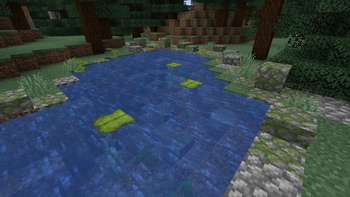
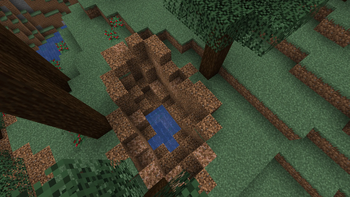
The loathed ponds are back from the grave. But they're not as frequent as in <1.17, and the partially buried kind is even rarer. They're also a lot more varied in appearance:
Forest Clearings
Areas without trees that break the monotony within forests: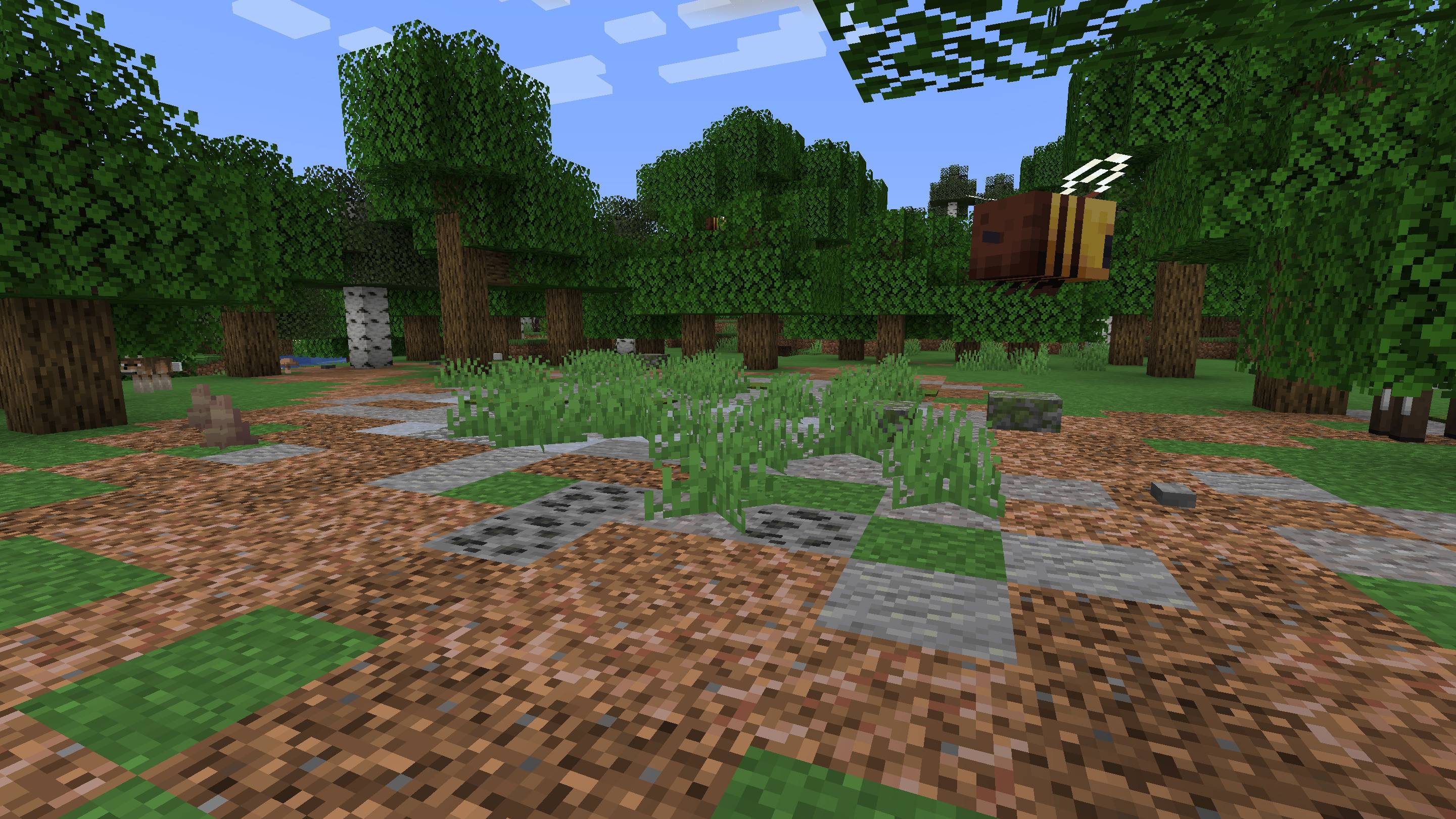
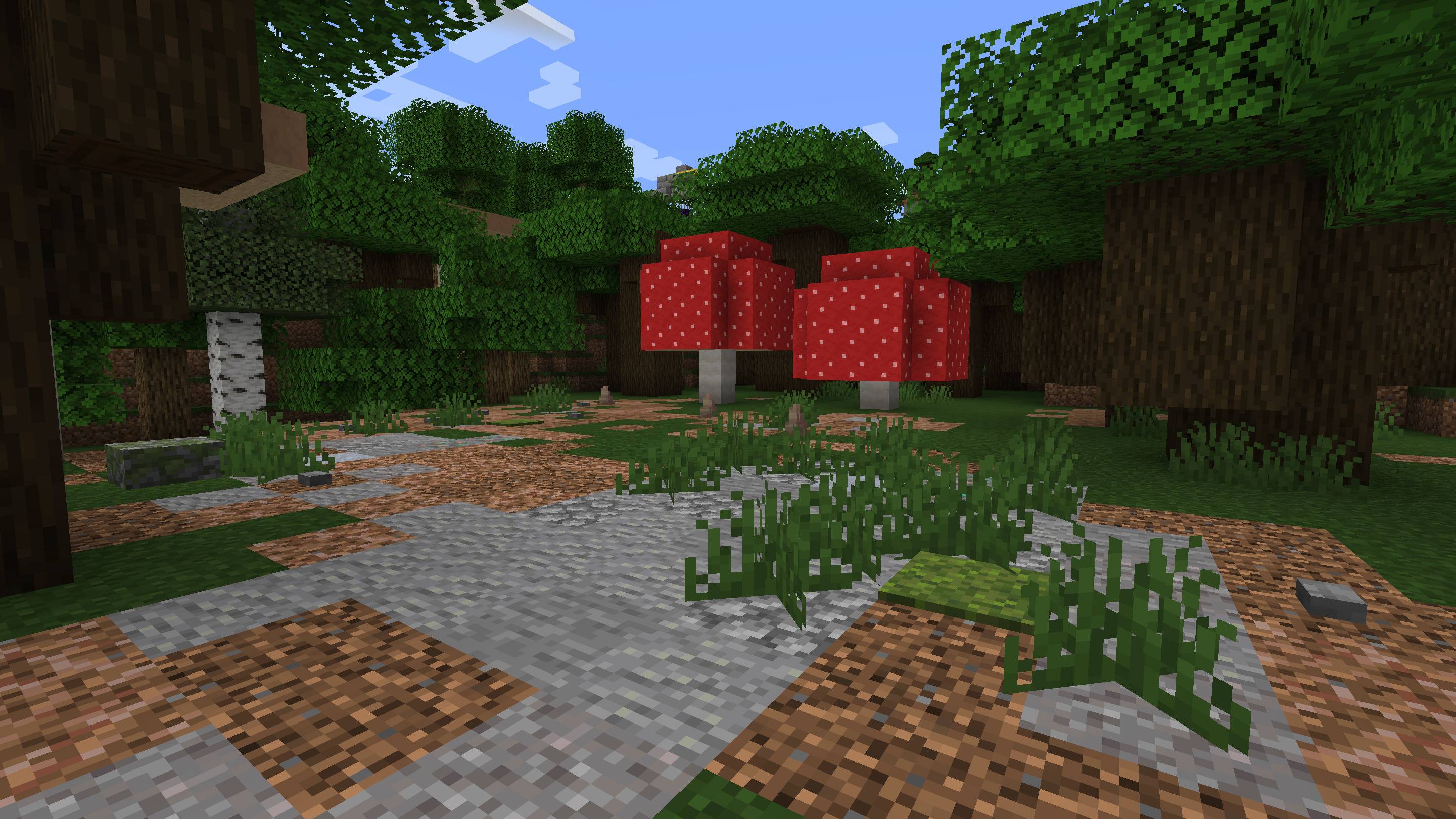
Fairy Rings
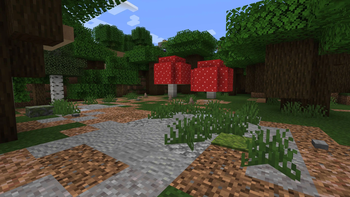
Circular mushroom patches that generate within forests: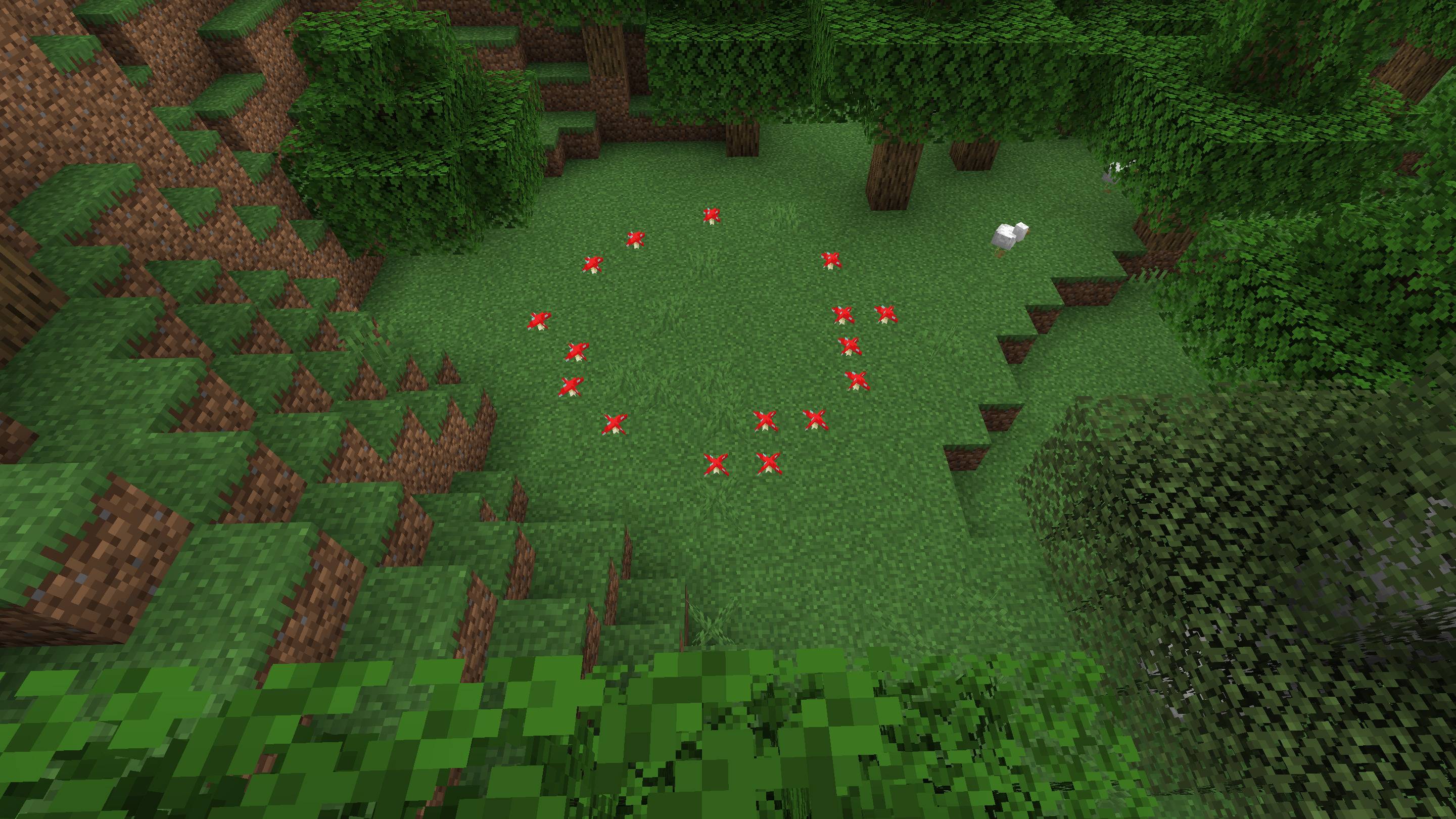
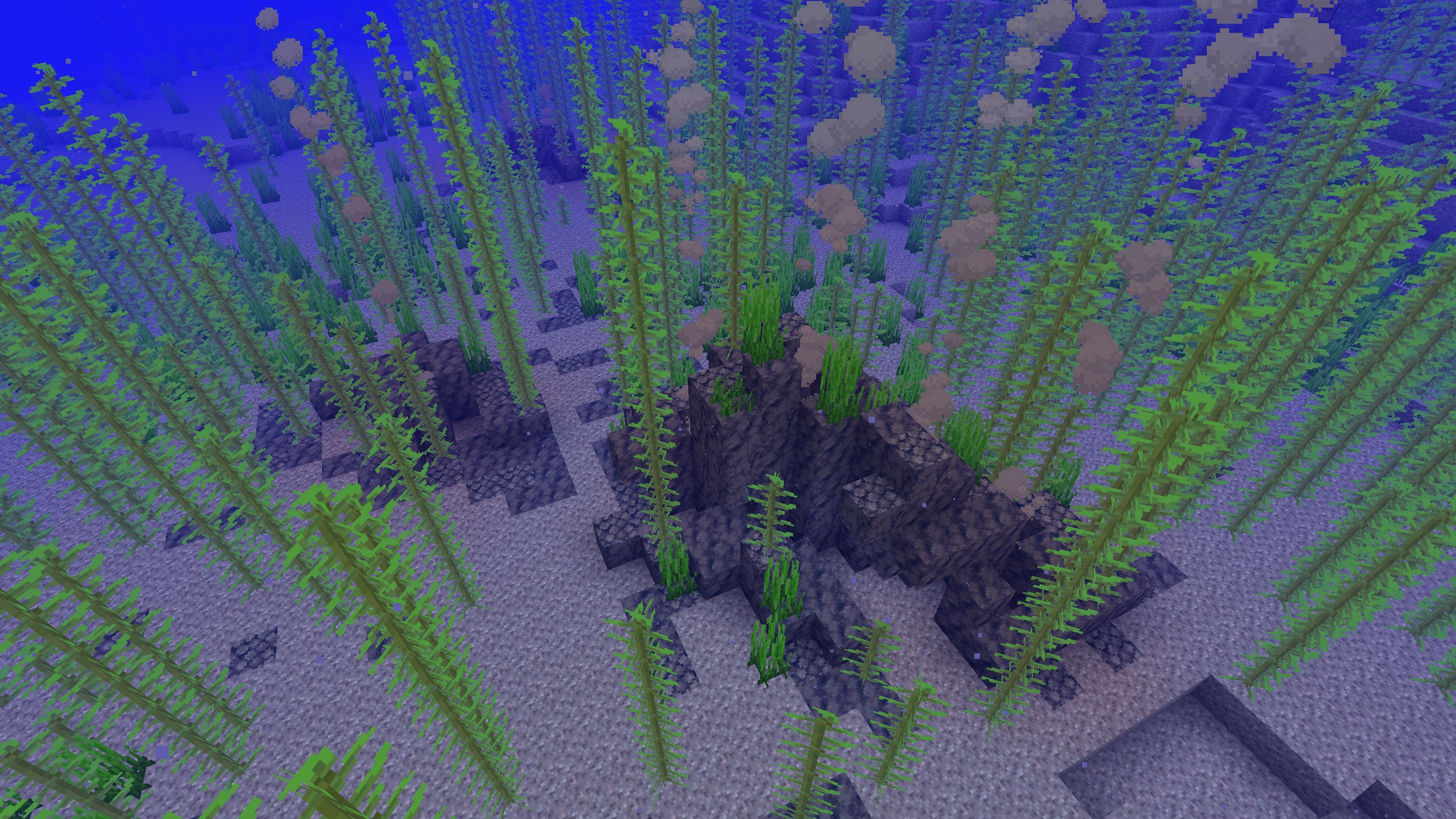
Thermal vents
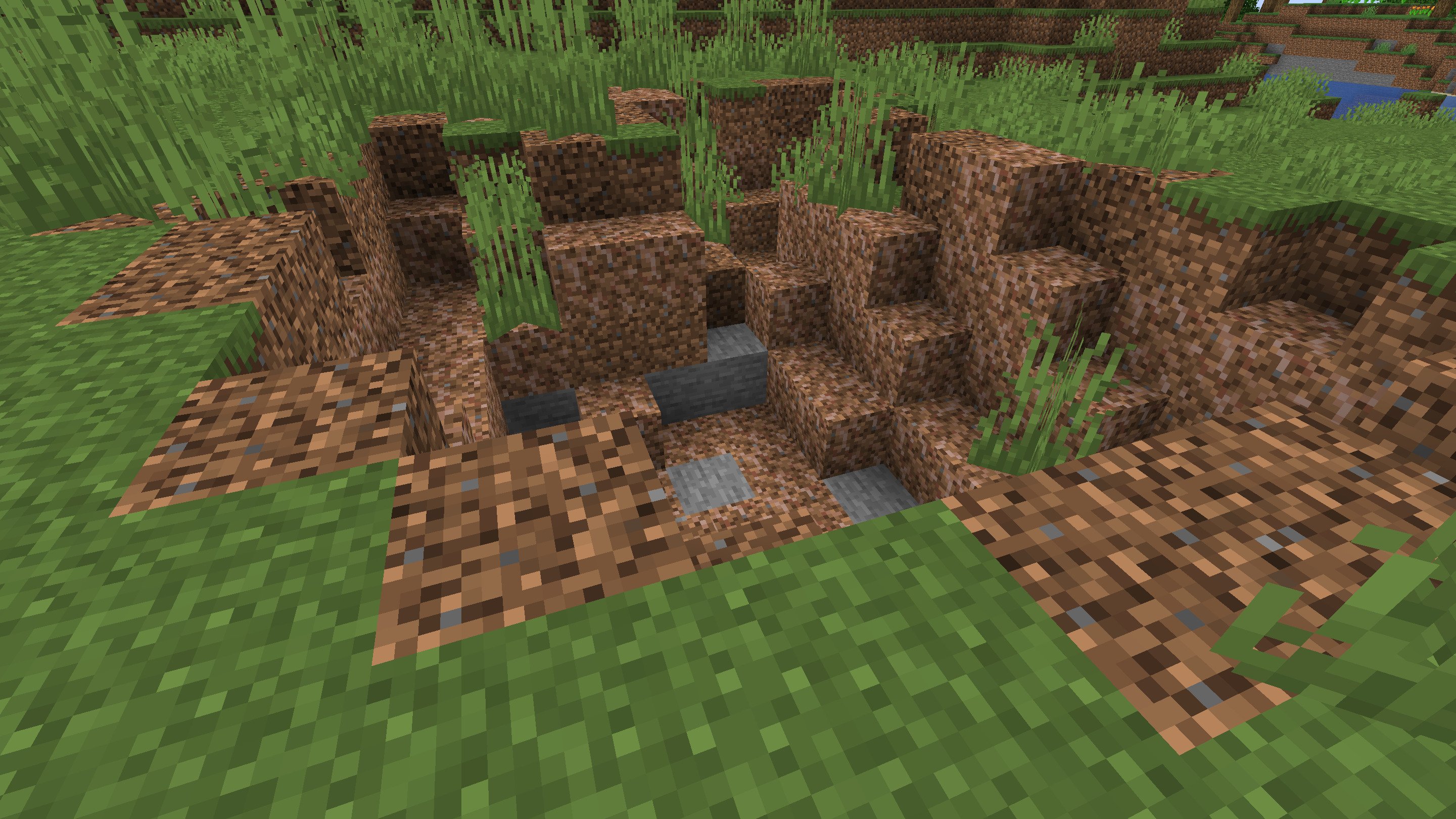
Sinkholes

More will be added...
Available Versions
How to Install Landmarks on Your Server
Order Server
Order a Minecraft Java server with at least 4 GB RAM (6 GB recommended).
Set fabric Loader
In the panel under "Egg", select the fabric loader and matching Minecraft version (1.21.10).
Install Mod
Open the mod browser in the dashboard and search for "Landmarks". Click "Install" – done! Alternatively, upload the .jar via SFTP to the /mods folder.
Compatibility
Mod Loaders
Minecraft Versions
1.21.10, 1.21.9, 1.21.8 (+4 more)
Server-side
✓ RequiredRecommended RAM
6 GB(min. 4 GB)Frequently Asked Questions
Landmarks server crashes on startup – what to do?
Most common cause: wrong fabric version or insufficient RAM. Check the server log (latest.log) for "OutOfMemoryError" or "Mixin" errors. With Mado Hosting: ensure at least 4 GB RAM is allocated and the loader matches the mod version (1.21.10). You can switch loaders with one click in the panel.
Is Landmarks compatible with fabric and forge and neoforge?
Landmarks officially supports fabric, forge, neoforge for Minecraft 1.21.10, 1.21.9, 1.21.8. Note: Forge and Fabric mods are NOT cross-compatible – pick one loader and stick with it. The Mado dashboard automatically detects incompatible loader combinations.
Server lagging with Landmarks – how to optimize performance?
Recommended RAM: 6 GB (per 5 players). Use /spark profiler to check if Landmarks consumes the most tick time. Common fixes: reduce server view-distance to 8-10, install "performant" or "starlight" as supplementary mods on Forge. With Mado Hosting, your server runs on NVMe SSDs with dedicated CPU cores for minimal latency.
Similar Mods

![[ETF] Entity Texture Features](https://cdn.modrinth.com/data/BVzZfTc1/af683d206d50b05258d865b0d6e4aa2f2cee12f2_96.webp)
![[EMF] Entity Model Features](https://cdn.modrinth.com/data/4I1XuqiY/6e5bbd0d06b1741bfdab6c0cfab6de8fdaf0064c_96.webp)



Rent Modded Server
Install Landmarks with just one click on your server.