LaTeX NH
A Minecraft 1.7.10 mod that renders LaTeX formulas and Markdown formatting in all text-rendering locations in the game
Screenshots
About this Mod
LaTeXNH
A Minecraft 1.7.10 mod that renders LaTeX formulas and Markdown formatting in all text-rendering locations in the game.
Features
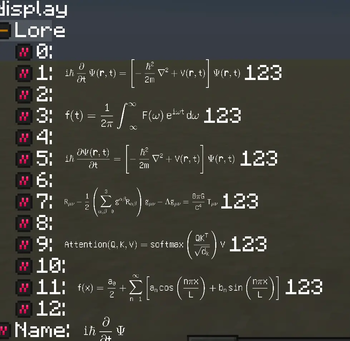
- Inline LaTeX rendering — wrap any formula with
$* formula *$and it will be rendered as a GL-textured image inline with the surrounding text. - Block LaTeX rendering — wrap multi-line formulas with
$$* formula *$$for a larger display. - Markdown support —
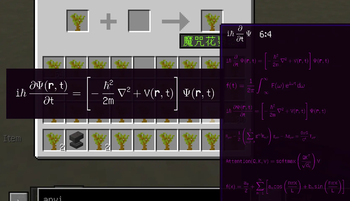
**bold**,*italic*,~~strikethrough~~,`code` - Alt+hover tooltip — hold Alt while hovering over a rendered formula to see its raw LaTeX source in a tooltip.
- Parse-error tooltip — invalid formulas are shown in red; Alt+hover reveals the exact parse-error message with a column indicator.
- Live text-field preview — when typing in any
GuiTextField, a rendered preview or error description appears automatically while your cursor is inside a formula. - Configurable chat limit — the chat input length cap can be raised (default 256, up to 4096) to accommodate long formulas.
- § colour-code compatibility — Minecraft formatting codes in plain-text segments pass through unaffected.
Syntax
| Input | Effect |
|---|---|
$* E=mc^2 *$ |
Inline LaTeX |
$$* \hat{H} = -\frac{\hbar^2}{2m}\nabla^2 + V *$$ |
Block LaTeX |
**bold** |
Bold |
*italic* |
Italic |
~~strike~~ |
|
`code` |
Monospace |
Configuration
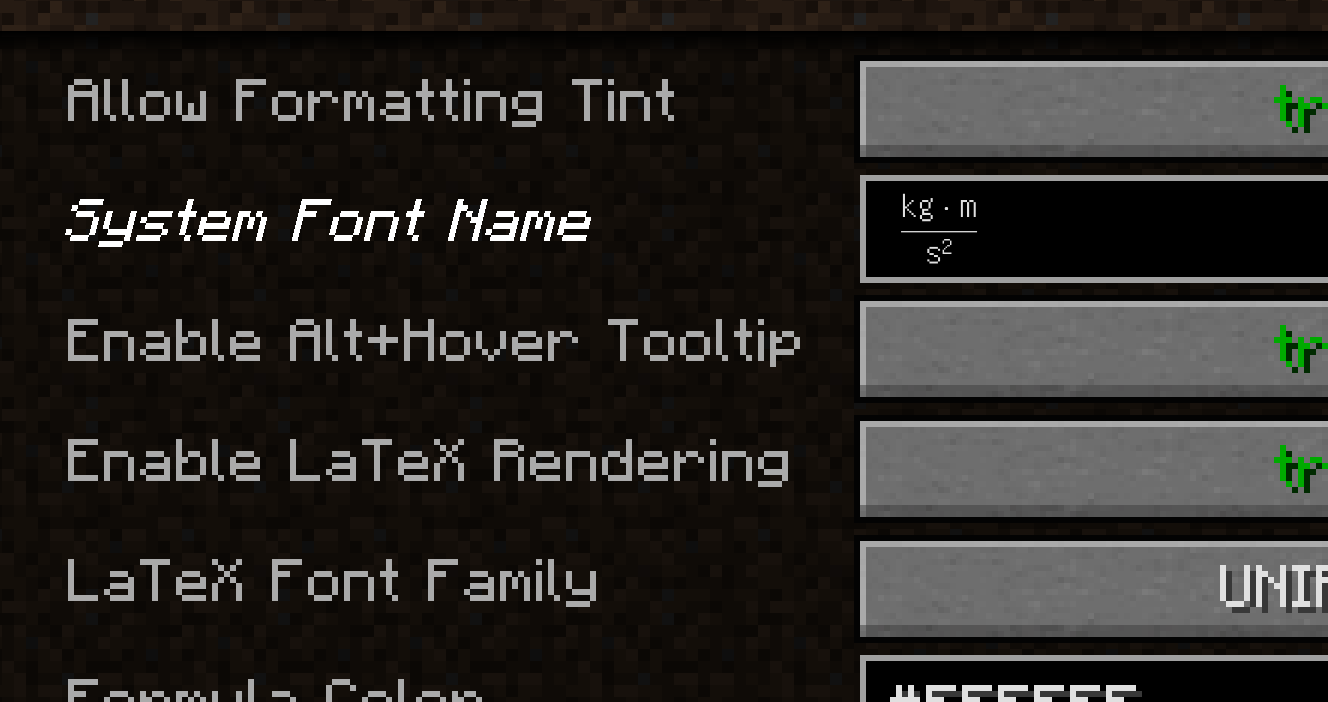
Open Mods → LaTeXNH → Config in-game to adjust:
| Option | Default | Description |
|---|---|---|
| Enable LaTeX Rendering | true |
Master switch |
| Enable Alt+Hover Tooltip | true |
Raw source / error tooltip |
| Tooltip Scale | 1.0 |
Preview image scale factor |
| Inline Formula Height | 16 |
GUI units; ~2× font height |
| Chat Input Max Length | 256 |
Maximum chat characters |
Available Versions
How to Install LaTeX NH on Your Server
Order Server
Order a Minecraft Java server with at least 3 GB RAM (4 GB recommended).
Set forge Loader
In the panel under "Egg", select the forge loader and matching Minecraft version (1.7.10).
Install Mod
Open the mod browser in the dashboard and search for "LaTeX NH". Click "Install" – done! Alternatively, upload the .jar via SFTP to the /mods folder.
Compatibility
Mod Loaders
Minecraft Versions
1.7.10
Server-side
✗ UnsupportedRecommended RAM
4 GB(min. 3 GB)Frequently Asked Questions
LaTeX NH server crashes on startup – what to do?
Most common cause: wrong forge version or insufficient RAM. Check the server log (latest.log) for "OutOfMemoryError" or "Mixin" errors. With Mado Hosting: ensure at least 3 GB RAM is allocated and the loader matches the mod version (1.7.10). You can switch loaders with one click in the panel.
Is LaTeX NH compatible with forge?
LaTeX NH officially supports forge for Minecraft 1.7.10. The Mado dashboard automatically detects incompatible loader combinations.
Server lagging with LaTeX NH – how to optimize performance?
Recommended RAM: 4 GB (per 8 players). Use /spark profiler to check if LaTeX NH consumes the most tick time. Common fixes: reduce server view-distance to 8-10, install "performant" or "starlight" as supplementary mods on Forge. With Mado Hosting, your server runs on NVMe SSDs with dedicated CPU cores for minimal latency.
Similar Mods




Rent Modded Server
Install LaTeX NH with just one click on your server.