
Lavalogged Blocks
Make waterloggable blocks also be able to be lavalogged!
Screenshots
About this Mod


Make waterloggable blocks also be able to be lavalogged!
🤔 What is Lavalogged?
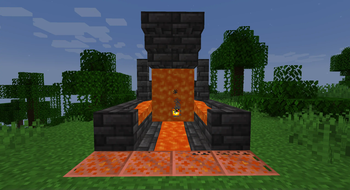
Lavalogged allows all vanilla Blocks that can be waterlogged to also be lavalogged, meaning that Lava can be put inside a Block just like Water for Waterloggable Blocks!
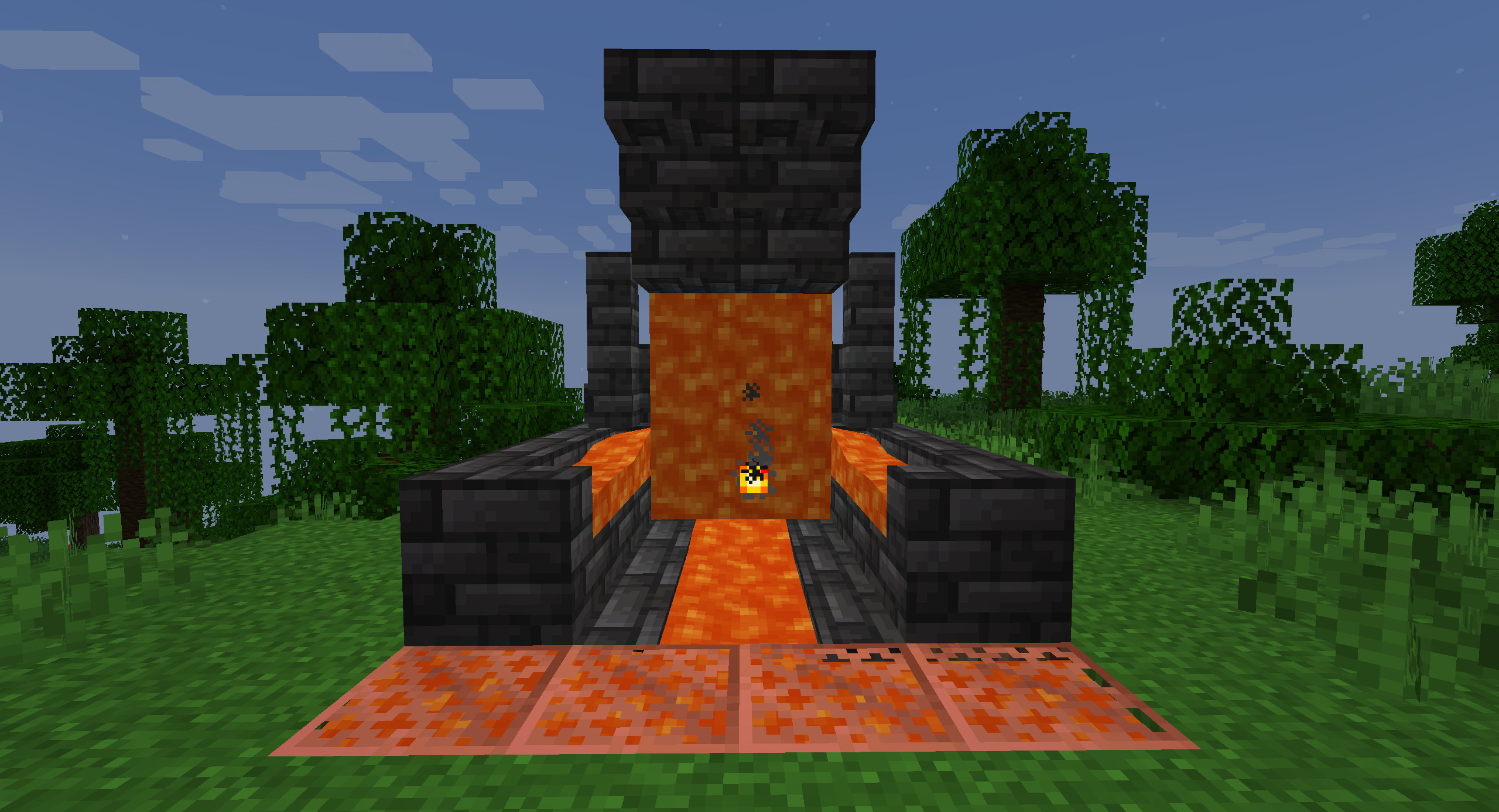
Just put the Block inside a Lava source or use a Lava Bucket on it to put Lava inside!
👨🏼💻 How to contribute
Anyone can contribute to Lavalogged, suggesting their ideas using the Feature Request module
⚙ Requirements
Lavalogged requires the Statement API Library Mod to work.
This is a necessary requirement for adding custom properties to existing Blocks, and is also the reason why
the mod has not been update to 1.21.1 yet.
📜 Future Updates
Future Updates may include, but not guaranteed:
- Removal of the Statement API Library Mod dependency
- Update to Minecraft 1.21.1
- Support for modded Blocks
- Support for Forge and NeoForge
🍺 Support the project
Developing and maintaining Lavalogged requires a lot of time and effort,
but after all I really enjoy doing this ❤
Lavalogged is, and always will be, FREE TO USE.
If someone asked you some money to download Lavalogged, I am afraid to tell you that you got scammed! 😥
But if you really want to financially support the project (or just buy me some beer to produce more code), these are the only ways:


Any other website asking you money for this project is a scam, and you should immediately report it to your local authorities as well! 😡
🙏🏼 Credits
This mod was inspired by the More Waterlogging Mod. Check out this awesome mod too! 😁
😁 Conclusion
Lavalogging is a feature that many players dreams to be part of the game someday. With Lavalogged you can have this feature right now in your game!
I hope you enjoy Lavalogged as much as I enjoy develop new ideas and content for it,
and let me know if there are any issues on the issue tracker.
Have a nice day! 😁
Available Versions
How to Install Lavalogged Blocks on Your Server
Order Server
Order a Minecraft Java server with at least 3 GB RAM (4 GB recommended).
Set fabric Loader
In the panel under "Egg", select the fabric loader and matching Minecraft version (1.20.4).
Install Mod
Open the mod browser in the dashboard and search for "Lavalogged Blocks". Click "Install" – done! Alternatively, upload the .jar via SFTP to the /mods folder.
Compatibility
Mod Loaders
Minecraft Versions
1.20.4
Server-side
✓ RequiredRecommended RAM
4 GB(min. 3 GB)Frequently Asked Questions
Lavalogged Blocks server crashes on startup – what to do?
Most common cause: wrong fabric version or insufficient RAM. Check the server log (latest.log) for "OutOfMemoryError" or "Mixin" errors. With Mado Hosting: ensure at least 3 GB RAM is allocated and the loader matches the mod version (1.20.4). You can switch loaders with one click in the panel.
Is Lavalogged Blocks compatible with fabric?
Lavalogged Blocks officially supports fabric for Minecraft 1.20.4. The Mado dashboard automatically detects incompatible loader combinations.
Server lagging with Lavalogged Blocks – how to optimize performance?
Recommended RAM: 4 GB (per 8 players). Use /spark profiler to check if Lavalogged Blocks consumes the most tick time. Common fixes: reduce server view-distance to 8-10, install "performant" or "starlight" as supplementary mods on Forge. With Mado Hosting, your server runs on NVMe SSDs with dedicated CPU cores for minimal latency.
Similar Mods




![[ETF] Entity Texture Features](https://cdn.modrinth.com/data/BVzZfTc1/af683d206d50b05258d865b0d6e4aa2f2cee12f2_96.webp)
![[EMF] Entity Model Features](https://cdn.modrinth.com/data/4I1XuqiY/6e5bbd0d06b1741bfdab6c0cfab6de8fdaf0064c_96.webp)
Rent Modded Server
Install Lavalogged Blocks with just one click on your server.