
Legacy Image Maps
An image2map-style image conversion mod for Minecraft 1.12.2
Screenshots
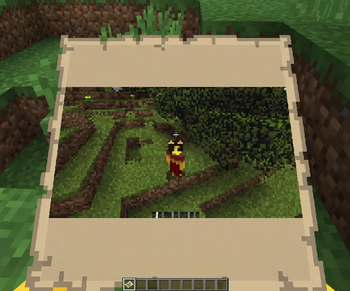
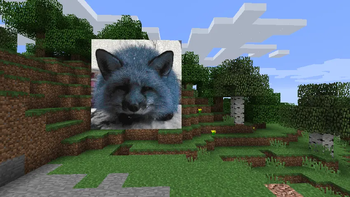
About this Mod
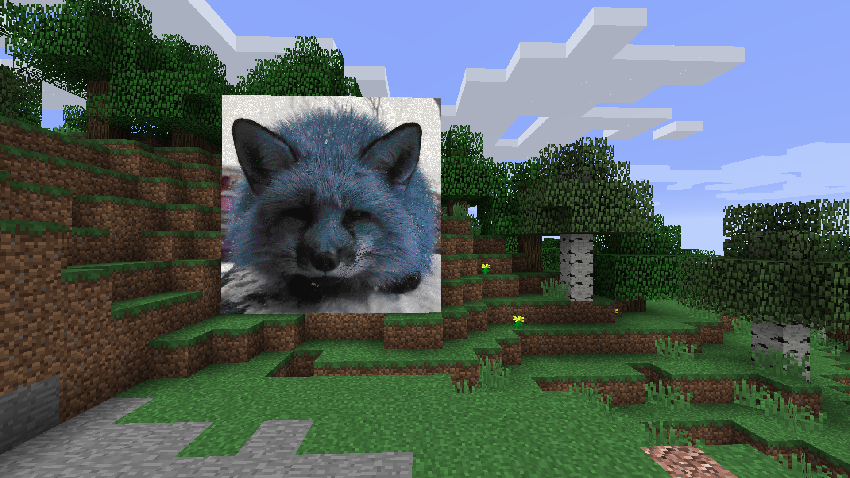
This mod allows you to import images from a URL and print them out onto a map into your world. It essentially serves as a backport of image2map to 1.12.2, although some of its mechanics are different (see below).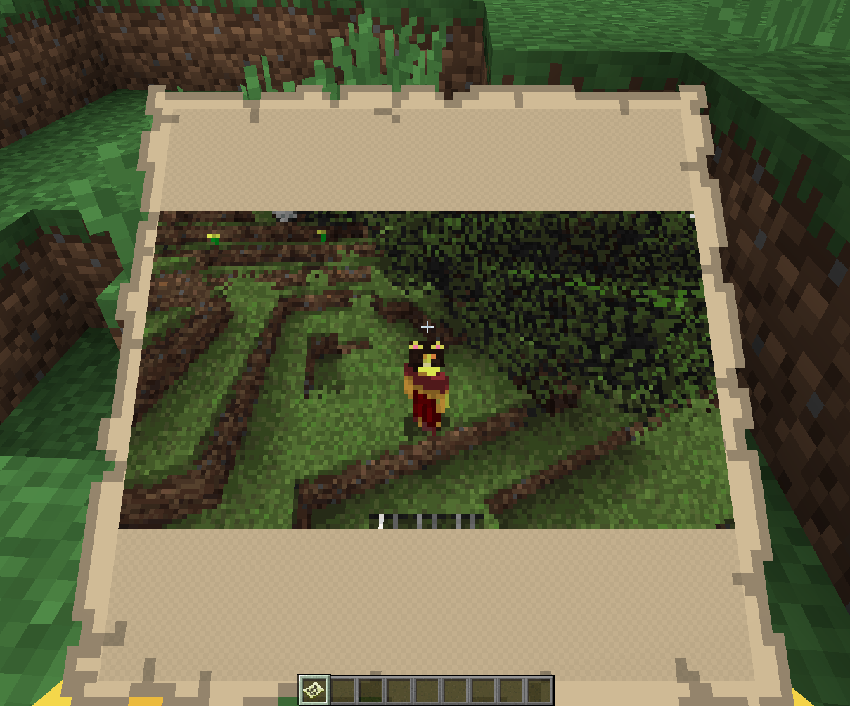
Although 1.12.2 is usually played for modding nowawadays, this mod still works entirely serverside. Clients do not need the mod installed to use it on your server.
USAGE
You can simply give yourself a single map of the image using:
/imagemap <url>
You can also change the scale of the map using:
/imagemap <url> scale <scale>
OR:
/imagemap <url> scale <scale> <width> <height>
You can apply dithering to images:
/imagemap <url> dither
When processing multiple images, apply the start= or end= flags to only give yourself maps corresponding to segments of the image:
/imagemap <url> scale <scale> start=<start> end=<end>
There are a few other options available to use, you can alter the threshold at which pixels will be rendered as transparent on the map:
/imagemap <url> scale <scale> <transparency>
OR:
/imagemap <url> <width> <height> <transparency>
To remove transparency:
/imagemap <url> removealpha
To figure out how many maps will be output as a result of running a command:
/imagemap <url> test
To stretch an image out to fit the entire width and height:
/imagemap <url> letterbox
You can also clear held maps using:
/imagemap unfill
and clear cached data (including color maps and map color bytes):
/imagemap clear
Most of this is configurable, some options include whether non-ops can use the command or not, and whether maps should require empty maps in your inventory in survival when running the command. You can also customize the command to use up any custom item and damage value, which can be helpful in modpacks.
Available Versions
How to Install Legacy Image Maps on Your Server
Order Server
Order a Minecraft Java server with at least 3 GB RAM (4 GB recommended).
Set forge Loader
In the panel under "Egg", select the forge loader and matching Minecraft version (1.12.2).
Install Mod
Open the mod browser in the dashboard and search for "Legacy Image Maps". Click "Install" – done! Alternatively, upload the .jar via SFTP to the /mods folder.
Compatibility
Mod Loaders
Minecraft Versions
1.12.2
Server-side
✓ RequiredRecommended RAM
4 GB(min. 3 GB)Frequently Asked Questions
Legacy Image Maps server crashes on startup – what to do?
Most common cause: wrong forge version or insufficient RAM. Check the server log (latest.log) for "OutOfMemoryError" or "Mixin" errors. With Mado Hosting: ensure at least 3 GB RAM is allocated and the loader matches the mod version (1.12.2). You can switch loaders with one click in the panel.
Is Legacy Image Maps compatible with forge?
Legacy Image Maps officially supports forge for Minecraft 1.12.2. The Mado dashboard automatically detects incompatible loader combinations.
Server lagging with Legacy Image Maps – how to optimize performance?
Recommended RAM: 4 GB (per 8 players). Use /spark profiler to check if Legacy Image Maps consumes the most tick time. Common fixes: reduce server view-distance to 8-10, install "performant" or "starlight" as supplementary mods on Forge. With Mado Hosting, your server runs on NVMe SSDs with dedicated CPU cores for minimal latency.
Similar Mods

![[ETF] Entity Texture Features](https://cdn.modrinth.com/data/BVzZfTc1/af683d206d50b05258d865b0d6e4aa2f2cee12f2_96.webp)
![[EMF] Entity Model Features](https://cdn.modrinth.com/data/4I1XuqiY/6e5bbd0d06b1741bfdab6c0cfab6de8fdaf0064c_96.webp)



Rent Modded Server
Install Legacy Image Maps with just one click on your server.