
LibrGetter
Over-engineered librarian trade finder for fabric.
Screenshots


About this Mod
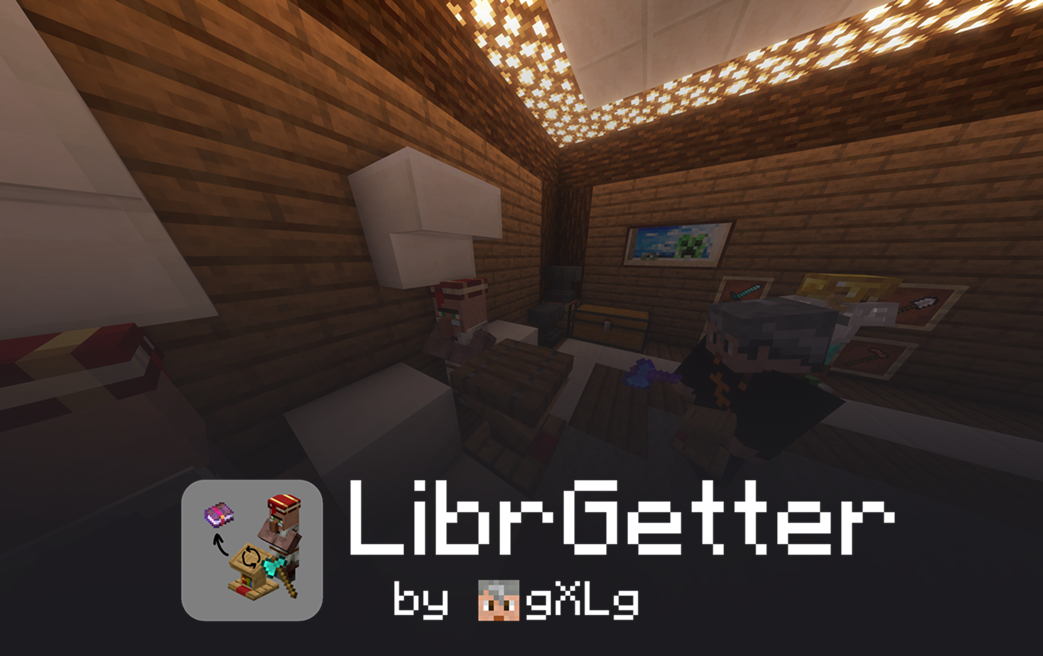
Over-Engineered Librarian Trade Finder for Fabric
A highly configurable fabric mod to automatically cycle a librarian villager for the desired enchantment by replacing his lectern
|
Works in singleplayer and on servers, and has to be installed only on the client 
|
All Minecraft versions from 1.17 up to 26.1.2 - with a single JAR file

|
||
|
Active community and regular updates 

|
Support me by downloading from Modrinth or making a small donation 

|
[!WARNING]
If you have used the mod before versionv3.2.0, upon updating, your configuration will be reset to the default values.
Please make sure to back up your configuration file before updating, if necessary.
Features
- Fully automatic and highly efficient
- Compatible with many other client-side mods for librarian villagers
- Very customizable process with many configuration options
- Stable against multiple lag types
- Supports enchantments tags up from
1.19.3 - Configurable through client-side commands and in-game GUIs
Installation
Download LibrGetter from the Modrinth page
and place the downloaded JAR file in your Minecraft mods folder.
Make sure, you also have the following dependencies installed:
- Fabric API - required for communication between the mod and the game
- Version't Library - required for supporting multiple Minecraft versions with a single JAR file
Quick Guide
- Add enchantments to the goals list using
/librget add <enchantment> [level] [price]or
by opening the goals list GUI using , (comma) - Change configs to your liking using the config GUI, open it by pressing K
- Stand close to the librarian and his lectern and press J to start the process
- Stop the process by pressing J again
- ... or wait until the desired enchantment is found
- Enjoy your new enchantment!
Documentation
A more detailed explanation can be found in the documentation.
Localization
LibrGetter supports localization and currently implements the following languages:
- English 🇺🇸
- German 🇩🇪
- Russian 🇷🇺
- Vietnamese 🇻🇳 (thanks @ToanAnh312)
- Japanese 🇯🇵 (thanks @H1ggsK)
- Spanish 🇪🇸
- Turkish 🇹🇷 (thanks @EmirOven)
- Polish 🇵🇱 (thanks @Pulpasek)
- Hebrew 🇮🇱 (thanks @TheRealHSQ32)
You may request further languages or suggest improvements in the issues or
the Discord Community
About Me
I am a computer science student in Germany and have a part-time job at a tech company.
Apart from that, I enjoy my free time by spending it with friends, chatting online or gaming.
If you want to keep this project alive, found it helpful or just want to support and motivate me to go on,
you could consider making a small ☕ donation.
Available Versions
How to Install LibrGetter on Your Server
Order Server
Order a Minecraft Java server with at least 3 GB RAM (4 GB recommended).
Set fabric Loader
In the panel under "Egg", select the fabric loader and matching Minecraft version (26.1.2).
Install Mod
Open the mod browser in the dashboard and search for "LibrGetter". Click "Install" – done! Alternatively, upload the .jar via SFTP to the /mods folder.
Compatibility
Mod Loaders
Minecraft Versions
26.1.2, 26.1.1, 26.1 (+31 more)
Server-side
✗ UnsupportedRecommended RAM
4 GB(min. 3 GB)Frequently Asked Questions
LibrGetter server crashes on startup – what to do?
Most common cause: wrong fabric version or insufficient RAM. Check the server log (latest.log) for "OutOfMemoryError" or "Mixin" errors. With Mado Hosting: ensure at least 3 GB RAM is allocated and the loader matches the mod version (26.1.2). You can switch loaders with one click in the panel.
Is LibrGetter compatible with fabric?
LibrGetter officially supports fabric for Minecraft 26.1.2, 26.1.1, 26.1. The Mado dashboard automatically detects incompatible loader combinations.
Server lagging with LibrGetter – how to optimize performance?
Recommended RAM: 4 GB (per 8 players). Use /spark profiler to check if LibrGetter consumes the most tick time. Common fixes: reduce server view-distance to 8-10, install "performant" or "starlight" as supplementary mods on Forge. With Mado Hosting, your server runs on NVMe SSDs with dedicated CPU cores for minimal latency.
Similar Mods




![[ETF] Entity Texture Features](https://cdn.modrinth.com/data/BVzZfTc1/af683d206d50b05258d865b0d6e4aa2f2cee12f2_96.webp)
![[EMF] Entity Model Features](https://cdn.modrinth.com/data/4I1XuqiY/6e5bbd0d06b1741bfdab6c0cfab6de8fdaf0064c_96.webp)
Rent Modded Server
Install LibrGetter with just one click on your server.