
Limelight
A command palette for Minecraft, reminiscent of macOS's Spotlight
Screenshots
About this Mod
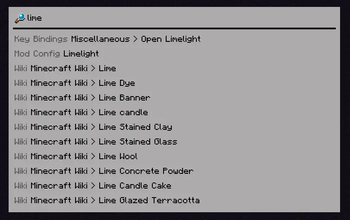
Ever used Spotlight from macOS, KDE's KRunner or Visual Studio Code's Command Palette? Did you ever wish that Minecraft had a similar feature? Anybody?
Limelight is a mod meant to add a command palette similar in design to macOS's Spotlight. Just press the [ key (configurable via keybind) and start typing!
Features
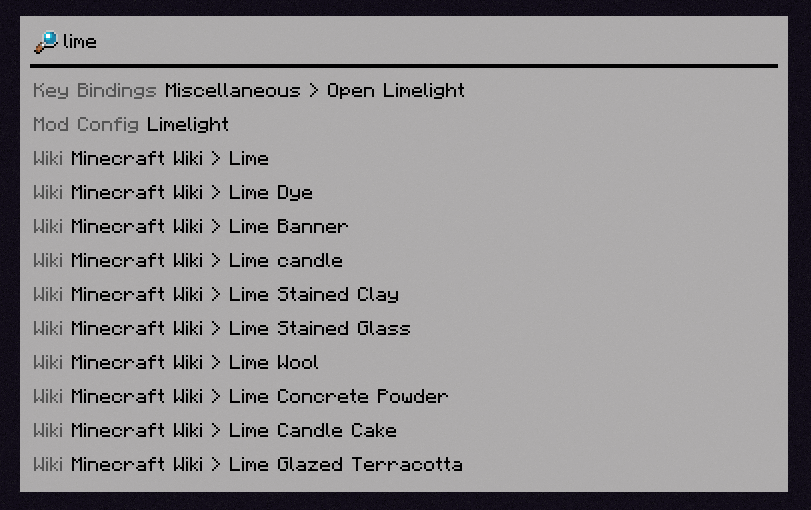
Invoke Keybinds
Similar in spirit to Too Many Binds, you can search for key bindings (even unbound ones) and run them from the command palette.

Open Mod Configs
If you have Mod Menu installed, you can search for mods' names to open their respective config screens.

Calculator
Limelight includes a basic calculator that can be used to do quick math without leaving Minecraft.

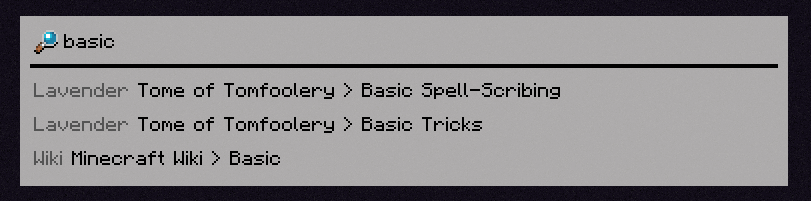
Open Lavender Entries
If you have any mod's Lavender book in your inventory, you can search for any entry from that book and immediately open it.
Query Wikis
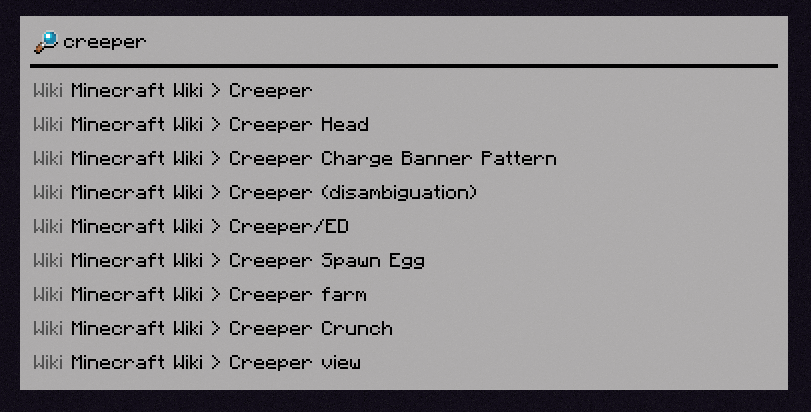
You can search through the Minecraft Wiki (and any wikis you manually add with a resource pack).
Bangs
You can specify what specifically you want to search for with a !bang, a feature borrowed from DuckDuckGo.
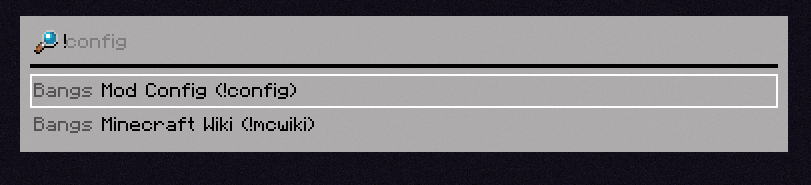
[INSERT FEATURE HERE]
Limelight includes an API for making extensions (which the aforementioned built-in extensions use themselves), which you can use in your mod to add compatibility or write a full-fledged Limelight addon.
Available Versions
How to Install Limelight on Your Server
Order Server
Order a Minecraft Java server with at least 3 GB RAM (4 GB recommended).
Set fabric Loader
In the panel under "Egg", select the fabric loader and matching Minecraft version (1.21.5).
Install Mod
Open the mod browser in the dashboard and search for "Limelight". Click "Install" – done! Alternatively, upload the .jar via SFTP to the /mods folder.
Compatibility
Mod Loaders
Minecraft Versions
1.21.5, 1.21.1, 1.21
Server-side
✗ UnsupportedRecommended RAM
4 GB(min. 3 GB)Frequently Asked Questions
Limelight server crashes on startup – what to do?
Most common cause: wrong fabric version or insufficient RAM. Check the server log (latest.log) for "OutOfMemoryError" or "Mixin" errors. With Mado Hosting: ensure at least 3 GB RAM is allocated and the loader matches the mod version (1.21.5). You can switch loaders with one click in the panel.
Is Limelight compatible with fabric?
Limelight officially supports fabric for Minecraft 1.21.5, 1.21.1, 1.21. The Mado dashboard automatically detects incompatible loader combinations.
Server lagging with Limelight – how to optimize performance?
Recommended RAM: 4 GB (per 8 players). Use /spark profiler to check if Limelight consumes the most tick time. Common fixes: reduce server view-distance to 8-10, install "performant" or "starlight" as supplementary mods on Forge. With Mado Hosting, your server runs on NVMe SSDs with dedicated CPU cores for minimal latency.
Similar Mods




![[ETF] Entity Texture Features](https://cdn.modrinth.com/data/BVzZfTc1/af683d206d50b05258d865b0d6e4aa2f2cee12f2_96.webp)
![[EMF] Entity Model Features](https://cdn.modrinth.com/data/4I1XuqiY/6e5bbd0d06b1741bfdab6c0cfab6de8fdaf0064c_96.webp)
Rent Modded Server
Install Limelight with just one click on your server.