
Limitbreak
Minecraft transformed into a roguelite wave-survival RPG with classes, relics, bosses, and permanent progression.
Screenshots
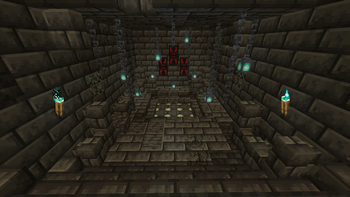
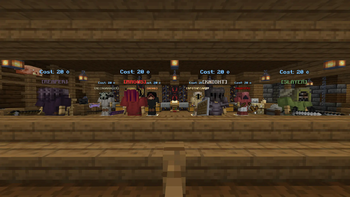


![[MAGUS] Gameplay](https://cdn.modrinth.com/data/jrQNd7YW/images/fd66d3219fa85bbbe47f5819cb045ba528782627_350.webp)
About this Mod
📜 About
LIMITBREAK is a mechanic-heavy wave-based roguelite gamemode built for 2–6 players.
Start with nothing and survive escalating waves of custom enemies. Build powerful combinations through classes, relics, enchantments, and gear as the arena becomes increasingly hostile.
Defeat powerful bosses every 20 waves, adapt your build to each run, and push towards Wave 100 where the final boss awaits. Every run is different, and every mistake can be fatal.
How far can you make it before the arena swallows you whole?
This datapack was made in complete vanilla, no plugins, mods, or dependencies required. Simply download the .zip file and drop it in the world's datapack folder.
LIMITBREAK uses per-player commands for its classes, abilities, and mob behaviour. All players must be /op for these systems to function correctly.
🗡️ Content
50+ Custom Mobs featuring unique abilities, attack patterns, elite variants, and exclusive drops.
8 Specialized Classes with distinct playstyles, progression paths, active abilities, and stat upgrades.
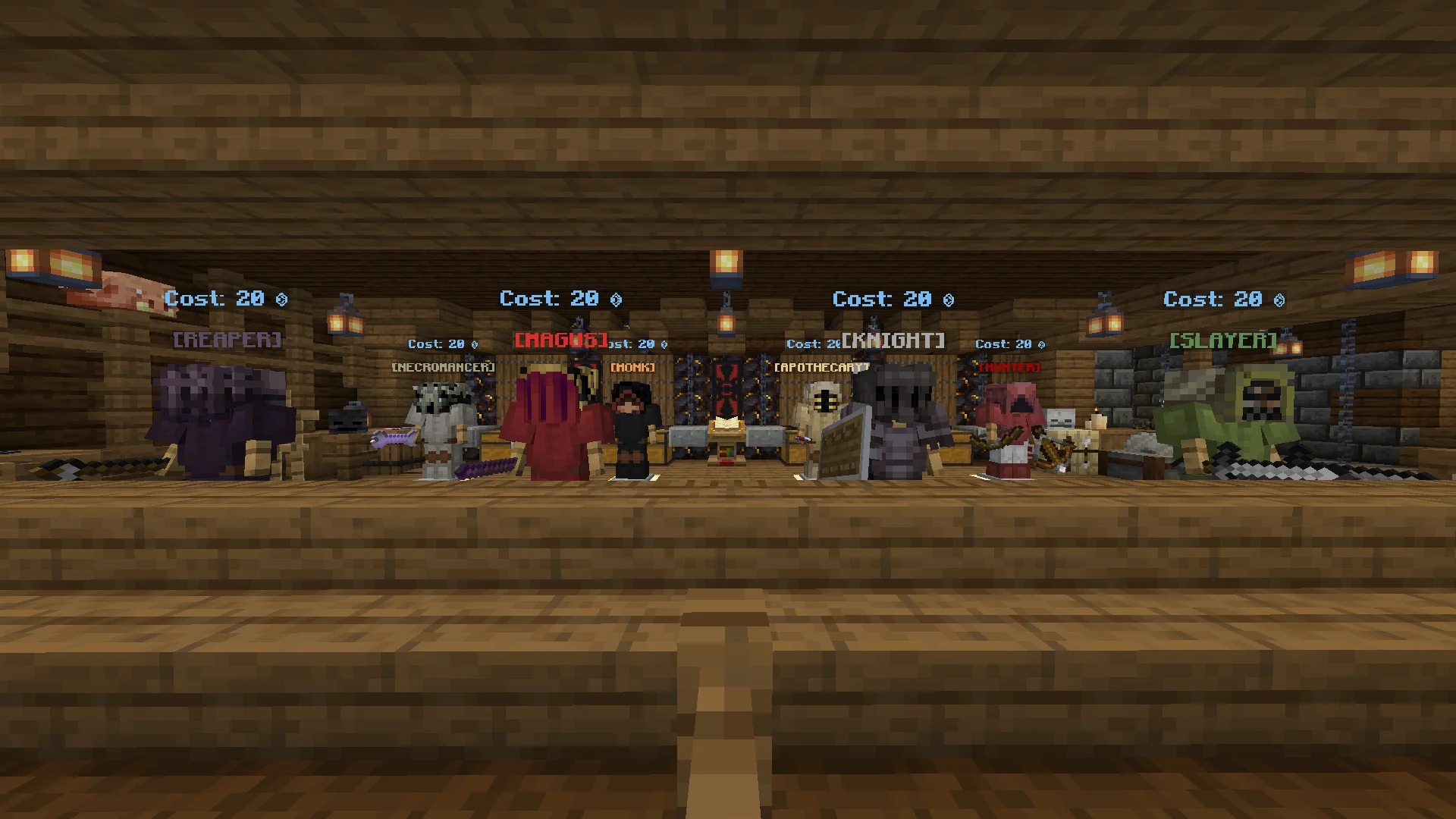
26+ Relics that can dramatically alter your build through passive, conditional, or activated effects.
Hundreds of Custom Items including weapons, enchantments, consumables, upgrades, and more.
Custom Armor Sets, each offering powerful bonuses beyond Netherite equipment.
Dangerous Boss Encounters with unique mechanics, attack phases, and arena-wide threats.
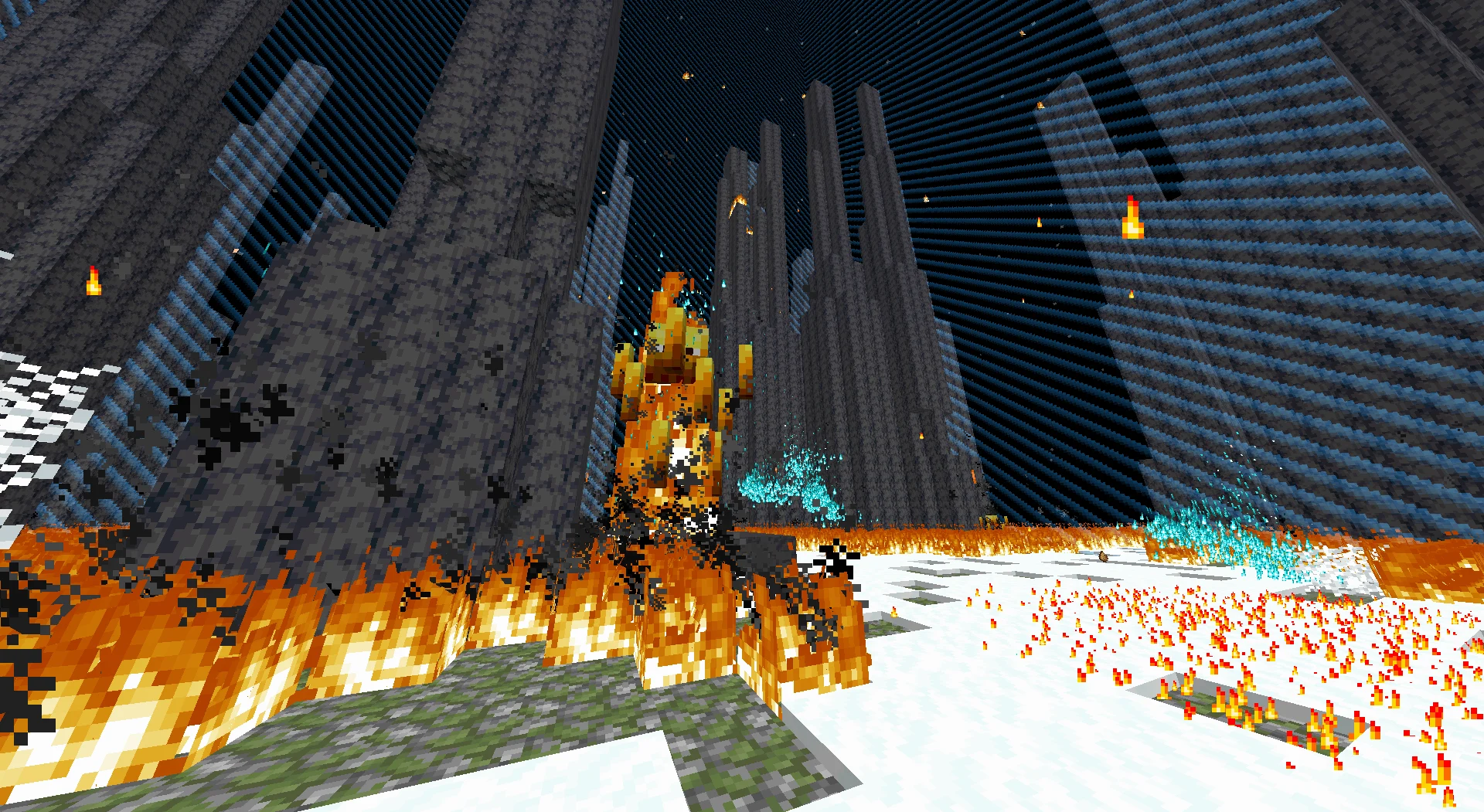
- Persistent Progression through Credits, unlocks, world upgrades, and future runs.
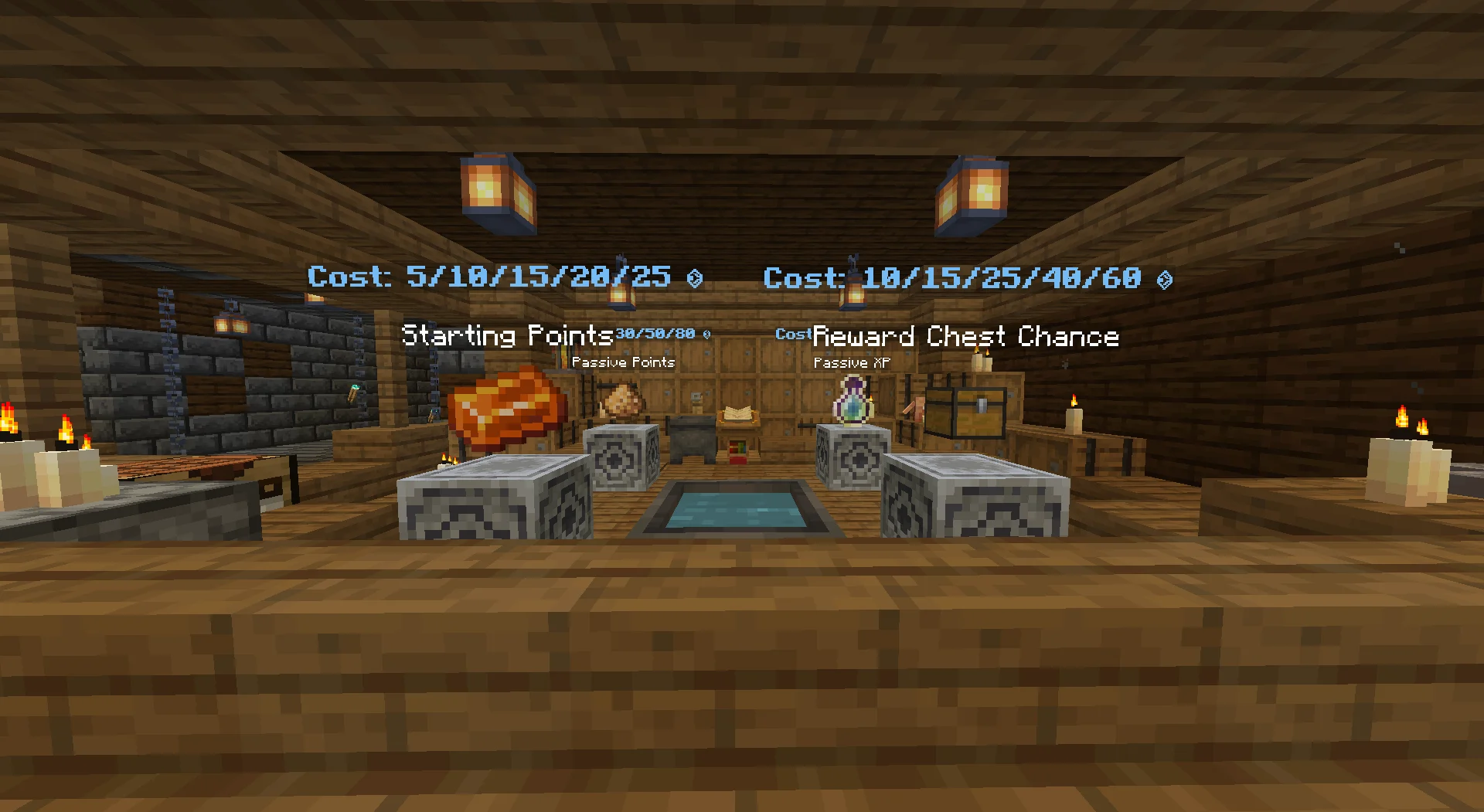
📖 Guide
Starting a Run
Spawn in the Hub and enter the teleporter to begin a run. Every player starts with no gear and must earn equipment, upgrades, and resources throughout the run.
Core Gameplay
- Survive increasingly difficult waves of enemies.
- Earn Points by defeating mobs.
- Spend Points on upgrades, equipment, and other rewards.
- Defeat bosses every 20 waves to continue progressing.
- Discover relics, enchantments, and powerful gear to strengthen your build.
- Work together to survive as long as possible.
Outcomes
Defeat
If all players die, the run ends and everyone returns to the Hub. Points earned during the run are converted into Credits.Victory
Reach Wave 100 and defeat the final boss to complete the run. Successful runs award bonus Credits in addition to your earned Points.
Useful Commands
/trigger ClassInfo- View information about all available classes./trigger StatCheck- View your current stats./trigger EndRun- End the current run and return to the Hub.
⚠️ Warning
LIMITBREAK is developed solo as a hobby project. Updates are not on a regular schedule. Join the Limitbreak Discord Server linked on this page for bug reports, questions, and feedback. I would genuinely appreciate it.
Although there are versions with mod loaders, those versions are untested and its much more recommended to download the datapack versions.
🪙 Credits
I used some online resources to develop this datapack, I would like to credit them in this section, check them out if you're interested.
Minecraft Heads (https://minecraft-heads.com/)

MCStacker (https://mcstacker.net/)
Misode Generators (https://misode.github.io/)
Cloud Wolf's Particle Plotter (https://cloudwolfyt.github.io/pages/gens/particle-plots.html)
Available Versions
How to Install Limitbreak on Your Server
Order Server
Order a Minecraft Java server with at least 3 GB RAM (4 GB recommended).
Set datapack Loader
In the panel under "Egg", select the datapack loader and matching Minecraft version (1.21.4).
Install Mod
Open the mod browser in the dashboard and search for "Limitbreak". Click "Install" – done! Alternatively, upload the .jar via SFTP to the /mods folder.
Compatibility
Mod Loaders
Minecraft Versions
1.21.4
Server-side
✓ RequiredRecommended RAM
4 GB(min. 3 GB)Frequently Asked Questions
Limitbreak server crashes on startup – what to do?
Most common cause: wrong datapack version or insufficient RAM. Check the server log (latest.log) for "OutOfMemoryError" or "Mixin" errors. With Mado Hosting: ensure at least 3 GB RAM is allocated and the loader matches the mod version (1.21.4). You can switch loaders with one click in the panel.
Is Limitbreak compatible with datapack and fabric and forge and neoforge and quilt?
Limitbreak officially supports datapack, fabric, forge, neoforge, quilt for Minecraft 1.21.4. Note: Forge and Fabric mods are NOT cross-compatible – pick one loader and stick with it. The Mado dashboard automatically detects incompatible loader combinations.
Server lagging with Limitbreak – how to optimize performance?
Recommended RAM: 4 GB (per 8 players). Use /spark profiler to check if Limitbreak consumes the most tick time. Common fixes: reduce server view-distance to 8-10, install "performant" or "starlight" as supplementary mods on Forge. With Mado Hosting, your server runs on NVMe SSDs with dedicated CPU cores for minimal latency.
Similar Mods




Rent Modded Server
Install Limitbreak with just one click on your server.