
Limitless options
This mod removes the Minecraft bug fix MC-51418.
Screenshots
About this Mod
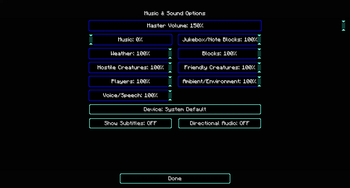
In the normal configuration you can go up to the highest settings. In the text file you are able to put the settings higher. But the limits will be put down back again. To prevent the resent you can use the "Limitless options".
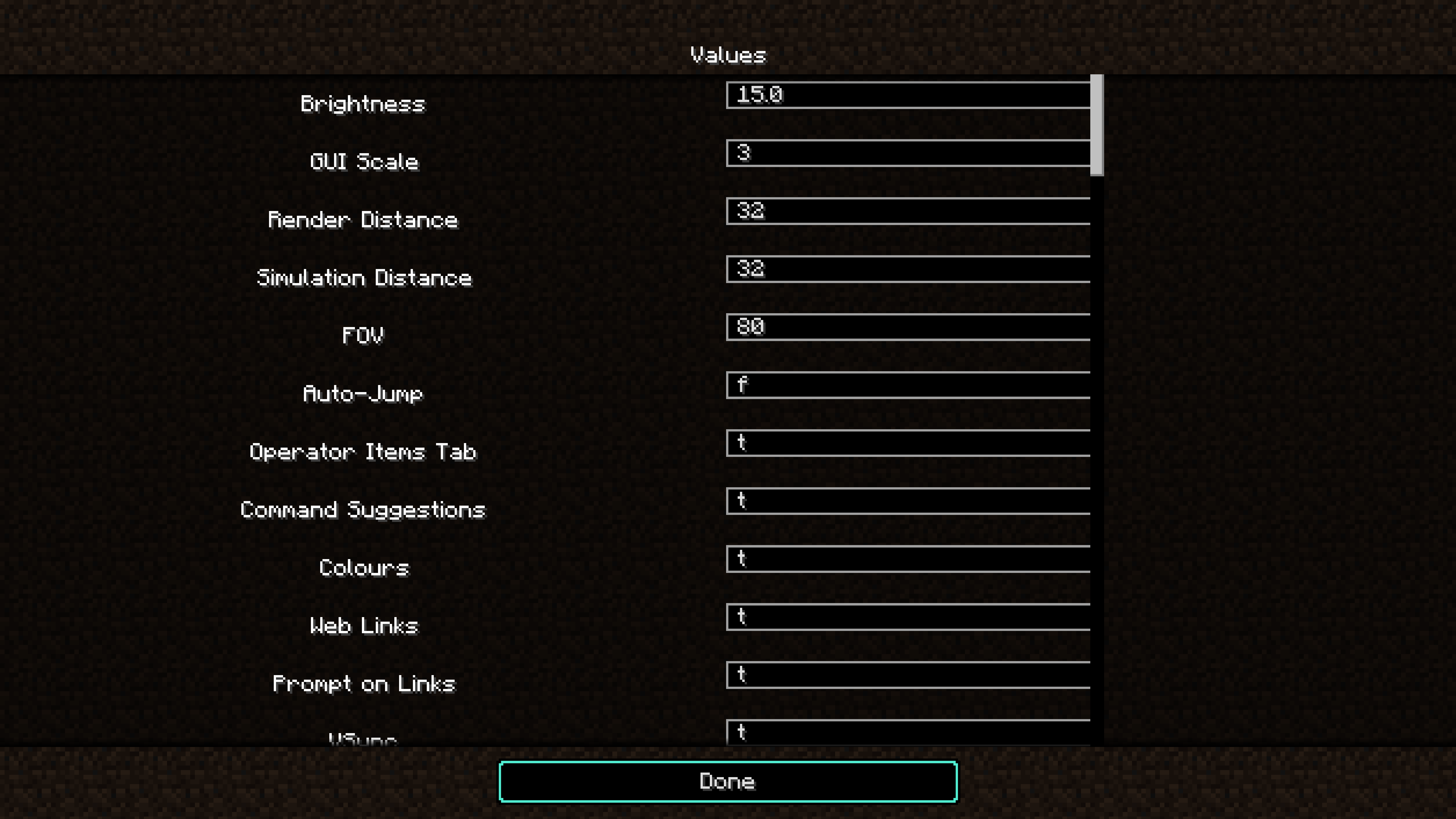
Limitless options allow to set options values out of the range. For example a Gamma from 2000%. If you set an value out of the range, it may can brake something, please be careful.
You can do this via the "options.txt". This file is anther ~/.minecraft/options.txt
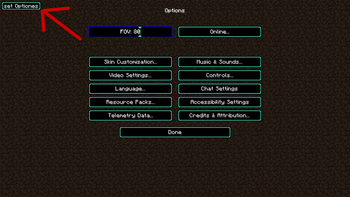
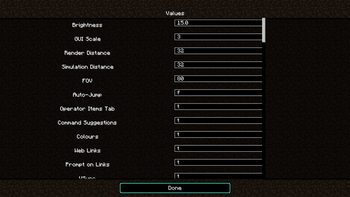
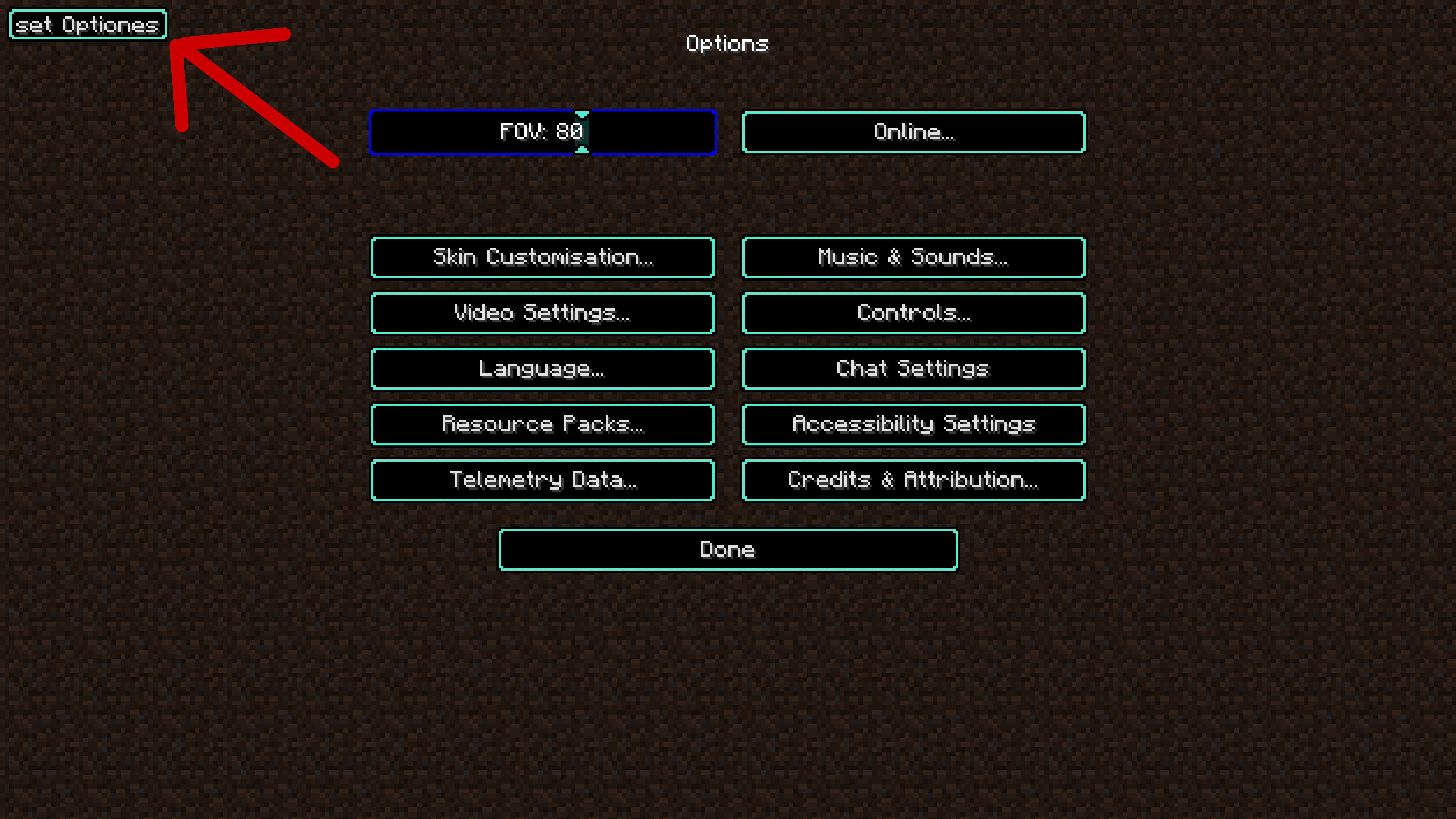
The mod provide a in game option setter. You can disable the button in the config file. This feature is sill very new and not complied jet. In the version 12 it only support Int, double, boolean. Support for enum will bee added in the future.
Known issues:
- The performance boost features breaks when render distance fix is switched on.
Notice:
- Cunks over 35 will not update for performance improvement(+~120 fps, - 40 mspt). Only for versions higher than version 4 inclusive.
- Add optional slider out of range fix. Can enable and disable in the config fie. Only for versions higher than version 7 inclusive.
- Add render distance fix (pre pre pre alpha and may can break the chunk loaden). Can enable and disable in the config fie. Only for versions higher than version 8 inclusive.
Available Versions
How to Install Limitless options on Your Server
Order Server
Order a Minecraft Java server with at least 3 GB RAM (4 GB recommended).
Set neoforge Loader
In the panel under "Egg", select the neoforge loader and matching Minecraft version (26.1.2).
Install Mod
Open the mod browser in the dashboard and search for "Limitless options". Click "Install" – done! Alternatively, upload the .jar via SFTP to the /mods folder.
Compatibility
Mod Loaders
Minecraft Versions
26.1.2, 26.1.1, 26.1 (+17 more)
Server-side
~ OptionalRecommended RAM
4 GB(min. 3 GB)Frequently Asked Questions
Limitless options server crashes on startup – what to do?
Most common cause: wrong neoforge version or insufficient RAM. Check the server log (latest.log) for "OutOfMemoryError" or "Mixin" errors. With Mado Hosting: ensure at least 3 GB RAM is allocated and the loader matches the mod version (26.1.2). You can switch loaders with one click in the panel.
Is Limitless options compatible with neoforge?
Limitless options officially supports neoforge for Minecraft 26.1.2, 26.1.1, 26.1. The Mado dashboard automatically detects incompatible loader combinations.
Server lagging with Limitless options – how to optimize performance?
Recommended RAM: 4 GB (per 8 players). Use /spark profiler to check if Limitless options consumes the most tick time. Common fixes: reduce server view-distance to 8-10, install "performant" or "starlight" as supplementary mods on Forge. With Mado Hosting, your server runs on NVMe SSDs with dedicated CPU cores for minimal latency.
Similar Mods




Rent Modded Server
Install Limitless options with just one click on your server.