
Linked Chests
Tired of endless trips between storage rooms? Synchronize your storage, save time, and manage your resources with ease!
Screenshots
About this Mod
Linked Chests – Organize Your Storage Like Never Before!
Tired of endless trips between storage rooms? With Linked Chests, you can connect multiple chests across your world, keeping your loot organized and accessible from anywhere! Synchronize your storage, save time, and manage your resources with ease!
Linked Chest Creation
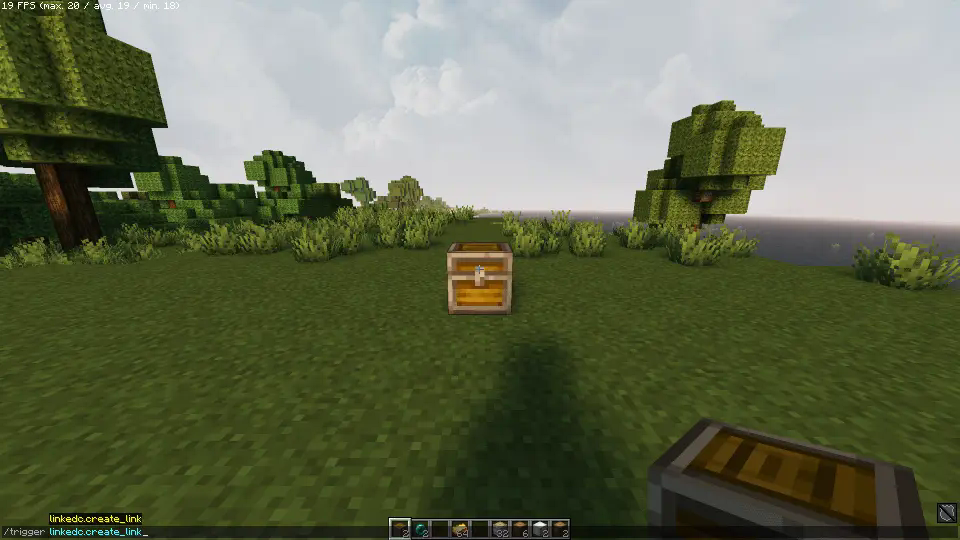
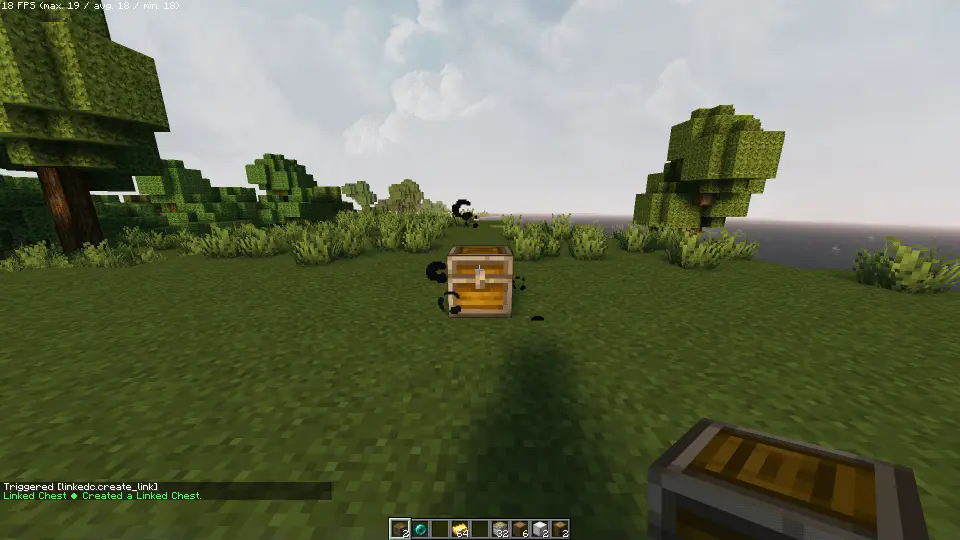
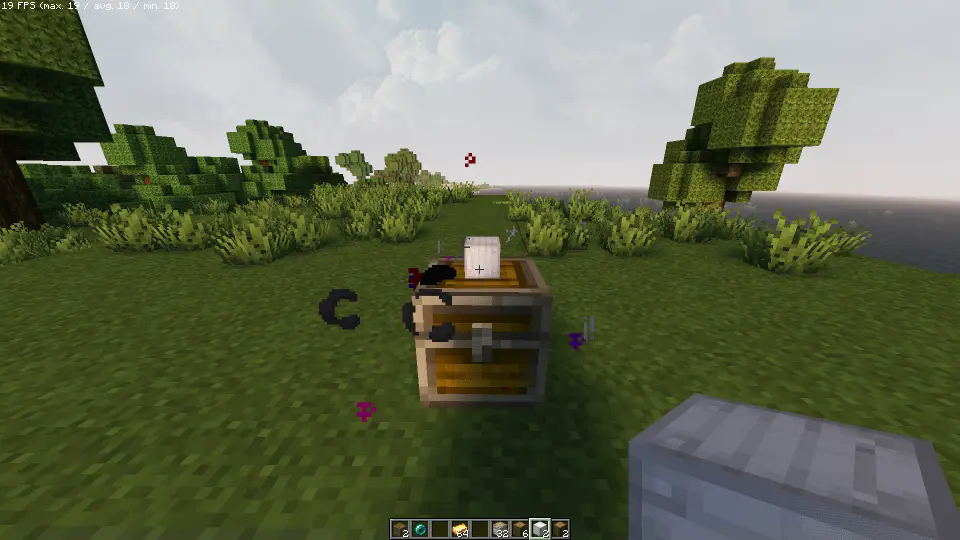
To begin, place a chest where you want and look directly at it. Execute the command /trigger linkedc.create_link while having an Ender Pearl in your inventory. Particles will appear to show the Linked Chest is created but not yet linked.
Spoiler
Linking Chests
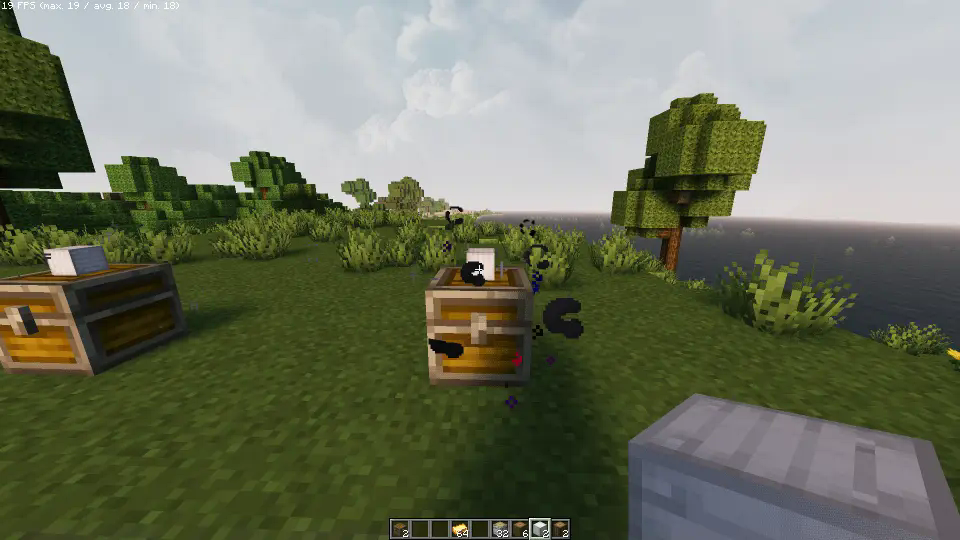
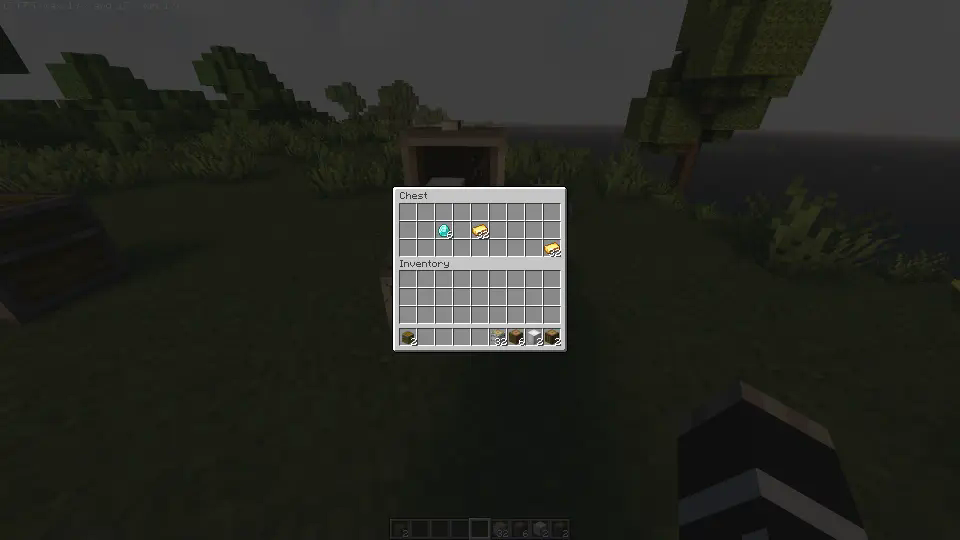
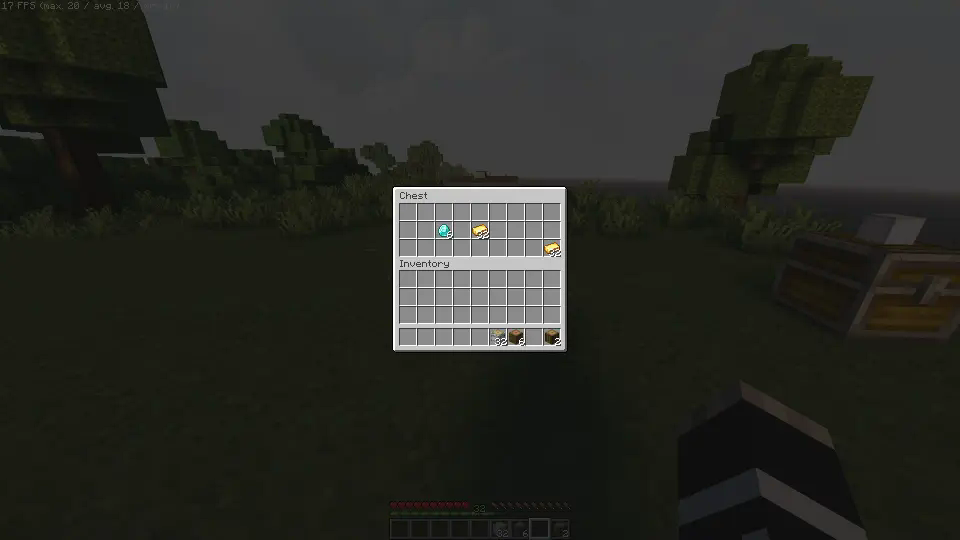
Each Linked Chest is synced using a special item. Simply right-click on top the chest while holding the item you want to link. All chests linked with the same item will now be synchronized, sharing their contents instantly.
Let's create 2 Linked Chests to see
Breaking Linked Chests
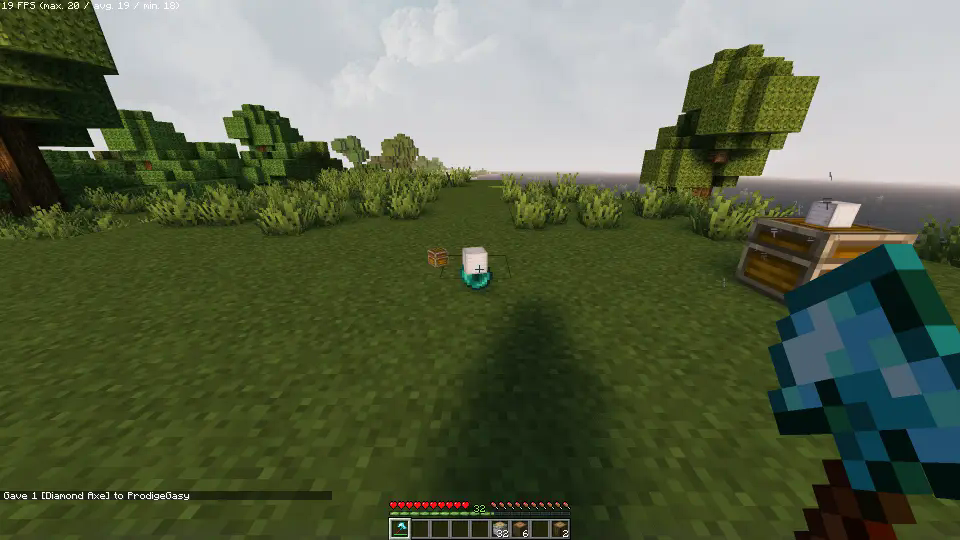
To remove a Linked Chest, break it. The Ender Pearl and linking item will be returned. Hold sneak while breaking the chest to drop the contents as well. If other Linked Chests still exist, items won’t drop unless it's the last chest linked to that item.
Spoiler
Uninstalling
Ready to say goodbye to the Datapack? No problem! Simply follow these simple steps:
- Access the Chat Window.
- Enter the Uninstall Command and press Enter:
/function linked_chests:uninstall
- You can now remove it safely from the Datapacks folder, every trace of the datapack has been removed.
Additional Notes
- Compatible with all other datapacks, following the standard conventions.
- This datapack was coded using JMC
Available Versions
How to Install Linked Chests on Your Server
Order Server
Order a Minecraft Java server with at least 3 GB RAM (4 GB recommended).
Set datapack Loader
In the panel under "Egg", select the datapack loader and matching Minecraft version (1.21.1).
Install Mod
Open the mod browser in the dashboard and search for "Linked Chests". Click "Install" – done! Alternatively, upload the .jar via SFTP to the /mods folder.
Compatibility
Mod Loaders
Minecraft Versions
1.21.1, 1.21
Server-side
✓ RequiredRecommended RAM
4 GB(min. 3 GB)Frequently Asked Questions
Linked Chests server crashes on startup – what to do?
Most common cause: wrong datapack version or insufficient RAM. Check the server log (latest.log) for "OutOfMemoryError" or "Mixin" errors. With Mado Hosting: ensure at least 3 GB RAM is allocated and the loader matches the mod version (1.21.1). You can switch loaders with one click in the panel.
Is Linked Chests compatible with datapack and fabric and forge and neoforge and quilt?
Linked Chests officially supports datapack, fabric, forge, neoforge, quilt for Minecraft 1.21.1, 1.21. Note: Forge and Fabric mods are NOT cross-compatible – pick one loader and stick with it. The Mado dashboard automatically detects incompatible loader combinations.
Server lagging with Linked Chests – how to optimize performance?
Recommended RAM: 4 GB (per 8 players). Use /spark profiler to check if Linked Chests consumes the most tick time. Common fixes: reduce server view-distance to 8-10, install "performant" or "starlight" as supplementary mods on Forge. With Mado Hosting, your server runs on NVMe SSDs with dedicated CPU cores for minimal latency.
Similar Mods




Rent Modded Server
Install Linked Chests with just one click on your server.