
Login Music
A simple Minecraft mod that can play music when players join in the world.
Screenshots
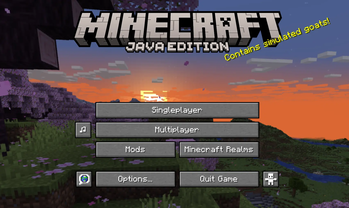

About this Mod
A simple Minecraft mod that can play music when players join in the world.
This mod uses AI to assist in development.
Inspired by TartaricAcid's Net Music !
| Milestone | Big changes |
|---|---|
| 1.1.0 | javafx has given place to com.googlecode.soundlibs:mp3spi, which provides MP3 support now. |
| 1.2.0 | the music config has changed to JSON type. |
| 1.2.1 | Music can be played directly through the Internet without downloading; lyrics support! |
| 1.2.2 | Audio backend loading, Players can receive audio from other players on the server. |
The logo comes from here, designed by juicy_fish.
Functions
- Play music
- Supported file types: mp3, wav
- Music Downloading screen
- Allow download switch
- Play different musics based on the player's name (uuid)
- Show lyrics while playing music
File Structure
All music files are stored in the /LoginMusic folder.
├── {your minecraft version}
    ├── config
    │   ├── login_music-client.toml     # Client config
    │   ├── login_music-server.toml
    │   └── login_music
    │       └── music.json              # Configure specific music
    │
    ├── LoginMusic                      # Store music files
    │   ├── Lyrics
    │   │   ├── music_1.lrc
    │   │   ├── music_2.lrc
    │   │   └── ...
    │   └── MusicCache
    │       ├── music_1.mp3
    │       ├── music_2.wav
    │       └── ...
    └── ...
Configuration
Music Config
Since mod version 1.2.0, the music config has changed to JSON type, just as shown below.
If you enter a server with this mod, the config file on the server has higher priority, which will cover your custom settings.
{
    "musics": [
        {
            "id": "Default",
            "music": "Default.mp3",
            "musicUrl": "https://www.example.com/example.mp3",
            "lyric": "Default.lrc",
            "lyricUrl": "https://www.example.com/example.lrc"
        }, {
            "id": "Steve",
            "music": "login_music.mp3",
            "musicUrl": "https://www.example.com/login_music.mp3",
            "lyric": "login_music.lrc",
            "lyricUrl": "https://www.example.com/login_music.lrc"
        }
    ]
}
The music will be downloaded if
InternetAccessis settrue(the default setting isfalse), otherwise, the music is played through network audio streams, which may cause a short pause when entering a world.
For example, When a player named Steve enters the world, the mod will try to find the music matched the name Steve (in this case it's login_music.mp3 ) in the folder /LoginMusic first.
Then try to download it from its related url if it has failed before.
Tips: If there is a file with the same name in the folder, it will skip the download even if the file does not match the URL.
If more entries need to be configured, please follow the JSON's rule.
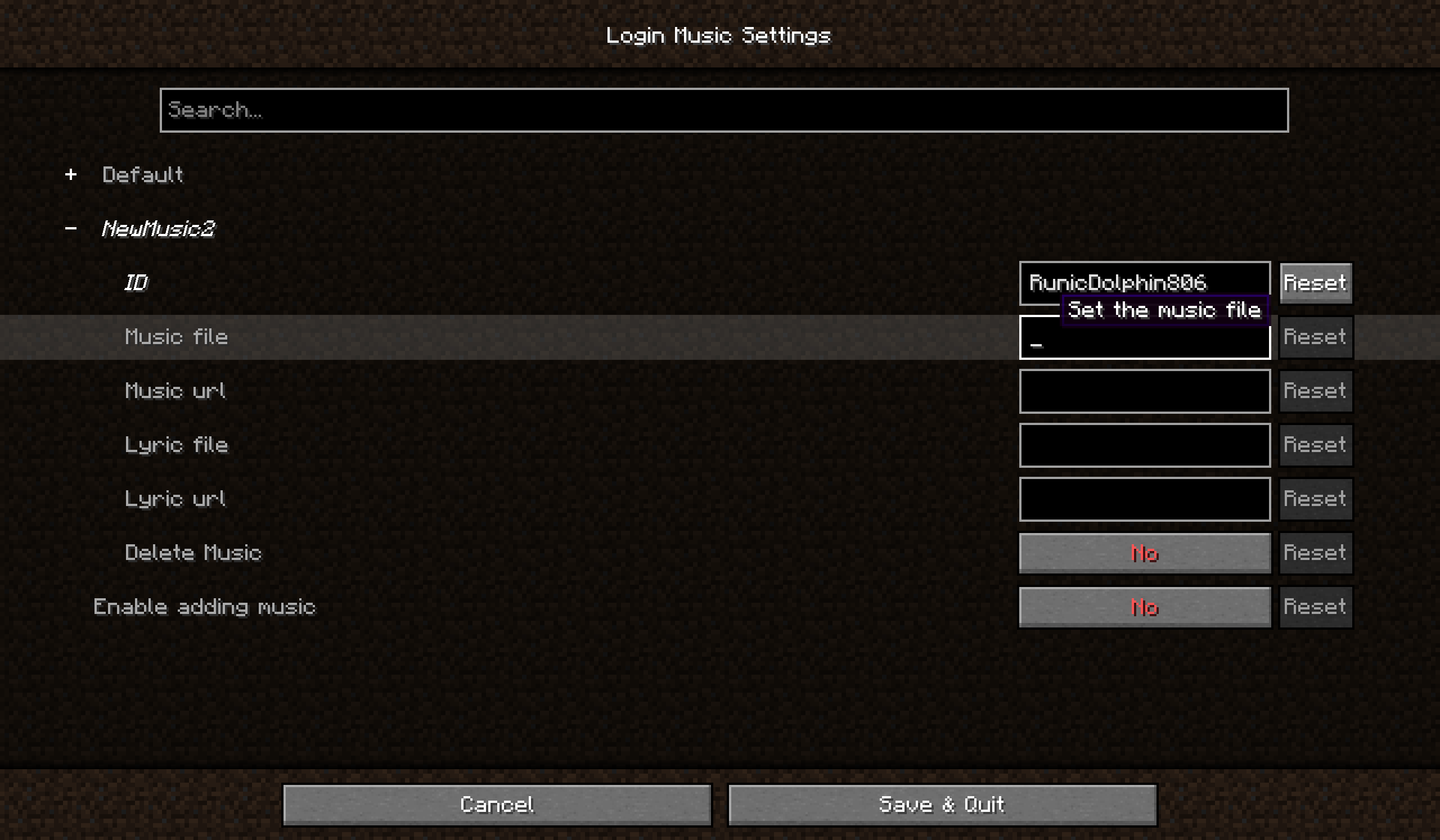
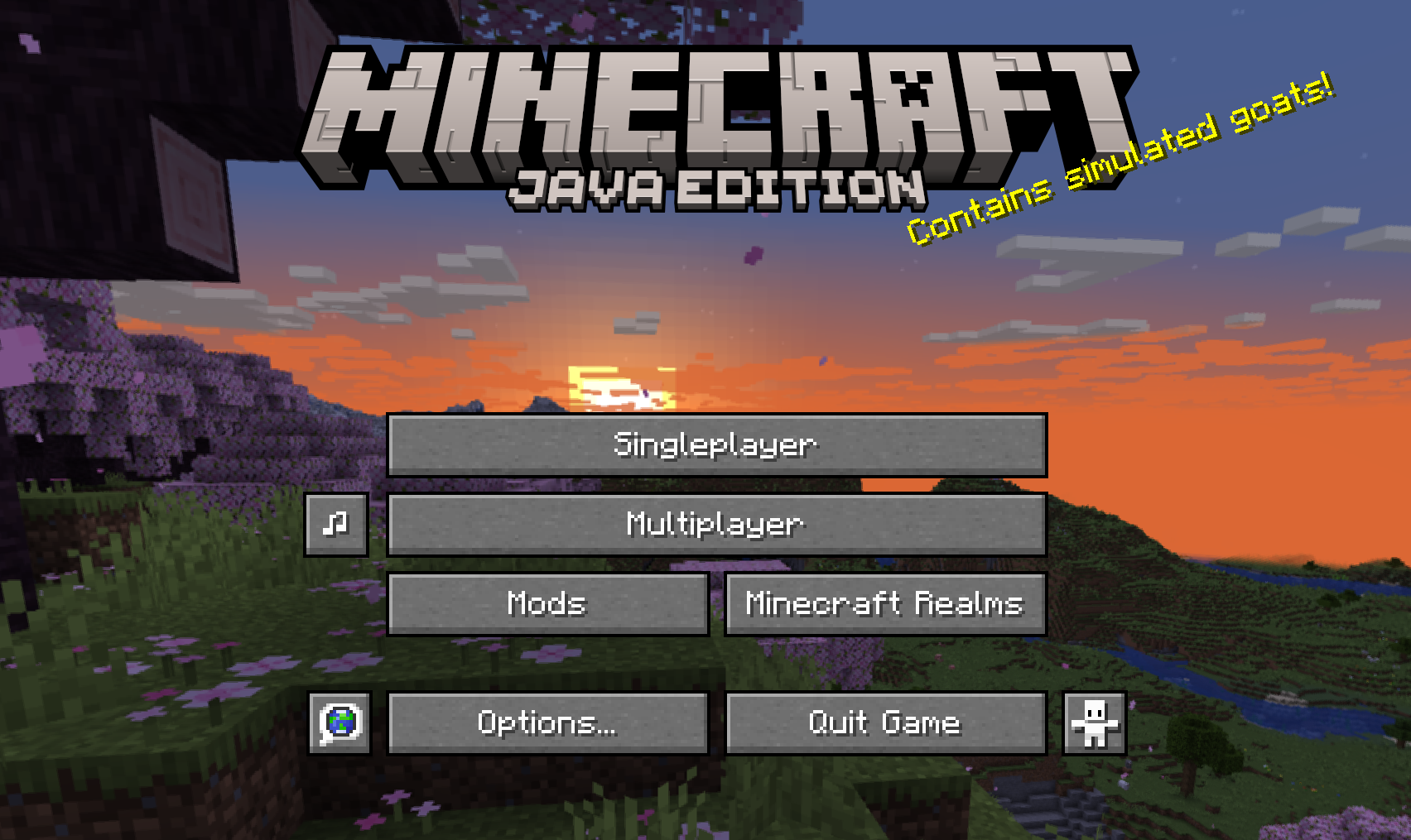
Since mod version 1.2.4, you can open Login Music Config from the main menu if Cloth Config API has been installed.
Client Side
login_music-client.toml is effective only for the client:
[Lyrics]
    #Whether to show lyrics while playing music
    ShowLyrics = true
    #Defines the position of the lyrics
    #Allowed Values: UP, MIDDLE, DOWN
    LyricsPosition = "DOWN"
    #Defines the color of the lyrics you want to use
    LyricsColor = "#FFFFFF"

[Music]
    #Range of music play (a non negative integer)
    # Default: 3
    # Range: 0 ~ 100
    range = 3
    #Whether to allow downloading music from the internet
    InternetAccess = false
    #Whether to play musics from other players
    AllowOthersMusic = true
Server Side
login_music-server.toml:
[Selection]
    #Keywords for music selection (name/uuid)
    #Allowed Values: NAME, UUID
    type = "NAME"
Command
All the commands need permission level 2.
| Command | Function |
|---|---|
/loginmusic reload |
reload config |
/loginmusic list |
show music config available currently |
/loginmusic show <targetPlayer> |
show targetPlayer's music config |
/loginmusic play |
replay your login music |
Available Versions
How to Install Login Music on Your Server
Order Server
Order a Minecraft Java server with at least 3 GB RAM (4 GB recommended).
Set forge Loader
In the panel under "Egg", select the forge loader and matching Minecraft version (1.21.1).
Install Mod
Open the mod browser in the dashboard and search for "Login Music". Click "Install" – done! Alternatively, upload the .jar via SFTP to the /mods folder.
Compatibility
Mod Loaders
Minecraft Versions
1.21.1, 1.20.1
Server-side
✓ RequiredRecommended RAM
4 GB(min. 3 GB)Frequently Asked Questions
Login Music server crashes on startup – what to do?
Most common cause: wrong forge version or insufficient RAM. Check the server log (latest.log) for "OutOfMemoryError" or "Mixin" errors. With Mado Hosting: ensure at least 3 GB RAM is allocated and the loader matches the mod version (1.21.1). You can switch loaders with one click in the panel.
Is Login Music compatible with forge and neoforge?
Login Music officially supports forge, neoforge for Minecraft 1.21.1, 1.20.1. The Mado dashboard automatically detects incompatible loader combinations.
Server lagging with Login Music – how to optimize performance?
Recommended RAM: 4 GB (per 8 players). Use /spark profiler to check if Login Music consumes the most tick time. Common fixes: reduce server view-distance to 8-10, install "performant" or "starlight" as supplementary mods on Forge. With Mado Hosting, your server runs on NVMe SSDs with dedicated CPU cores for minimal latency.
Similar Mods

![[ETF] Entity Texture Features](https://cdn.modrinth.com/data/BVzZfTc1/af683d206d50b05258d865b0d6e4aa2f2cee12f2_96.webp)
![[EMF] Entity Model Features](https://cdn.modrinth.com/data/4I1XuqiY/6e5bbd0d06b1741bfdab6c0cfab6de8fdaf0064c_96.webp)



Rent Modded Server
Install Login Music with just one click on your server.