
LootDrops
This is a LootDrop Mod! It adds only One Command!
Screenshots


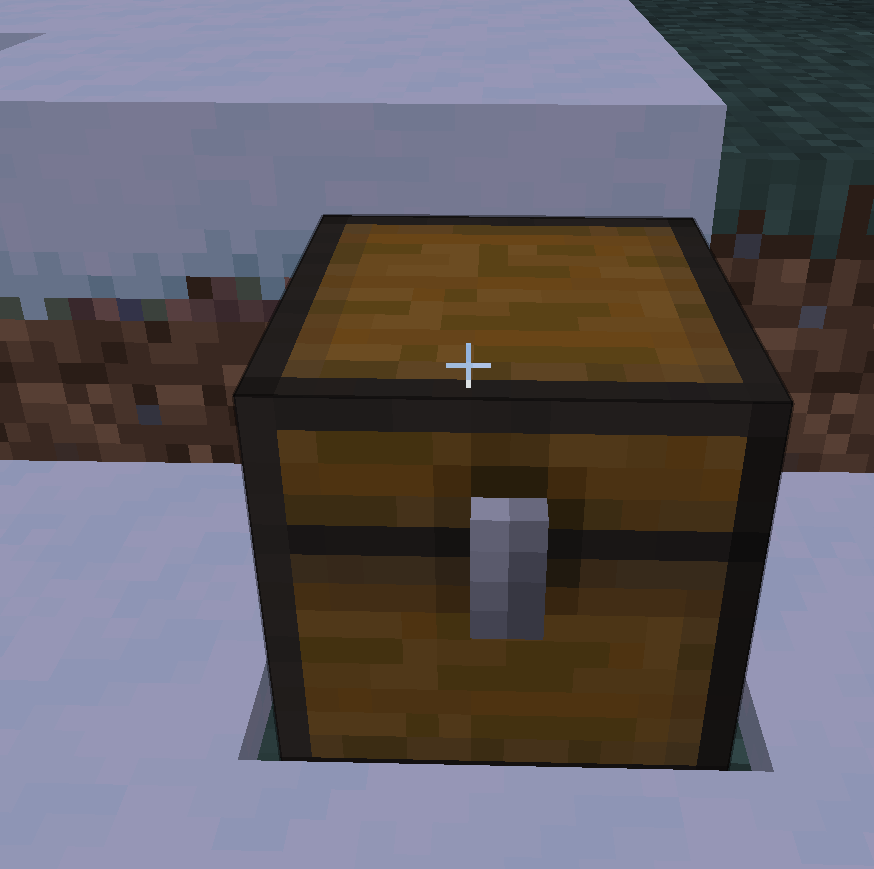
About this Mod
📦 Loot Drops (Universal)
Take your server events to the next level! Loot Drops is a lightweight but powerful administrative tool that allows Operators to spawn high-tier supply crates anywhere in the world.
🌟 Ultimate Mod Compatibility
This mod is designed to be fully universal. It doesn't matter which mods you are running; Loot Drops can handle them all:
Cross-Mod Support: You can spawn items from ANY other mod (e.g., Thermal Expansion, Twilight Forest, etc.) simply by using their ID in the command.
Modpack Ready: Perfect for server owners who want to create custom events using items from various different mods.
Smart Search: The command automatically detects if an item belongs to Minecraft, your own mod, or a third-party mod.
🚀 Features
5 Rarity Levels: Choose between Common, Uncommon, Rare, Legendary, and Mythic.
Global Alerts: Every drop is announced in chat with custom colors and a dragon's growl sound to alert all players.
Visual FX: Drops land with a flash and explosion particles to make them stand out.
Admin Friendly: Operators receive a welcome message with a command guide upon joining.
🛠 How to use
Only players with Operator (OP) Permissions can use the command:
/lootdrop

Pro Tip: To spawn items from other mods, just use the format modid:item_name (e.g., draconicevolution:draconium_ingot).
💎 Default Loot Table
If no items are specified, the mod uses built-in rewards:
Common/Uncommon/Rare: Iron, Gold, or Diamonds.
Legendary/Mythic: Enchanted Golden Apples and specialized gear.
Installation Note: This mod must be installed on both the Server and the Client.
Available Versions
How to Install LootDrops on Your Server
Order Server
Order a Minecraft Java server with at least 3 GB RAM (4 GB recommended).
Set forge Loader
In the panel under "Egg", select the forge loader and matching Minecraft version (1.21.8).
Install Mod
Open the mod browser in the dashboard and search for "LootDrops". Click "Install" – done! Alternatively, upload the .jar via SFTP to the /mods folder.
Compatibility
Mod Loaders
Minecraft Versions
1.21.8, 1.20.1
Server-side
✓ RequiredRecommended RAM
4 GB(min. 3 GB)Frequently Asked Questions
LootDrops server crashes on startup – what to do?
Most common cause: wrong forge version or insufficient RAM. Check the server log (latest.log) for "OutOfMemoryError" or "Mixin" errors. With Mado Hosting: ensure at least 3 GB RAM is allocated and the loader matches the mod version (1.21.8). You can switch loaders with one click in the panel.
Is LootDrops compatible with forge and neoforge?
LootDrops officially supports forge, neoforge for Minecraft 1.21.8, 1.20.1. The Mado dashboard automatically detects incompatible loader combinations.
Server lagging with LootDrops – how to optimize performance?
Recommended RAM: 4 GB (per 8 players). Use /spark profiler to check if LootDrops consumes the most tick time. Common fixes: reduce server view-distance to 8-10, install "performant" or "starlight" as supplementary mods on Forge. With Mado Hosting, your server runs on NVMe SSDs with dedicated CPU cores for minimal latency.
Similar Mods




![[ETF] Entity Texture Features](https://cdn.modrinth.com/data/BVzZfTc1/af683d206d50b05258d865b0d6e4aa2f2cee12f2_96.webp)

Rent Modded Server
Install LootDrops with just one click on your server.