
MacroCraft
Transform the way you play Minecraft with the ultimate automation companion.
Screenshots
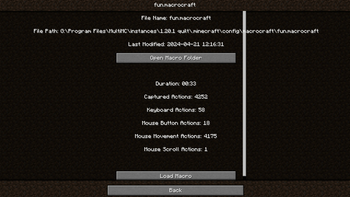
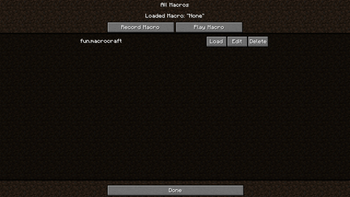
About this Mod
MacroCraft
Unleash the Power of Automation in Minecraft

MacroCraft is a groundbreaking Minecraft mod designed to enhance your gameplay by enabling the automation of repetitive tasks through the use of recorded macros. This powerful tool allows you to capture keyboard and mouse actions and replay them with precision, freeing up your time for more creative and enjoyable pursuits in the world of Minecraft.
Dependencies
Versions 4.0.0+ of this mod require BoxLib, a Client-side library mod developed by me.
Key Features
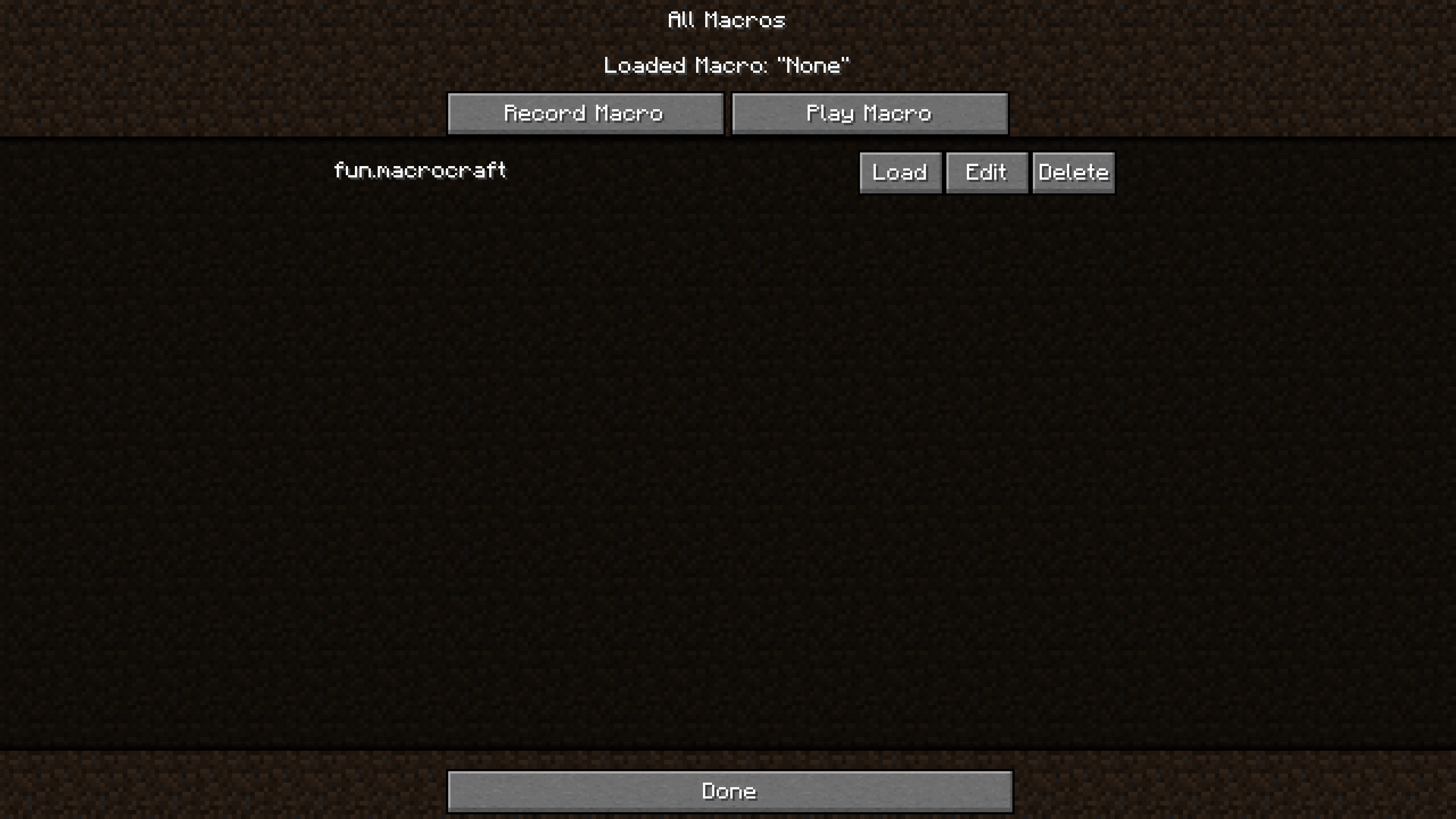
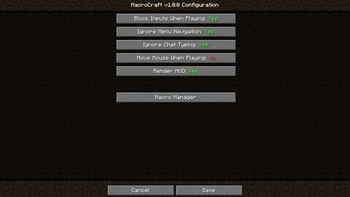
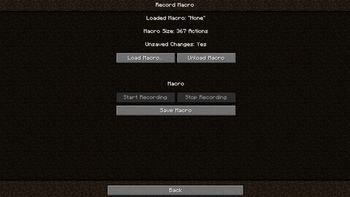
Easy-to-Use Interface: MacroCraft comes with a user-friendly GUI that lets you effortlessly manage all aspects of macro creation and execution, including:
- Record: Capture your precise keyboard and mouse actions with a simple click.
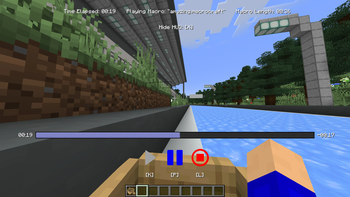
- Play: Replay your recorded macros to automate tasks in-game.
- Edit: Fine-tune your macros by adjusting the sequences or adding new actions.
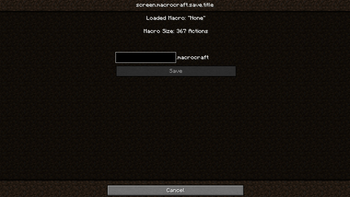
- Save/Load: Save your macros for future use and load them as needed.
- Delete: Remove macros that you no longer need.
Customizable Access: Access the MacroCraft GUI through multiple methods tailored to your preferences—be it a custom keybind, a command, or even a conveniently placed button on the pause screen.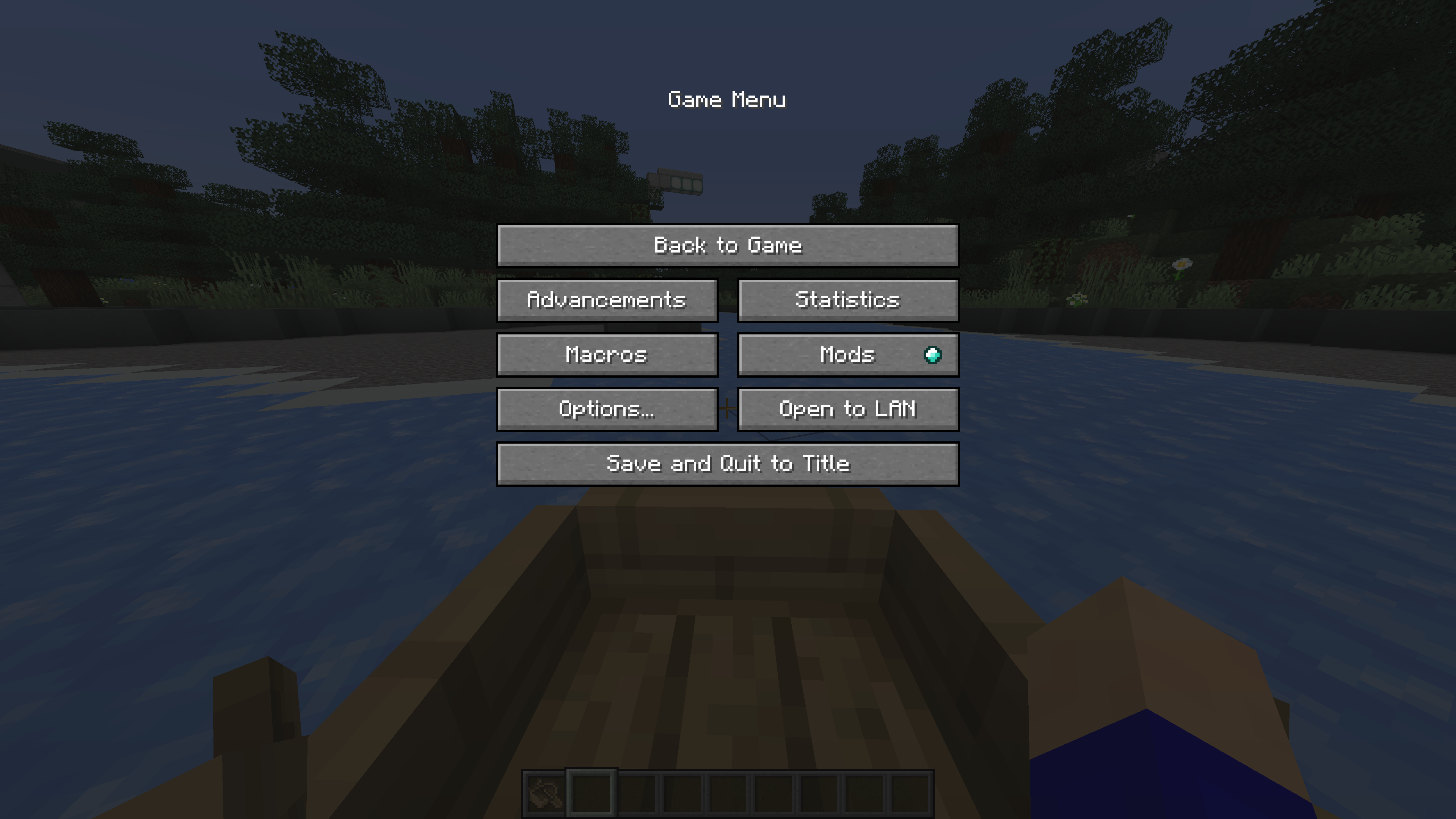
Advanced Configuration Options: Set up detailed configurations for each macro, including playback speed, number of repetitions, and conditional triggers based on in-game events.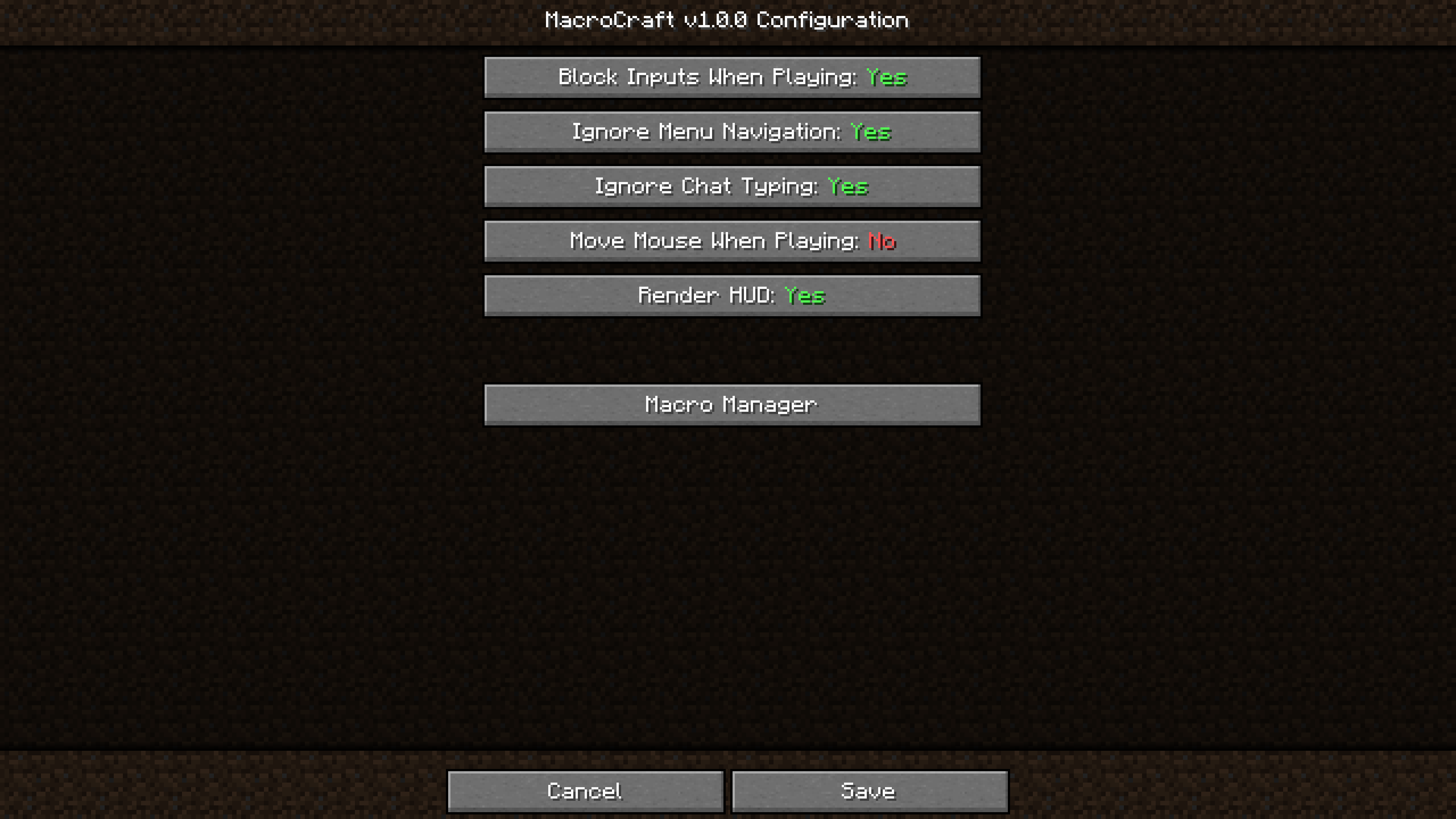
Compatibility and Performance: Designed to be compatible with a wide range of other Minecraft mods and optimized to ensure minimal impact on game performance.
How It Works
1. Setting Up
Start by downloading and installing MacroCraft using Minecraft Forge or Fabric. Once installed, customize your access key or item and familiarize yourself with the GUI.
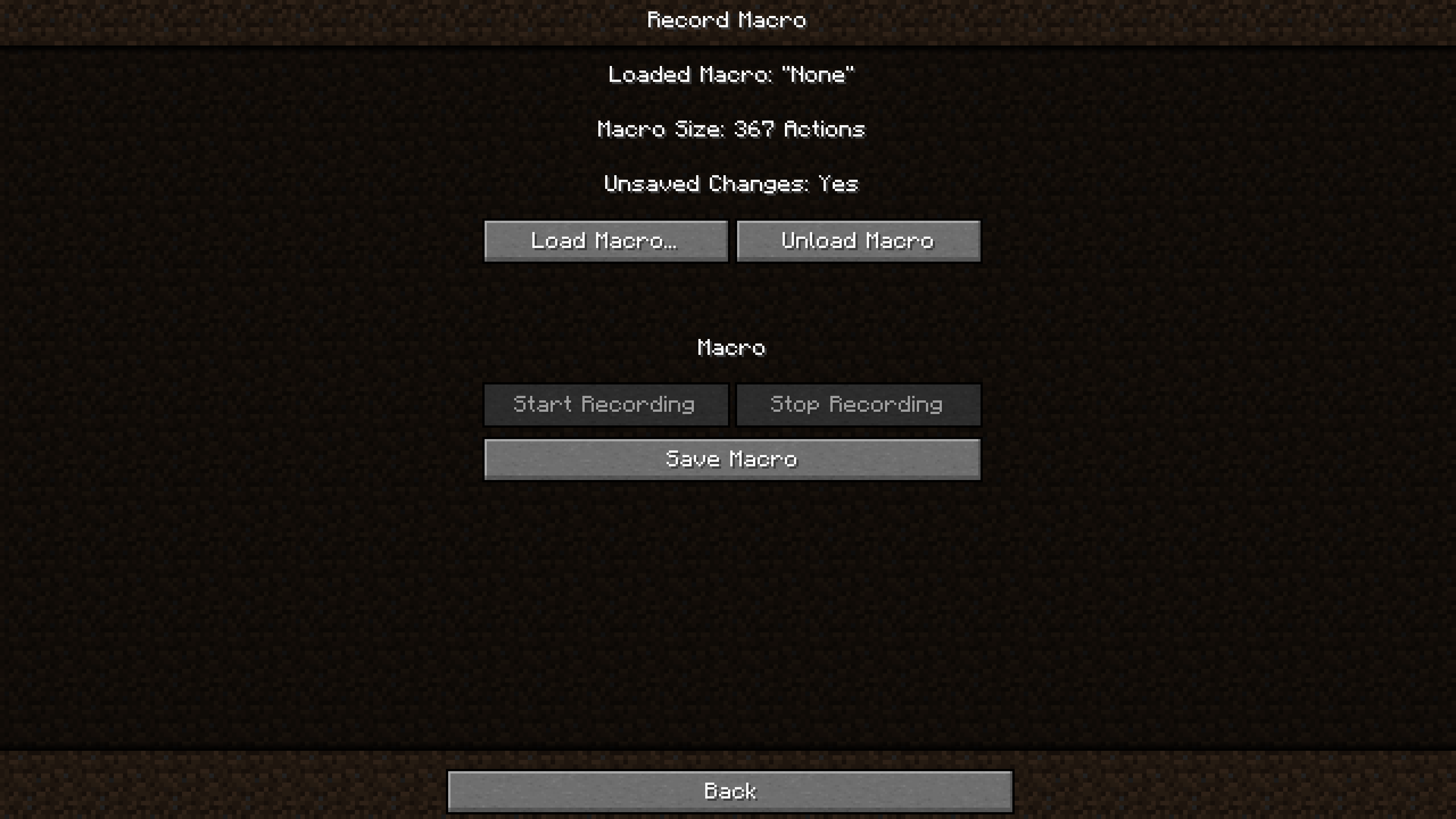
2. Recording a Macro
Activate the recording feature using your preferred method (keybind, pause menu, command). Perform the desired actions, such as building, mining, or farming. Once done, stop the recording.
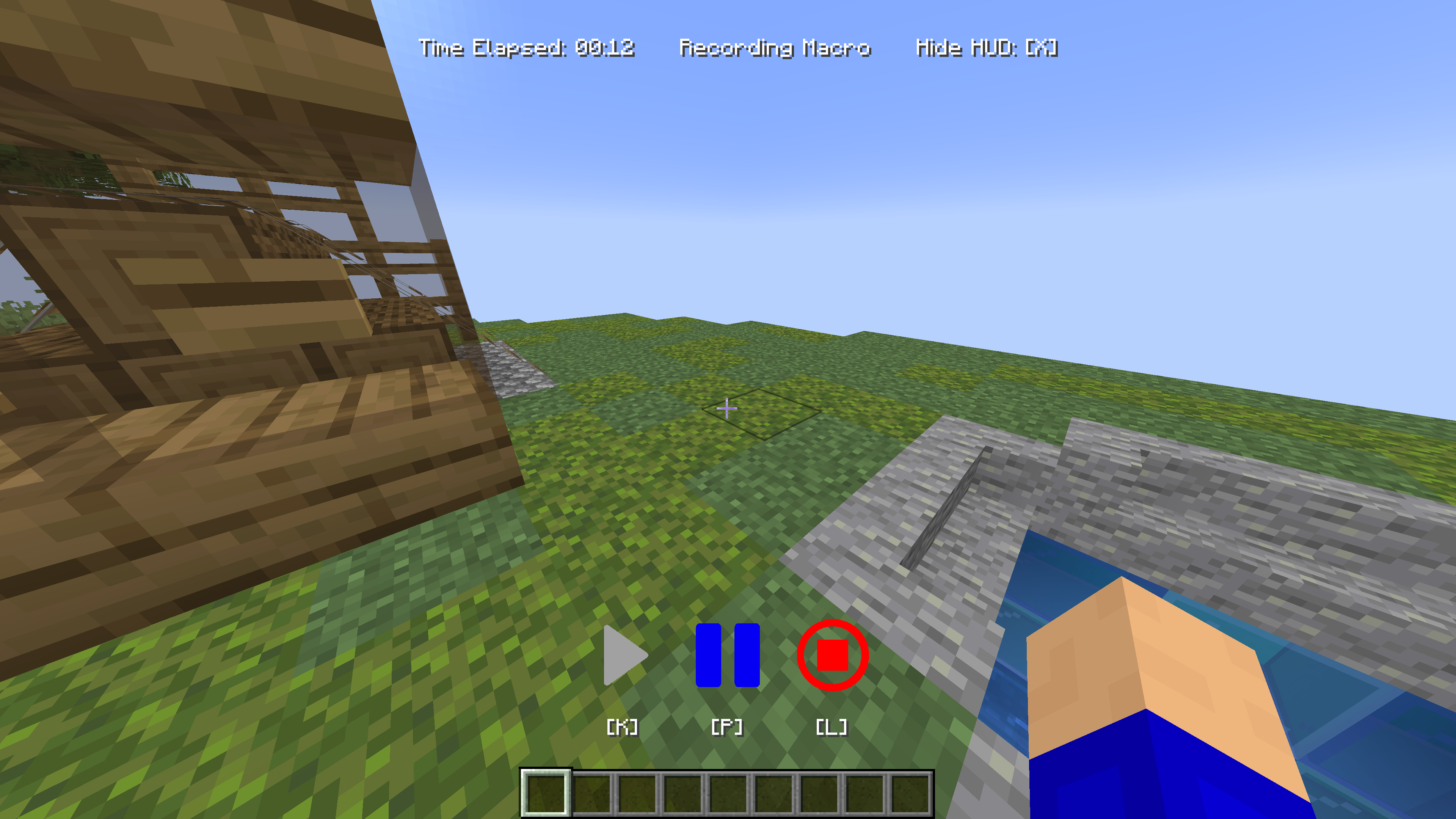
3. Saving
Navigate to the MacroCraft GUI to save your recorded macro. Be sure to give it a name!
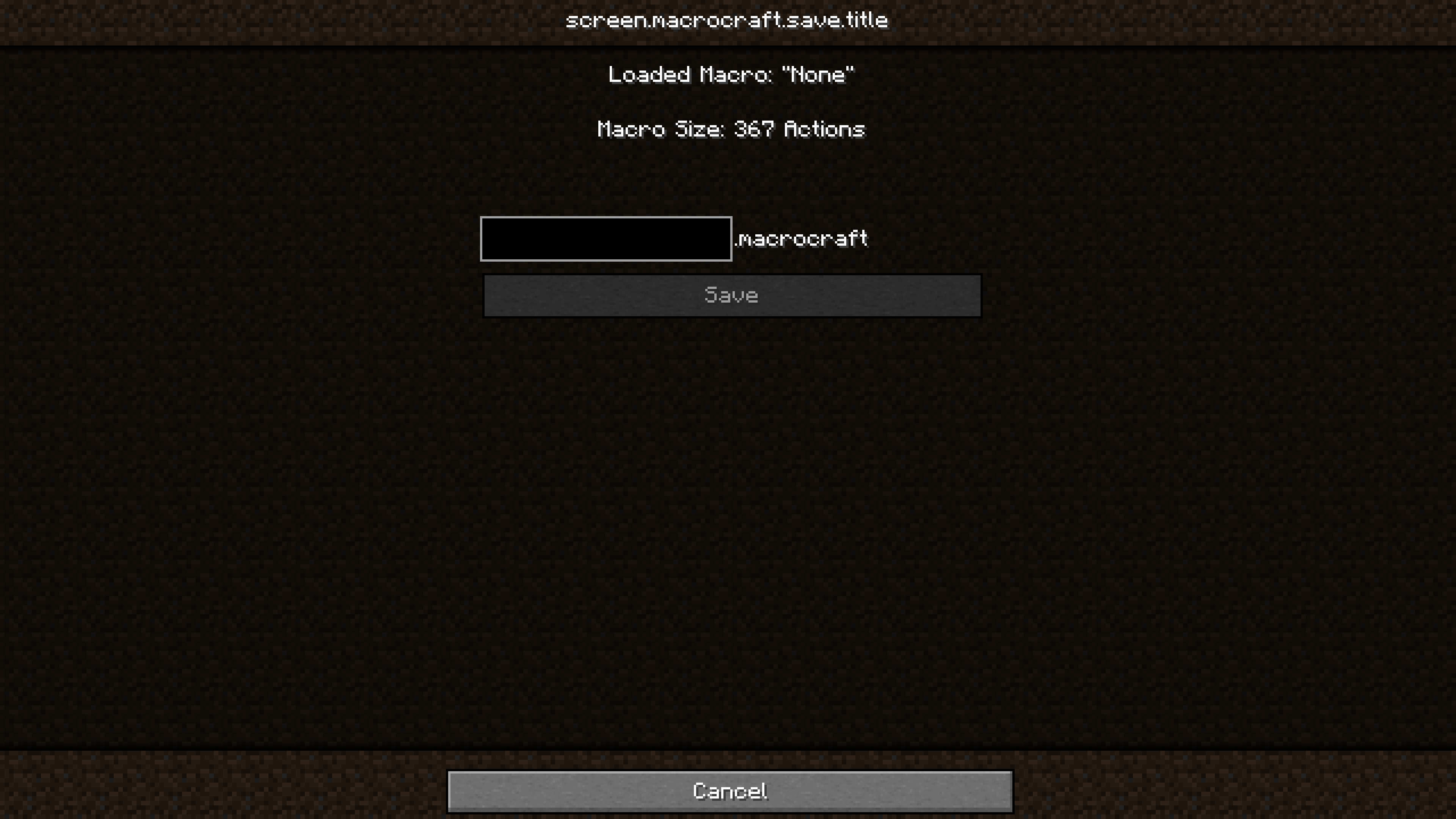
4. Playing Back
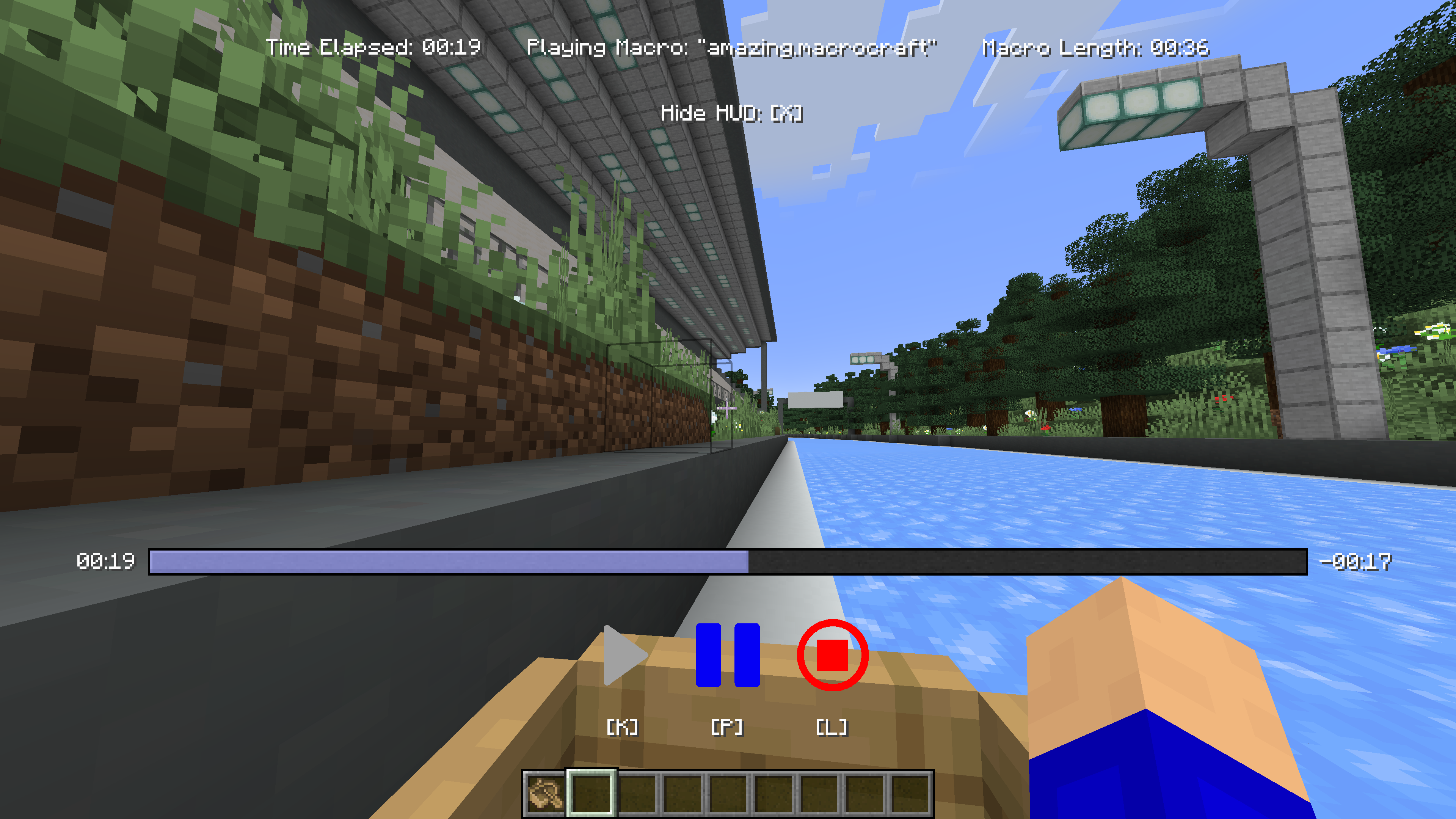
Whenever you need to perform the recorded task, simply select your macro and play it. You can adjust settings like playback speed or repetition based on the current needs.
Installation Guide
- Install Minecraft Forge or Fabric: Ensure that you have the latest version installed.
- Download MacroCraft: Download the latest version of the mod for your Minecraft version.
- Place the Mod File: Place the downloaded
.jarfile into your Minecraft 'mods' folder. - Run Minecraft: Select the Forge or Fabric profile and start the game. MacroCraft should now be loaded and ready to use.
Building
If you'd like to build this mod on your own machine, follow these steps.
- Download the source code from GitHub (Code -> Download zip)
- Extract the zip file onto your local machine, and open the folder.
- Open a terminal prompt in said folder
- Run the command "gradlew build"
- The fabric build will be in "fabric/build/libs"
- The forge build will be in "forge/build/libs"
Available Versions
How to Install MacroCraft on Your Server
Order Server
Order a Minecraft Java server with at least 3 GB RAM (4 GB recommended).
Set fabric Loader
In the panel under "Egg", select the fabric loader and matching Minecraft version (1.20.6).
Install Mod
Open the mod browser in the dashboard and search for "MacroCraft". Click "Install" – done! Alternatively, upload the .jar via SFTP to the /mods folder.
Compatibility
Mod Loaders
Minecraft Versions
1.20.6, 1.20.5, 1.20.4 (+4 more)
Server-side
✗ UnsupportedRecommended RAM
4 GB(min. 3 GB)Frequently Asked Questions
MacroCraft server crashes on startup – what to do?
Most common cause: wrong fabric version or insufficient RAM. Check the server log (latest.log) for "OutOfMemoryError" or "Mixin" errors. With Mado Hosting: ensure at least 3 GB RAM is allocated and the loader matches the mod version (1.20.6). You can switch loaders with one click in the panel.
Is MacroCraft compatible with fabric and forge and neoforge and quilt?
MacroCraft officially supports fabric, forge, neoforge, quilt for Minecraft 1.20.6, 1.20.5, 1.20.4. Note: Forge and Fabric mods are NOT cross-compatible – pick one loader and stick with it. The Mado dashboard automatically detects incompatible loader combinations.
Server lagging with MacroCraft – how to optimize performance?
Recommended RAM: 4 GB (per 8 players). Use /spark profiler to check if MacroCraft consumes the most tick time. Common fixes: reduce server view-distance to 8-10, install "performant" or "starlight" as supplementary mods on Forge. With Mado Hosting, your server runs on NVMe SSDs with dedicated CPU cores for minimal latency.
Similar Mods




Rent Modded Server
Install MacroCraft with just one click on your server.