
Magic Hud
Adds fully customizable HUD widgets for armor, inventory, potion effects, FPS, ping, and other utilities.
Screenshots
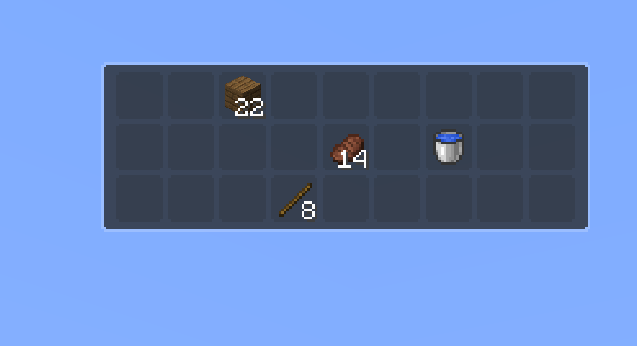
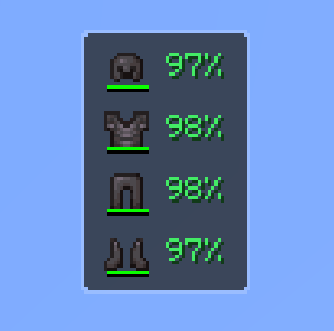
About this Mod
Magic HUD is a lightweight, fully customizable heads-up display mod for Minecraft. Instead of cluttering your screen with information you didn't ask for, it gives you full control over what you see, where you see it, and how big it is — without ever touching a config file.
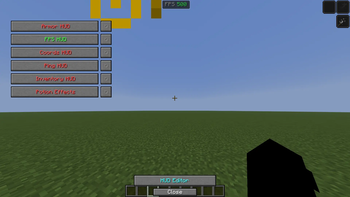
Open the HUD editor with a single keybind, drag your modules wherever feels right, resize them on the fly, and close it. That's it. Everything saves automatically.
What's included
Every module is independent — enable only what you need:
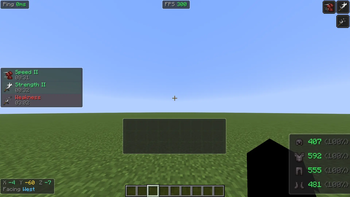
Armor Status — tracks your equipped armor and durability at a glance
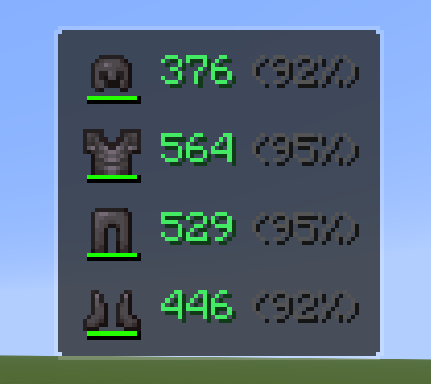
Inventory HUD — keeps an eye on your hotbar without opening your inventory
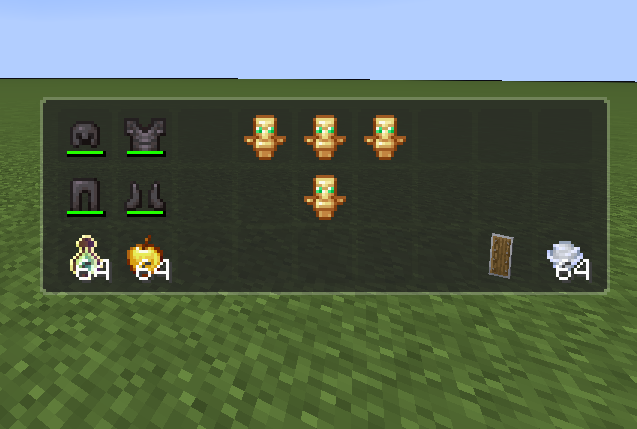
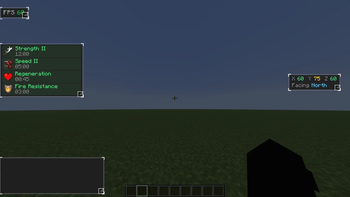
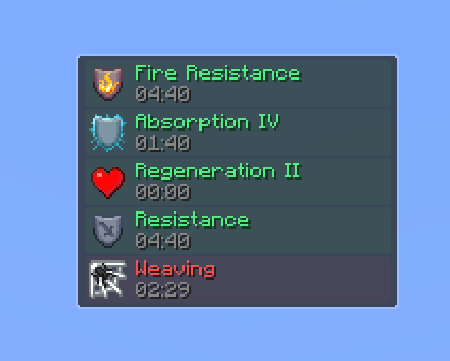
Potion Effects — shows active effects, their level, and remaining duration
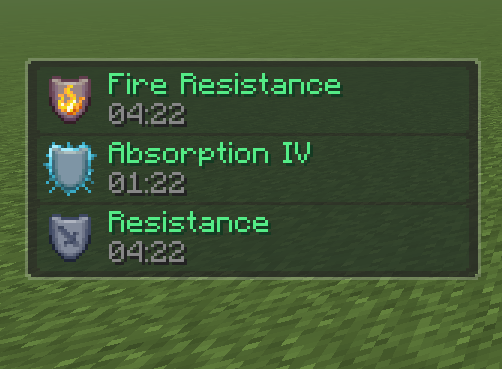
Coordinates — displays X/Y/Z and your facing direction in real time
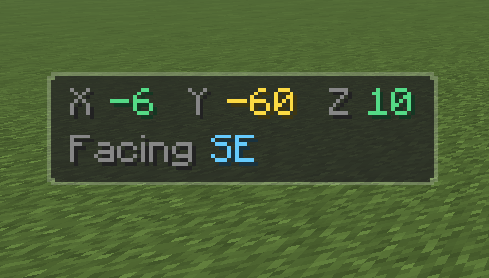
FPS Counter — clean and always visible
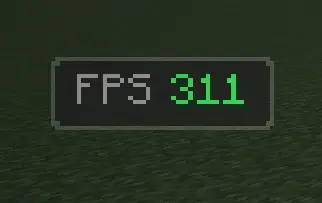
Ping Display — useful for servers where connection quality matters

How it works
Press the editor keybind to enter edit mode. Every active module shows up with a selection frame — drag it anywhere on screen, grab the resize handle in the corner to scale it up or down, then close the editor and keep playing. Modules also adapt automatically if you change your GUI Scale or window resolution, so nothing ever ends up hidden off-screen.
Each module has a few settings you can tweak (like toggling the background panel or adjusting the scale numerically), accessible through the module settings screen.
Design philosophy
Magic HUD is intentionally minimal. No animations, no bloat, no forced aesthetic. The dark rounded panels blend into most resource packs without getting in the way. You can turn backgrounds off entirely if you prefer floating text.
Available Versions
How to Install Magic Hud on Your Server
Order Server
Order a Minecraft Java server with at least 3 GB RAM (4 GB recommended).
Set fabric Loader
In the panel under "Egg", select the fabric loader and matching Minecraft version (1.21.8).
Install Mod
Open the mod browser in the dashboard and search for "Magic Hud". Click "Install" – done! Alternatively, upload the .jar via SFTP to the /mods folder.
Compatibility
Mod Loaders
Minecraft Versions
1.21.8
Server-side
✗ UnsupportedRecommended RAM
4 GB(min. 3 GB)Frequently Asked Questions
Magic Hud server crashes on startup – what to do?
Most common cause: wrong fabric version or insufficient RAM. Check the server log (latest.log) for "OutOfMemoryError" or "Mixin" errors. With Mado Hosting: ensure at least 3 GB RAM is allocated and the loader matches the mod version (1.21.8). You can switch loaders with one click in the panel.
Is Magic Hud compatible with fabric?
Magic Hud officially supports fabric for Minecraft 1.21.8. The Mado dashboard automatically detects incompatible loader combinations.
Server lagging with Magic Hud – how to optimize performance?
Recommended RAM: 4 GB (per 8 players). Use /spark profiler to check if Magic Hud consumes the most tick time. Common fixes: reduce server view-distance to 8-10, install "performant" or "starlight" as supplementary mods on Forge. With Mado Hosting, your server runs on NVMe SSDs with dedicated CPU cores for minimal latency.
Similar Mods




Rent Modded Server
Install Magic Hud with just one click on your server.