
Magisterium
Curate your own spell book from the magical pages scattered around the world!
Screenshots
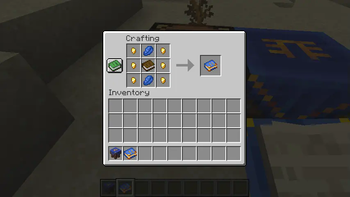
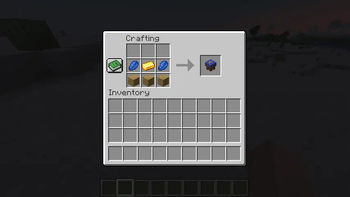
About this Mod
Magisterium
Construct your own spell book from the magical pages scattered around the world!
It's made as an entry to Modfest 1.21, although not particularly on theme, which is "Time, Technology & Throwbacks". It may not look like one to you, bit it is a throwback - a throwback to Modfest 1.17, when I had the idea for book centered magic mod, yet had abandoned it.
I didn't see how it all could fit together to make a fun experience, but now (= three years later), halfway through the current modfest, the idea finished cooking in my head, and I felt like working on it. So, let's cast some spells!
Overview
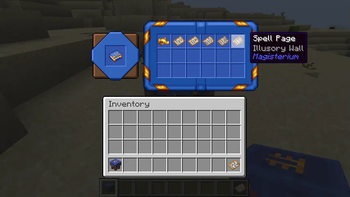
The mod is centered on using spell books, which double as a container for the spell pages and as an actual book you can read and use to cast the spells within.
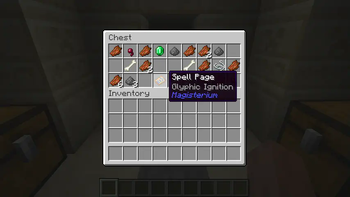
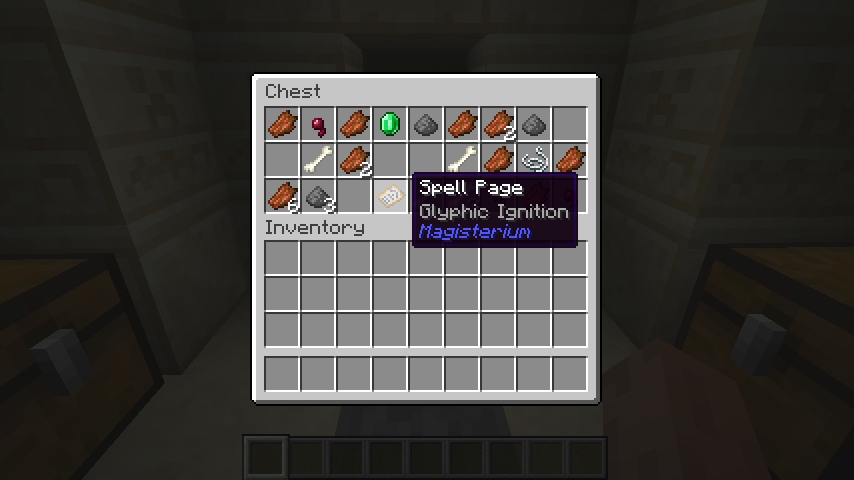
Spell Pages are found in the world, currently as loot in dungeons, desert and jungle temples and strongholds.
They can be inserted into a spell book in the Arcane Table, alongside some utilities like Bookmarks.

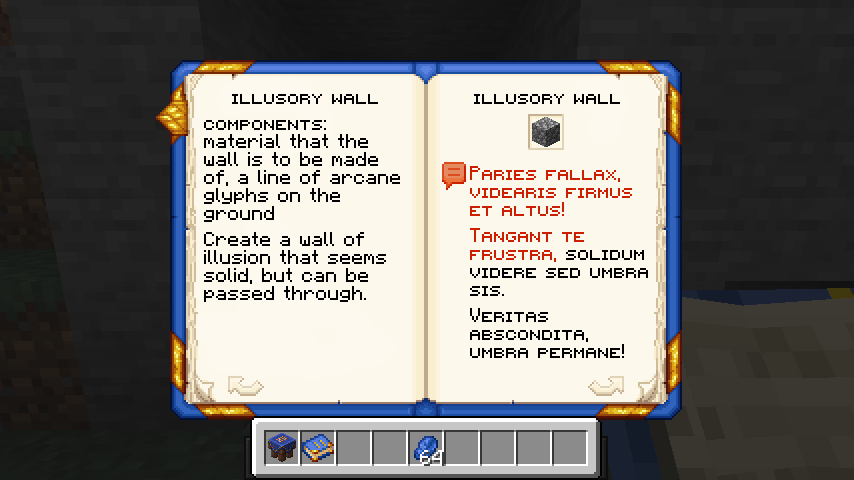
Then, use the spell book to read about the spell, fill ingredients and comply with the requirements, if any, and hold the chant button!

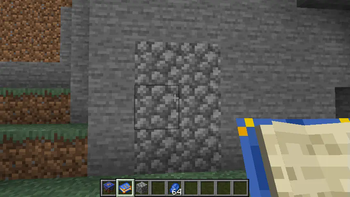
A number of spells require Arcane Glyphs to be placed on the ground, which will define the area of effect of the spell.
Simply right click with Lapis Lazuli on the ground to place them.

Woila! You've cast a spell!

Available Versions
How to Install Magisterium on Your Server
Order Server
Order a Minecraft Java server with at least 3 GB RAM (4 GB recommended).
Set fabric Loader
In the panel under "Egg", select the fabric loader and matching Minecraft version (1.21.3).
Install Mod
Open the mod browser in the dashboard and search for "Magisterium". Click "Install" – done! Alternatively, upload the .jar via SFTP to the /mods folder.
Compatibility
Mod Loaders
Minecraft Versions
1.21.3, 1.21.2, 1.21.1
Server-side
✓ RequiredRecommended RAM
4 GB(min. 3 GB)Frequently Asked Questions
Magisterium server crashes on startup – what to do?
Most common cause: wrong fabric version or insufficient RAM. Check the server log (latest.log) for "OutOfMemoryError" or "Mixin" errors. With Mado Hosting: ensure at least 3 GB RAM is allocated and the loader matches the mod version (1.21.3). You can switch loaders with one click in the panel.
Is Magisterium compatible with fabric?
Magisterium officially supports fabric for Minecraft 1.21.3, 1.21.2, 1.21.1. The Mado dashboard automatically detects incompatible loader combinations.
Server lagging with Magisterium – how to optimize performance?
Recommended RAM: 4 GB (per 8 players). Use /spark profiler to check if Magisterium consumes the most tick time. Common fixes: reduce server view-distance to 8-10, install "performant" or "starlight" as supplementary mods on Forge. With Mado Hosting, your server runs on NVMe SSDs with dedicated CPU cores for minimal latency.
Similar Mods





Rent Modded Server
Install Magisterium with just one click on your server.