
MAmbience
MAmbience adds a large amount of dynamic ambient effects to minecraft. This includes ambient sounds, visual (particle based) and advanced footstep sounds. All of this while remaining fully compatible with vanilla clients using a simple resourcepack.
Screenshots
About this Mod
MAmbience adds a large amount of dynamic ambient effects to minecraft.
This includes ambient sounds that get played depending of the players immediate surroundings.
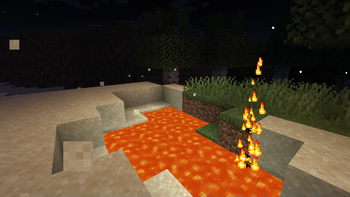
As well as some visual (particle based) effects like Lava Jets, Fireflies and sand blowing in the desert winds.
Lastly it includes advanced footstep sounds based on Dynamic Surroundings. (For Player Entities only)
All of this while remaining fully compatible with vanilla clients (a resourcepack is required to be able to hear the new sounds)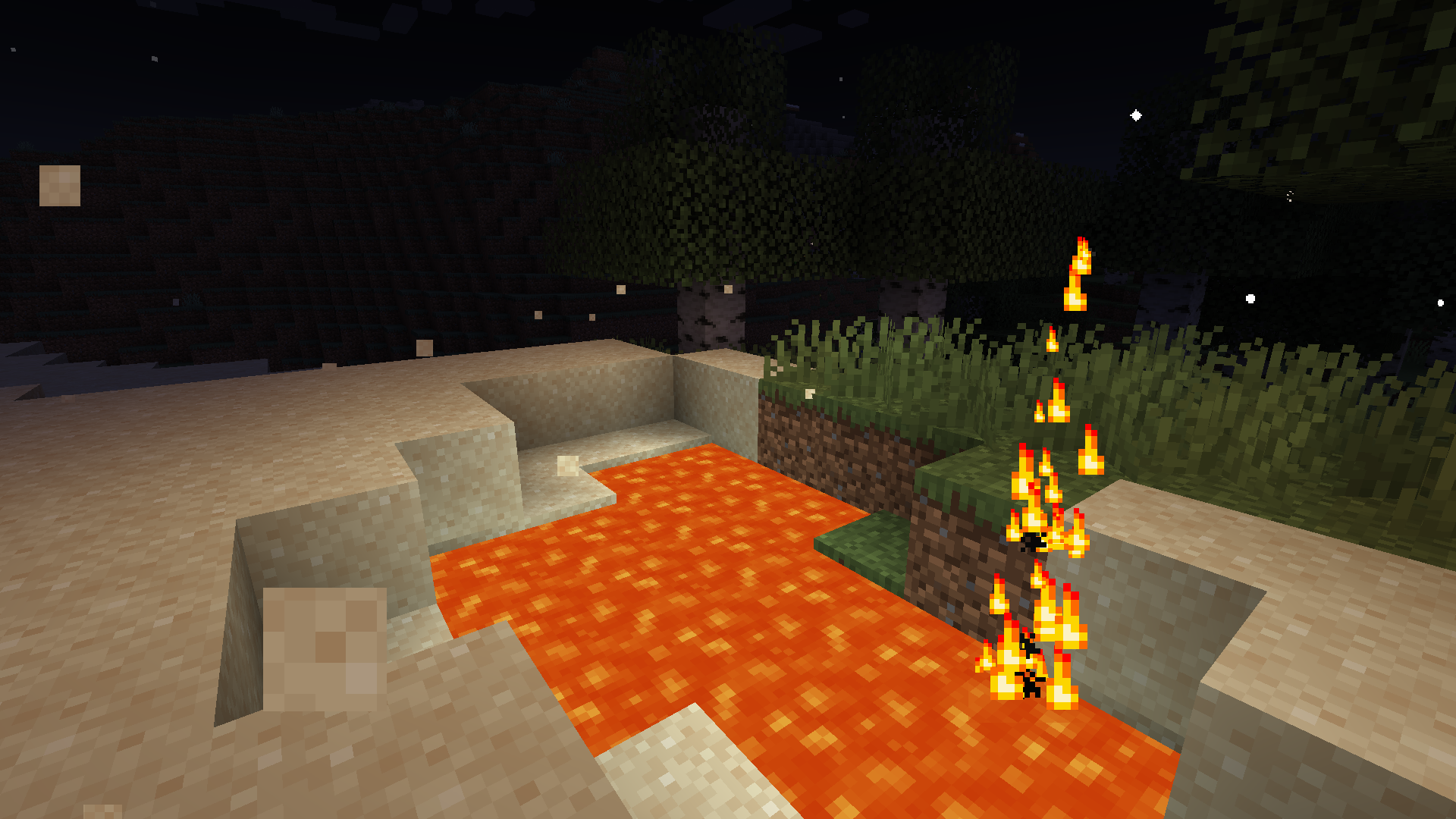
While MAmbience comes with a large default setup of effects all of them and their conditions are fully data defined and adjustable using datapacks.
In case only some of the functionality is wanted, the three sepparate systems can be disabled with simple toggles in the central config file or directly ingame using the modmenu mod list.
Vanilla Clients can connect to any server running MAmbience:
Vanilla Clients have to use the corresponding resource pack (modrinth does not allow to directly upload it as an additional file for this mod, see next section) to be able to hear the sounds.
Resource Pack (only required when using vanilla client):
A download link to the fitting Resourcepack is provided on the download page of each Version. Currently not possible on modrinth.
Alternatively you can extract the resourcepack from the mod:
To export the resourcepack matching a mod/plugin version run the jar file with this command (adjust the command to fit your version of course):
java -cp Mambience-5.3.0+1.19.4.jar me.andre111.mambience.resources.RPGenerator
Available Versions
How to Install MAmbience on Your Server
Order Server
Order a Minecraft Java server with at least 3 GB RAM (4 GB recommended).
Set fabric Loader
In the panel under "Egg", select the fabric loader and matching Minecraft version (1.21.1).
Install Mod
Open the mod browser in the dashboard and search for "MAmbience". Click "Install" – done! Alternatively, upload the .jar via SFTP to the /mods folder.
Compatibility
Mod Loaders
Minecraft Versions
1.21.1, 1.21, 1.20.6 (+5 more)
Server-side
~ OptionalRecommended RAM
4 GB(min. 3 GB)Frequently Asked Questions
MAmbience server crashes on startup – what to do?
Most common cause: wrong fabric version or insufficient RAM. Check the server log (latest.log) for "OutOfMemoryError" or "Mixin" errors. With Mado Hosting: ensure at least 3 GB RAM is allocated and the loader matches the mod version (1.21.1). You can switch loaders with one click in the panel.
Is MAmbience compatible with fabric?
MAmbience officially supports fabric for Minecraft 1.21.1, 1.21, 1.20.6. The Mado dashboard automatically detects incompatible loader combinations.
Server lagging with MAmbience – how to optimize performance?
Recommended RAM: 4 GB (per 8 players). Use /spark profiler to check if MAmbience consumes the most tick time. Common fixes: reduce server view-distance to 8-10, install "performant" or "starlight" as supplementary mods on Forge. With Mado Hosting, your server runs on NVMe SSDs with dedicated CPU cores for minimal latency.
Similar Mods

![[ETF] Entity Texture Features](https://cdn.modrinth.com/data/BVzZfTc1/af683d206d50b05258d865b0d6e4aa2f2cee12f2_96.webp)
![[EMF] Entity Model Features](https://cdn.modrinth.com/data/4I1XuqiY/6e5bbd0d06b1741bfdab6c0cfab6de8fdaf0064c_96.webp)



Rent Modded Server
Install MAmbience with just one click on your server.