Map4Image
NeoForge mod for converting images to map art, heavily inspired by Image2Map.
Screenshots
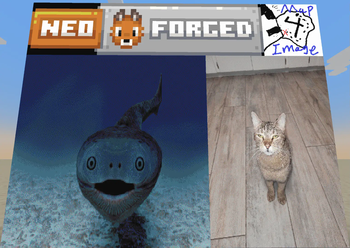
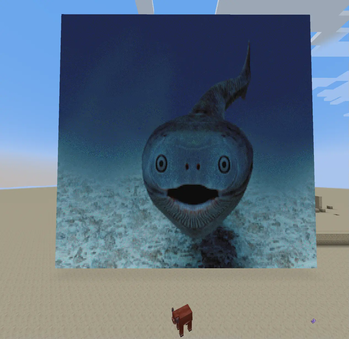
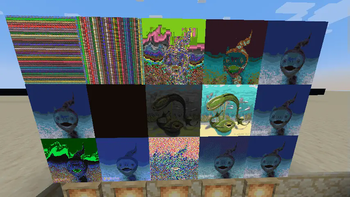
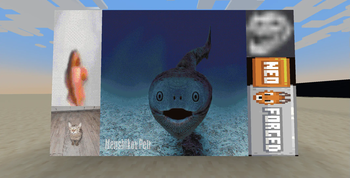
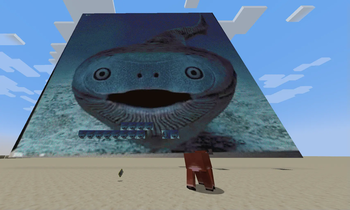
About this Mod
Map4Image is a NeoForge mod that allows you to convert images through links into minecraft map art. This mod was heavily inspired by Image2Map and serves as a NeoForge alternative to Image2Map. Currently the mod is in very early development and does not have the same level of features or polish Image2Map does. This mod is only required on server side and vanilla client players can use it.
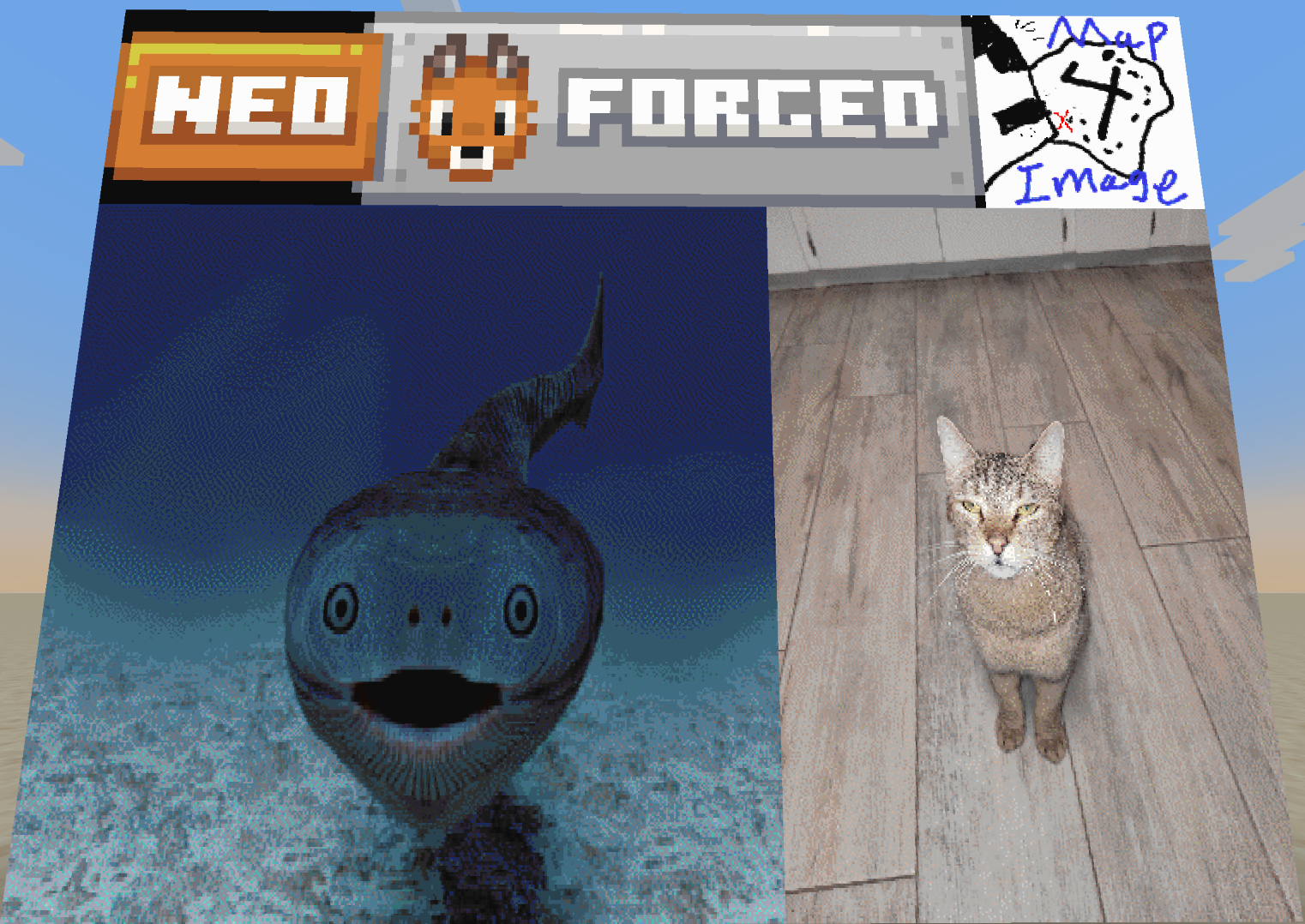
Map4Image has the following features:
- Ability to generate minecraft map art in game
- Place/break large map art automatically onto item frames
- When generating map art it is possible to specify source, dither type, and width/height.
How to use
Create Command
/map4image create <link> <dithertype> <width> <height>
The link must be a direct image link (as in a link ending with a image extension such as .png), keep in mind this link has to be surrounded with quotation marks aswell. For the dither type I would reccomend using floydsteinberg as it tends to have the most consistent results for quality, however if an image does not look good at first I would reccomend experimenting. Width and height are both in pixels, a minecraft map is only able to hold 128x128 pixels so going above these values will generate a "super map".
Super Map
A super map is map art generated by setting either width or height above 128 pixels. A super map will only display a 128x128 verison of the image generated but when placed in item frames it will place down all maps. To have a valid item frame setup you must place the "super map" in the top left of a grid of item frames with a tall enough height and wide enough width. Keep in mind that 128 pixels in either direction is one full map, so a 300x500 image would require 3 item frames by 4 item frames.
⚠️ Note for server admins ⚠️
Currently this mod has no way of rate limiting itself, while it does use a seperate thread for rendering it is still very easy to lag the server itself. At the current moment in time I would reccomend only using this mod with people you trust. I plan to add safer server support in the future.
Available Versions
How to Install Map4Image on Your Server
Order Server
Order a Minecraft Java server with at least 3 GB RAM (4 GB recommended).
Set neoforge Loader
In the panel under "Egg", select the neoforge loader and matching Minecraft version (1.21.5).
Install Mod
Open the mod browser in the dashboard and search for "Map4Image". Click "Install" – done! Alternatively, upload the .jar via SFTP to the /mods folder.
Compatibility
Mod Loaders
Minecraft Versions
1.21.5, 1.21.4, 1.21.3 (+5 more)
Server-side
✓ RequiredRecommended RAM
4 GB(min. 3 GB)Frequently Asked Questions
Map4Image server crashes on startup – what to do?
Most common cause: wrong neoforge version or insufficient RAM. Check the server log (latest.log) for "OutOfMemoryError" or "Mixin" errors. With Mado Hosting: ensure at least 3 GB RAM is allocated and the loader matches the mod version (1.21.5). You can switch loaders with one click in the panel.
Is Map4Image compatible with neoforge?
Map4Image officially supports neoforge for Minecraft 1.21.5, 1.21.4, 1.21.3. The Mado dashboard automatically detects incompatible loader combinations.
Server lagging with Map4Image – how to optimize performance?
Recommended RAM: 4 GB (per 8 players). Use /spark profiler to check if Map4Image consumes the most tick time. Common fixes: reduce server view-distance to 8-10, install "performant" or "starlight" as supplementary mods on Forge. With Mado Hosting, your server runs on NVMe SSDs with dedicated CPU cores for minimal latency.
Similar Mods




![[ETF] Entity Texture Features](https://cdn.modrinth.com/data/BVzZfTc1/af683d206d50b05258d865b0d6e4aa2f2cee12f2_96.webp)
![[EMF] Entity Model Features](https://cdn.modrinth.com/data/4I1XuqiY/6e5bbd0d06b1741bfdab6c0cfab6de8fdaf0064c_96.webp)
Rent Modded Server
Install Map4Image with just one click on your server.