
MapCanvas
Display images and animated GIFs on maps in item frames
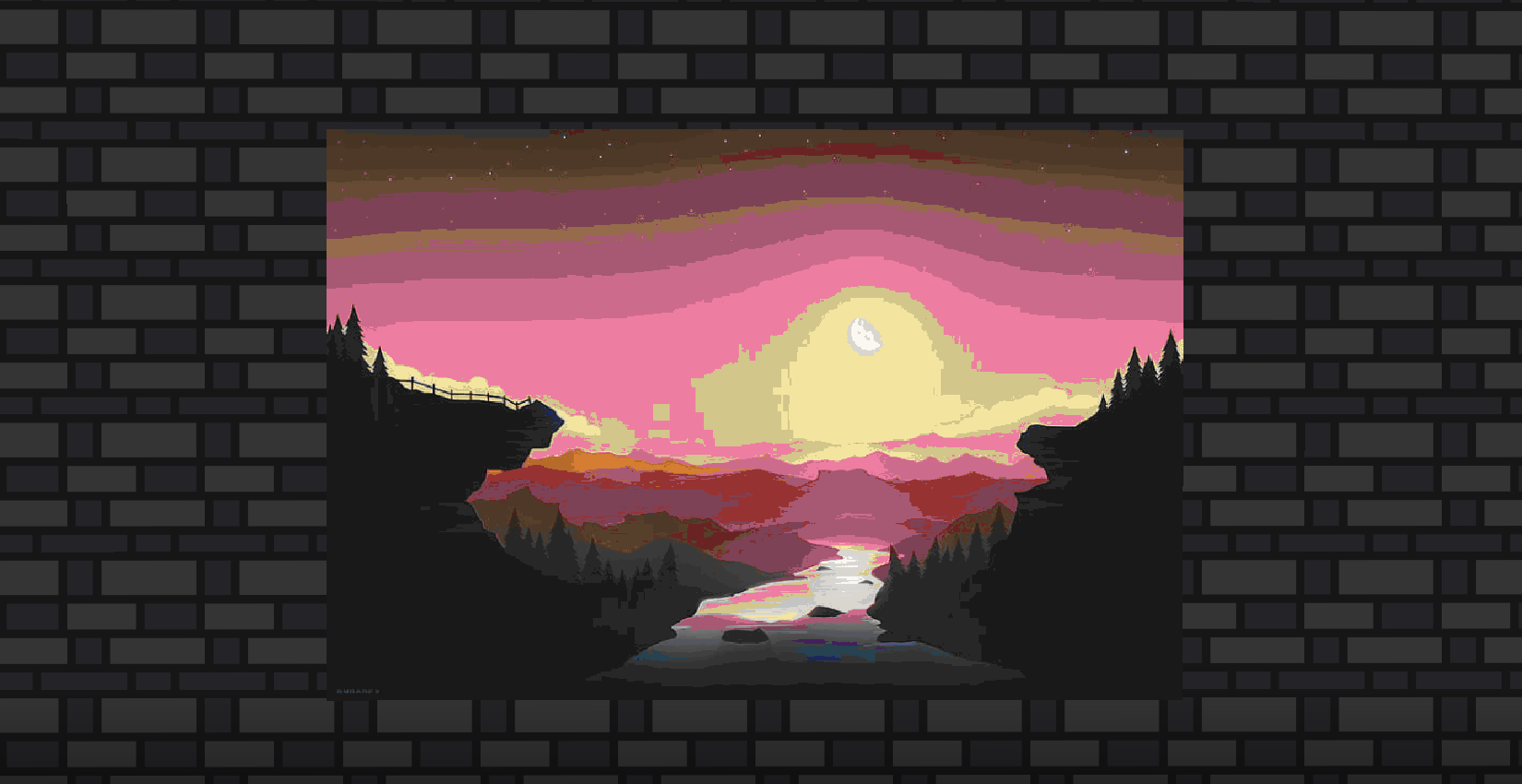
Screenshots
About this Mod
MapCanvas
Display images and animated GIFs on maps in item frames directly from a URL.
MapCanvas lets you turn any image or GIF from the internet into a Minecraft map display. Whether you want a single map or a massive multi-frame mural, MapCanvas handles it all with one simple command.
Features
- Image support — display any image from a URL on a grid of item frames
- Animated GIF support — full animation with per-frame timing, optimized for performance
- Poster map system — place and collect entire grids with a single item
- Dithering - optional dithering mode that smooths out colors and gradients to work within Minecraft's limited color palette
- Named image library — save, reload, and give images by name
- Economy system — costs empty maps to create canvases (free in creative mode)
- Convert — turn individual maps into a single poster map item
How It Works
Poster Mode
Run /canvas add poster 3 3 <url> and you'll get 1 poster map item. Right click any corner of a 3x3 item frame grid and it auto-fills every frame instantly. Punch any map in the grid to collect them all back into 1 item — frames stay intact.
Single Mode
Run /canvas add single 3 3 <url> and you'll get individual map items, one per grid cell. Place them manually or use /canvas convert <name> to combine them into a poster map later.
HD Mode
Add -hd to any subcommand (e.g. /canvas add poster-hd) to enable dithering. This works best for photos, illustrations, and images with smooth gradients. For text, logos, or pixel art the regular mode is recommended.
GIF Support
Just paste a .gif URL — MapCanvas automatically detects it and processes it as an animated poster. Animations play at up to 10fps and only update for players within 32 blocks, keeping performance smooth.
Commands
| Command | Description |
|---|---|
/canvas add single <w> <h> <url> |
Gives individual maps for a WxH grid |
/canvas add single-hd <w> <h> <url> |
Gives individual maps for a WxH grid with dithering enabled |
/canvas add poster <w> <h> <url> |
Gives 1 poster map that auto-fills a WxH grid |
/canvas add poster-hd <w> <h> <url> |
Gives 1 poster map that auto-fills a WxH grid with dithering enabled |
/canvas name <n> |
Saves the last created image |
/canvas list |
Lists your saved images |
/canvas reload <n> |
Re-downloads image data |
/canvas convert <n> |
Converts individual maps into 1 poster map |
/canvas delete <n> |
Deletes a saved image |
/canvas help |
Shows all commands in-game |
/canvas cost enable |
Enables cost of maps (requires op) |
/canvas cost disable |
Disables cost of maps (requires op) |
Cost
Creating a canvas costs empty maps equal to the grid size (W × H). Players in creative mode are not charged. Maps are refunded if the download fails.
Requirements
- Minecraft 1.21.1
- Fabric Loader
- Fabric API
Required on both client and server.
Performance: Running many animated GIFs simultaneously on a server can cause lag, especially with large grids. It is recommended to keep the number of active animated posters reasonable.
Note: This project was made with the help of AI. I wasn't aware of Image2Map when making this mod credit to them for the original concept. MapCanvas expands on the idea with animated GIF support.
Available Versions
How to Install MapCanvas on Your Server
Order Server
Order a Minecraft Java server with at least 3 GB RAM (4 GB recommended).
Set fabric Loader
In the panel under "Egg", select the fabric loader and matching Minecraft version (1.21.11).
Install Mod
Open the mod browser in the dashboard and search for "MapCanvas". Click "Install" – done! Alternatively, upload the .jar via SFTP to the /mods folder.
Compatibility
Mod Loaders
Minecraft Versions
1.21.11
Server-side
✓ RequiredRecommended RAM
4 GB(min. 3 GB)Frequently Asked Questions
MapCanvas server crashes on startup – what to do?
Most common cause: wrong fabric version or insufficient RAM. Check the server log (latest.log) for "OutOfMemoryError" or "Mixin" errors. With Mado Hosting: ensure at least 3 GB RAM is allocated and the loader matches the mod version (1.21.11). You can switch loaders with one click in the panel.
Is MapCanvas compatible with fabric?
MapCanvas officially supports fabric for Minecraft 1.21.11. The Mado dashboard automatically detects incompatible loader combinations.
Server lagging with MapCanvas – how to optimize performance?
Recommended RAM: 4 GB (per 8 players). Use /spark profiler to check if MapCanvas consumes the most tick time. Common fixes: reduce server view-distance to 8-10, install "performant" or "starlight" as supplementary mods on Forge. With Mado Hosting, your server runs on NVMe SSDs with dedicated CPU cores for minimal latency.
Similar Mods

![[ETF] Entity Texture Features](https://cdn.modrinth.com/data/BVzZfTc1/af683d206d50b05258d865b0d6e4aa2f2cee12f2_96.webp)
![[EMF] Entity Model Features](https://cdn.modrinth.com/data/4I1XuqiY/6e5bbd0d06b1741bfdab6c0cfab6de8fdaf0064c_96.webp)



Rent Modded Server
Install MapCanvas with just one click on your server.