
MCS Allays
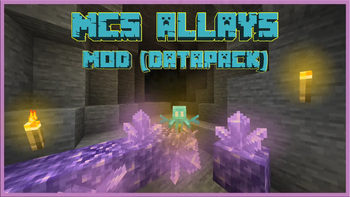
This datapack aims to improve allay, it allows them to place torches in dark places and teleport to player!
Screenshots
About this Mod
Main Information
- Creator and Developer: [MC Silver]
- Minecraft Versions: 1.21+
- WIKI Version: 26.1v1
- For datapack developers: My datapack ignores all mobs that use data! (1.21.5+)
For custom mobs, use data; for non-custom mobs, use tags/scores! - WARNING! (for PaperMC and PurpurMC Hosters):
This datapack will only work correctly if you only change the below settings.
Head over to your server, and go to "config/paper-world-defaults.yml" or "purpur.yml" file.
Find this "allow-non-player-entities-on-scoreboards" and set that to true
Commands
All commands available to the player starts with /function .
Menu
- /function .menu:mcs_allays
Uninstall
- /function .uninstall:mcs_allays
Allay
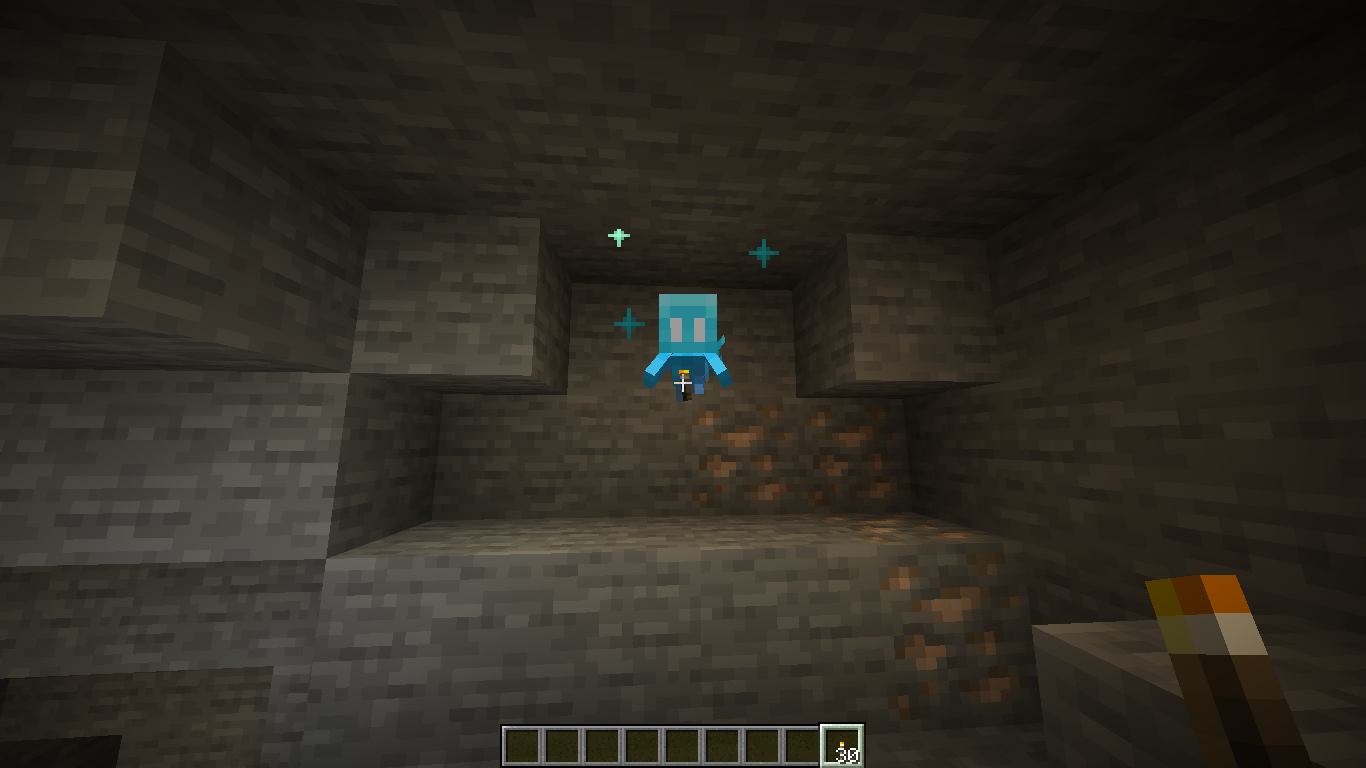
- Helps light up the area if it is holding a torch and you have torches in your last hotbar slot
- Teleports to the player if it is more than 17 blocks away, unless it is linked to a Note Block
- Like Vexes, it is now immune to drowning and fire damage
- Heals the player and itself if the player has an Amethyst Shard in the last hotbar slot
- Assists the player in battle and deals 4 damage to entities:
- That attack the player
- Attacked by the player
Links
- Planetminecraft
- Discord Channel
- Patreon
- PayPal
- YouTube
- Discord: MC Silver#4202
Available Versions
How to Install MCS Allays on Your Server
Order Server
Order a Minecraft Java server with at least 3 GB RAM (4 GB recommended).
Set datapack Loader
In the panel under "Egg", select the datapack loader and matching Minecraft version (26.1.1).
Install Mod
Open the mod browser in the dashboard and search for "MCS Allays". Click "Install" – done! Alternatively, upload the .jar via SFTP to the /mods folder.
Compatibility
Mod Loaders
Minecraft Versions
26.1.1, 26.1, 1.21.11 (+9 more)
Server-side
✓ RequiredRecommended RAM
4 GB(min. 3 GB)Frequently Asked Questions
MCS Allays server crashes on startup – what to do?
Most common cause: wrong datapack version or insufficient RAM. Check the server log (latest.log) for "OutOfMemoryError" or "Mixin" errors. With Mado Hosting: ensure at least 3 GB RAM is allocated and the loader matches the mod version (26.1.1). You can switch loaders with one click in the panel.
Is MCS Allays compatible with datapack and fabric and forge and neoforge and quilt?
MCS Allays officially supports datapack, fabric, forge, neoforge, quilt for Minecraft 26.1.1, 26.1, 1.21.11. Note: Forge and Fabric mods are NOT cross-compatible – pick one loader and stick with it. The Mado dashboard automatically detects incompatible loader combinations.
Server lagging with MCS Allays – how to optimize performance?
Recommended RAM: 4 GB (per 8 players). Use /spark profiler to check if MCS Allays consumes the most tick time. Common fixes: reduce server view-distance to 8-10, install "performant" or "starlight" as supplementary mods on Forge. With Mado Hosting, your server runs on NVMe SSDs with dedicated CPU cores for minimal latency.
Similar Mods




Rent Modded Server
Install MCS Allays with just one click on your server.