
Métropolis.
Miscellaneous stuff of modern railway parts for Minecraft Transit Railway.
Screenshots
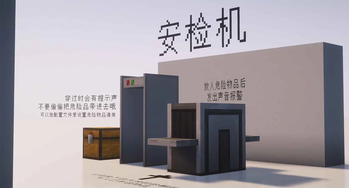
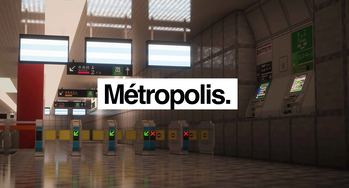
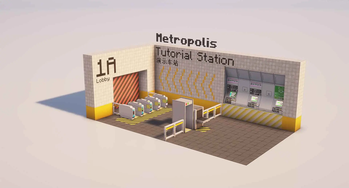
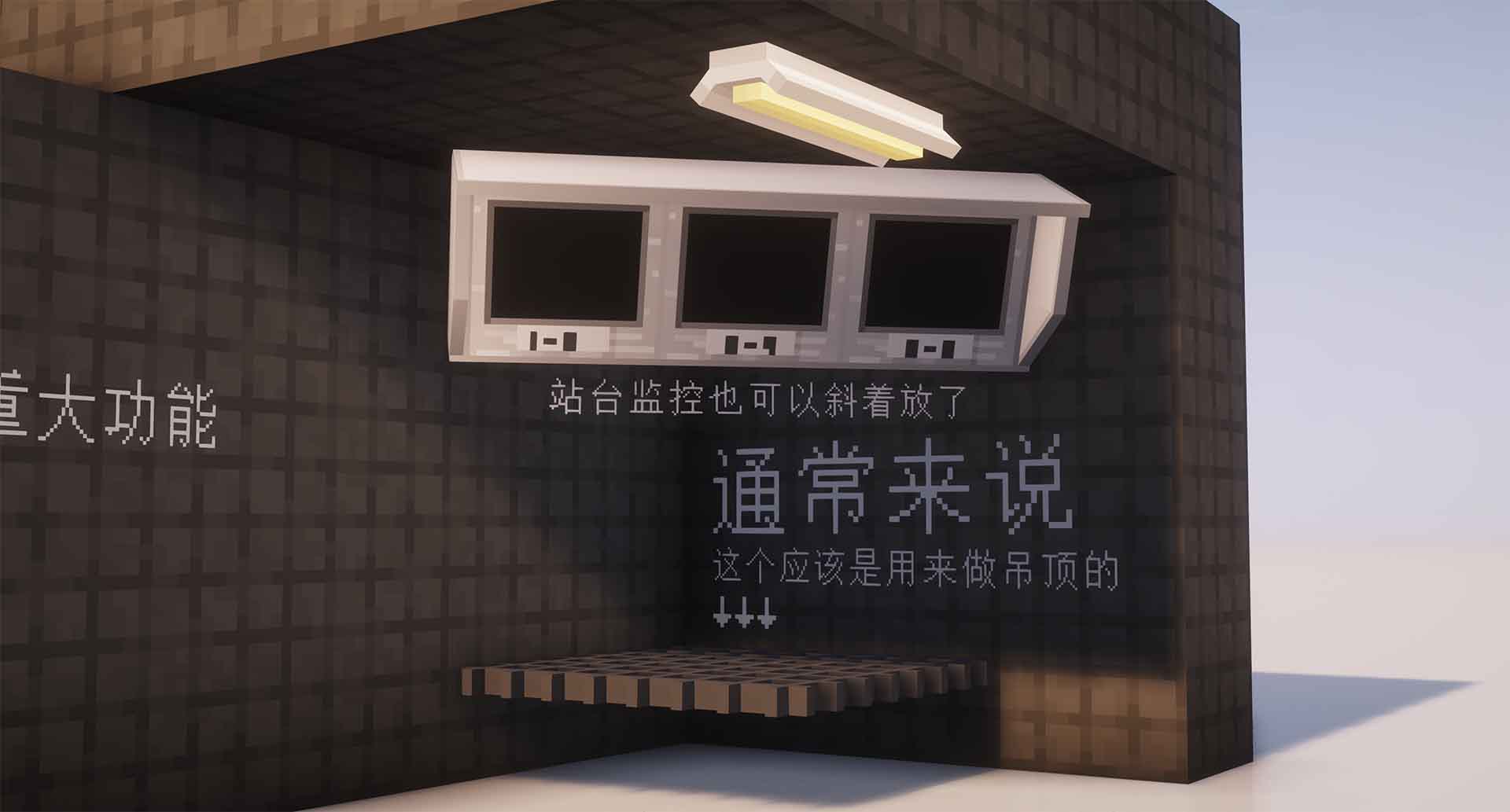
About this Mod
Métropolis.
The opening of London's steam-hauled Metropolitan Railway in 1863 marked the beginning of rapid transit.
Overview
Métropolis is an addon which added Miscellaneous stuff of modern railway parts for Minecraft Trainsit Railway.
This mod includes Urban railway transit elements around the world.
Not only will there be station decorative blocks, but it will also include train and platform objects in the future.
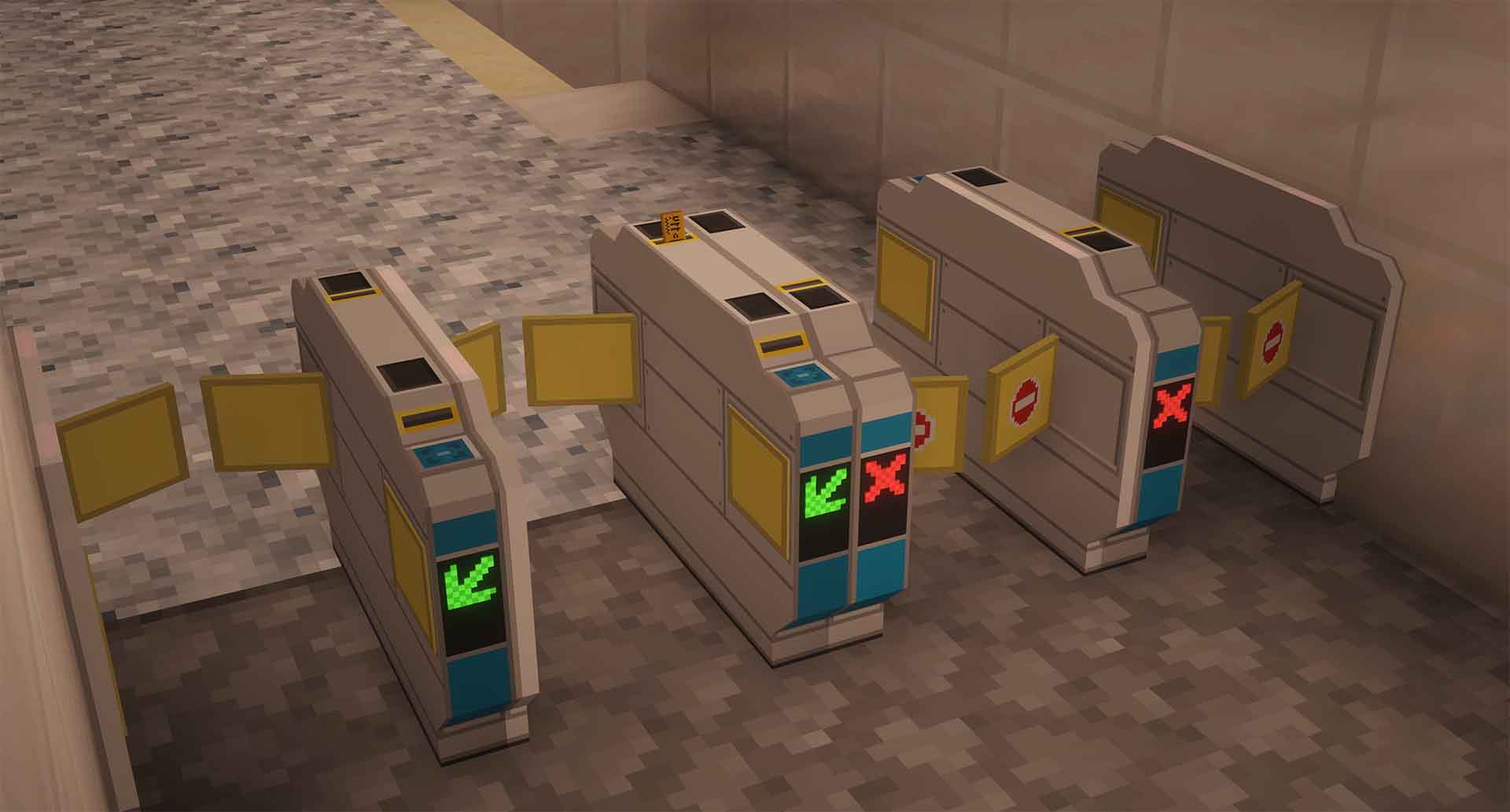
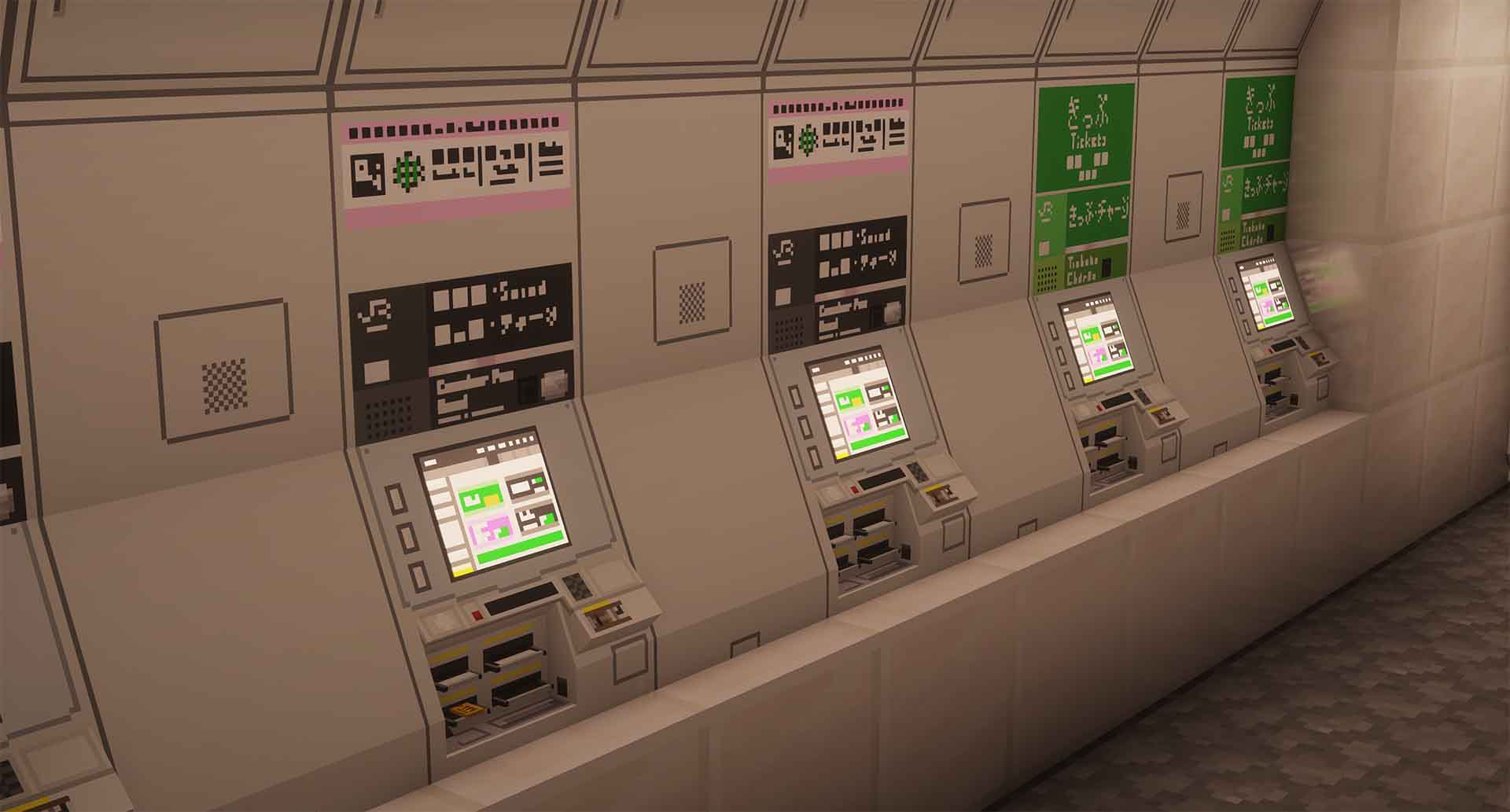
We have also created a ticket-system based on MTR mod, you can buy a single trip and an IC card now!
Features
- Tickets, IC Cards
- Turnstiles
- Ticket Vendor Machines
- Platforms
- Rotatable Bumper/Buffer
- Rotatable (decorative) Monitor
- Security Camera
- Platform Blocks
- And more!
Languages supported
The following languages are included (or will be included) in the Mod.
- English (United States) /en_us: 100%
- Chinese (Simplified) /zh_cn: 100%
- Chinese (Traditional Taiwan) /zh_tw: 90%
- Chinese (Traditional Hong Kong) /zh_hk: 90%
- Japanese /jp_jp: 0%
We'll also be happy if you want to help us translate the mod by creating pull request on Github.
Supported versions
This Mod supports Fabric 1.19.2/1.18.2/1.20.1 and Minecraft Transit Railway 3.2.2.
There is also a MTR 4.0.3 port for Minercaft 1.20.1
This mod only supports MTR 3.2.2. However, Métropolis for MTR 4 is under develop, which will be compatible with Minecraft 1.20.1.
Available Versions
How to Install Métropolis. on Your Server
Order Server
Order a Minecraft Java server with at least 3 GB RAM (4 GB recommended).
Set fabric Loader
In the panel under "Egg", select the fabric loader and matching Minecraft version (1.20.1).
Install Mod
Open the mod browser in the dashboard and search for "Métropolis.". Click "Install" – done! Alternatively, upload the .jar via SFTP to the /mods folder.
Compatibility
Mod Loaders
Minecraft Versions
1.20.1, 1.19.4, 1.19.2 (+1 more)
Server-side
✓ RequiredRecommended RAM
4 GB(min. 3 GB)Frequently Asked Questions
Métropolis. server crashes on startup – what to do?
Most common cause: wrong fabric version or insufficient RAM. Check the server log (latest.log) for "OutOfMemoryError" or "Mixin" errors. With Mado Hosting: ensure at least 3 GB RAM is allocated and the loader matches the mod version (1.20.1). You can switch loaders with one click in the panel.
Is Métropolis. compatible with fabric?
Métropolis. officially supports fabric for Minecraft 1.20.1, 1.19.4, 1.19.2. The Mado dashboard automatically detects incompatible loader combinations.
Server lagging with Métropolis. – how to optimize performance?
Recommended RAM: 4 GB (per 8 players). Use /spark profiler to check if Métropolis. consumes the most tick time. Common fixes: reduce server view-distance to 8-10, install "performant" or "starlight" as supplementary mods on Forge. With Mado Hosting, your server runs on NVMe SSDs with dedicated CPU cores for minimal latency.
Similar Mods

![[ETF] Entity Texture Features](https://cdn.modrinth.com/data/BVzZfTc1/af683d206d50b05258d865b0d6e4aa2f2cee12f2_96.webp)
![[EMF] Entity Model Features](https://cdn.modrinth.com/data/4I1XuqiY/6e5bbd0d06b1741bfdab6c0cfab6de8fdaf0064c_96.webp)



Rent Modded Server
Install Métropolis. with just one click on your server.