
Mewsic-Bridge
Bridges the Mewsic desktop music player with Minecraft via a local WebSocket server. Displays the currently playing track on the Game Menu Screen.
Screenshots
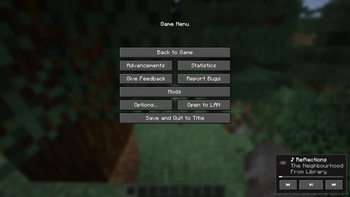
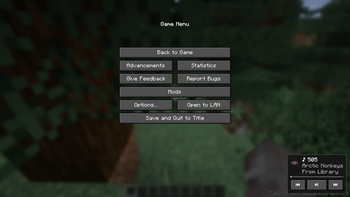
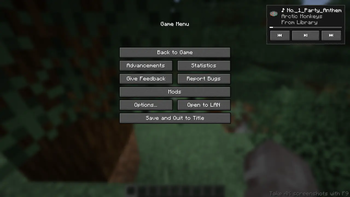
About this Mod
Bridges the Mewsic desktop music player with Minecraft via a local WebSocket server. Displays the currently playing track on the Game Menu Screen.
This mod is made to schowcase the plugin functionality of the Mewsic App by using a plugin and a minecraft mod to connect and control the mewsic app within minecraft itself. This can be useful if you're just chilling and dont want to switch apps to change mewsic or if you're recording and dont want to reveal your desktop to viewers.
Installation
Mewsic App >=v0.9.4 is REQUIRED for this mod to work.
Download Mewsic here.
- In mewsic go to settings and scroll down and open Plugin Manager.
- Enable The Minecraft Bridge built-in Plugin.
- Open Minecraft with this mod installed.
- It Should automatically connect. if not, click reconnect in the plugin manager.
Screenshots
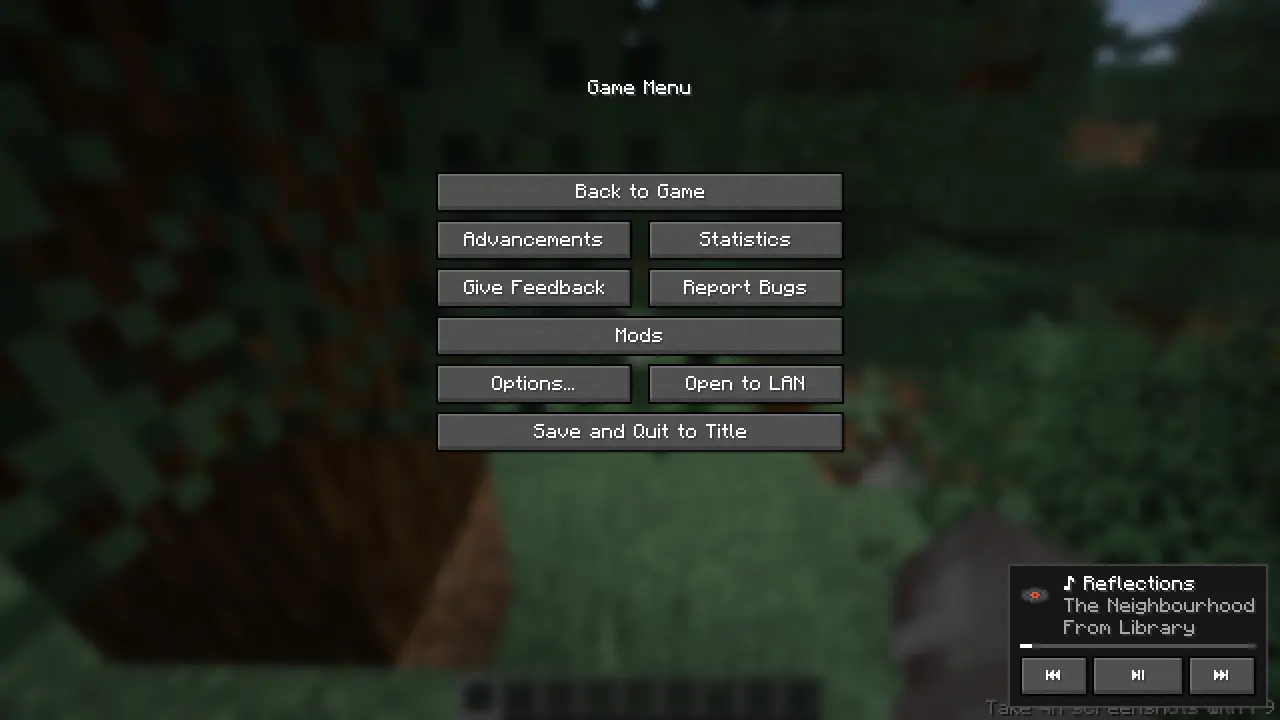
Auto-Adjusting control UI based on track details.
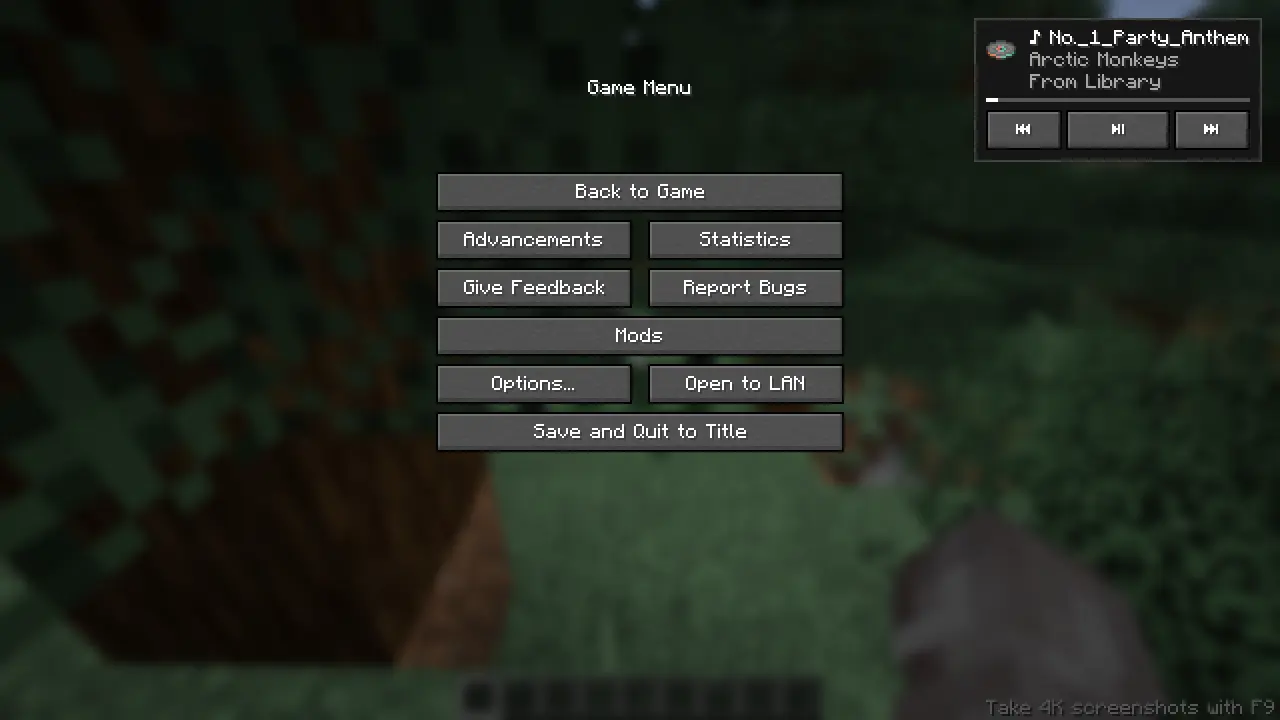
Move the control UI to your preferred place with your mouse!
Features
Commands are available to use the player.
/mewsic play
/mewsic pause
/mewsic next
/mewsic previous
/mewsic shuffle
/mewsic repeat <mode> (where mode can be "on","off","one")
/mewsic playlist <playlistname> (playlist names are auto parsed on first connection)
/mewsic track <trackname> (track names are parsed on first connection)
/mewsic reconnect (drop the existing connection witht the app and re-initiates the websocket, use after adding/removing songs, adding/removing playlists)
Issues related to this mod is accepted in the Mewsic github issue tracker!
Available Versions
How to Install Mewsic-Bridge on Your Server
Order Server
Order a Minecraft Java server with at least 3 GB RAM (4 GB recommended).
Set fabric Loader
In the panel under "Egg", select the fabric loader and matching Minecraft version (26.2).
Install Mod
Open the mod browser in the dashboard and search for "Mewsic-Bridge". Click "Install" – done! Alternatively, upload the .jar via SFTP to the /mods folder.
Compatibility
Mod Loaders
Minecraft Versions
26.2, 26.1.2, 26.1.1 (+2 more)
Server-side
✗ UnsupportedRecommended RAM
4 GB(min. 3 GB)Frequently Asked Questions
Mewsic-Bridge server crashes on startup – what to do?
Most common cause: wrong fabric version or insufficient RAM. Check the server log (latest.log) for "OutOfMemoryError" or "Mixin" errors. With Mado Hosting: ensure at least 3 GB RAM is allocated and the loader matches the mod version (26.2). You can switch loaders with one click in the panel.
Is Mewsic-Bridge compatible with fabric?
Mewsic-Bridge officially supports fabric for Minecraft 26.2, 26.1.2, 26.1.1. The Mado dashboard automatically detects incompatible loader combinations.
Server lagging with Mewsic-Bridge – how to optimize performance?
Recommended RAM: 4 GB (per 8 players). Use /spark profiler to check if Mewsic-Bridge consumes the most tick time. Common fixes: reduce server view-distance to 8-10, install "performant" or "starlight" as supplementary mods on Forge. With Mado Hosting, your server runs on NVMe SSDs with dedicated CPU cores for minimal latency.
Similar Mods




Rent Modded Server
Install Mewsic-Bridge with just one click on your server.