
MineboxAdditions
MineboxAdditions is a mod that adds blatant features to your average Minebox gameplay !
Screenshots



About this Mod
MineboxAddition
MineboxAddition is a Minecraft Fabric Mod for version 26.1.X that introduces exciting features for your Minebox gameplay !
Features
Access MineboxAdditions menu by pressing default M key.
On French keyboard layouts the key is bound to , ("virgule").
You can edit the mod Keybinds as you would normally do in the MInecraft settings Options -> Controls -> Key Binds
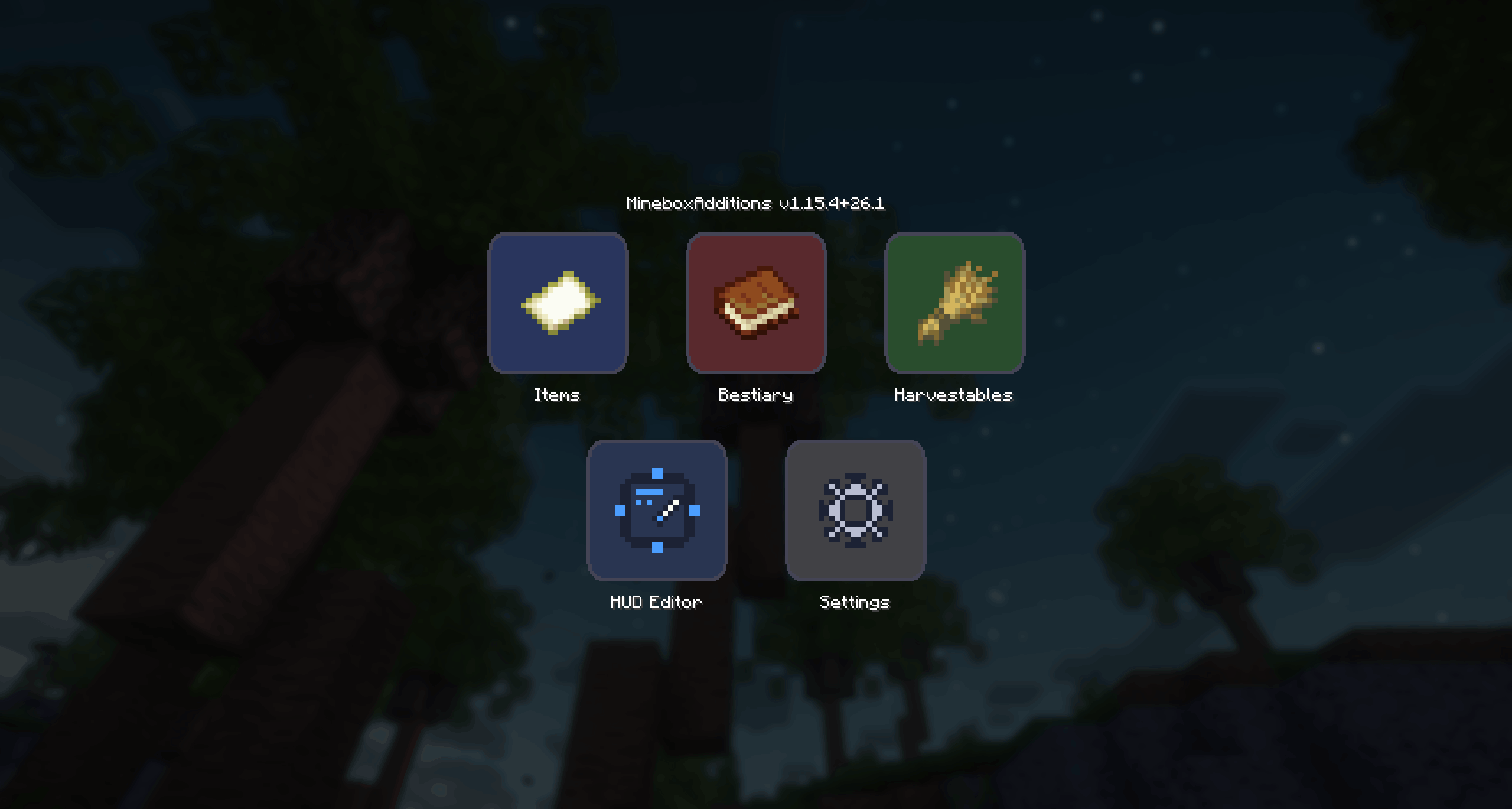
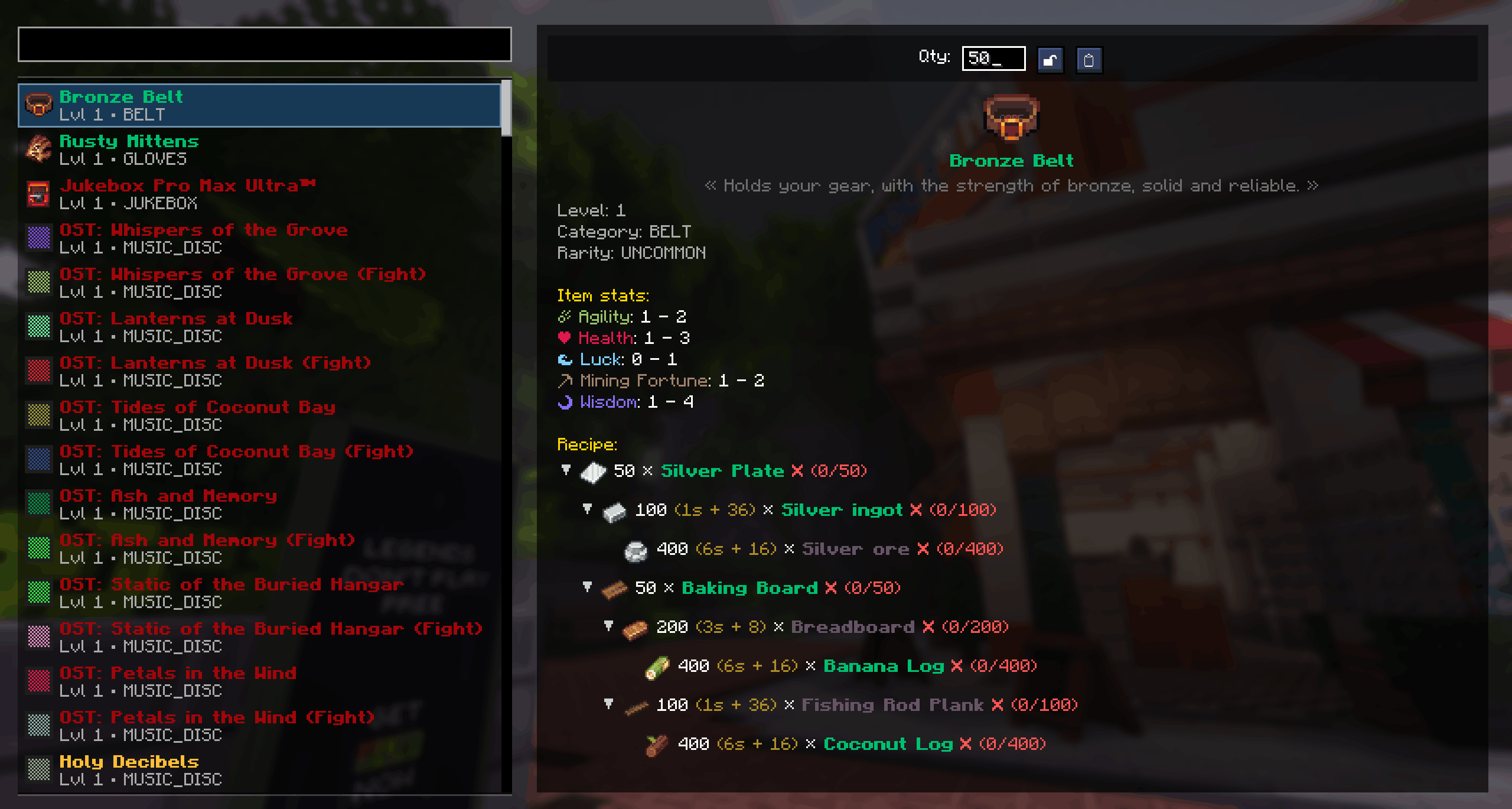
In-game Atlas
Recipes calculator and items relations, from the comfort of your game window.
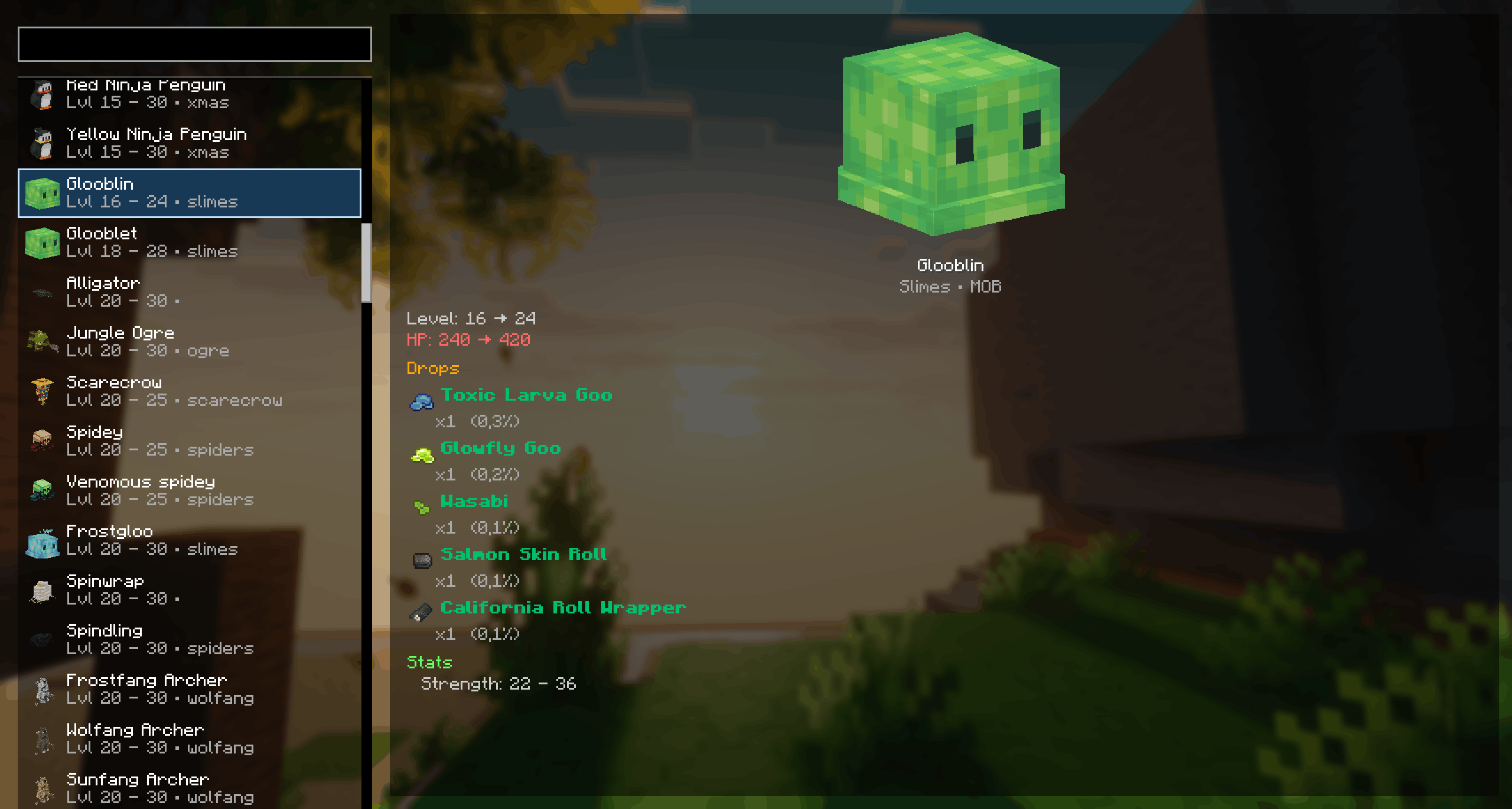
In-game Bestiary
Check out mob drops, stats and spawning locations
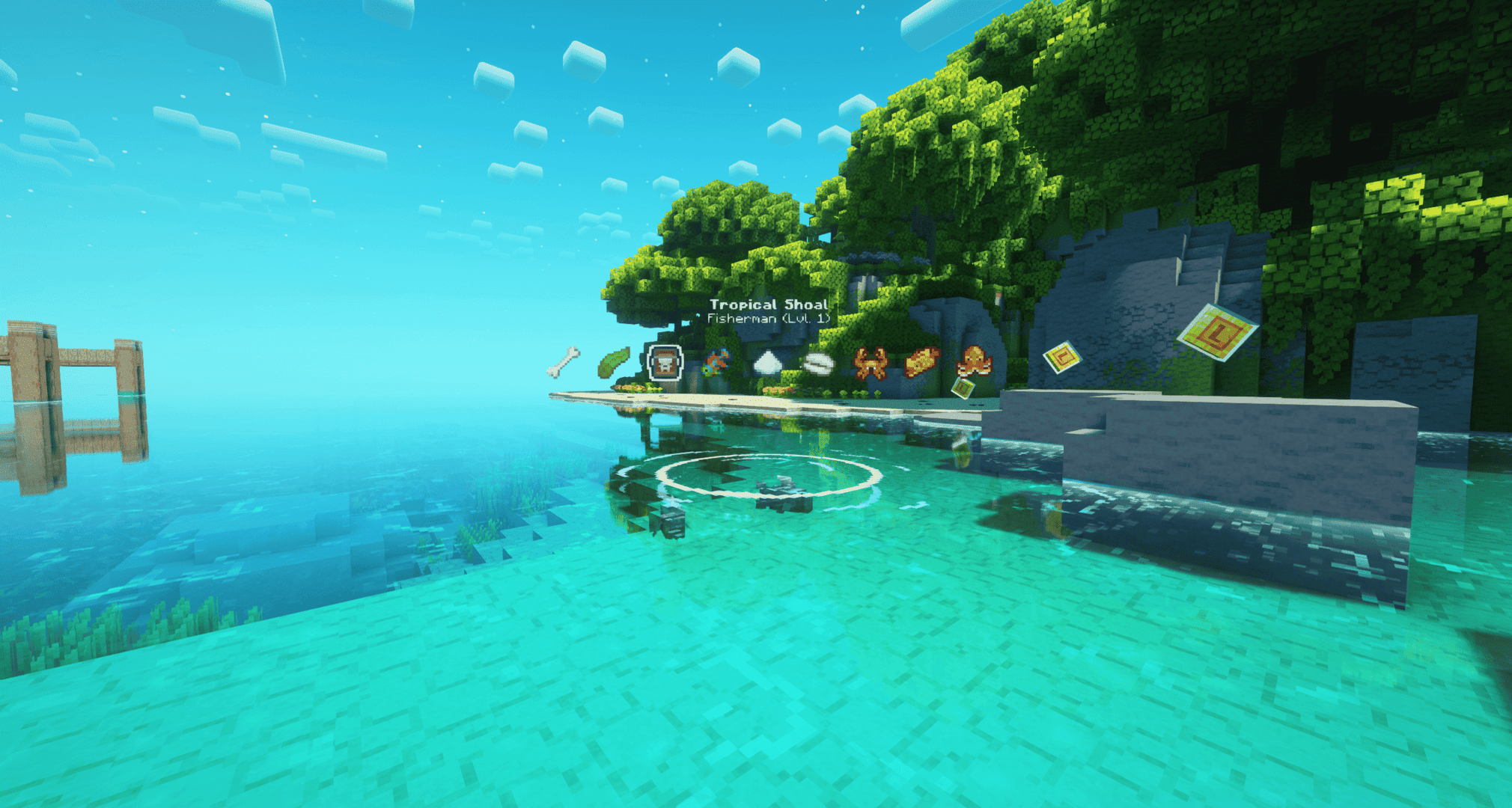
Fishing HUD
Display the list of fishes and items you can catch for any shoal.
The weather conditions are taken into account aswell as the time and moon phases.
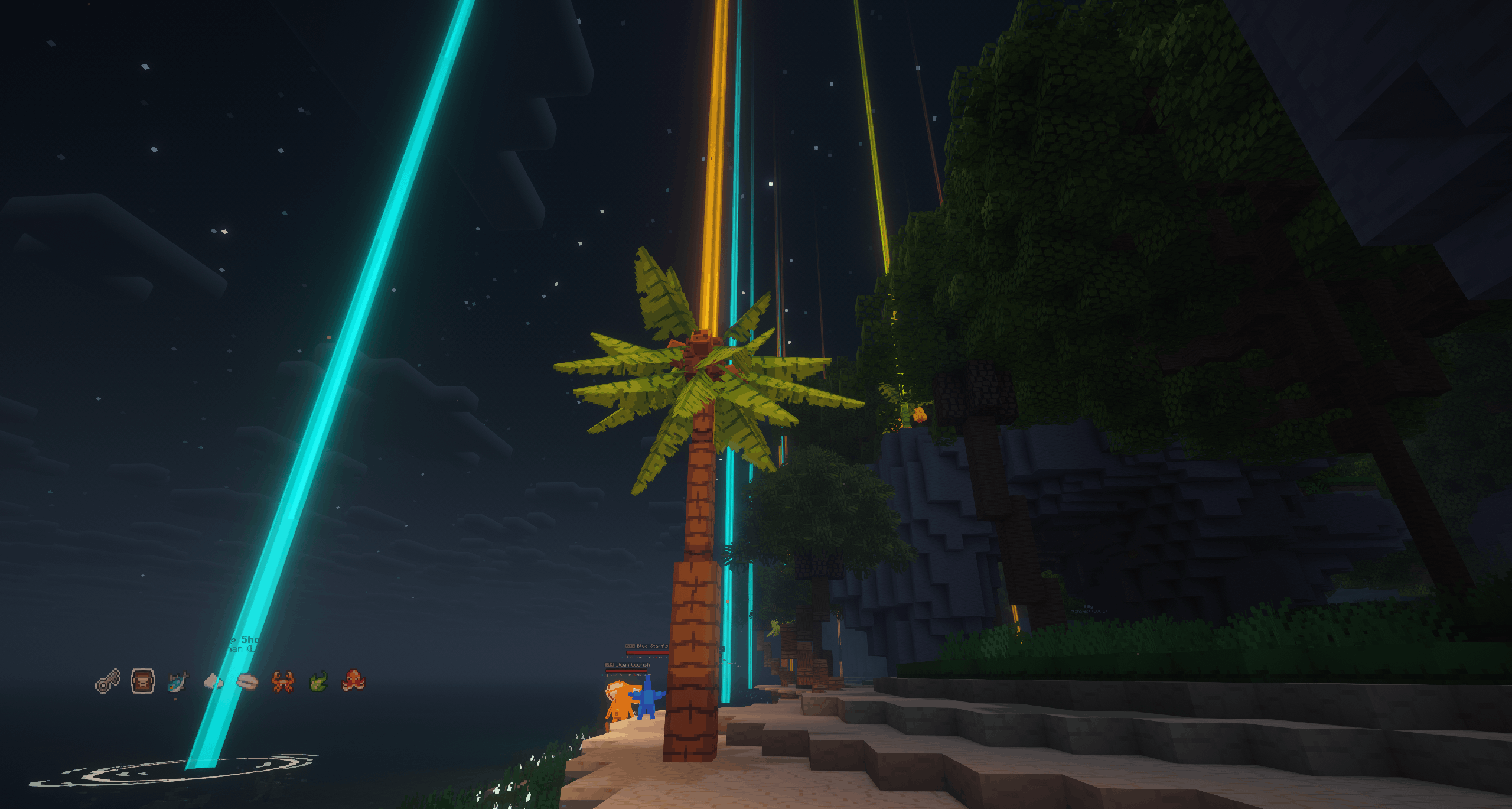
Harvestables locations
Select what you want to gather, and locate it easily with colored beams.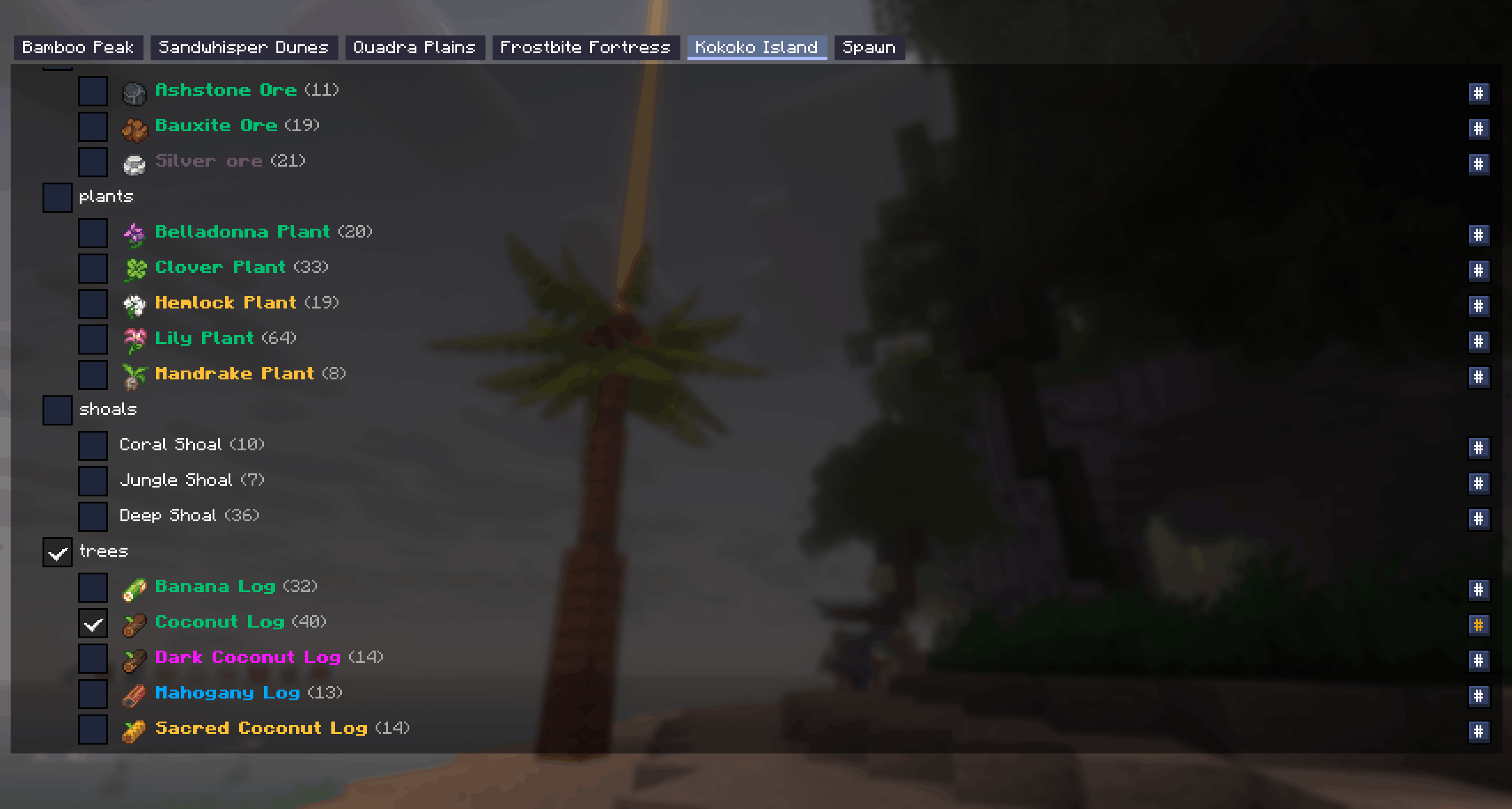
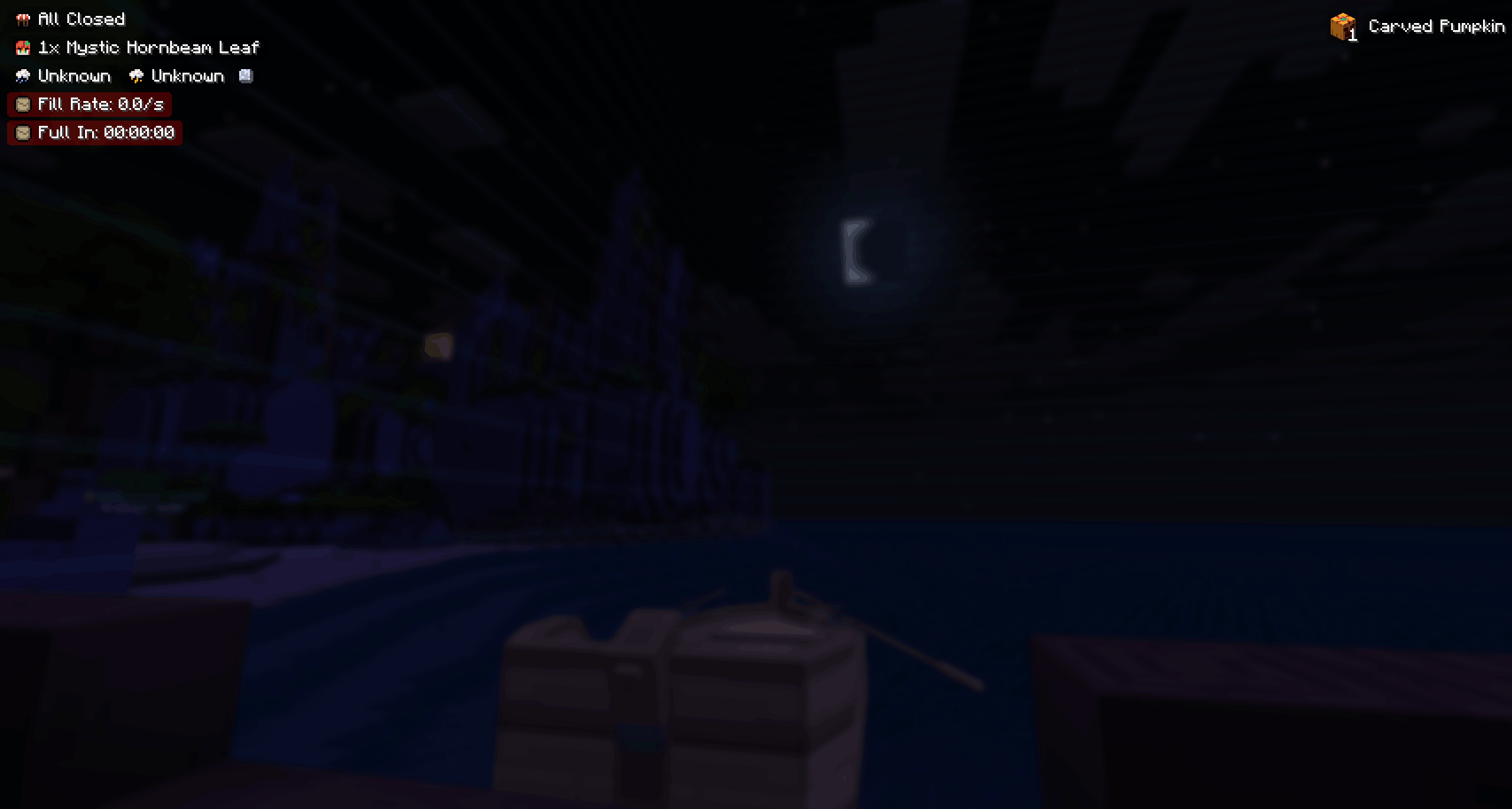
Hud and Hud editor
Display important information like upcoming weather, mermaid request, shop offers, full moon indicator.
Drag, disable, the placement is up to you !
Museum indicators
Know exactly from any inventory which items are missing in your museum.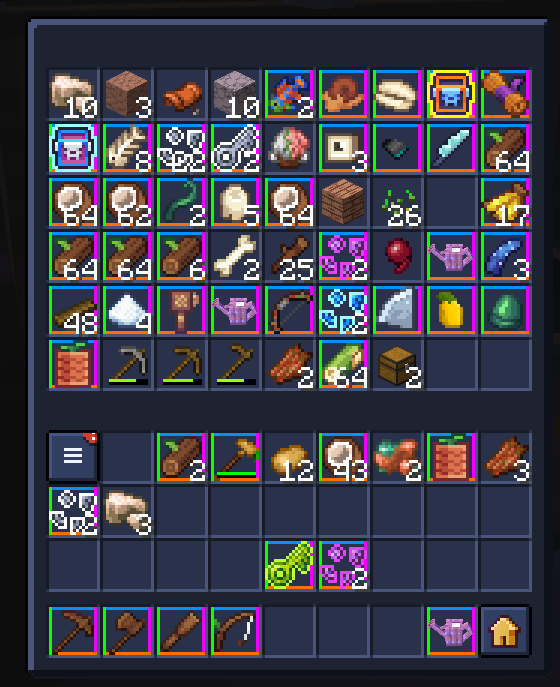
Wardrobe-like feature
Save your own sets and equip them quickly from your /extrainv !
This system is intended from non-sub users as Minebox now implements their own Wardrobe system.
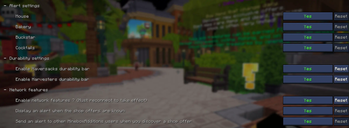
Alerts Settings
Toast alerts when server shops open, toast alerts when another MineboxAdditions user discover what the shop offers.
Supported shops : Mouse, Bakery, Buckstar, Sharkoffee
Durability bars and Items background rarities
Display a durability bar for haversacks filling, for tools durability.
Background colors for item rairities with customizable transparency and shape.
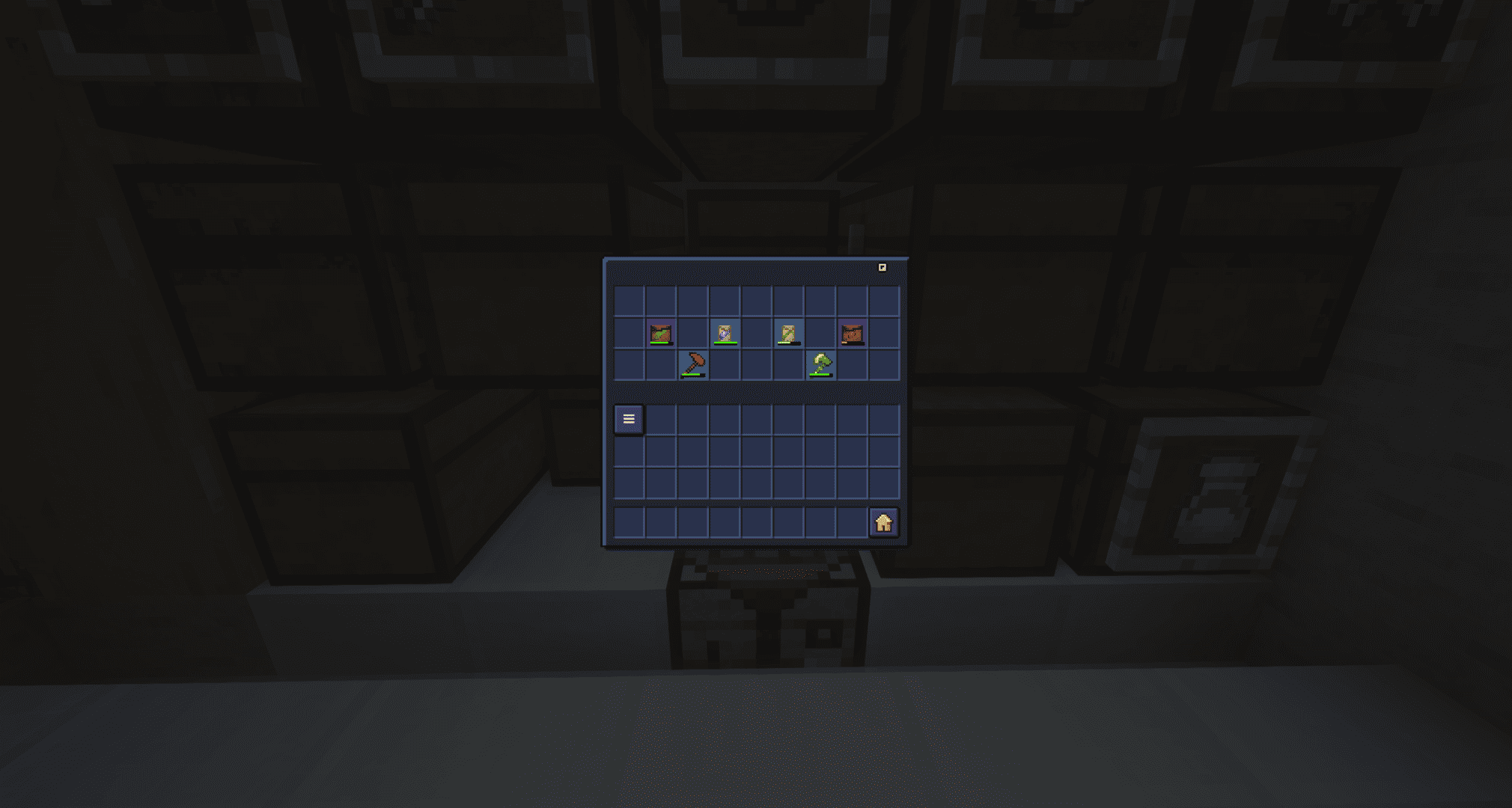
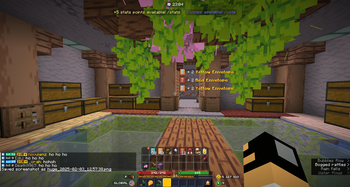
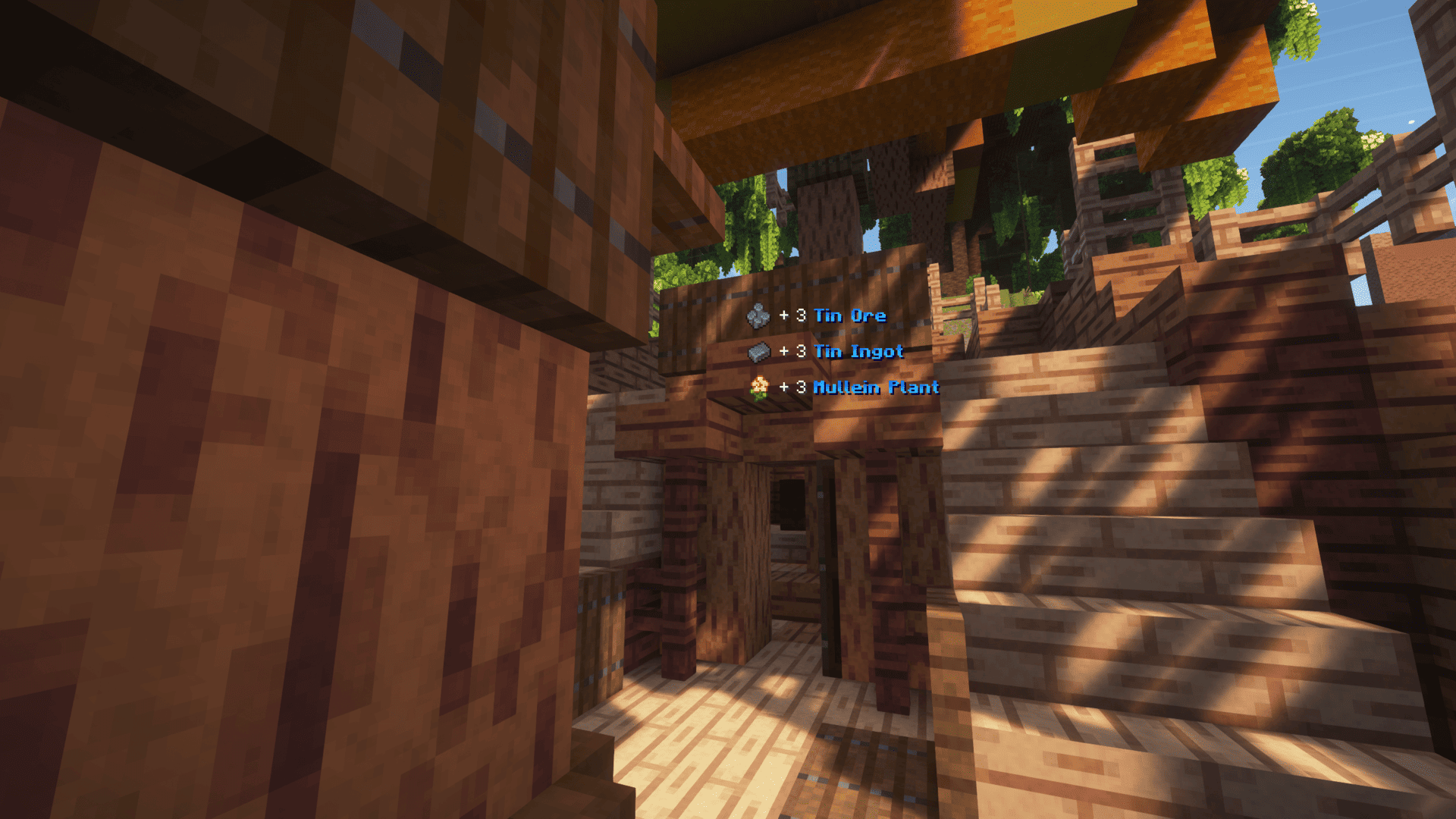
Items pickup tooltips
Know exactly what enters your inventory when farming.
You can configure how much lines to display, for how long...
Other features
- Shinies alerts > Send (and receive) alerts when other MineboxAdditions users finds a shiny mob
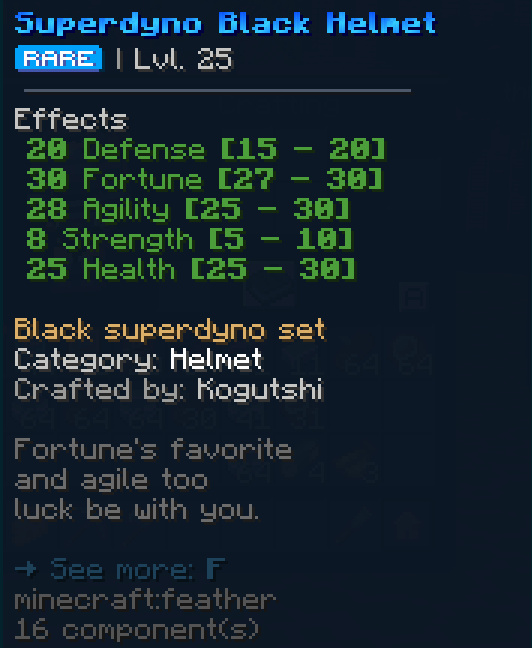
- Base Stats > Display item base stats by pressing [LEFT ALT] on their tooltip
- TP to island on connect
Available locales
- French
- English
- Polish
- Chinese
- Russian
Available Versions
How to Install MineboxAdditions on Your Server
Order Server
Order a Minecraft Java server with at least 3 GB RAM (4 GB recommended).
Set fabric Loader
In the panel under "Egg", select the fabric loader and matching Minecraft version (26.1.2).
Install Mod
Open the mod browser in the dashboard and search for "MineboxAdditions". Click "Install" – done! Alternatively, upload the .jar via SFTP to the /mods folder.
Compatibility
Mod Loaders
Minecraft Versions
26.1.2, 26.1.1, 26.1 (+5 more)
Server-side
✗ UnsupportedRecommended RAM
4 GB(min. 3 GB)Frequently Asked Questions
MineboxAdditions server crashes on startup – what to do?
Most common cause: wrong fabric version or insufficient RAM. Check the server log (latest.log) for "OutOfMemoryError" or "Mixin" errors. With Mado Hosting: ensure at least 3 GB RAM is allocated and the loader matches the mod version (26.1.2). You can switch loaders with one click in the panel.
Is MineboxAdditions compatible with fabric?
MineboxAdditions officially supports fabric for Minecraft 26.1.2, 26.1.1, 26.1. The Mado dashboard automatically detects incompatible loader combinations.
Server lagging with MineboxAdditions – how to optimize performance?
Recommended RAM: 4 GB (per 8 players). Use /spark profiler to check if MineboxAdditions consumes the most tick time. Common fixes: reduce server view-distance to 8-10, install "performant" or "starlight" as supplementary mods on Forge. With Mado Hosting, your server runs on NVMe SSDs with dedicated CPU cores for minimal latency.
Similar Mods




![[ETF] Entity Texture Features](https://cdn.modrinth.com/data/BVzZfTc1/af683d206d50b05258d865b0d6e4aa2f2cee12f2_96.webp)
![[EMF] Entity Model Features](https://cdn.modrinth.com/data/4I1XuqiY/6e5bbd0d06b1741bfdab6c0cfab6de8fdaf0064c_96.webp)
Rent Modded Server
Install MineboxAdditions with just one click on your server.