
Minecraft but the Floor Changes Every Day
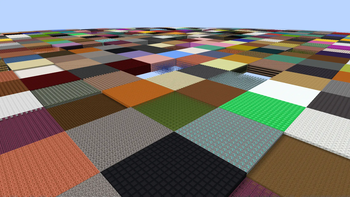
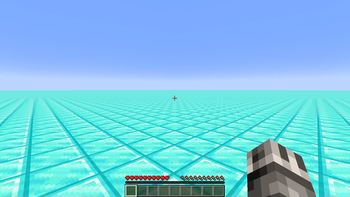
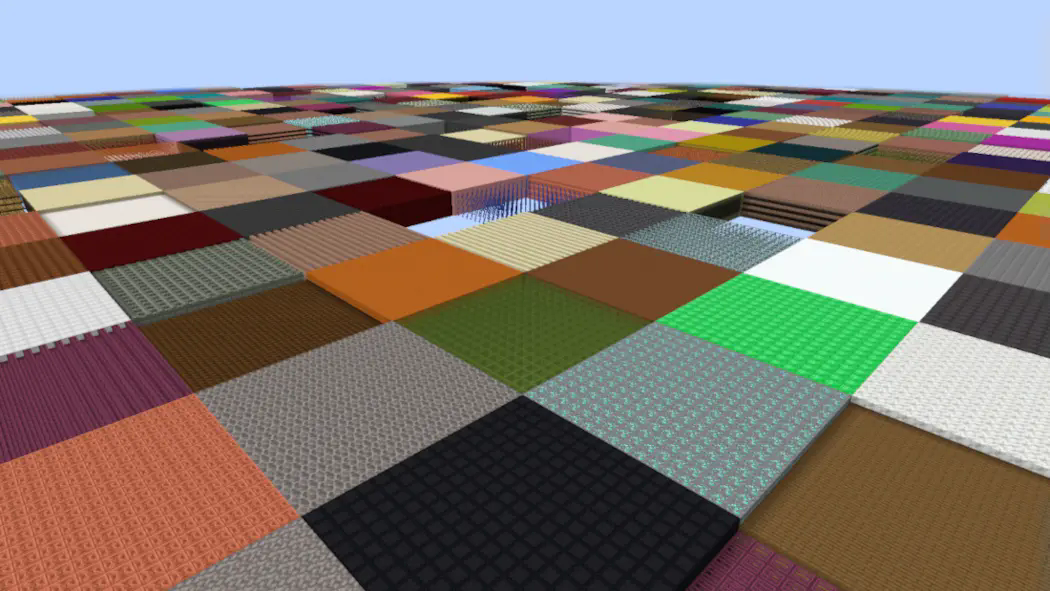
Every time a day passes, the entire floor changes to a different block.
Screenshots
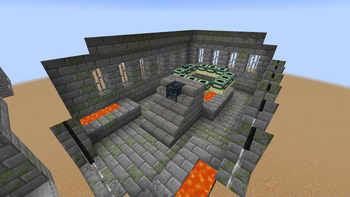
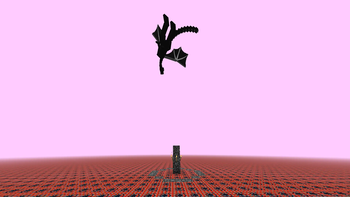
About this Mod
Overview
This pack must be installed during new world creation! It can't be used on pre-existing worlds.
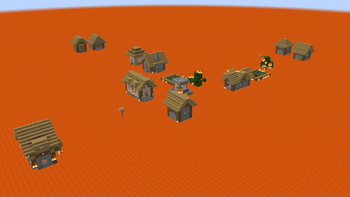
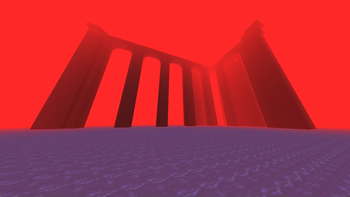
This is a superflat challenge where at the start of every day, the entire floor changes to a different block. All 3 dimensions have been converted into superflat terrain and are each affected by the floor change. Each dimension contains the structures/mobs needed to beat the game.
If you'd like to make a video or content using this pack, go for it! If you do so, you must provide credit to me (Ambiguous Chameleon) and provide a link to this pack in the description and/or comments. Thank you!
Cheats & Commands
Immediately changes the floor to the block you are holding in your mainhand
/trigger ac.sf_randomizer.change_to_block
Toggles Disco Chunks option. When active, each chunk will individually choose a block to use for its chunk as opposed to all chunks using the same block. Off by default
/trigger ac.sf_randomizer.disco_chunks
Allows TNT to spawn as the floor! By default this option is off. Take care if you decide to turn it on
/trigger ac.sf_randomizer.enable_tnt
Moves time forward to the next day, triggering a floor change
/trigger ac.sf_randomizer.add_day
Uninstalls the data pack [data pack version only!]
/function ac_cheat:uninstall
Available Versions
How to Install Minecraft but the Floor Changes Every Day on Your Server
Order Server
Order a Minecraft Java server with at least 4 GB RAM (6 GB recommended).
Set datapack Loader
In the panel under "Egg", select the datapack loader and matching Minecraft version (1.21.11).
Install Mod
Open the mod browser in the dashboard and search for "Minecraft but the Floor Changes Every Day". Click "Install" – done! Alternatively, upload the .jar via SFTP to the /mods folder.
Compatibility
Mod Loaders
Minecraft Versions
1.21.11, 1.21.10, 1.21.9 (+16 more)
Server-side
✓ RequiredRecommended RAM
6 GB(min. 4 GB)Frequently Asked Questions
Minecraft but the Floor Changes Every Day server crashes on startup – what to do?
Most common cause: wrong datapack version or insufficient RAM. Check the server log (latest.log) for "OutOfMemoryError" or "Mixin" errors. With Mado Hosting: ensure at least 4 GB RAM is allocated and the loader matches the mod version (1.21.11). You can switch loaders with one click in the panel.
Is Minecraft but the Floor Changes Every Day compatible with datapack and fabric and forge and neoforge?
Minecraft but the Floor Changes Every Day officially supports datapack, fabric, forge, neoforge for Minecraft 1.21.11, 1.21.10, 1.21.9. Note: Forge and Fabric mods are NOT cross-compatible – pick one loader and stick with it. The Mado dashboard automatically detects incompatible loader combinations.
Server lagging with Minecraft but the Floor Changes Every Day – how to optimize performance?
Recommended RAM: 6 GB (per 5 players). Use /spark profiler to check if Minecraft but the Floor Changes Every Day consumes the most tick time. Common fixes: reduce server view-distance to 8-10, install "performant" or "starlight" as supplementary mods on Forge. With Mado Hosting, your server runs on NVMe SSDs with dedicated CPU cores for minimal latency.
Similar Mods




Rent Modded Server
Install Minecraft but the Floor Changes Every Day with just one click on your server.