
MinecraftContentExpansion
New early game, new materials, new mechanics, new tools and much more!
Screenshots
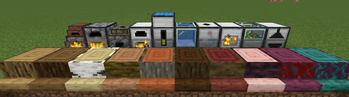
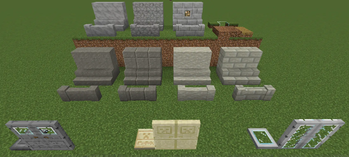
About this Mod

MCE - short for MinecraftContentExpansion - is a Forge mod which aims to expand the game while keeping the "original feeling". All main features can be toggled in the config.
- Minecraft => stay true to the "original feeling"
- Content => add more things to do
- Expansion => expand the gameplay
Overview
The mod adds new blocks, items, mechanics and also changes some existing game mechanics.
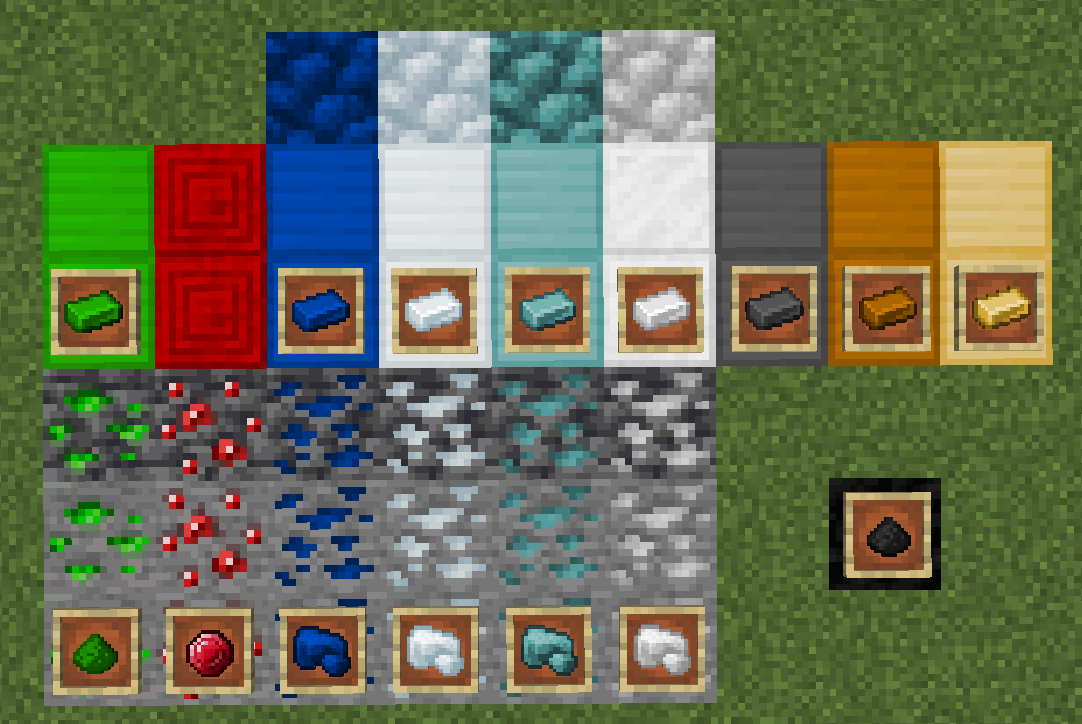
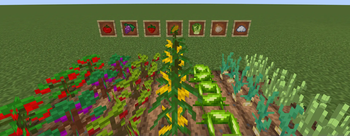
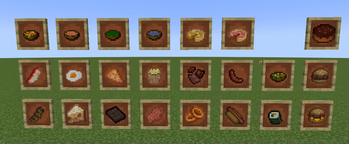
This includes new ways of wood working, new tool & armor crafting, new materials, new decoration and building blocks, new crops and food, new and expanded early game, energy based machines for the late game and much more!
It is highly recommended to use JEI and/ or Patchouli for ingame guidance!
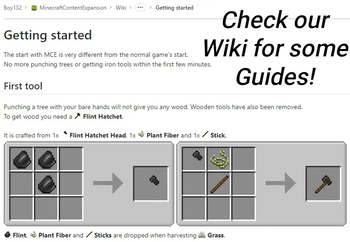
You can also visit our Wiki for some online guides.
Languages
- English (100%)
- German (100%)
Some notes
Feel free to use this mod in your modpack. But, this mod is intended as standalone mod so compatibility with other (gameplay) mods is not granted!
License
This mod is licensed under the GPL v3 License.
Most of the textures are made by me (Boy132) or are reskins of vanilla textures (by Mojang)
Some textures are from other mods - and used with permission (by Duckuack, pifou92000)
Some textures are published under MIT License or GPL v3 License. All credits go to their respective owners.
Available Versions
How to Install MinecraftContentExpansion on Your Server
Order Server
Order a Minecraft Java server with at least 3 GB RAM (4 GB recommended).
Set forge Loader
In the panel under "Egg", select the forge loader and matching Minecraft version (1.21.1).
Install Mod
Open the mod browser in the dashboard and search for "MinecraftContentExpansion". Click "Install" – done! Alternatively, upload the .jar via SFTP to the /mods folder.
Compatibility
Mod Loaders
Minecraft Versions
1.21.1, 1.20.1
Server-side
✓ RequiredRecommended RAM
4 GB(min. 3 GB)Frequently Asked Questions
MinecraftContentExpansion server crashes on startup – what to do?
Most common cause: wrong forge version or insufficient RAM. Check the server log (latest.log) for "OutOfMemoryError" or "Mixin" errors. With Mado Hosting: ensure at least 3 GB RAM is allocated and the loader matches the mod version (1.21.1). You can switch loaders with one click in the panel.
Is MinecraftContentExpansion compatible with forge and neoforge?
MinecraftContentExpansion officially supports forge, neoforge for Minecraft 1.21.1, 1.20.1. The Mado dashboard automatically detects incompatible loader combinations.
Server lagging with MinecraftContentExpansion – how to optimize performance?
Recommended RAM: 4 GB (per 8 players). Use /spark profiler to check if MinecraftContentExpansion consumes the most tick time. Common fixes: reduce server view-distance to 8-10, install "performant" or "starlight" as supplementary mods on Forge. With Mado Hosting, your server runs on NVMe SSDs with dedicated CPU cores for minimal latency.
Similar Mods

![[ETF] Entity Texture Features](https://cdn.modrinth.com/data/BVzZfTc1/af683d206d50b05258d865b0d6e4aa2f2cee12f2_96.webp)
![[EMF] Entity Model Features](https://cdn.modrinth.com/data/4I1XuqiY/6e5bbd0d06b1741bfdab6c0cfab6de8fdaf0064c_96.webp)



Rent Modded Server
Install MinecraftContentExpansion with just one click on your server.