
MineLights
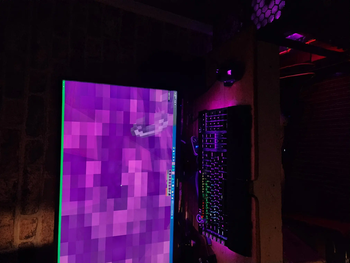
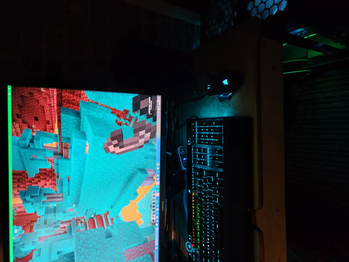
MineLights is a Minecraft mod that brings RGB lighting integrations to Minecraft Java Edition - OpenRGB, Corsair iCUE, Logitech G HUB, Razer Chroma, MSI Mystic Light, ASUS Aura, SteelSeries GameSense, and Wooting
Screenshots
About this Mod
MineLights
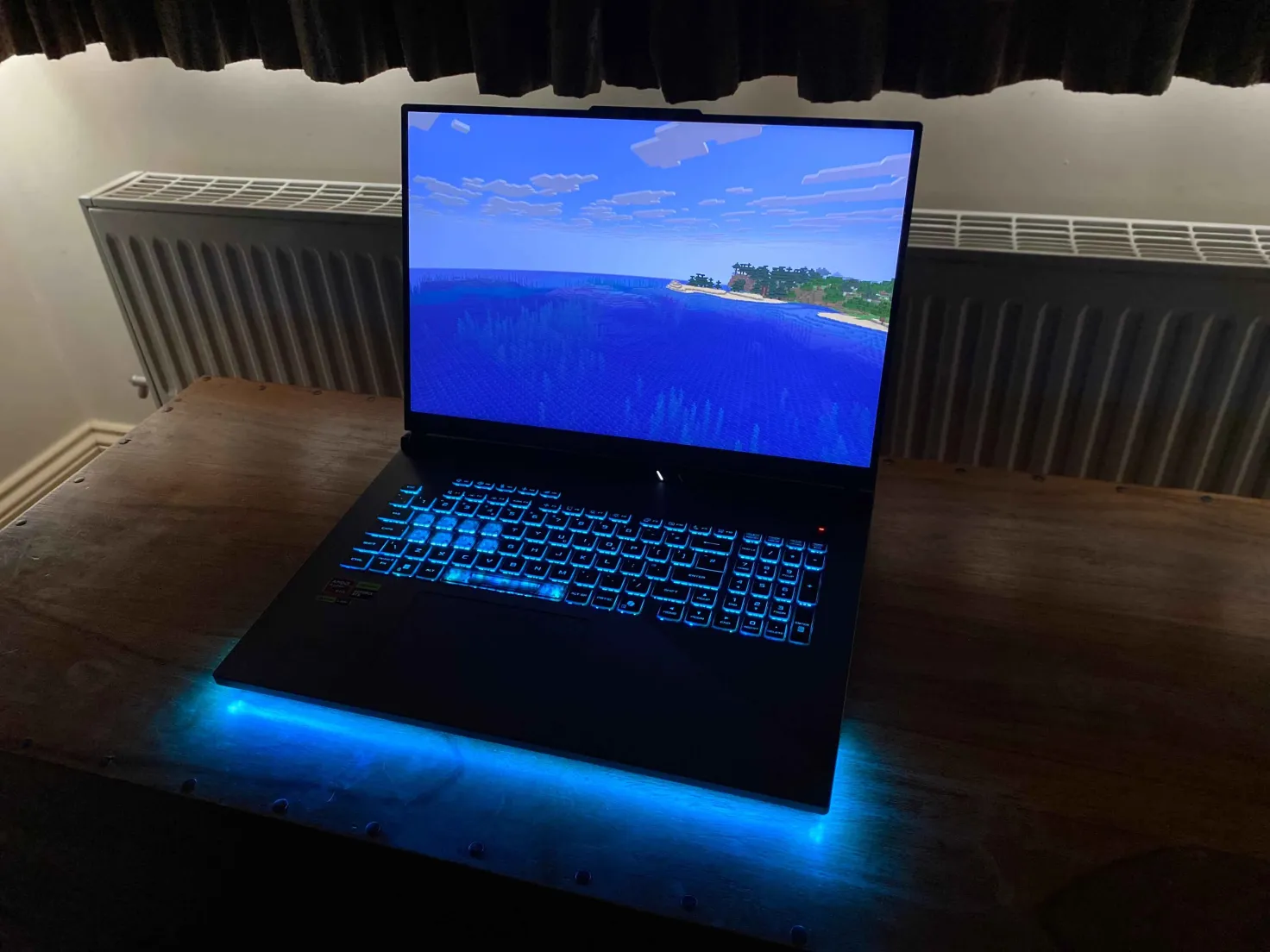
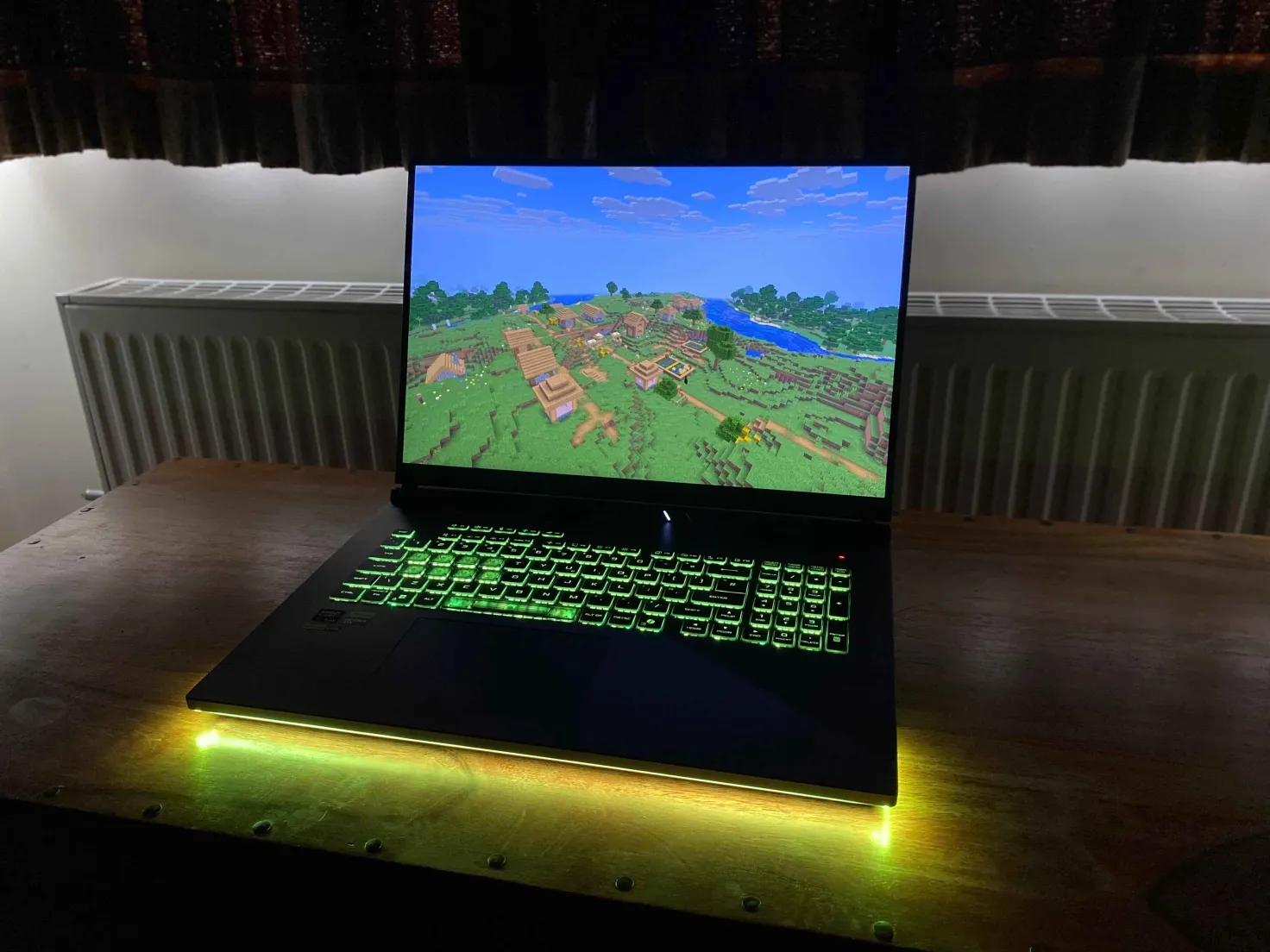
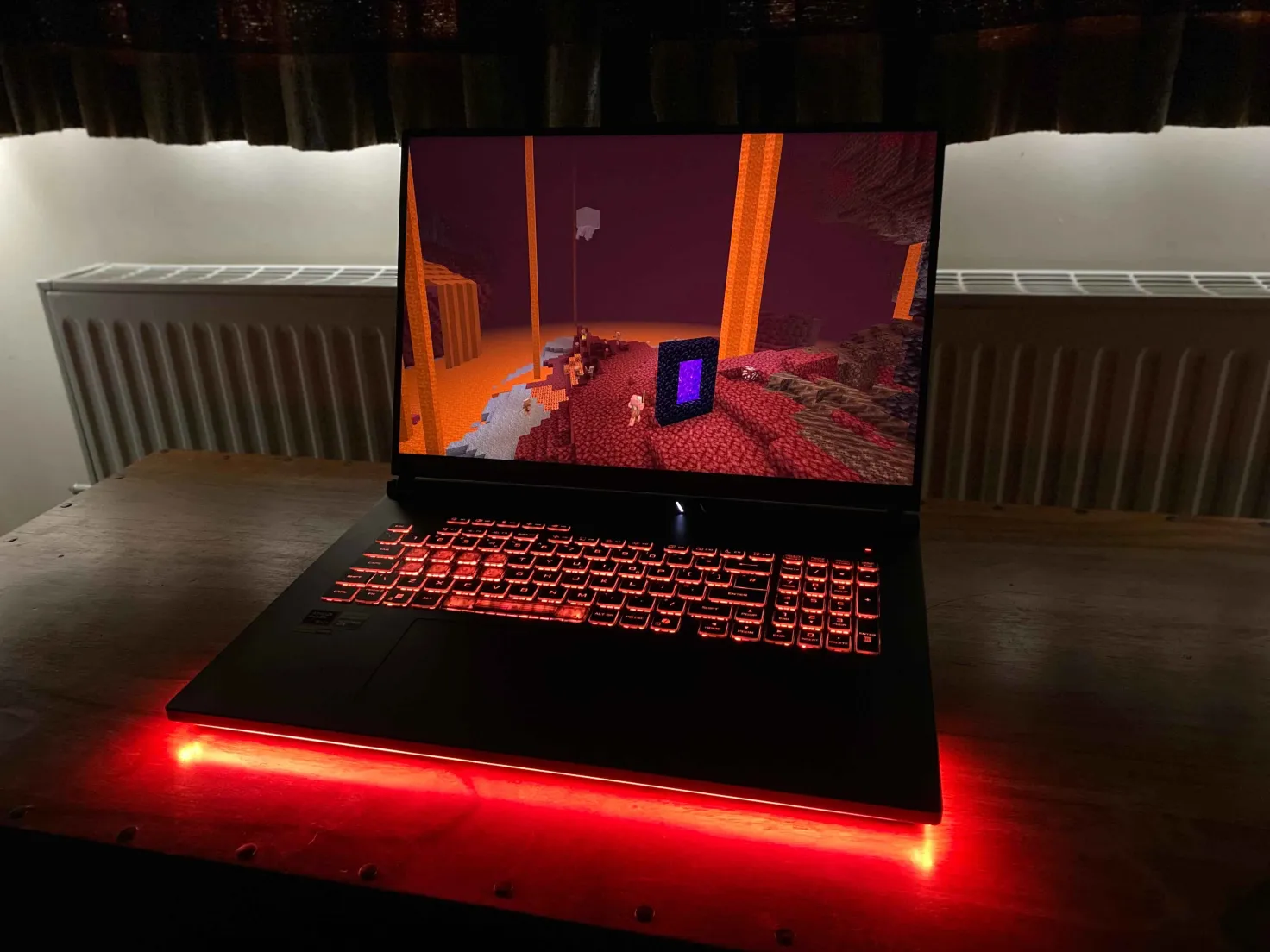
MineLights running on an Asus laptop. Video courtesy of Nukepatrol99.
MineLights is a Minecraft Fabric mod that brings your world to life with dynamic RGB lighting effects for your peripherals. It targets a range of Minecraft versions (1.14.3+) and uses a modular design to support a wide range of hardware.
Currently supported: Minecraft 1.14.3 - 26.1.2 (Fabric), Minecraft 1.20.2 - 26.1.2 (NeoForge)
Features
- Extensive Multi-SDK Support: Integrates with a wide array of RGB SDKs simultaneously, including OpenRGB, Corsair iCUE, Logitech G HUB, Razer Chroma, MSI Mystic Light, ASUS Aura, SteelSeries GameSense, and Wooting.
- Dynamic Environmental Effects: Your lighting changes in real-time based on your in-game surroundings.
- Biome Colors: Your keyboard's background color smoothly transitions to match the biome you're in.
- Weather Effects: Experience rain and dramatic lightning flashes during in-game thunderstorms.
- Status Effects: Your lighting will react when you are on fire, poisoned, or withering.
- Block Effects: Standing in lava, fire, or portals will trigger unique lighting themes.
- In-Game Status Bars: Use your keyboard's function keys as real-time status bars for health, hunger, and experience, alongside tracking other players or waypoints!
- Compass: A compass on your numpad (Extended keyboards only) will appear, if you have either a compass or recovery compass in your inventory! Alternatively it can always be displayed via a toggle in settings.
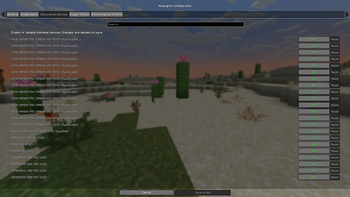
- Highly Configurable: An in-game configuration screen (via Mod Menu) lets you enable/disable every feature, integration, and even individual devices.
- Multiple Languages: Support for English, Anglish, German and Chinese (Simplified) has been added (Along with some joke languages)
Supported RGB Software
- OpenRGB Full device support (DIRECT mode!). Requires OpenRGB - Windows, Linux and MacOS.
- Corsair iCUE: Full device support for keyboards, mice, headsets, and more via the iCUE SDK (requires Corsair iCUE - Windows).
- Logitech G HUB / Lightsync: Controls Logitech G keyboards, mice, headsets, and other Lightsync-enabled gear (requires Logitech G HUB - Windows).
- Razer Chroma: Extensive support for all Razer Chroma-enabled peripherals like keyboards, mice, and mousepads (requires Razer Synapse - Windows).
- MSI Mystic Light: Control for motherboards, GPUs, and other devices via the Mystic Light SDK (requires MSI Center - Windows).
- ASUS Aura Sync: Control for motherboards, GPUs, and other devices via the ASUS Aura SDK (requires Armoury Crate - Windows).
- SteelSeries GameSense: Integration with SteelSeries peripherals like keyboards, mice, and headsets (requires SteelSeries GG - Windows).
- Wooting: Direct, low-latency control for Wooting analog keyboards (requires Wootility software to be running - Windows).
- Novation: Support for Novation MIDI controllers like the Launchpad, enabling unique grid-based effects (Windows).
- Raspberry Pi Pico: Directly control custom DIY lighting projects powered by a Raspberry Pi Pico (Windows).
- Yeelights Directly control your Yeelights smarthome bulbs (Universal).
This project uses the RGB.Net Nuget package.
🛠️ Installation
Prerequisites
- Minecraft Fabric: You must have the Fabric Loader installed.
- Mod Menu: Required to access the in-game configuration screen.
- Cloth Config API: Required to access the in-game configuration screen.
- (Optional) OpenRGB: If you want to use OpenRGB devices, make sure the OpenRGB server is running before you launch Minecraft.
- (Optional) All other RGB software: If you have any other hardware, ensure their official software is installed and running.
Installation
- Simply place the mod in your mods folder, then start Minecraft. Wait 20+- seconds, and your RGB will be detected! (112MB+- download for the RGB Server on Windows on first launch).
Installing MineLights version 2.2: Simply place the mod in your mods folder, then start Minecraft. Follow the on-screen instructions.
Installing MineLights version 2.1 or below: Follow the guide in the release changelog.
Usage
- Launch Minecraft: Start the game with your Fabric profile.
- Configure:
- In the main menu, go to Mods > MineLights > Config (the gear icon).
- Enable the integrations you want to use (OpenRGB, Corsair iCUE, etc.).
- Save the config.
- Refresh devices to show newly added devices.
- You can re-enter the config to disable specific devices if you wish.
- ⚠️: MSI Mystic Light integration requires you to restart the MineLights server as administrator to work!
- Enjoy! Your lighting will now sync with your game.
Roadmap
- Windows Dynamic Lighting: Integration with Windows Dynamic Lighting is planned for the future.
- Improve Device Compatibility: Continuously working to improve support for more devices across all SDKs.
- Community Testing: Ideally have testers, well test!
- Resolve Issues: I aim to resolve problems either within the issues page or issues I personally find and log.
Contributing
Contributions are welcome! Please fork the repository and submit a pull request.
Contact
For any questions, suggestions, or bug reports, please open an issue on the GitHub repository.
Available Versions
How to Install MineLights on Your Server
Order Server
Order a Minecraft Java server with at least 3 GB RAM (4 GB recommended).
Set fabric Loader
In the panel under "Egg", select the fabric loader and matching Minecraft version (26.1.2).
Install Mod
Open the mod browser in the dashboard and search for "MineLights". Click "Install" – done! Alternatively, upload the .jar via SFTP to the /mods folder.
Compatibility
Mod Loaders
Minecraft Versions
26.1.2, 26.1.1, 26.1 (+40 more)
Server-side
✗ UnsupportedRecommended RAM
4 GB(min. 3 GB)Frequently Asked Questions
MineLights server crashes on startup – what to do?
Most common cause: wrong fabric version or insufficient RAM. Check the server log (latest.log) for "OutOfMemoryError" or "Mixin" errors. With Mado Hosting: ensure at least 3 GB RAM is allocated and the loader matches the mod version (26.1.2). You can switch loaders with one click in the panel.
Is MineLights compatible with fabric and neoforge?
MineLights officially supports fabric, neoforge for Minecraft 26.1.2, 26.1.1, 26.1. The Mado dashboard automatically detects incompatible loader combinations.
Server lagging with MineLights – how to optimize performance?
Recommended RAM: 4 GB (per 8 players). Use /spark profiler to check if MineLights consumes the most tick time. Common fixes: reduce server view-distance to 8-10, install "performant" or "starlight" as supplementary mods on Forge. With Mado Hosting, your server runs on NVMe SSDs with dedicated CPU cores for minimal latency.
Similar Mods




Rent Modded Server
Install MineLights with just one click on your server.
Details
- License
- Creative Commons Attribution Non Commercial Share Alike 4.0 International
- Server-side
- Unsupported