
Minepedia
Bring the Bedrock edition Encyclopedia to Minecraft: Java Edition
Screenshots
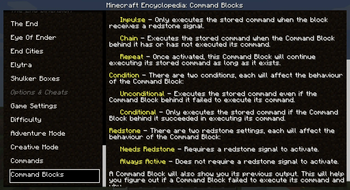
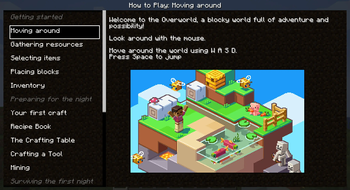
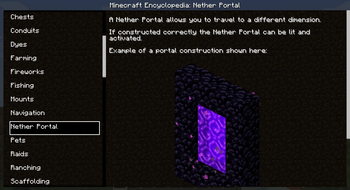
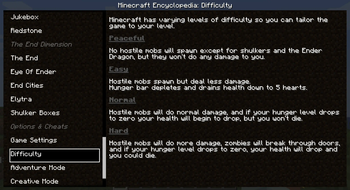
About this Mod




Minepedia is a client-side only Fabric mod that brings the Minecraft: Bedrock Edition "How to play" menu into Java Edition!
🤔 Is it the same as Bedrock Edition?
Some entries has been edited or removed to account the differences between Bedrock and Java edition.
But, for the most part, you should get a one-to-one match between the two versions.
📖 How does it work?
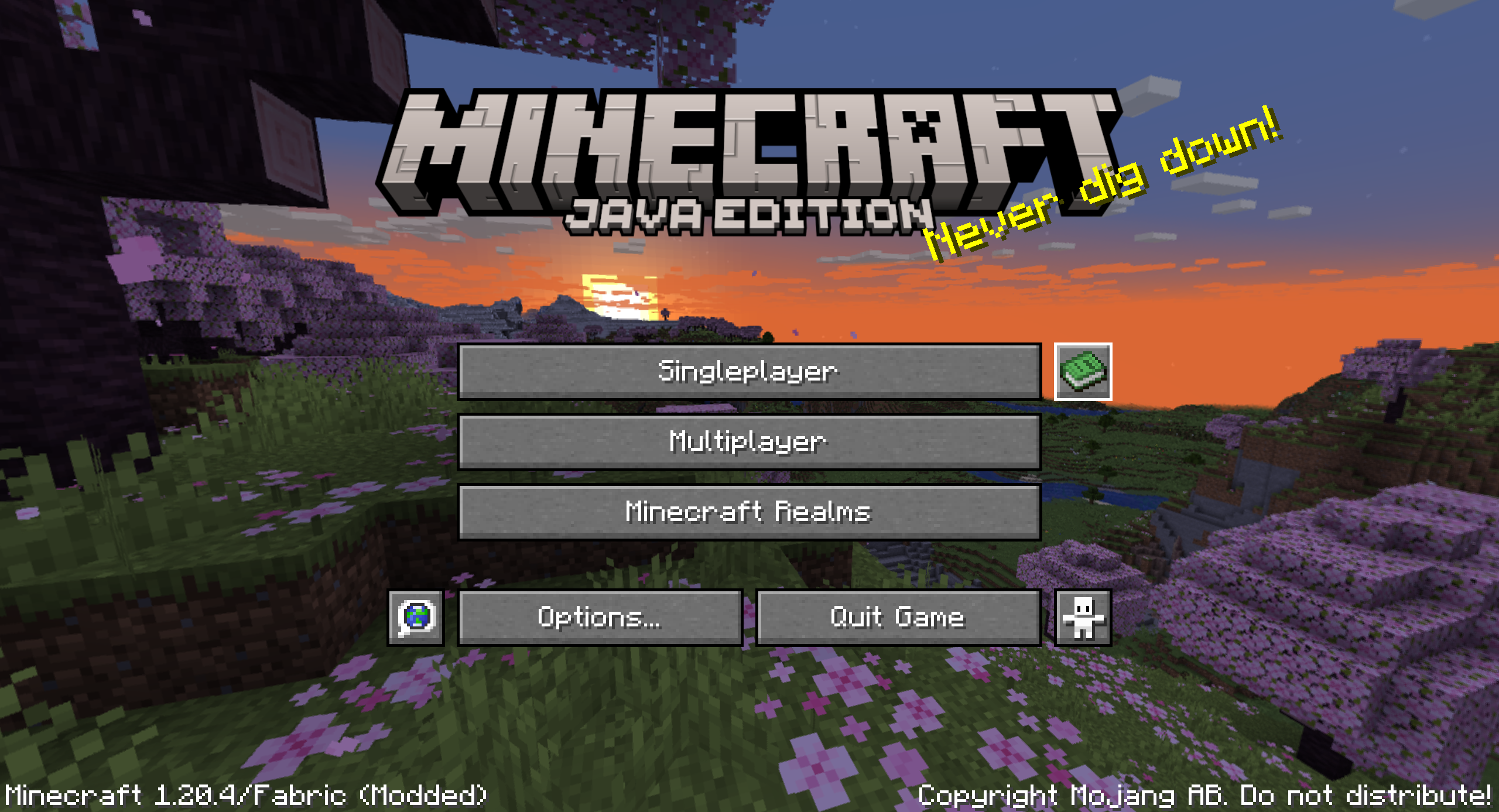
You can access the Minepedia menu right from the main menu, using the newly added button right next to the Singleplayer button
or in-game using its own keybound (default to K)
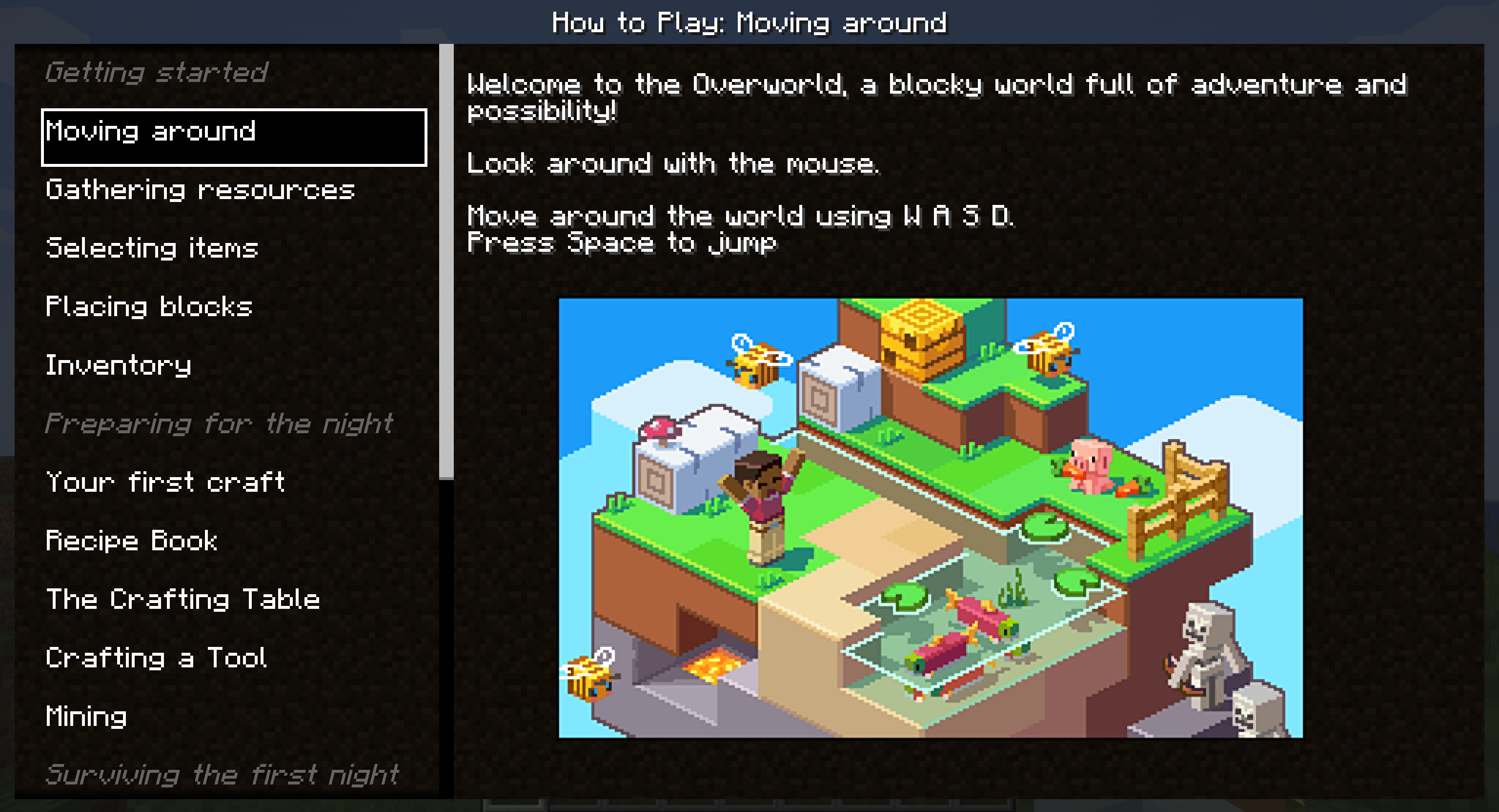
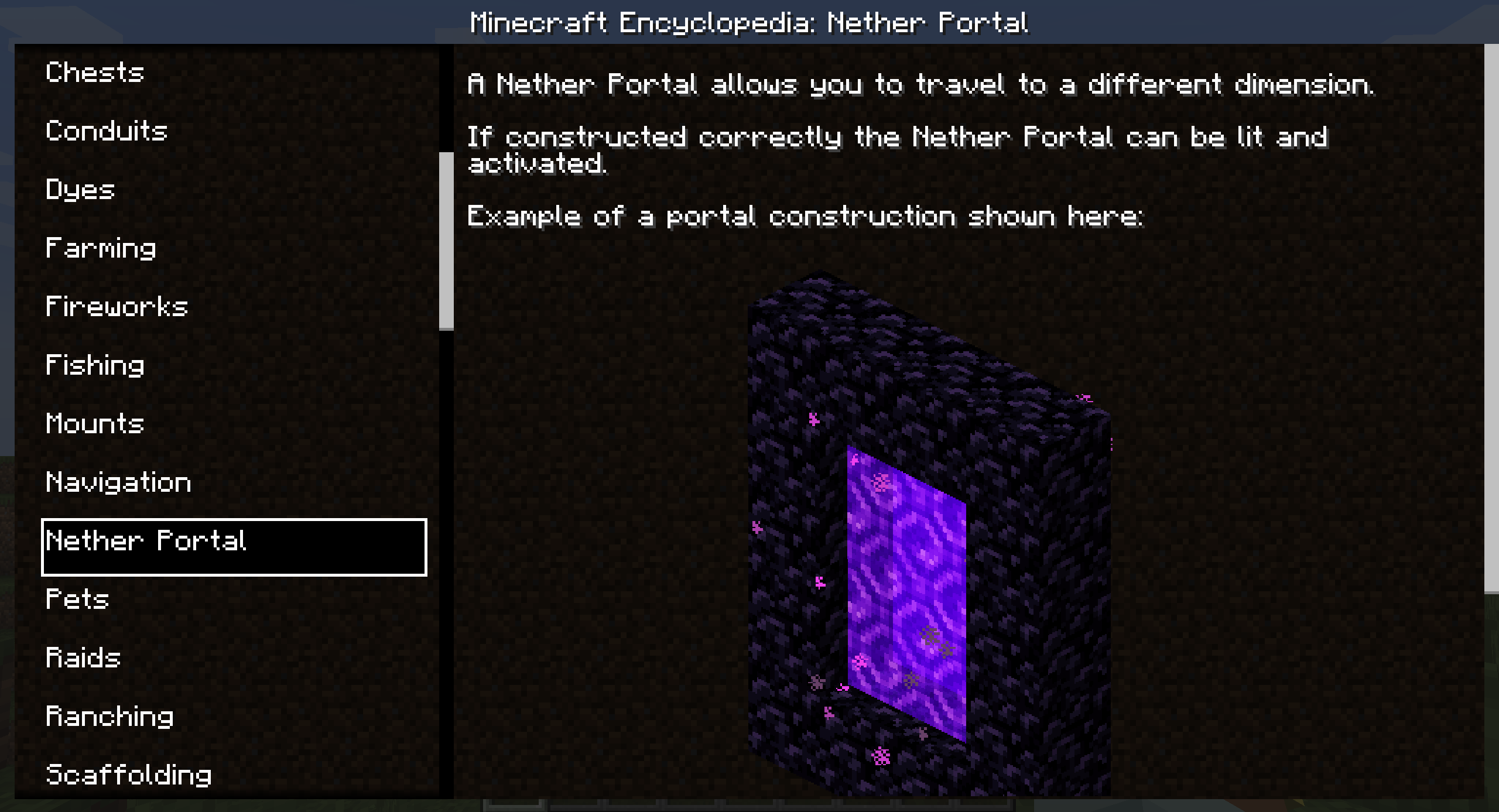
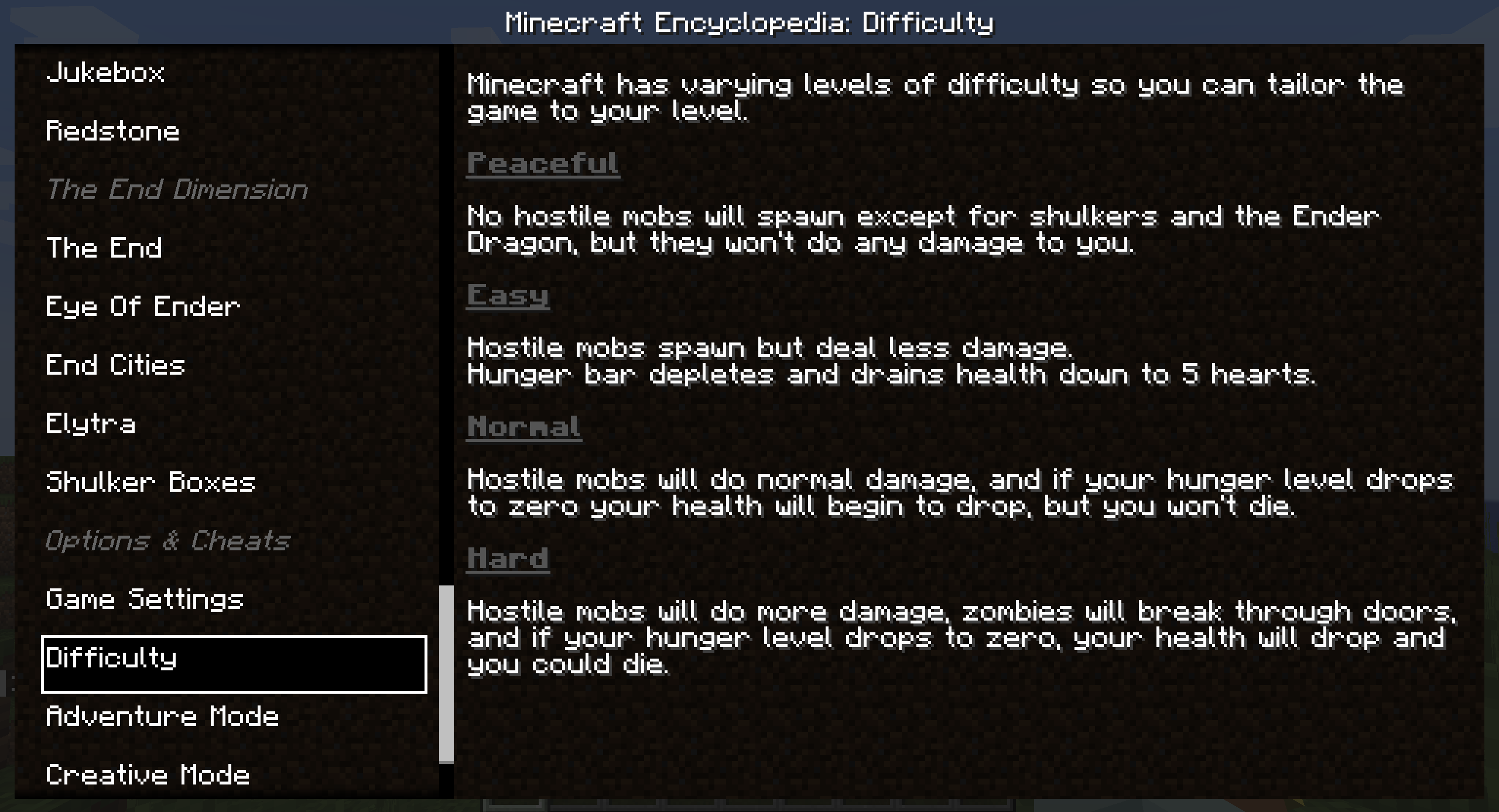
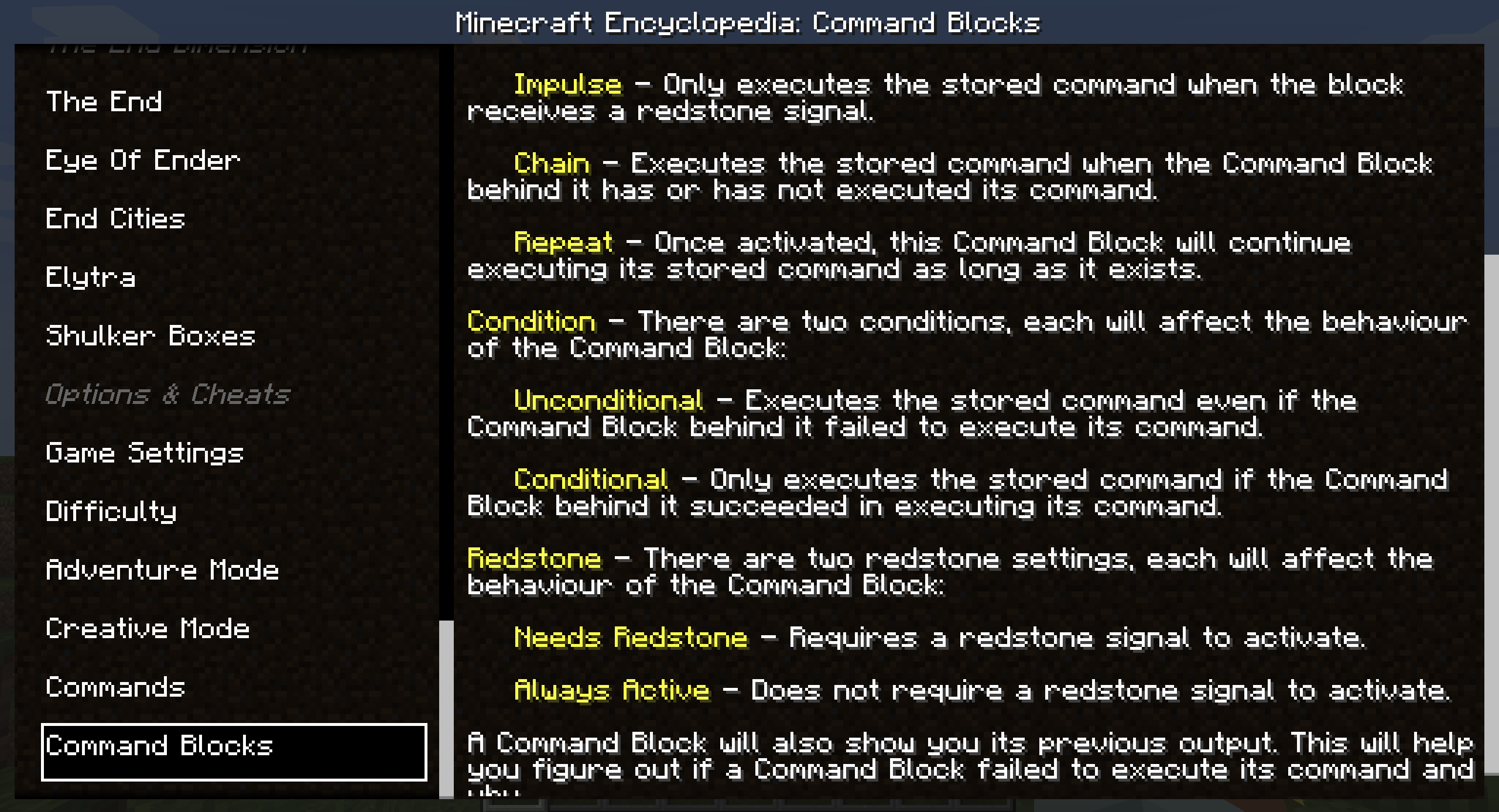
Clicking on a voice on the left will change the displayed details on the right.
📜 Updates
Minepedia will get updated when the Bedrock Edition "How to play" menu gets updated with new major releases.
Right now every entry is "hardcoded" into the mod, but future projects include:
- Exposing some APIs or some ways to make other mods integrate inside the Minepedia menu
- Integrate the Minecraft wiki to display info about blocks, items and more
⚙ Requirements
Minepedia is a client-side only mod, meaning that you can even use it while playing on your favorite server,
either vanilla ones or modded ones.
👨🏼💻 How to contribute
Anyone can contribute to Minepedia, suggesting their ideas using the Feature Request module
The best part is that requests are not limited in any form.
If your idea makes it to the mod you'll also be mentioned in the mod's credits! 😁
🖥 Downloads
You can download Minepedia on Modrinth or on CurseForge.
I will post new releases only there. When a new version is released, a new blog post will also be available on
the MineWorld blog, which will give more details and insights about the update.
The blogpost is only available in italian right now.
Any other websites that offers you Minepedia shouldn't be trusted and should be reported immediately (as they could be a scam and contain malicious software)!
🍺 Support the project
Developing and maintaining Minepedia, and its related websites, requires a lot of time and effort,
but after all I really enjoy doing this ❤
Minepedia is, and always will be, FREE TO USE.
If someone asked you some money to download Minepedia, I am afraid to tell you that you got scammed! 😥
But if you really want to financially support the project (or just buy me some beer to produce more code), these are the only ways:


Any other website asking you money for this project is a scam, and you should immediately report it to your local authorities as well! 😡
😁 Conclusion
Having an in-game guide that teaches you the game basics could be very handy for new players, but that is a Bedrock-exclusive feature for now.
So let's help our Java Edition friends by giving them the same guid! 😁
I hope you enjoy Minepedia as much as I enjoy develop new ideas and content for it,
and let me know if there are any issues on the issue tracker.
Have a nice day! 😁
Available Versions
How to Install Minepedia on Your Server
Order Server
Order a Minecraft Java server with at least 3 GB RAM (4 GB recommended).
Set fabric Loader
In the panel under "Egg", select the fabric loader and matching Minecraft version (26.1.2).
Install Mod
Open the mod browser in the dashboard and search for "Minepedia". Click "Install" – done! Alternatively, upload the .jar via SFTP to the /mods folder.
Compatibility
Mod Loaders
Minecraft Versions
26.1.2, 1.21.11, 1.21.10 (+8 more)
Server-side
✗ UnsupportedRecommended RAM
4 GB(min. 3 GB)Frequently Asked Questions
Minepedia server crashes on startup – what to do?
Most common cause: wrong fabric version or insufficient RAM. Check the server log (latest.log) for "OutOfMemoryError" or "Mixin" errors. With Mado Hosting: ensure at least 3 GB RAM is allocated and the loader matches the mod version (26.1.2). You can switch loaders with one click in the panel.
Is Minepedia compatible with fabric?
Minepedia officially supports fabric for Minecraft 26.1.2, 1.21.11, 1.21.10. The Mado dashboard automatically detects incompatible loader combinations.
Server lagging with Minepedia – how to optimize performance?
Recommended RAM: 4 GB (per 8 players). Use /spark profiler to check if Minepedia consumes the most tick time. Common fixes: reduce server view-distance to 8-10, install "performant" or "starlight" as supplementary mods on Forge. With Mado Hosting, your server runs on NVMe SSDs with dedicated CPU cores for minimal latency.
Similar Mods




![[ETF] Entity Texture Features](https://cdn.modrinth.com/data/BVzZfTc1/af683d206d50b05258d865b0d6e4aa2f2cee12f2_96.webp)
![[EMF] Entity Model Features](https://cdn.modrinth.com/data/4I1XuqiY/6e5bbd0d06b1741bfdab6c0cfab6de8fdaf0064c_96.webp)
Rent Modded Server
Install Minepedia with just one click on your server.