
MineTube
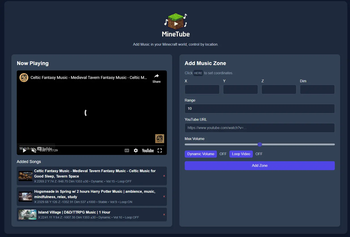
Adds music to your Minecraft world using YouTube. Set up location + range and choose whether you want proximity or stable volume based on the chosen setup location.
Screenshots


About this Mod

About
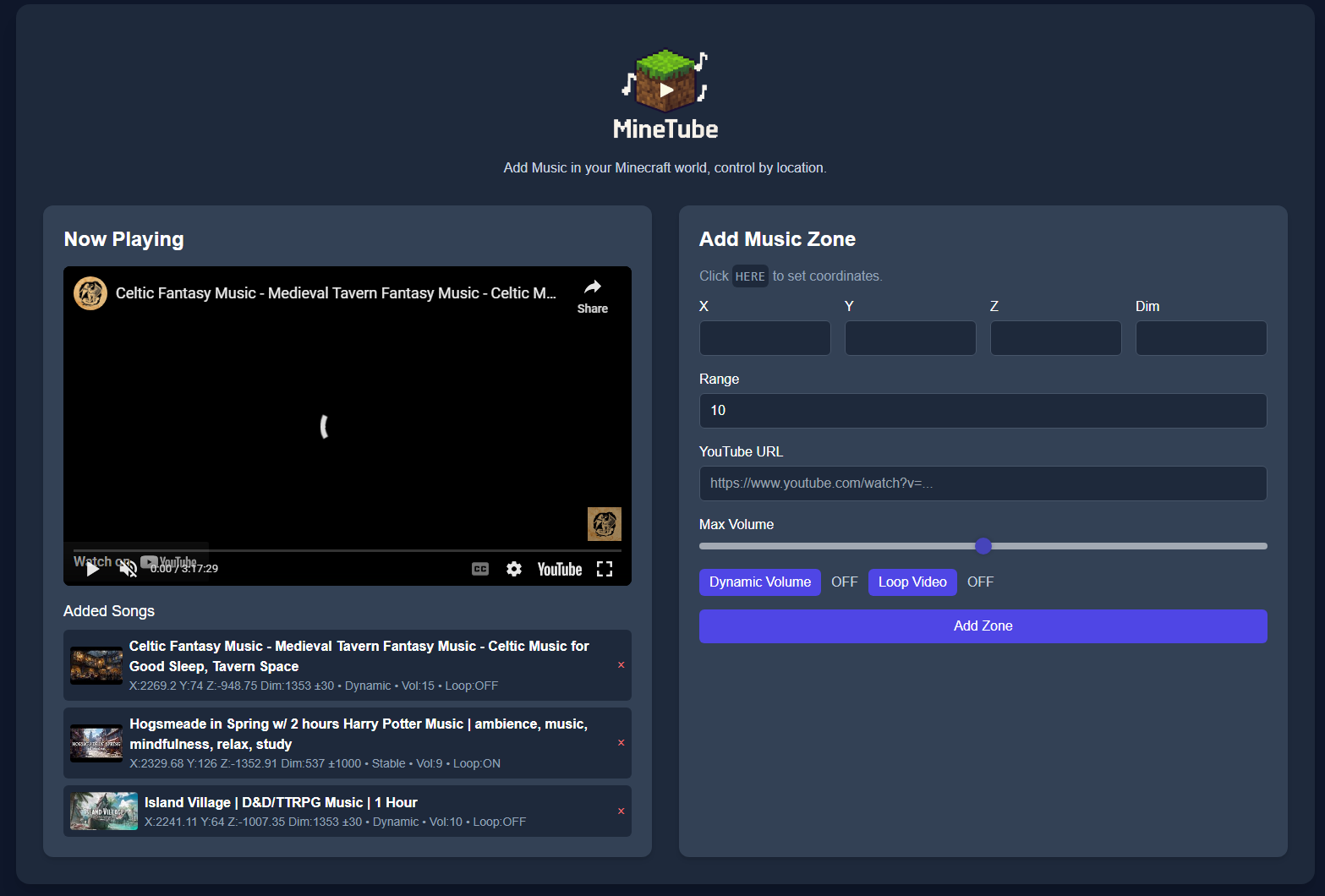
MineTube is a lightweight music integration mod that lets you create custom music zones inside your Minecraft world. Place invisible "zones" in any dimension or coordinates, and when you enter the area, music from YouTube will automatically start playing on the MineTube dashboard.
🎵 Features:
- Create unlimited music zones with a custom name, position, radius, and custom song.
- Support for all dimensions, including Nether, End, and modded dimensions.
- Adjustable volume with the ability to set either dynamic volume based on location or stable volume.
- Works with YouTube videos/playlists and livestreams/radio.
- Real-time player position tracking via an integrated web server with no extra setup or dependencies.
- Works on both singleplayer and multiplayer (client-side setup)
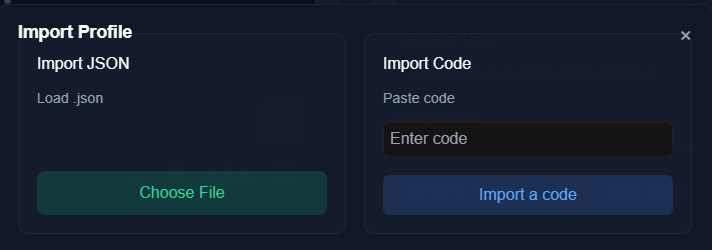
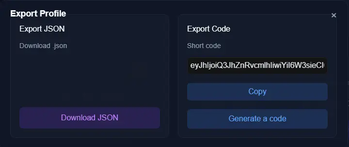
- Ability to export/import profiles using the code generation feature or exporting the profile.
- Works with almost all mods and has the ability to work in most vanilla servers using the fabric version.
- Adjustable theme for the MineTube web client to match the mood.
⚠️How to use
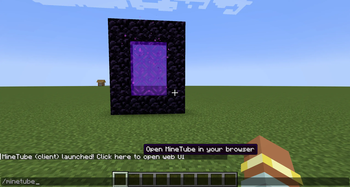
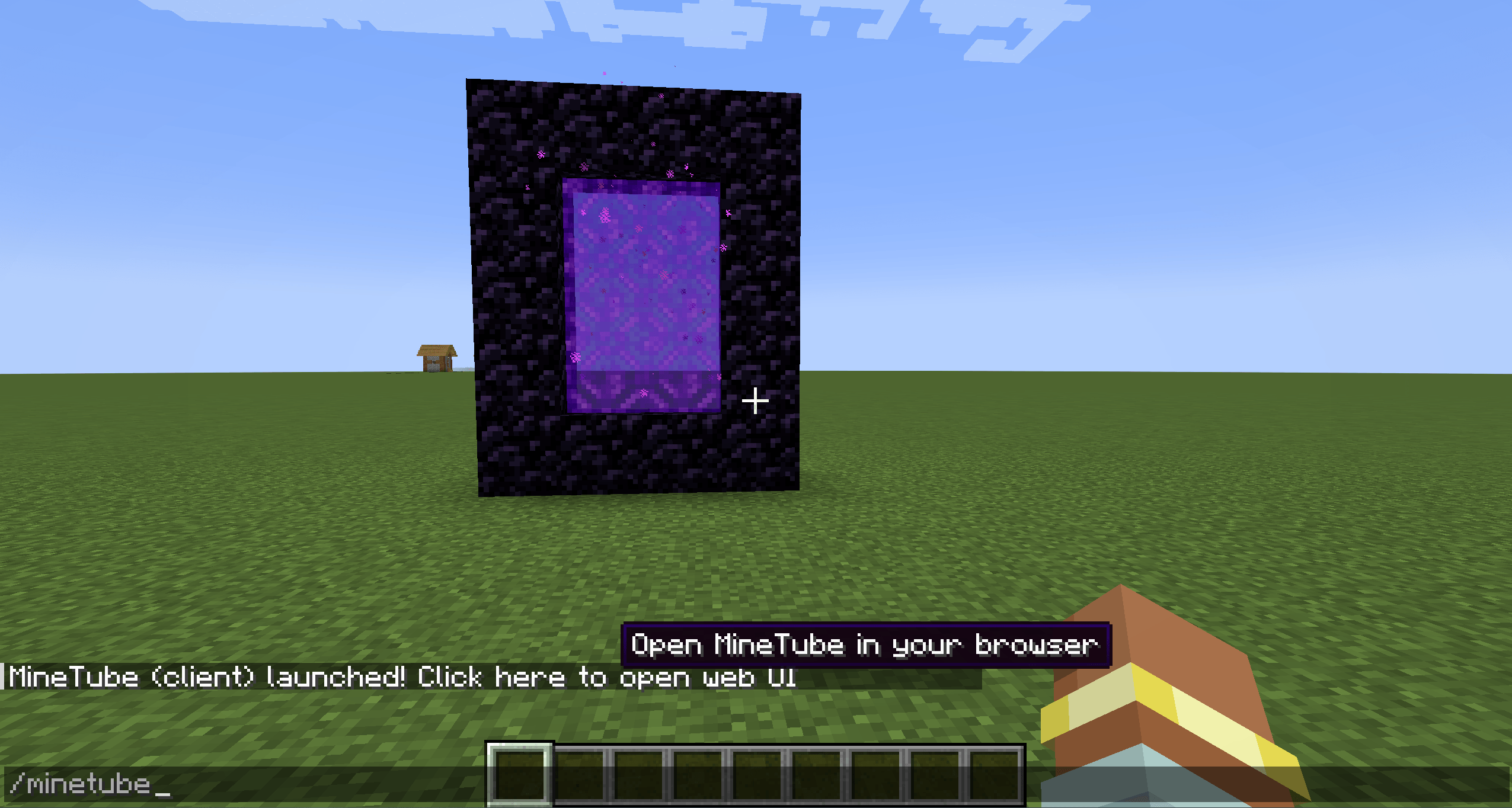
MineTube is completely standalone—no external dependencies required. Simply install the mod on a supported mod loader (currently Neoforge or Fabric), launch your game, and enter /minetube in chat. You’ll receive a clickable link that opens the MineTube web dashboard, where you can easily manage and customize all of the mod’s features.
Video Guide:
🛑Permissions
You are welcome to include MineTube in modpacks, public or private, without needing to ask permission.
MineTube is licensed as CC-BY-ND 4.0, with the above granted use for modpack inclusion.
If you wish to redistribute the mod outside of modpacks, rehost it, or integrate it into another project, please contact me first.
Perfect for adventure maps, community servers, or just adding atmosphere to
your own world. Imagine walking into a Nether fortress with custom battle
music, or building a cozy base with your favorite song running in the
background!
Available Versions
How to Install MineTube on Your Server
Order Server
Order a Minecraft Java server with at least 3 GB RAM (4 GB recommended).
Set fabric Loader
In the panel under "Egg", select the fabric loader and matching Minecraft version (26.1.2).
Install Mod
Open the mod browser in the dashboard and search for "MineTube". Click "Install" – done! Alternatively, upload the .jar via SFTP to the /mods folder.
Compatibility
Mod Loaders
Minecraft Versions
26.1.2, 26.1.1, 26.1 (+12 more)
Server-side
✗ UnsupportedRecommended RAM
4 GB(min. 3 GB)Frequently Asked Questions
MineTube server crashes on startup – what to do?
Most common cause: wrong fabric version or insufficient RAM. Check the server log (latest.log) for "OutOfMemoryError" or "Mixin" errors. With Mado Hosting: ensure at least 3 GB RAM is allocated and the loader matches the mod version (26.1.2). You can switch loaders with one click in the panel.
Is MineTube compatible with fabric and neoforge?
MineTube officially supports fabric, neoforge for Minecraft 26.1.2, 26.1.1, 26.1. The Mado dashboard automatically detects incompatible loader combinations.
Server lagging with MineTube – how to optimize performance?
Recommended RAM: 4 GB (per 8 players). Use /spark profiler to check if MineTube consumes the most tick time. Common fixes: reduce server view-distance to 8-10, install "performant" or "starlight" as supplementary mods on Forge. With Mado Hosting, your server runs on NVMe SSDs with dedicated CPU cores for minimal latency.
Similar Mods




Rent Modded Server
Install MineTube with just one click on your server.
Details
- License
- Creative Commons Attribution No Derivatives 4.0 International
- Server-side
- Unsupported