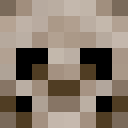
Mischievous Skull
Give random effect (good) when the skull is destroyed
Screenshots
About this Mod
📖 What's this mod?
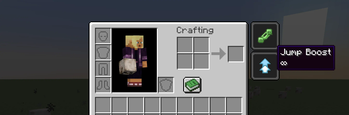
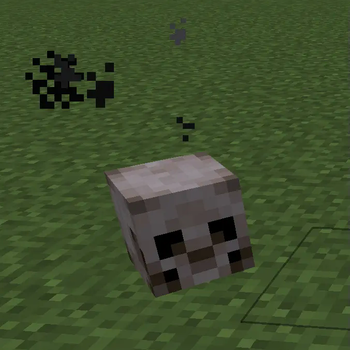
The Mischievous Skull mod introduces a new block into the game—a mysterious skull that offers a unique twist. Once destroyed, the skull grants the player a random Level 1 effect (such as Strength, Speed, Haste, etc.) with an infinite duration. This feature is perfect for adventure map creators looking to add an element of unpredictability and strategy, placing these skulls in key locations to enhance the gameplay experience.
The design of the skull is inspired by the Traits charms from the game Hunt Showdown, adding a touch of mischievousness to your adventures. Whether you're setting up a challenging quest or simply want to experiment with new gameplay dynamics, the Mischievous Skull mod is sure to add some fun surprises to your world.
Customizing effects
You can change which status effects the skull can roll, and how long each one lasts, by providing a data resource at:
data/mischievous-skull/skull_effects.json
That file can come from:
- A datapack under your world folder (for example
saves/<world>/datapacks/<your_pack>/data/mischievous-skull/skull_effects.json). - A resource pack that includes a
data/tree (the same path under the pack root).
The mod ships a default skull_effects.json inside the mod JAR. Packs with higher priority override lower ones, like other Minecraft data. On a dedicated server, run /reload after changing the file so server data is reloaded.
Format
effects: array of objects.id: status effect identifier (namespace:path), e.g. vanillaminecraft:strengthor another mod’s effectexamplemod:my_effect.duration(optional): duration in game ticks (20 ticks = 1 second). Omit the field or set it to0for infinite duration. Values greater than0apply a timed effect.
If the file is missing, invalid, or effects is empty, the mod falls back to its built-in list (the same nine positive effects as before). Unknown effect IDs are skipped with a warning in the log.
Example (vanilla + timed effect)
{
  "effects": [
    { "id": "minecraft:strength", "duration": 0 },
    { "id": "minecraft:speed", "duration": 200 }
  ]
}
Here, Strength can roll with infinite duration, and Speed with 200 ticks (10 seconds) when applied.
Example (effect from another mod)
Another mod must register that status effect and be loaded in your instance. Use that mod’s namespace and effect path (check its documentation or data).
{
  "effects": [
    { "id": "minecraft:regeneration", "duration": 0 },
    { "id": "examplemod:my_custom_effect", "duration": 600 }
  ]
}
If examplemod is not installed or does not register examplemod:my_custom_effect, that line is ignored at reload time and a warning is logged; the rest of the list still applies.
Screenshots
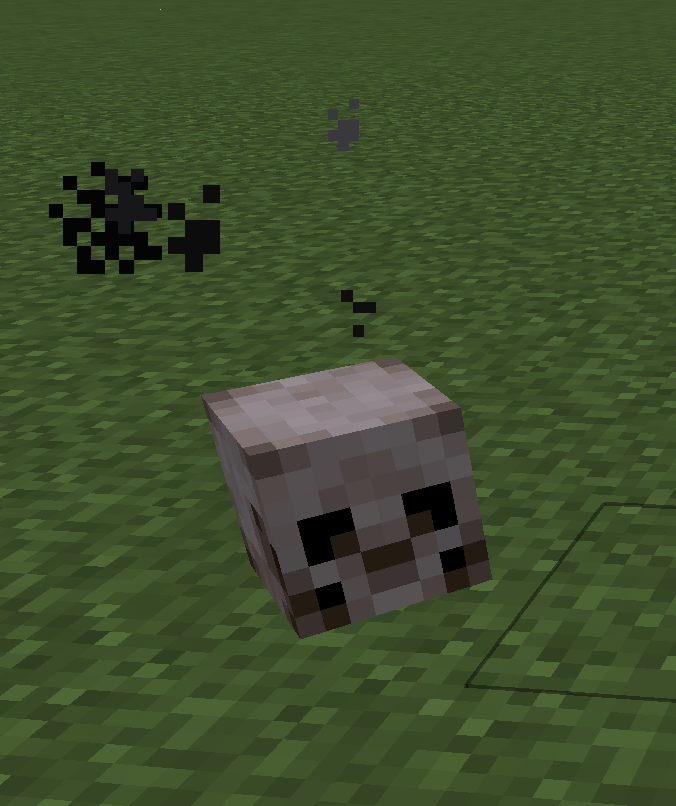
The Mischievous Skull
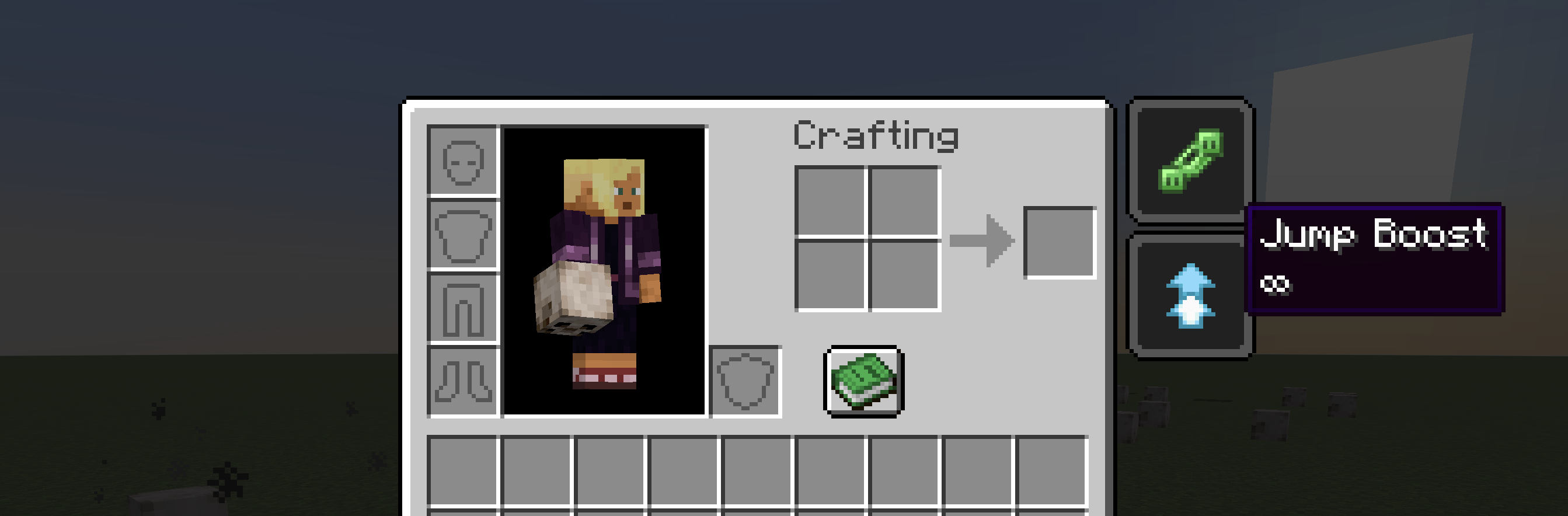
Random effect give by the skull
Available Versions
How to Install Mischievous Skull on Your Server
Order Server
Order a Minecraft Java server with at least 3 GB RAM (4 GB recommended).
Set fabric Loader
In the panel under "Egg", select the fabric loader and matching Minecraft version (1.21.11).
Install Mod
Open the mod browser in the dashboard and search for "Mischievous Skull". Click "Install" – done! Alternatively, upload the .jar via SFTP to the /mods folder.
Compatibility
Mod Loaders
Minecraft Versions
1.21.11, 1.21.1, 1.20.6
Server-side
✓ RequiredRecommended RAM
4 GB(min. 3 GB)Frequently Asked Questions
Mischievous Skull server crashes on startup – what to do?
Most common cause: wrong fabric version or insufficient RAM. Check the server log (latest.log) for "OutOfMemoryError" or "Mixin" errors. With Mado Hosting: ensure at least 3 GB RAM is allocated and the loader matches the mod version (1.21.11). You can switch loaders with one click in the panel.
Is Mischievous Skull compatible with fabric?
Mischievous Skull officially supports fabric for Minecraft 1.21.11, 1.21.1, 1.20.6. The Mado dashboard automatically detects incompatible loader combinations.
Server lagging with Mischievous Skull – how to optimize performance?
Recommended RAM: 4 GB (per 8 players). Use /spark profiler to check if Mischievous Skull consumes the most tick time. Common fixes: reduce server view-distance to 8-10, install "performant" or "starlight" as supplementary mods on Forge. With Mado Hosting, your server runs on NVMe SSDs with dedicated CPU cores for minimal latency.
Similar Mods




)
Rent Modded Server
Install Mischievous Skull with just one click on your server.