Modern Multitools
Multitools in Minecraft 1.20.5+!
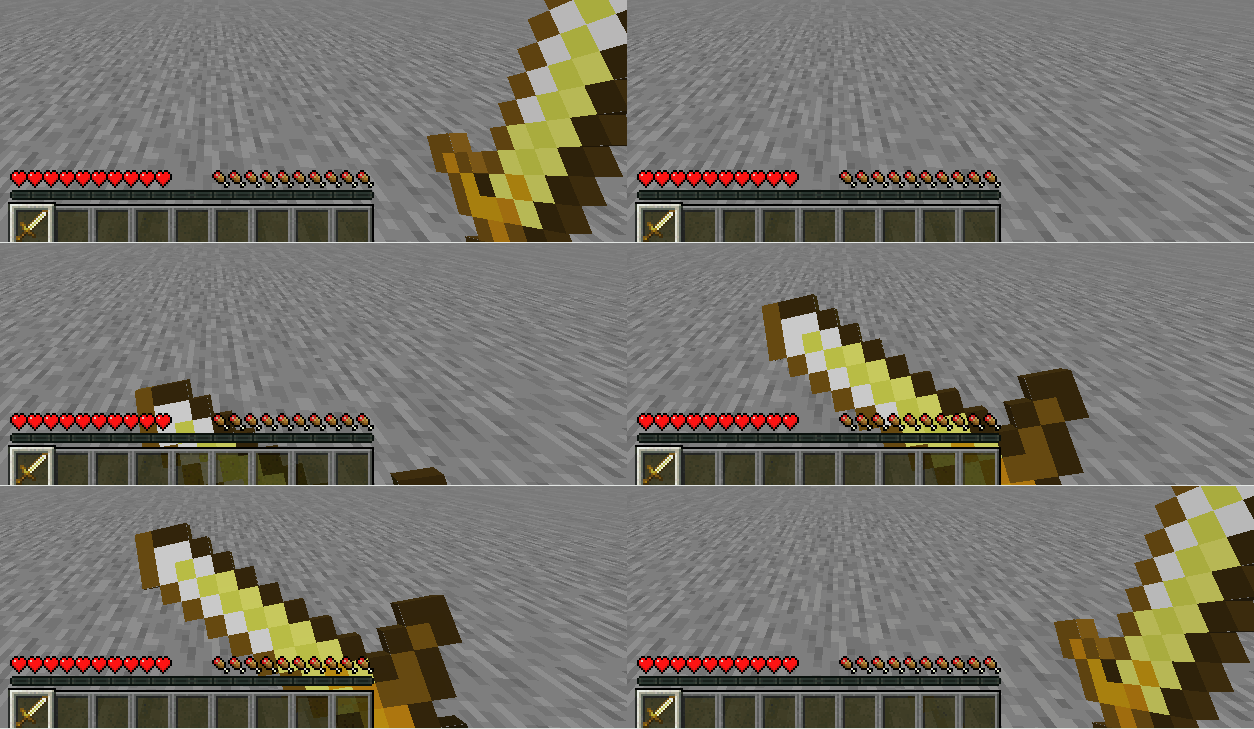
Screenshots
About this Mod
Once this datapack is loaded, all the following recipes will be shown:
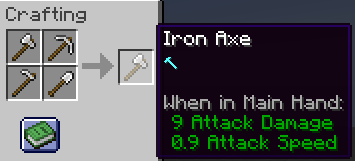
Putting your same-material-tools(axe + pickaxe + hoe + shovel) shapelessly to CRAFT Multitools.
Hint: Netherite Multitools should be crafted instead of being smithed.
(Now you can regret from your wrong way in v1.4+.)
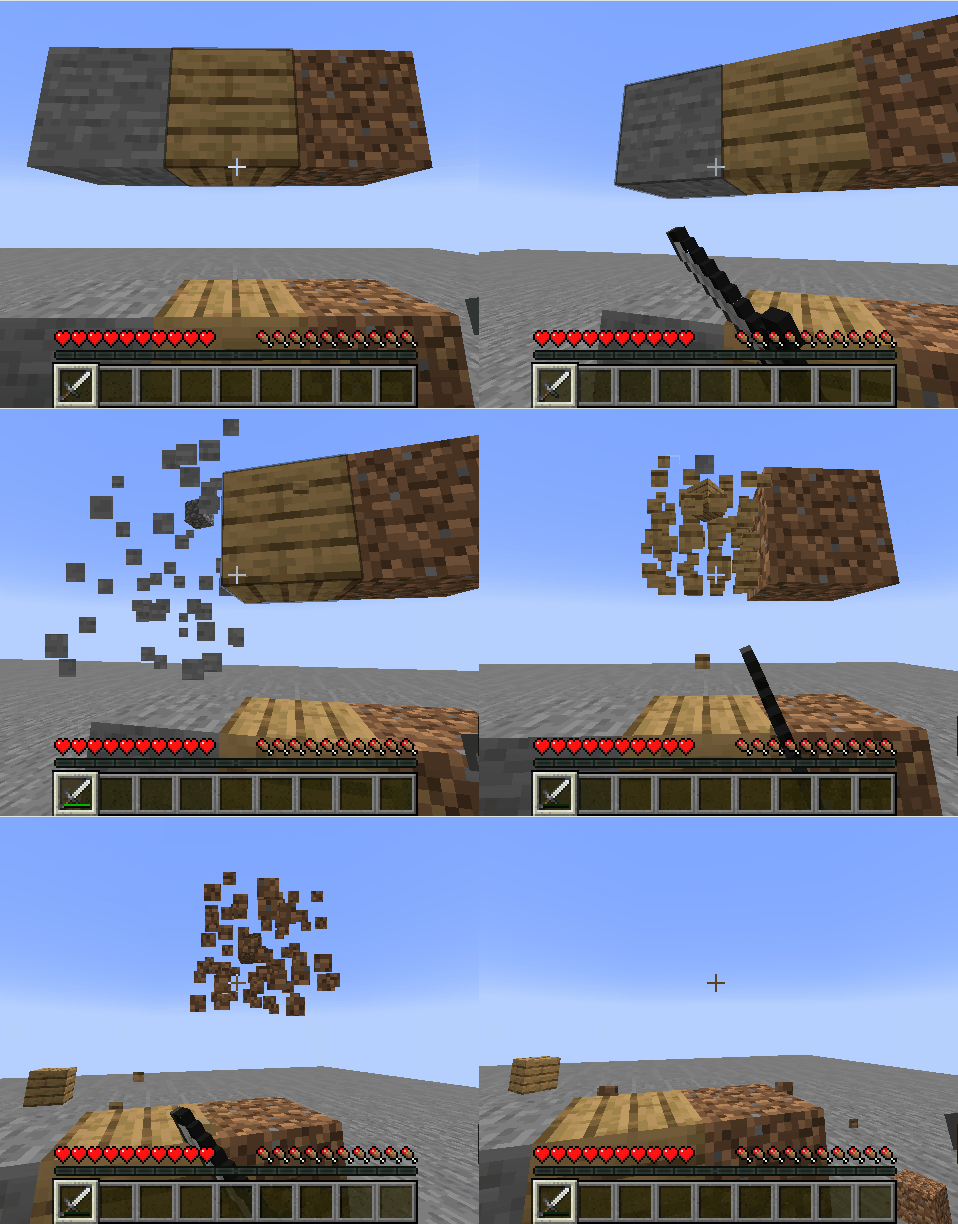
Multitools have 4 times max-durability as its original tool, and is efficient for Extra Blocks.
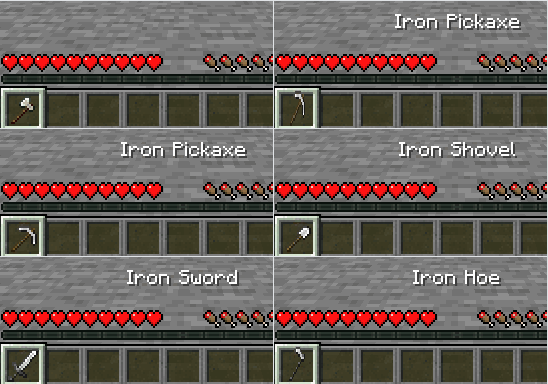
In order to make use of some special uses(e.g. make path by shovel), put your multitool in your mainhand then press swapoffhand key(default: F) to switch tools(even sword).
Extra-Blocks
Glass & Glass Pane, Heads, Wool & Wool Carpet, Beds, Candles, Cake, Honeycomb Block, Sea Lantern, Glowstone, Redstone Lamp, Powder Snow, Cactus, Turtle Egg, Sniffer Egg, Froglight, Cobweb & Beacon.
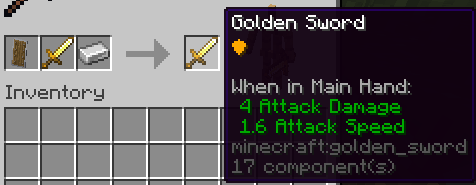
Putting your any-material-sword + shield + iron_ingot to SMITH sword-with-shield-upgrade. (MC 1.21.5+)
- Multitools can also get an extra shield upgrade, but is needed to switch to sword first.
The durability of the sword won't be changed when got a shield upgrade.
Source
https://github.com/JesKi13567/Modern-Multitools
By JK137
Available Versions
How to Install Modern Multitools on Your Server
Order Server
Order a Minecraft Java server with at least 3 GB RAM (4 GB recommended).
Set datapack Loader
In the panel under "Egg", select the datapack loader and matching Minecraft version (26.1.2).
Install Mod
Open the mod browser in the dashboard and search for "Modern Multitools". Click "Install" – done! Alternatively, upload the .jar via SFTP to the /mods folder.
Compatibility
Mod Loaders
Minecraft Versions
26.1.2, 26.1.1, 26.1 (+14 more)
Server-side
✓ RequiredRecommended RAM
4 GB(min. 3 GB)Frequently Asked Questions
Modern Multitools server crashes on startup – what to do?
Most common cause: wrong datapack version or insufficient RAM. Check the server log (latest.log) for "OutOfMemoryError" or "Mixin" errors. With Mado Hosting: ensure at least 3 GB RAM is allocated and the loader matches the mod version (26.1.2). You can switch loaders with one click in the panel.
Is Modern Multitools compatible with datapack and fabric and forge and neoforge and quilt?
Modern Multitools officially supports datapack, fabric, forge, neoforge, quilt for Minecraft 26.1.2, 26.1.1, 26.1. Note: Forge and Fabric mods are NOT cross-compatible – pick one loader and stick with it. The Mado dashboard automatically detects incompatible loader combinations.
Server lagging with Modern Multitools – how to optimize performance?
Recommended RAM: 4 GB (per 8 players). Use /spark profiler to check if Modern Multitools consumes the most tick time. Common fixes: reduce server view-distance to 8-10, install "performant" or "starlight" as supplementary mods on Forge. With Mado Hosting, your server runs on NVMe SSDs with dedicated CPU cores for minimal latency.
Similar Mods




![[ETF] Entity Texture Features](https://cdn.modrinth.com/data/BVzZfTc1/af683d206d50b05258d865b0d6e4aa2f2cee12f2_96.webp)
![[EMF] Entity Model Features](https://cdn.modrinth.com/data/4I1XuqiY/6e5bbd0d06b1741bfdab6c0cfab6de8fdaf0064c_96.webp)
Rent Modded Server
Install Modern Multitools with just one click on your server.