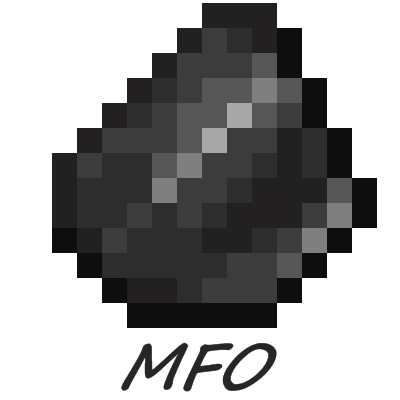
Modest flint overhaul
Makes obtaining flint make sense - you will no longer dredge through already searched piles of gravel.
About this Mod
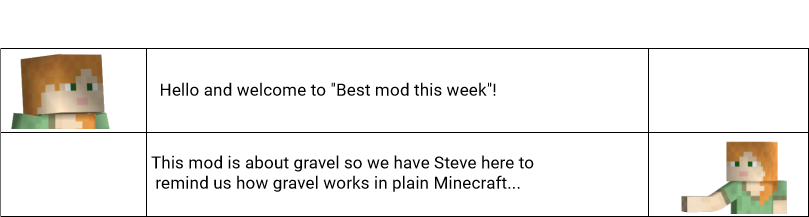
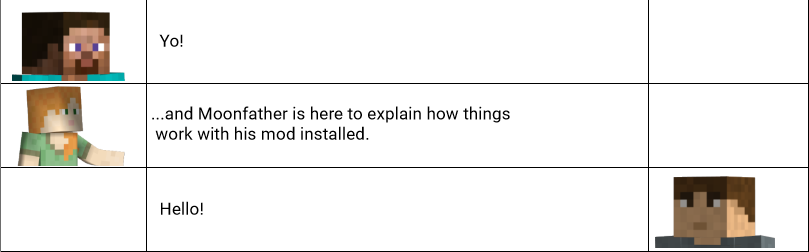
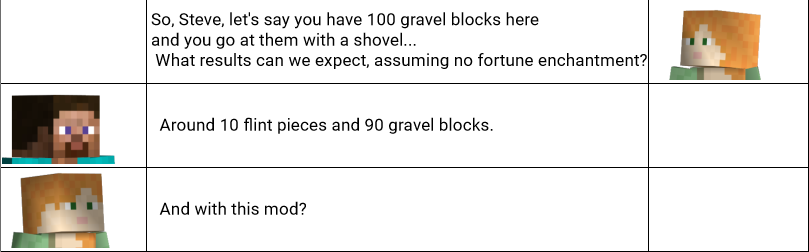
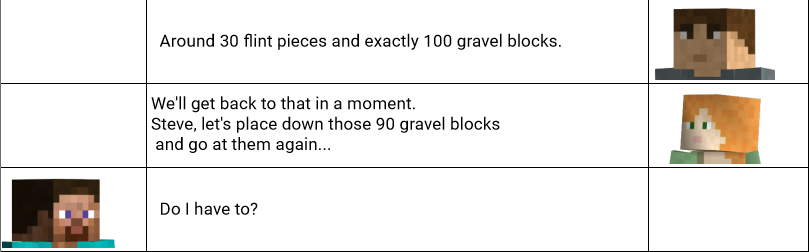
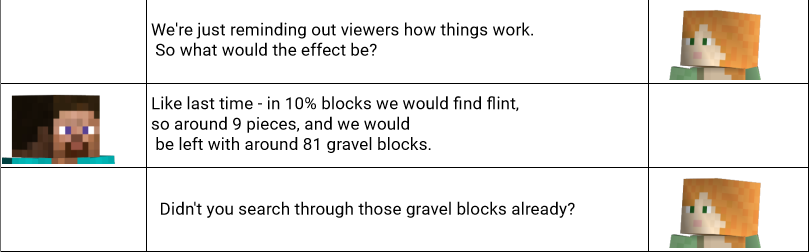
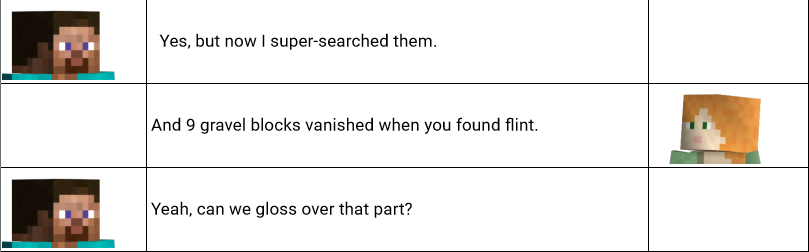
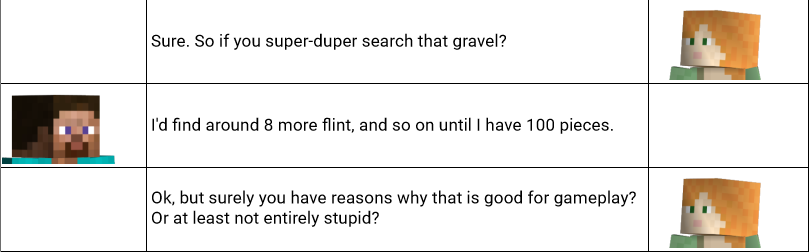
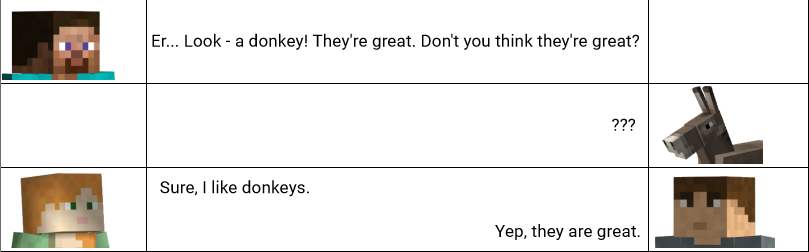
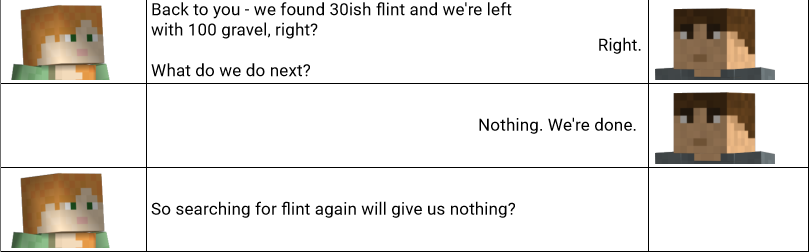
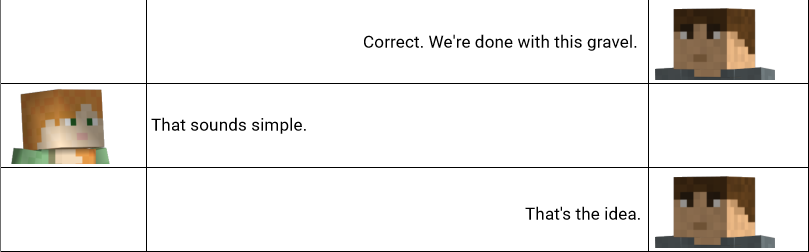
if q&a session above isn't for you and you skipped it, no problem, here's a brief rundown:
Short description
The author had a problem with gravel and surely isn't alone - you grind at the same block until you find flint in it, and when you do, you need to ignore the fact that you already searched that pile of gravel a few times before finding flint and you need to ignore the fact that the reminder of gravel disappeared. poof.
If you must know the details, mod splits gravel into two kinds:
- gravel that maybe has flint (blocks created by worldgen or mined with a silk touch tool),
- gravel that has no flint (obtained by digging with shovel or hands); this kind will not give any more flint after initial drop.
Mod makes obtaining flint realistic and makes fortune make sense on one of your shovels, but realism comes with a price - if you need more flint, you need to go underground and find a gravel pocket or find a river deposit.
Compatibility with other mods
This part took the most time. Adding one block is easy. But both the new one and the altered vanilla block need to behave in pulverizers/crushers/millstones... The mod includes compatibility with important industry mods (create, immersive engineering, botania) and a few medicinal cabinet mods (thermal expansion, mekanism), but there might be incompatibilities out there in the wild. If you encounter a bad behavior, please post an issue (here).
Available Versions
How to Install Modest flint overhaul on Your Server
Order Server
Order a Minecraft Java server with at least 3 GB RAM (4 GB recommended).
Set fabric Loader
In the panel under "Egg", select the fabric loader and matching Minecraft version (26.1.2).
Install Mod
Open the mod browser in the dashboard and search for "Modest flint overhaul". Click "Install" – done! Alternatively, upload the .jar via SFTP to the /mods folder.
Compatibility
Mod Loaders
Minecraft Versions
26.1.2, 26.1.1, 26.1 (+8 more)
Server-side
✓ RequiredRecommended RAM
4 GB(min. 3 GB)Frequently Asked Questions
Modest flint overhaul server crashes on startup – what to do?
Most common cause: wrong fabric version or insufficient RAM. Check the server log (latest.log) for "OutOfMemoryError" or "Mixin" errors. With Mado Hosting: ensure at least 3 GB RAM is allocated and the loader matches the mod version (26.1.2). You can switch loaders with one click in the panel.
Is Modest flint overhaul compatible with fabric and forge and neoforge and quilt?
Modest flint overhaul officially supports fabric, forge, neoforge, quilt for Minecraft 26.1.2, 26.1.1, 26.1. Note: Forge and Fabric mods are NOT cross-compatible – pick one loader and stick with it. The Mado dashboard automatically detects incompatible loader combinations.
Server lagging with Modest flint overhaul – how to optimize performance?
Recommended RAM: 4 GB (per 8 players). Use /spark profiler to check if Modest flint overhaul consumes the most tick time. Common fixes: reduce server view-distance to 8-10, install "performant" or "starlight" as supplementary mods on Forge. With Mado Hosting, your server runs on NVMe SSDs with dedicated CPU cores for minimal latency.
Similar Mods




Rent Modded Server
Install Modest flint overhaul with just one click on your server.