
More Cartography Tables
Cartography Tables for every kind of wood
Screenshots
About this Mod



Community:
 Source:
 pnku:
pnku:



More Cartography Tables
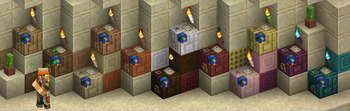
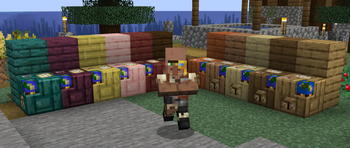
Fill your builds with colourful map-making now that each wood type has its own cartography table.
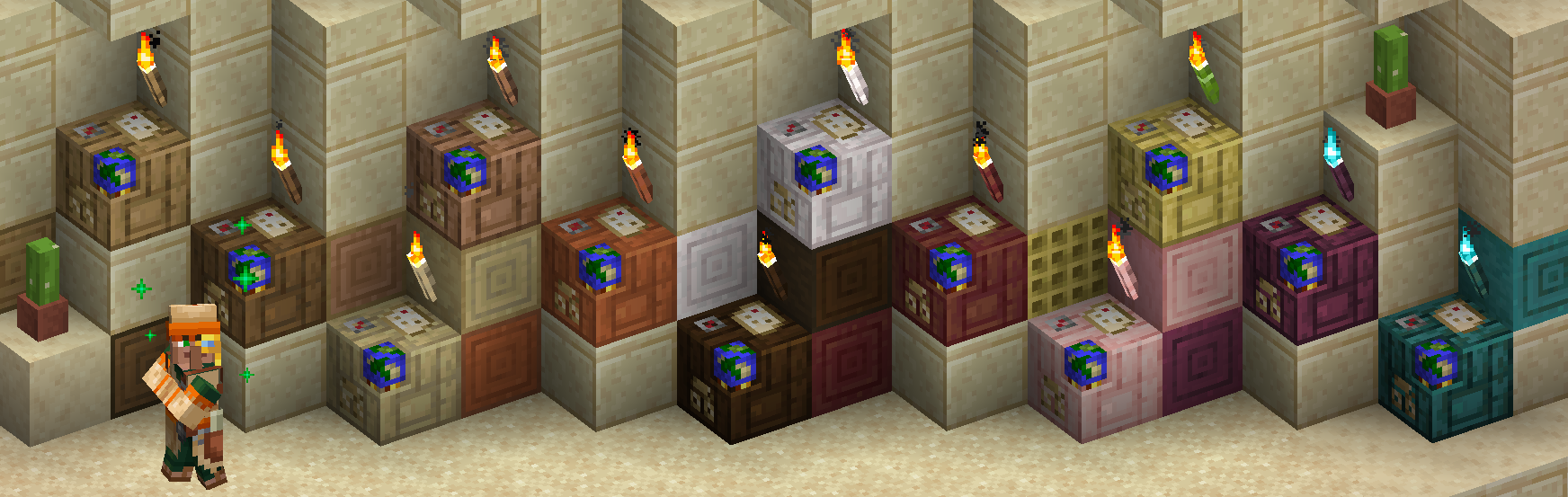
A Cartographer from a desert village in front of his collection of all 12 Cartography Table variants with each having fitting More Torch Variants hanging over it.
Adding 11 new Cartography Tables to Minecraft.
How can I craft vanilla Cartography Tables using modded wood types from Biomes o' Plenty, [Let's Do] mods, and others?
Unfortunately, the vanilla Cartography Table crafting recipe has to be overridden for the crafting of the variants to function.But usually these mods add their wood types to the Vanilla recipe, which creates a conflict. Fortunately, there is also a fairly easy way around this issue.
That is what the "More Compatibility Variants" are for:
These datapacks/mods resolve this issue across all of our "More X Variants" mods, so you can craft cartography tables and other vanilla items/blocks just as you would expect.
Currently available More Compatibility Variants:
- Biomes o' Plenty
- [Let's Do] Meadow, (Nether)Vinery, Beachparty and Blooming Nature
- Nature's Spirit
- Oh The Biomes We've Gone
Would you like to see support for another mod with custom wood types? Let me know via Discord, GitHub, or E-Mail!
Compatible with Quad 1.3.0+'s block replacement:

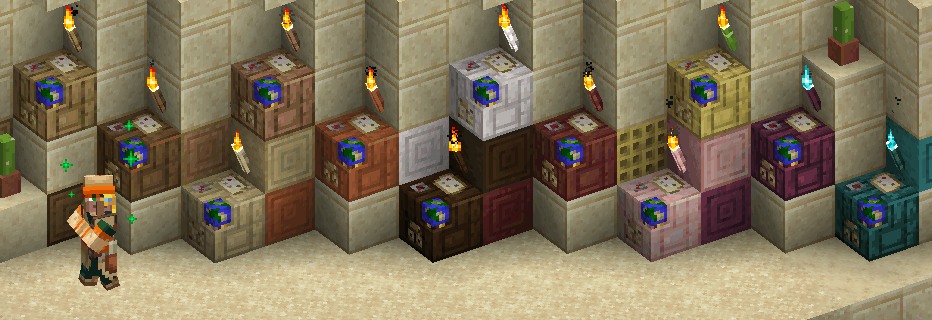
Peeking out from a Cartographer's house onto a Farm of a Desert Village: We can see that instead of a Dark Oak Cartography Table, an Oak Torch and a regular Composter, the game now generates the village with a Jungle Cartography Table, a Jungle Torch (from More Torch Variants) and a Jungle Composter (from More Composter Variants).


Available Versions
How to Install More Cartography Tables on Your Server
Order Server
Order a Minecraft Java server with at least 3 GB RAM (4 GB recommended).
Set fabric Loader
In the panel under "Egg", select the fabric loader and matching Minecraft version (26.1.2).
Install Mod
Open the mod browser in the dashboard and search for "More Cartography Tables". Click "Install" – done! Alternatively, upload the .jar via SFTP to the /mods folder.
Compatibility
Mod Loaders
Minecraft Versions
26.1.2, 26.1.1, 26.1.1-rc-1 (+78 more)
Server-side
✓ RequiredRecommended RAM
4 GB(min. 3 GB)Frequently Asked Questions
More Cartography Tables server crashes on startup – what to do?
Most common cause: wrong fabric version or insufficient RAM. Check the server log (latest.log) for "OutOfMemoryError" or "Mixin" errors. With Mado Hosting: ensure at least 3 GB RAM is allocated and the loader matches the mod version (26.1.2). You can switch loaders with one click in the panel.
Is More Cartography Tables compatible with fabric?
More Cartography Tables officially supports fabric for Minecraft 26.1.2, 26.1.1, 26.1.1-rc-1. The Mado dashboard automatically detects incompatible loader combinations.
Server lagging with More Cartography Tables – how to optimize performance?
Recommended RAM: 4 GB (per 8 players). Use /spark profiler to check if More Cartography Tables consumes the most tick time. Common fixes: reduce server view-distance to 8-10, install "performant" or "starlight" as supplementary mods on Forge. With Mado Hosting, your server runs on NVMe SSDs with dedicated CPU cores for minimal latency.
Similar Mods

![[ETF] Entity Texture Features](https://cdn.modrinth.com/data/BVzZfTc1/af683d206d50b05258d865b0d6e4aa2f2cee12f2_96.webp)
![[EMF] Entity Model Features](https://cdn.modrinth.com/data/4I1XuqiY/6e5bbd0d06b1741bfdab6c0cfab6de8fdaf0064c_96.webp)



Rent Modded Server
Install More Cartography Tables with just one click on your server.
Details
- License
- Creative Commons Attribution Non Commercial Share Alike 4.0 International
- Server-side
- Required