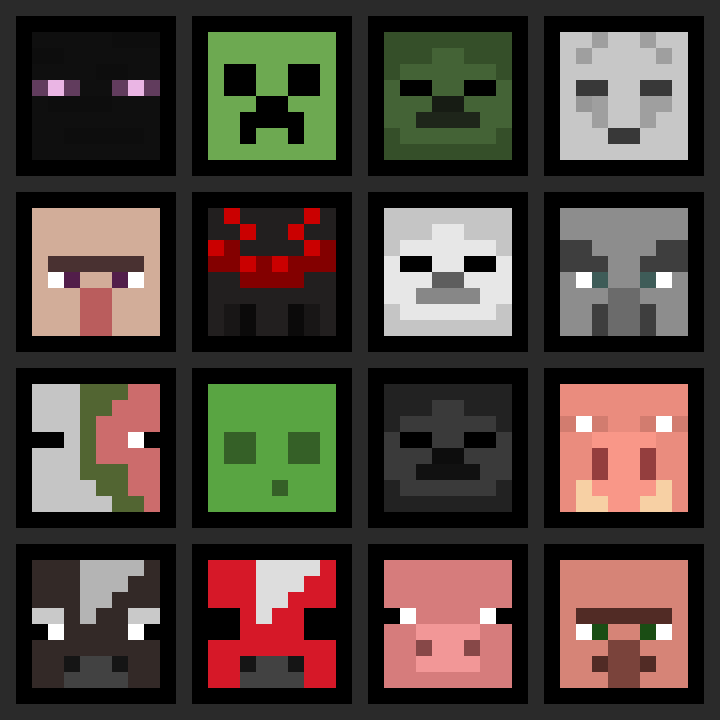
More Heads
Adds survival-friendly access to mob heads and player heads, using intentional hoe-based drops to avoid farm pollution and preserve vanilla progression.
Screenshots
About this Mod
More Heads
Adds survival-friendly access to mob heads and player heads, using intentional hoe-based drops to avoid farm pollution and preserve vanilla progression.
Expands head collecting by making mob and player heads a deliberate survival reward, not an automatic byproduct.
Why use this data pack/mod?
- All-in-one solution:
Combines mob heads and player heads in one data pack/mod, keeping head collecting consistent. - Preserves farms and grinders:
Hoe-based drops keep farms and grinders from filling up with unwanted head drops. - Vanilla-style items:
Heads use fitting note block sounds, clean names, and subtle tooltip styling so they feel like part of the game. - Lightweight and passive:
Built around loot tables and pack overlays, without ticking functions, command-heavy systems, or extra runtime overhead. - Flexible installation:
Works as either a world-specific data pack or packaged mod, making it easy to use in singleplayer, servers, vanilla, and modded setups.
Installation
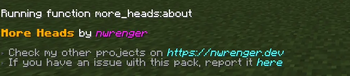
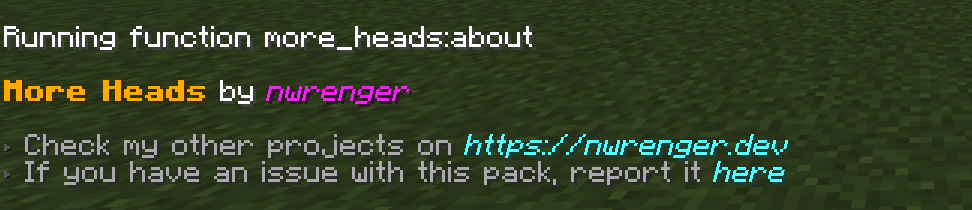
After adding the data pack/mod to your world or server, you can open the about panel with:
/function more_heads:about
Mob Heads
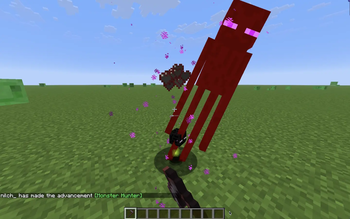
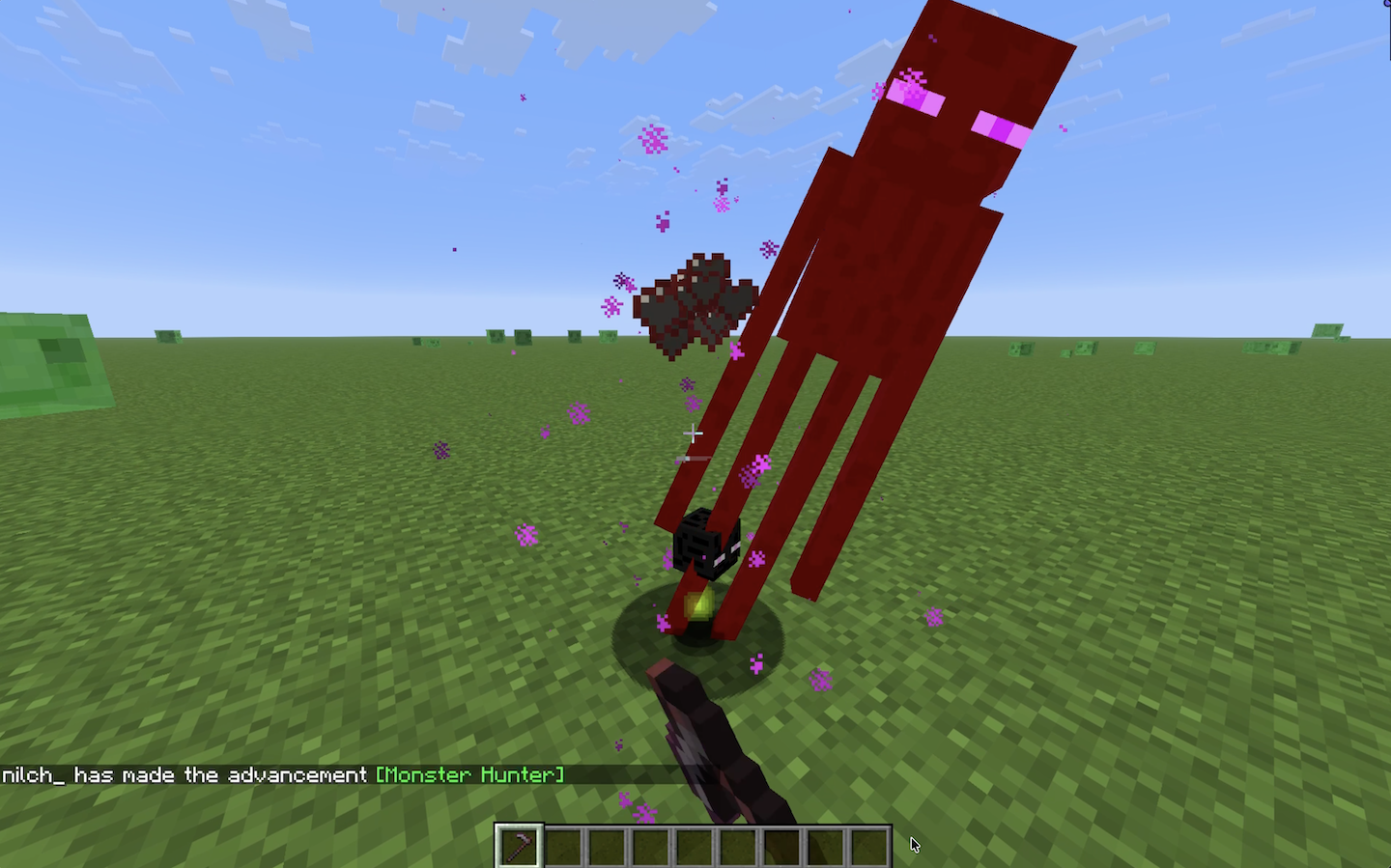
Mobs drop their heads when killed with a hoe. The Wither Skeleton and Ender Dragon are excluded, keeping their vanilla progression intact.
Enderman Head Drop
Player Heads
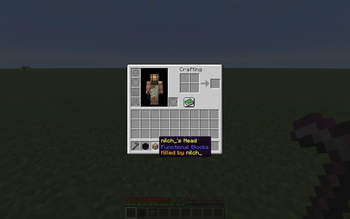
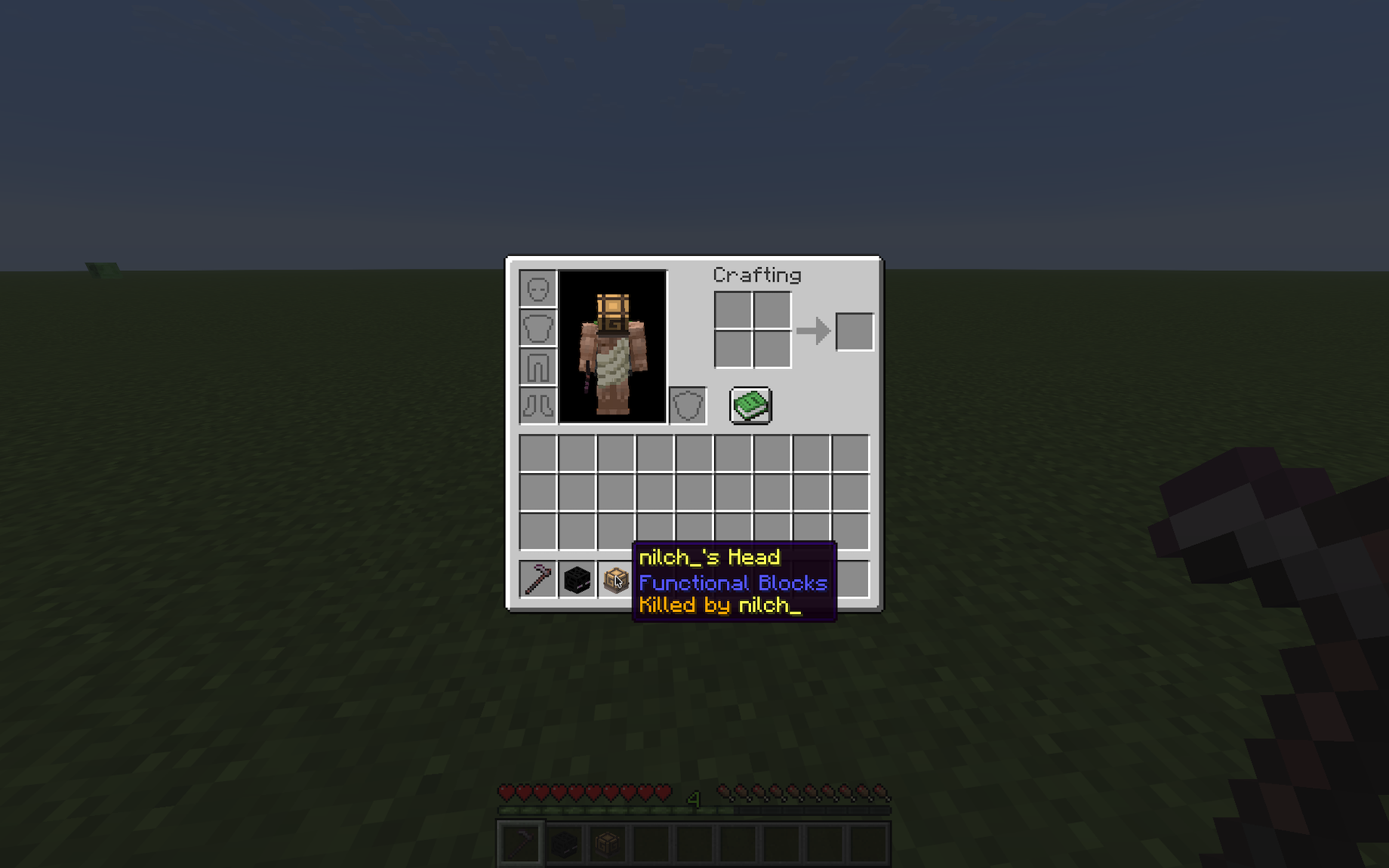
Players drop their heads when killed by another player. The killer is shown on the head's tooltip.
Player Head Tooltip
Contributing & Issues
I warmly welcome:
- Bug reports
- Feature requests
- Pull requests
Please open issues or PRs on GitHub.
License
This project is licensed under the LGPLv3 License. See LICENSE for details.
Available Versions
How to Install More Heads on Your Server
Order Server
Order a Minecraft Java server with at least 3 GB RAM (4 GB recommended).
Set datapack Loader
In the panel under "Egg", select the datapack loader and matching Minecraft version (26.1.2).
Install Mod
Open the mod browser in the dashboard and search for "More Heads". Click "Install" – done! Alternatively, upload the .jar via SFTP to the /mods folder.
Compatibility
Mod Loaders
Minecraft Versions
26.1.2, 26.1.2-rc-1, 26.2-snapshot-1 (+123 more)
Server-side
✓ RequiredRecommended RAM
4 GB(min. 3 GB)Frequently Asked Questions
More Heads server crashes on startup – what to do?
Most common cause: wrong datapack version or insufficient RAM. Check the server log (latest.log) for "OutOfMemoryError" or "Mixin" errors. With Mado Hosting: ensure at least 3 GB RAM is allocated and the loader matches the mod version (26.1.2). You can switch loaders with one click in the panel.
Is More Heads compatible with datapack and fabric and forge and neoforge and quilt?
More Heads officially supports datapack, fabric, forge, neoforge, quilt for Minecraft 26.1.2, 26.1.2-rc-1, 26.2-snapshot-1. Note: Forge and Fabric mods are NOT cross-compatible – pick one loader and stick with it. The Mado dashboard automatically detects incompatible loader combinations.
Server lagging with More Heads – how to optimize performance?
Recommended RAM: 4 GB (per 8 players). Use /spark profiler to check if More Heads consumes the most tick time. Common fixes: reduce server view-distance to 8-10, install "performant" or "starlight" as supplementary mods on Forge. With Mado Hosting, your server runs on NVMe SSDs with dedicated CPU cores for minimal latency.
Similar Mods

![[ETF] Entity Texture Features](https://cdn.modrinth.com/data/BVzZfTc1/af683d206d50b05258d865b0d6e4aa2f2cee12f2_96.webp)
![[EMF] Entity Model Features](https://cdn.modrinth.com/data/4I1XuqiY/6e5bbd0d06b1741bfdab6c0cfab6de8fdaf0064c_96.webp)



Rent Modded Server
Install More Heads with just one click on your server.