
MoreBlocks
Adds more variant blocks to minecraft.
Screenshots
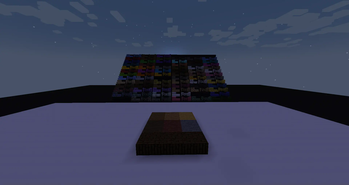
About this Mod
MoreBlocks is a mod designed to enhance building creativity by adding a wide variety of new block variations for builders to experiment with. The mod focuses on giving players more control over shaping their builds with half-blocks, stairs, and slabs, even for blocks that aren't traditionally versatile in vanilla Minecraft. Perfect for detailed construction, landscapes, and advanced design, this mod opens up endless possibilities.
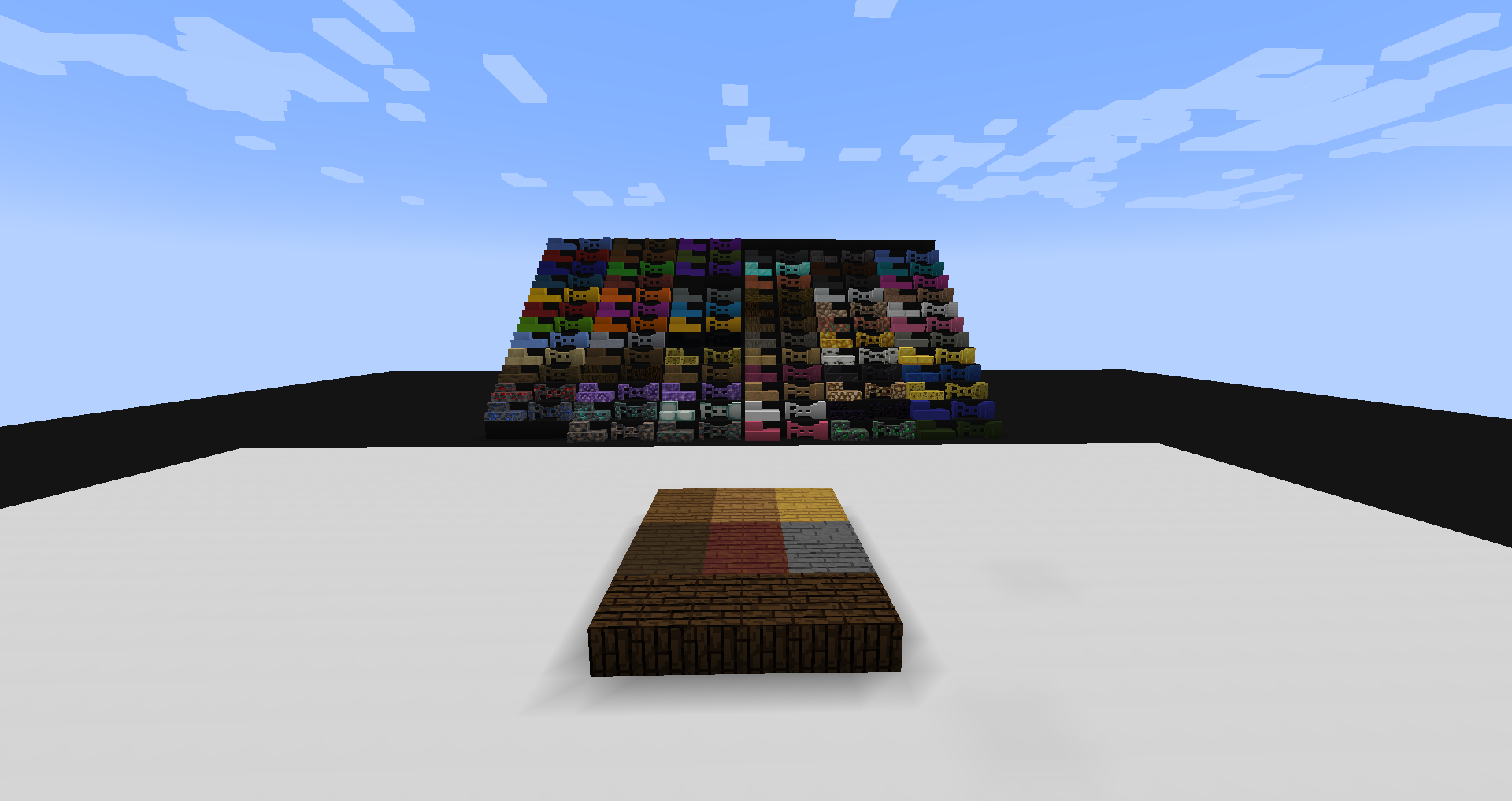
Blocks: (some blocks may not exist in older versions)
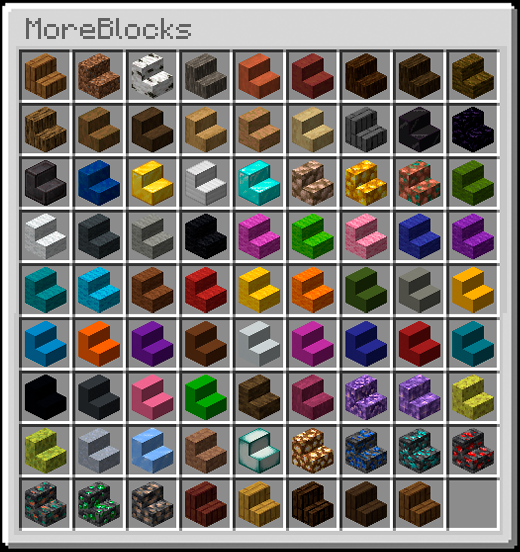
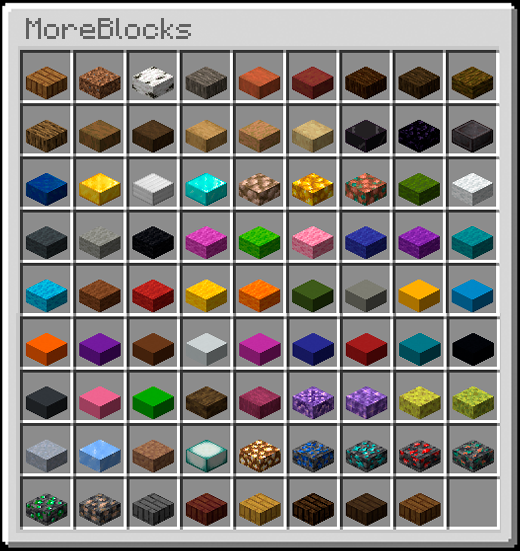
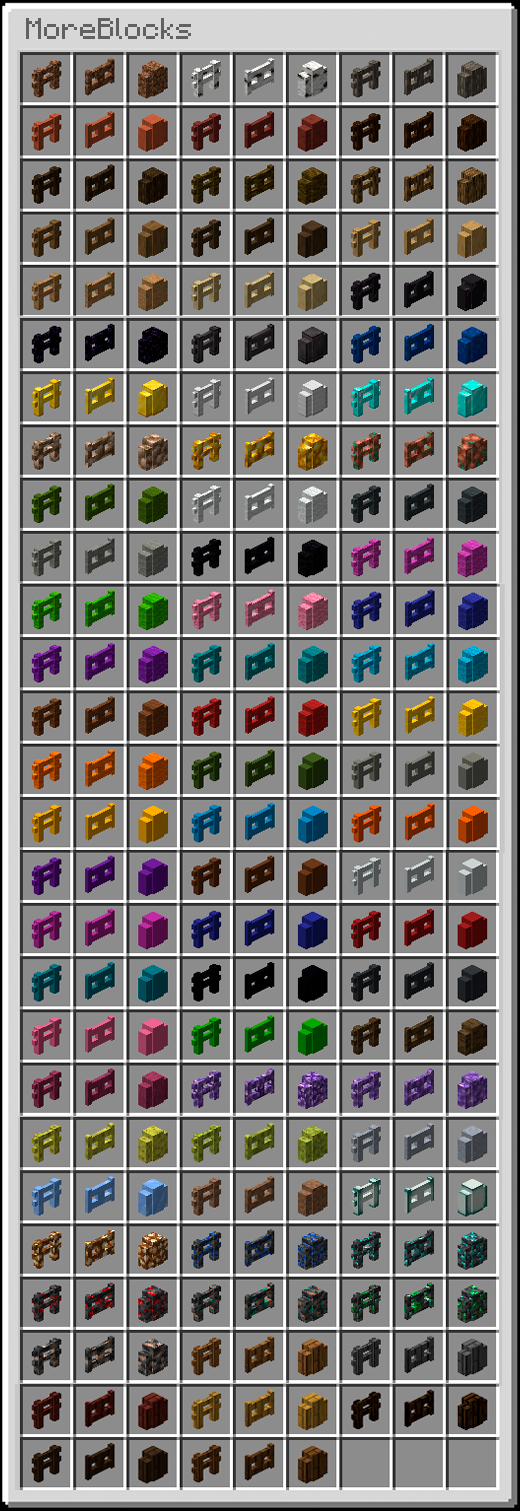
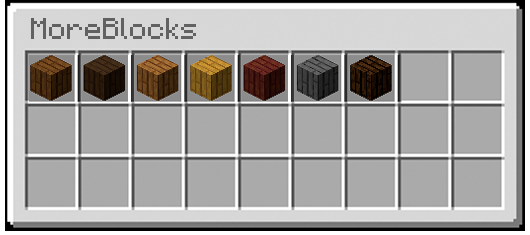
Additional Features:
- Seamless Integration:
The new block variations blend perfectly with existing Minecraft blocks, maintaining the game's visual consistency while adding more depth to your - Crafting Recipes:
All new variations have logical crafting recipes, usually derived from their full-block counterparts, keeping the mod intuitive to use. - Customization:
The mod comes with a built-in configuration option allowing players to toggle which blocks they want to enable or disable in their game. - Survival Friendly:
All blocks are fully functional in both survival and creative modes, with recipes that align with standard survival progression.
Installation
Install Forge.
- Download the mod.
- Navigate to your .minecraft folder.
- paste the mod on the mods folder.
- Play!
Available Versions
How to Install MoreBlocks on Your Server
Order Server
Order a Minecraft Java server with at least 3 GB RAM (4 GB recommended).
Set forge Loader
In the panel under "Egg", select the forge loader and matching Minecraft version (1.19.4).
Install Mod
Open the mod browser in the dashboard and search for "MoreBlocks". Click "Install" – done! Alternatively, upload the .jar via SFTP to the /mods folder.
Compatibility
Mod Loaders
Minecraft Versions
1.19.4, 1.19.3, 1.19.2 (+8 more)
Server-side
✓ RequiredRecommended RAM
4 GB(min. 3 GB)Frequently Asked Questions
MoreBlocks server crashes on startup – what to do?
Most common cause: wrong forge version or insufficient RAM. Check the server log (latest.log) for "OutOfMemoryError" or "Mixin" errors. With Mado Hosting: ensure at least 3 GB RAM is allocated and the loader matches the mod version (1.19.4). You can switch loaders with one click in the panel.
Is MoreBlocks compatible with forge?
MoreBlocks officially supports forge for Minecraft 1.19.4, 1.19.3, 1.19.2. The Mado dashboard automatically detects incompatible loader combinations.
Server lagging with MoreBlocks – how to optimize performance?
Recommended RAM: 4 GB (per 8 players). Use /spark profiler to check if MoreBlocks consumes the most tick time. Common fixes: reduce server view-distance to 8-10, install "performant" or "starlight" as supplementary mods on Forge. With Mado Hosting, your server runs on NVMe SSDs with dedicated CPU cores for minimal latency.
Similar Mods

![[ETF] Entity Texture Features](https://cdn.modrinth.com/data/BVzZfTc1/af683d206d50b05258d865b0d6e4aa2f2cee12f2_96.webp)
![[EMF] Entity Model Features](https://cdn.modrinth.com/data/4I1XuqiY/6e5bbd0d06b1741bfdab6c0cfab6de8fdaf0064c_96.webp)



Rent Modded Server
Install MoreBlocks with just one click on your server.