
Timer
Timer Data Pack - Multiple designs to choose - Toggle-able rules to freeze/secure/blind players
Screenshots
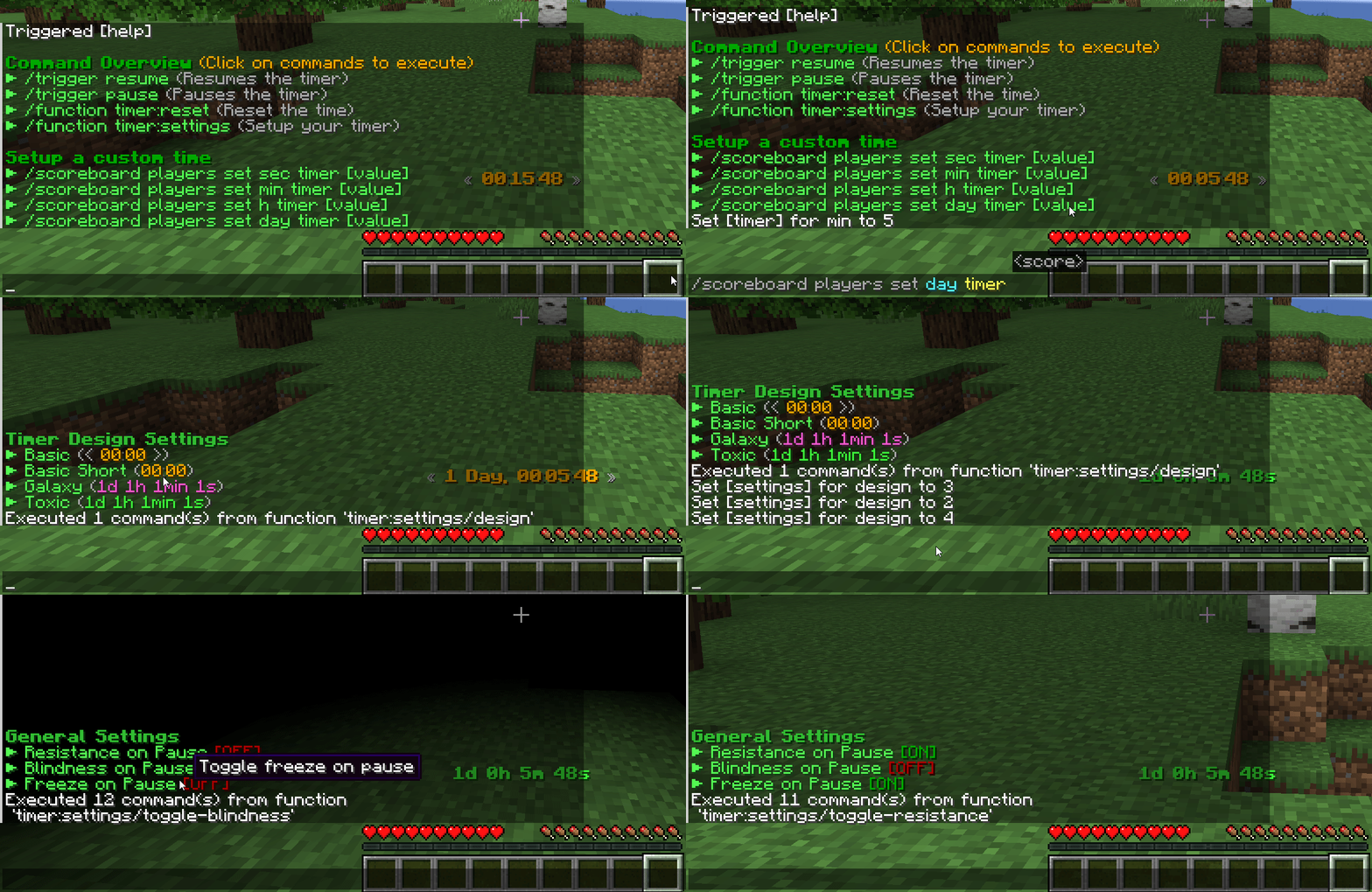
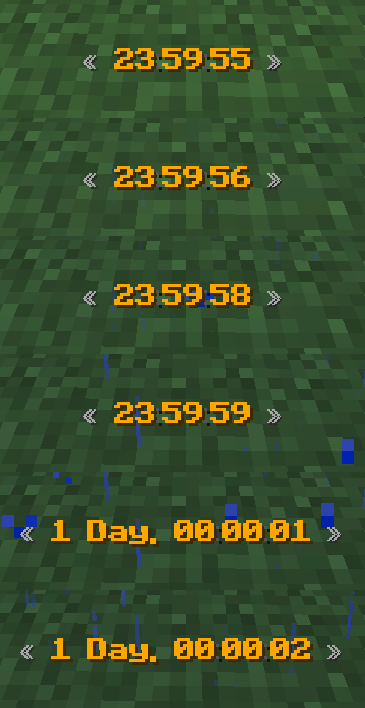
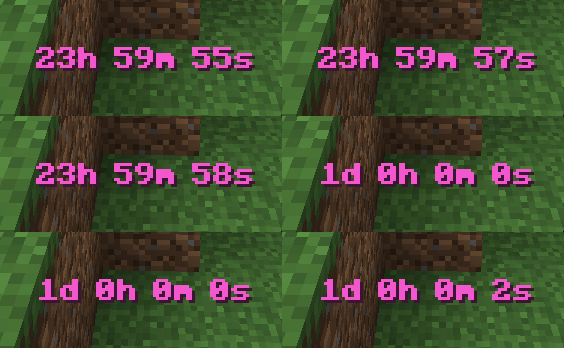
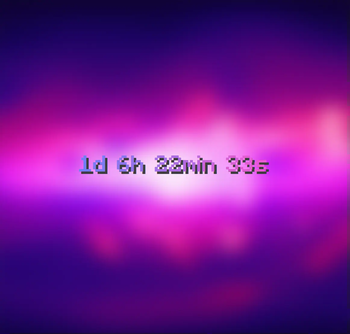
About this Mod
M-Timer & Clock
Add a timer to your HUD to stop times or display the current time. You have full control over your timer with design customization or even rules like freezing/blind/secure all players on timer pause.
Important
This data pack was designed for simple usage in single player. If you search for a high customizable timer with even more features like custom designs with animations, automated tasks and more visit the plugin (and soon fabric mod) version of MTimer!
Access & customize the Timer
Some commands can be used without cheats enabled via /trigger <action>.
| Command | Cheat-less Command | Short Description |
|---|---|---|
/function timer:resume |
/trigger resume |
Resumes your timer |
/function timer:pause |
/trigger pause |
Pauses your timer |
/function timer:reset |
❌ | Resets the current time |
/function timer:help |
/trigger help |
Displays a list of all commands |
/function timer:settings |
❌ | Customize your timer (design & rules) |
Timer Designs
The data pack was designed to easily support multiple designs. If you have an idea for a new unique design join our Discord Server to suggest it!
You can try to create it on your own in our design creator of the original MTimer.
Timer Settings
MTimer currently support 3 rules to customize the experience accessible under function timer:settings. You can toggle...
- Player invulnerability on pausing (default off)
- Blindness on pausing (default off)
- Player movement freezing (default off)
Roadmap
In 1.20.2 a new feature called macros releases. This will allow me to add timer animations too to the cost of performance (probably very small impact). Until then, no animations are possible in designs currently.
Available Versions
How to Install Timer on Your Server
Order Server
Order a Minecraft Java server with at least 3 GB RAM (4 GB recommended).
Set datapack Loader
In the panel under "Egg", select the datapack loader and matching Minecraft version (1.21.8).
Install Mod
Open the mod browser in the dashboard and search for "Timer". Click "Install" – done! Alternatively, upload the .jar via SFTP to the /mods folder.
Compatibility
Mod Loaders
Minecraft Versions
1.21.8, 1.21.7, 1.21.6 (+29 more)
Server-side
✓ RequiredRecommended RAM
4 GB(min. 3 GB)Frequently Asked Questions
Timer server crashes on startup – what to do?
Most common cause: wrong datapack version or insufficient RAM. Check the server log (latest.log) for "OutOfMemoryError" or "Mixin" errors. With Mado Hosting: ensure at least 3 GB RAM is allocated and the loader matches the mod version (1.21.8). You can switch loaders with one click in the panel.
Is Timer compatible with datapack and fabric and forge and neoforge and quilt?
Timer officially supports datapack, fabric, forge, neoforge, quilt for Minecraft 1.21.8, 1.21.7, 1.21.6. Note: Forge and Fabric mods are NOT cross-compatible – pick one loader and stick with it. The Mado dashboard automatically detects incompatible loader combinations.
Server lagging with Timer – how to optimize performance?
Recommended RAM: 4 GB (per 8 players). Use /spark profiler to check if Timer consumes the most tick time. Common fixes: reduce server view-distance to 8-10, install "performant" or "starlight" as supplementary mods on Forge. With Mado Hosting, your server runs on NVMe SSDs with dedicated CPU cores for minimal latency.
Similar Mods




Rent Modded Server
Install Timer with just one click on your server.