Mulch
A mod that adds new wood-based blocks for agriculture!
Screenshots
About this Mod
Mulch is a dedicated mod for creating mulch in Minecraft! Throw planks, logs, fences, or even entire chest boats into a wood chipper, and... voila! Wood chips galore! Combine these chips to make mulch and take in the full mulch-y experience.
Credit to MCreator for an easy-to-learn and easy-to-use mod-making system! :D
Join the Discord here for future updates on my mods!
For more information, visit the wiki!
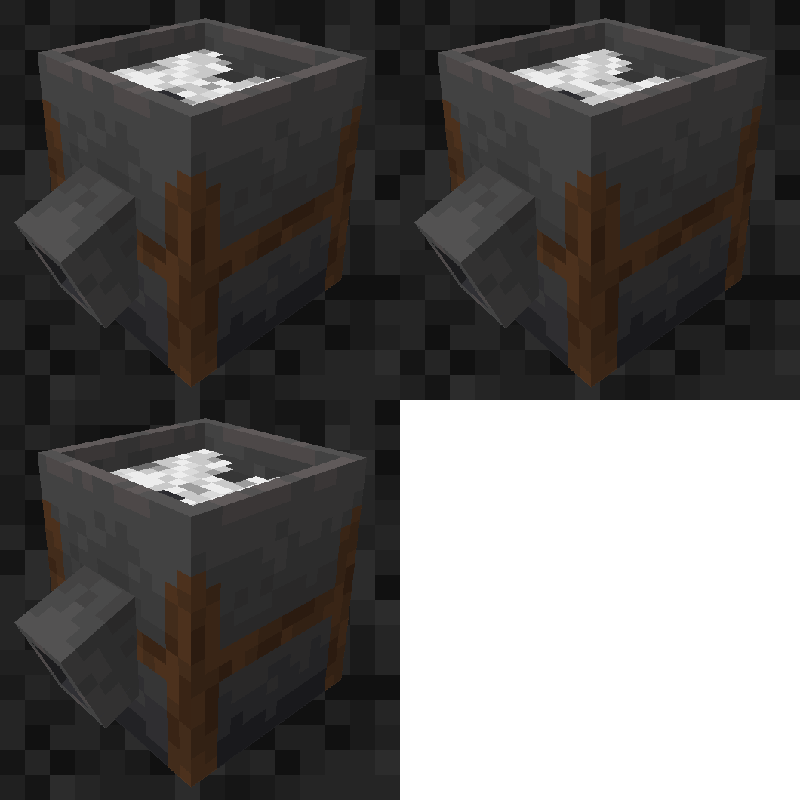
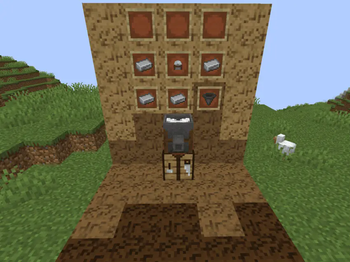
The Wood Chipper is a new block used to crush wood into chips. Crafting a Wood Chipper takes a Stone Cutter, Hopper, and four Iron Ingots.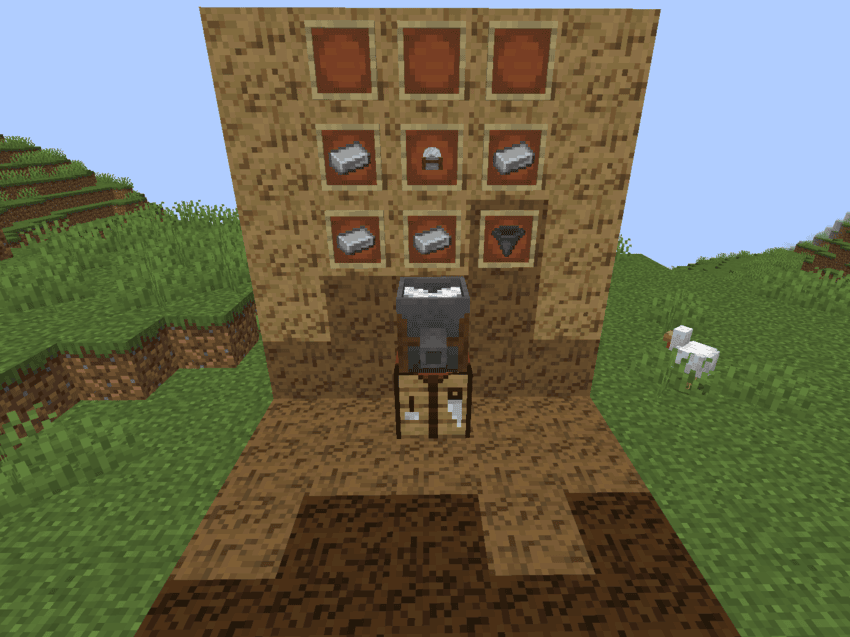
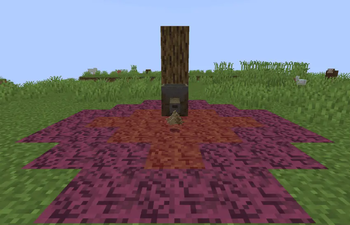
Throwing wood blocks, such as planks, logs, slabs, stairs, buttons, and other similar items into the Wood Chipper will crush the wood into a pile of Wood Chips.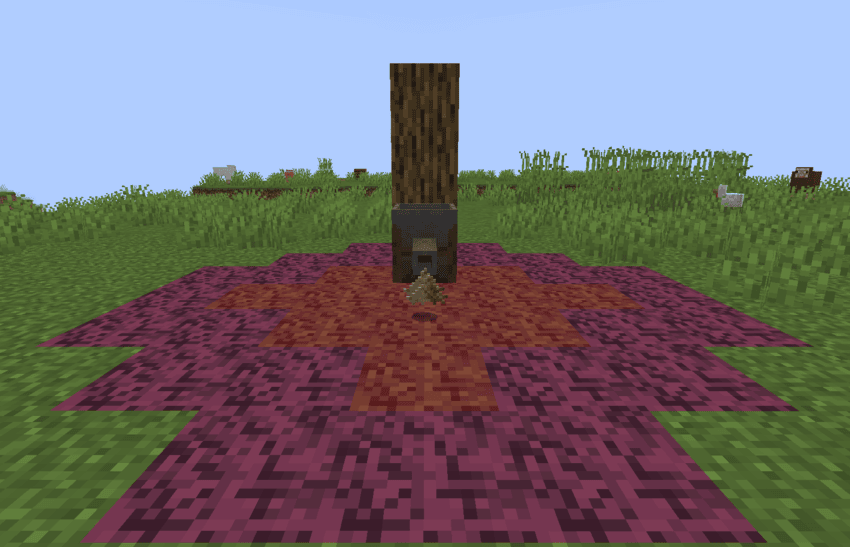
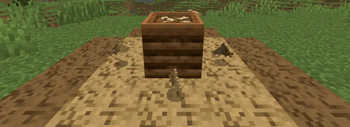
Wood Chips can be composted, providing a method to turn wood into bonemeal.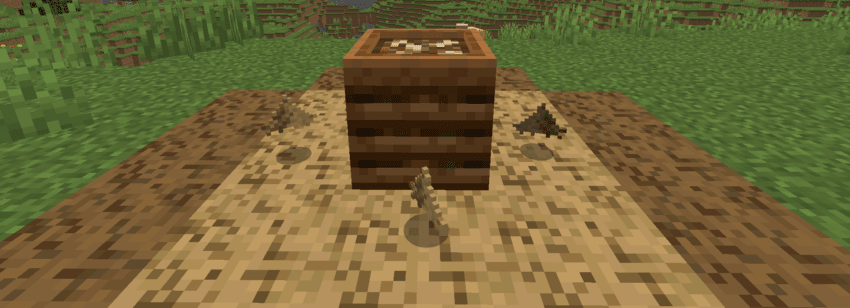
Wood Chips can be crafted in a 2x2 square to turn into Mulch. All wood types can be turned into Wood Chips and Mulch. Mulch can also be dyed, giving additional customization. Undyed Mulch can be compressed back into planks when crafted in a 2x2 square.
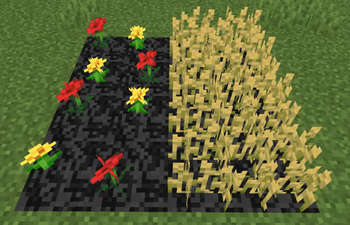
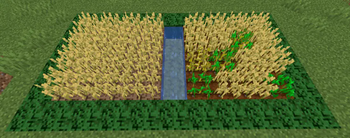
Mulch can support flowers, saplings, berry bushes, and crops such as wheat or carrots. Mulch does not require water for crops to grow.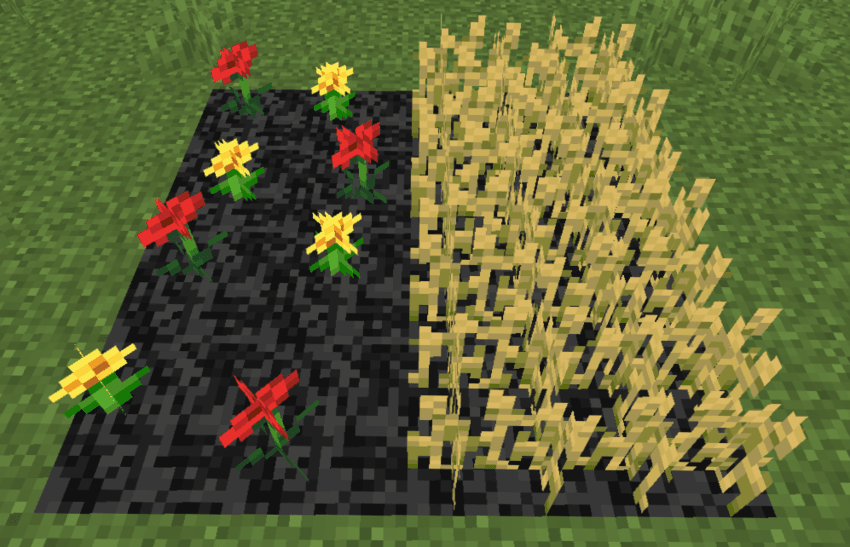
Crops will have increased growth on Mulch, giving a practical purpose to replace swathes of farmland for more harvests.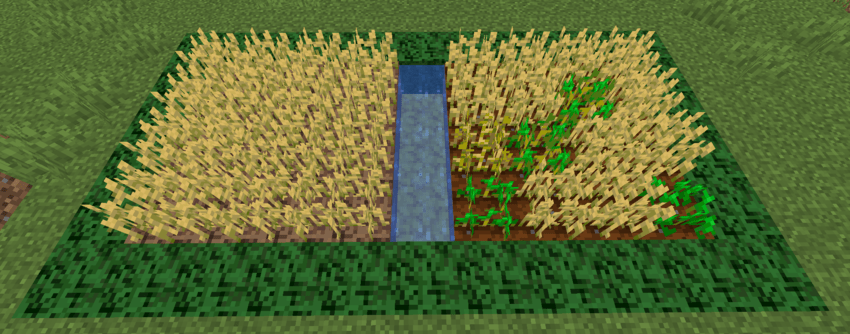
Available Versions
How to Install Mulch on Your Server
Order Server
Order a Minecraft Java server with at least 3 GB RAM (4 GB recommended).
Set forge Loader
In the panel under "Egg", select the forge loader and matching Minecraft version (1.20.1).
Install Mod
Open the mod browser in the dashboard and search for "Mulch". Click "Install" – done! Alternatively, upload the .jar via SFTP to the /mods folder.
Compatibility
Mod Loaders
Minecraft Versions
1.20.1
Server-side
✓ RequiredRecommended RAM
4 GB(min. 3 GB)Frequently Asked Questions
Mulch server crashes on startup – what to do?
Most common cause: wrong forge version or insufficient RAM. Check the server log (latest.log) for "OutOfMemoryError" or "Mixin" errors. With Mado Hosting: ensure at least 3 GB RAM is allocated and the loader matches the mod version (1.20.1). You can switch loaders with one click in the panel.
Is Mulch compatible with forge?
Mulch officially supports forge for Minecraft 1.20.1. The Mado dashboard automatically detects incompatible loader combinations.
Server lagging with Mulch – how to optimize performance?
Recommended RAM: 4 GB (per 8 players). Use /spark profiler to check if Mulch consumes the most tick time. Common fixes: reduce server view-distance to 8-10, install "performant" or "starlight" as supplementary mods on Forge. With Mado Hosting, your server runs on NVMe SSDs with dedicated CPU cores for minimal latency.
Similar Mods

![[ETF] Entity Texture Features](https://cdn.modrinth.com/data/BVzZfTc1/af683d206d50b05258d865b0d6e4aa2f2cee12f2_96.webp)
![[EMF] Entity Model Features](https://cdn.modrinth.com/data/4I1XuqiY/6e5bbd0d06b1741bfdab6c0cfab6de8fdaf0064c_96.webp)



Rent Modded Server
Install Mulch with just one click on your server.