
Music Disc Expansion
🎶Add some extra noise to your Worlds. Adds 50+ Music Discs, ranging from all types of genres from many artists. 🎸Play select songs in a Music Festival to show off your skills.
Screenshots


About this Mod
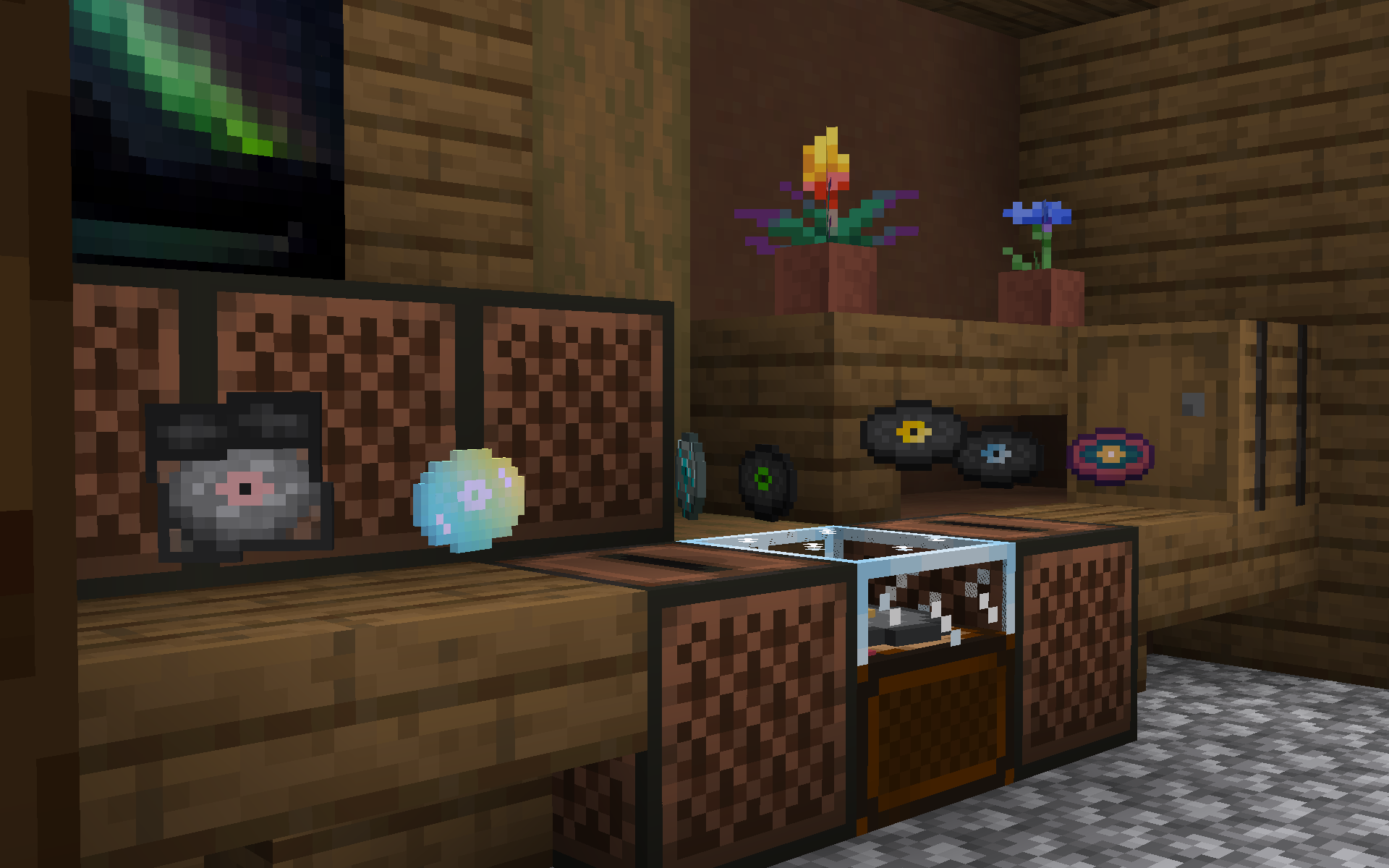
🎶Add some extra noise to your Worlds. Adds 50+ Music Discs, ranging from all types of genres from many artists. As well as back porting newer vanilla discs.
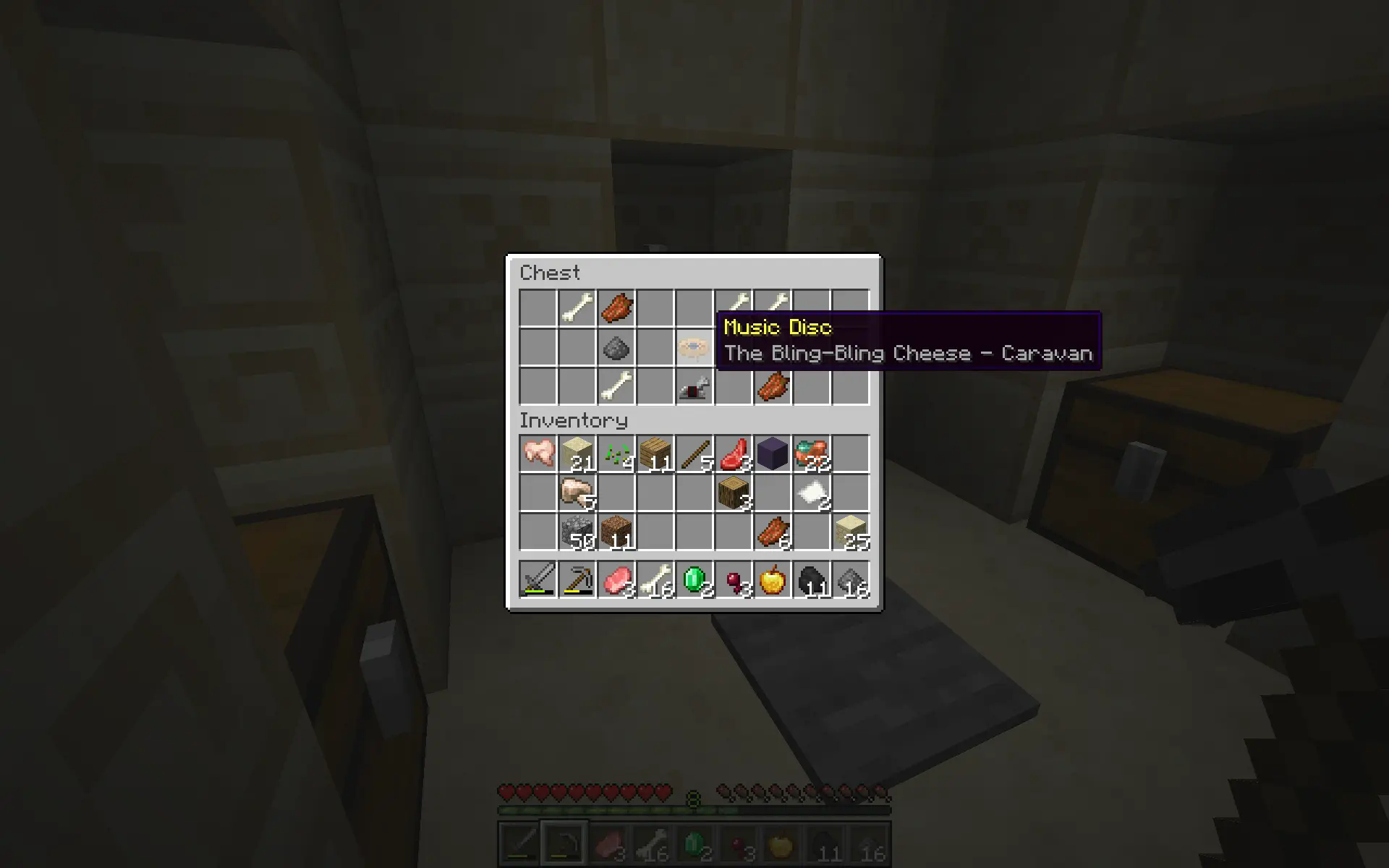
⛏️Find discs in unexplored vanilla structures, craft new ones and gamble your odds for exclusives.
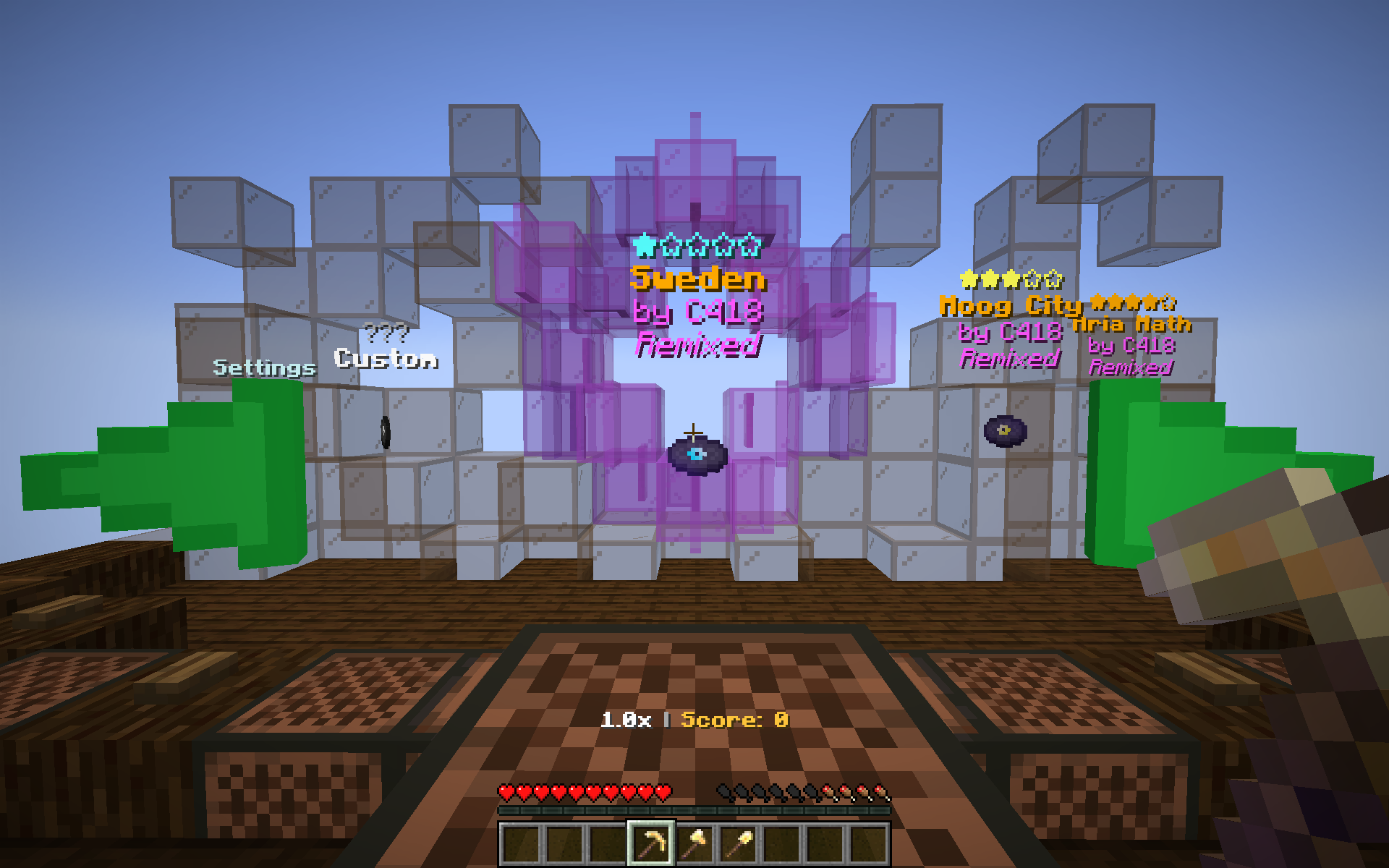
🎸Play select songs in a Music Festival to show off your skills.
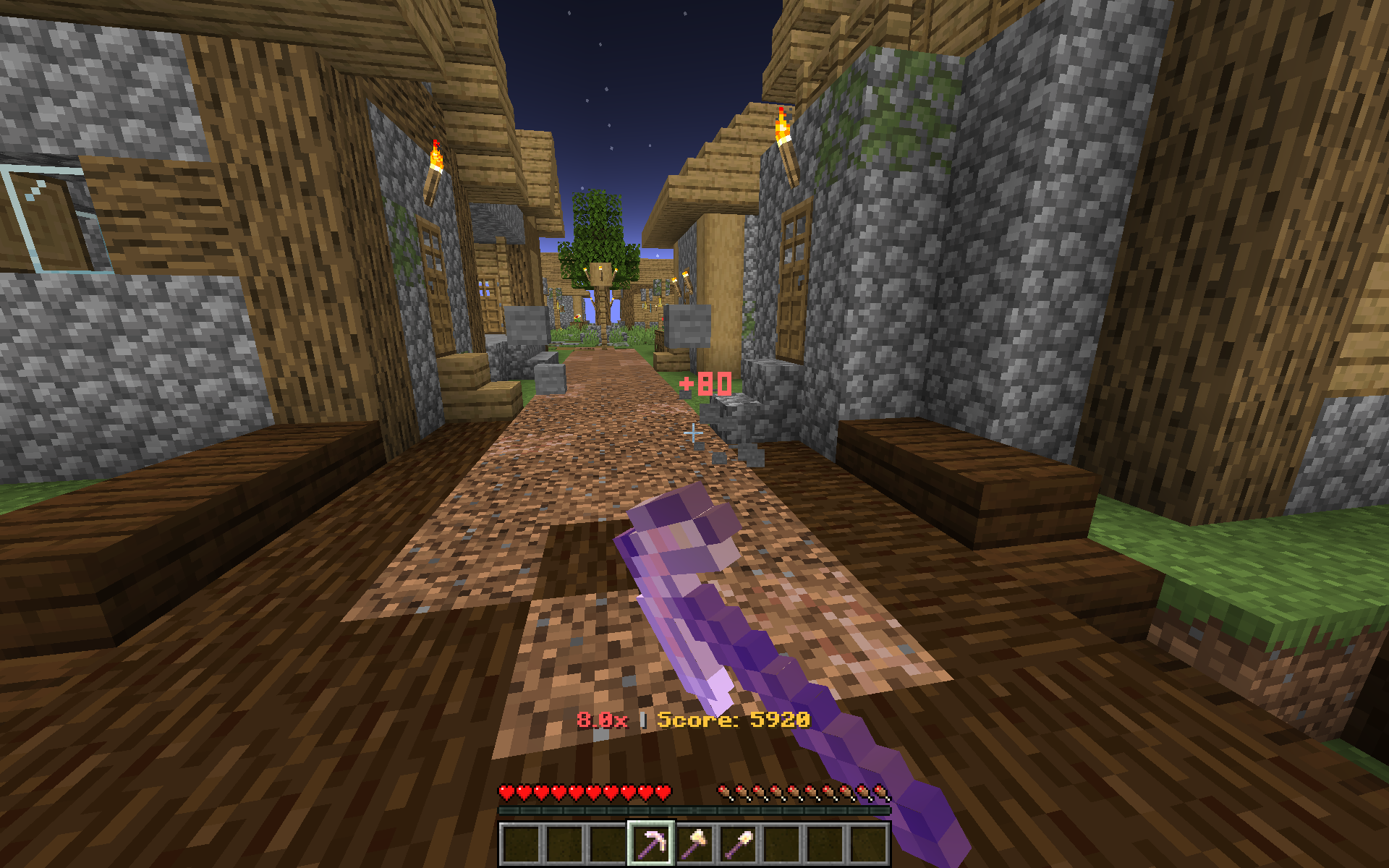
🎼Play earn score and get rewards. Maybe you can exchange some of your earnings for pure diamonds. If you have any questions let me know.
Full music playlist: https://youtube.com/playlist?list=PLyBhiSZqwuxbohmrsiLSJIbWXINjLjYfX
Commands and other important information:
- /reloadfestival - If an update comes out or the music game is broken, type this in chat to regenerate the entire dimension.
- /stats - Flex your stats based on the points you've scored.
- /audiolatency - Add or remove delay from when a song will start playing.
- /noteparticles - Set the amount of break particles per note (default: half).
- /toolorder - Set your preferred tool layout.
- /shop - Convert between your gold and diamond stars, or find podiums around the festival to trade.
If you decide to remove the mod please follow:
- open level.dat and remove tag from "music_disc_expansion:music_game"
(Data > WorldGenSettings > dimensions > music_disc_expansion:music_game)
This will save your world from possible corruption
Available Versions
How to Install Music Disc Expansion on Your Server
Order Server
Order a Minecraft Java server with at least 3 GB RAM (4 GB recommended).
Set forge Loader
In the panel under "Egg", select the forge loader and matching Minecraft version (1.20.1).
Install Mod
Open the mod browser in the dashboard and search for "Music Disc Expansion". Click "Install" – done! Alternatively, upload the .jar via SFTP to the /mods folder.
Compatibility
Mod Loaders
Minecraft Versions
1.20.1, 1.19.4
Server-side
✓ RequiredRecommended RAM
4 GB(min. 3 GB)Frequently Asked Questions
Music Disc Expansion server crashes on startup – what to do?
Most common cause: wrong forge version or insufficient RAM. Check the server log (latest.log) for "OutOfMemoryError" or "Mixin" errors. With Mado Hosting: ensure at least 3 GB RAM is allocated and the loader matches the mod version (1.20.1). You can switch loaders with one click in the panel.
Is Music Disc Expansion compatible with forge?
Music Disc Expansion officially supports forge for Minecraft 1.20.1, 1.19.4. The Mado dashboard automatically detects incompatible loader combinations.
Server lagging with Music Disc Expansion – how to optimize performance?
Recommended RAM: 4 GB (per 8 players). Use /spark profiler to check if Music Disc Expansion consumes the most tick time. Common fixes: reduce server view-distance to 8-10, install "performant" or "starlight" as supplementary mods on Forge. With Mado Hosting, your server runs on NVMe SSDs with dedicated CPU cores for minimal latency.
Similar Mods

![[ETF] Entity Texture Features](https://cdn.modrinth.com/data/BVzZfTc1/af683d206d50b05258d865b0d6e4aa2f2cee12f2_96.webp)
![[EMF] Entity Model Features](https://cdn.modrinth.com/data/4I1XuqiY/6e5bbd0d06b1741bfdab6c0cfab6de8fdaf0064c_96.webp)



Rent Modded Server
Install Music Disc Expansion with just one click on your server.