
Music Shuffle
Shuffle ALL released Minecraft songs. Add your own as well.
Screenshots
About this Mod
Shuffles ALL Minecraft songs during gameplay.
All official Minecraft update soundtracks are included.
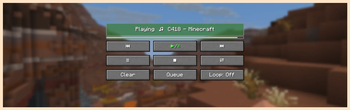
Music Player Menu
Shuffle, reorder, and skip through the queue.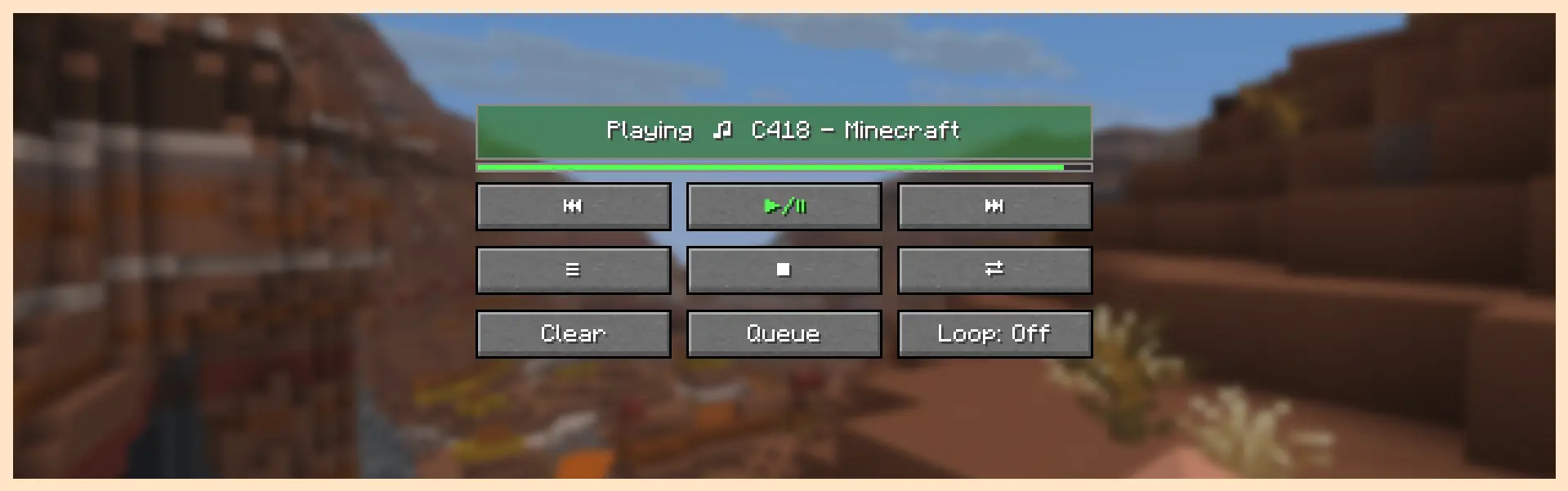
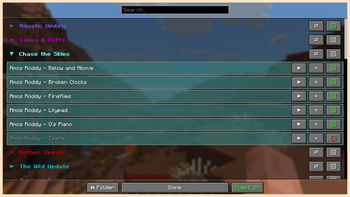
Track Config Menu
Disable songs from the queue. Sort and play by album.
Add your own .ogg or .wav files to the directory.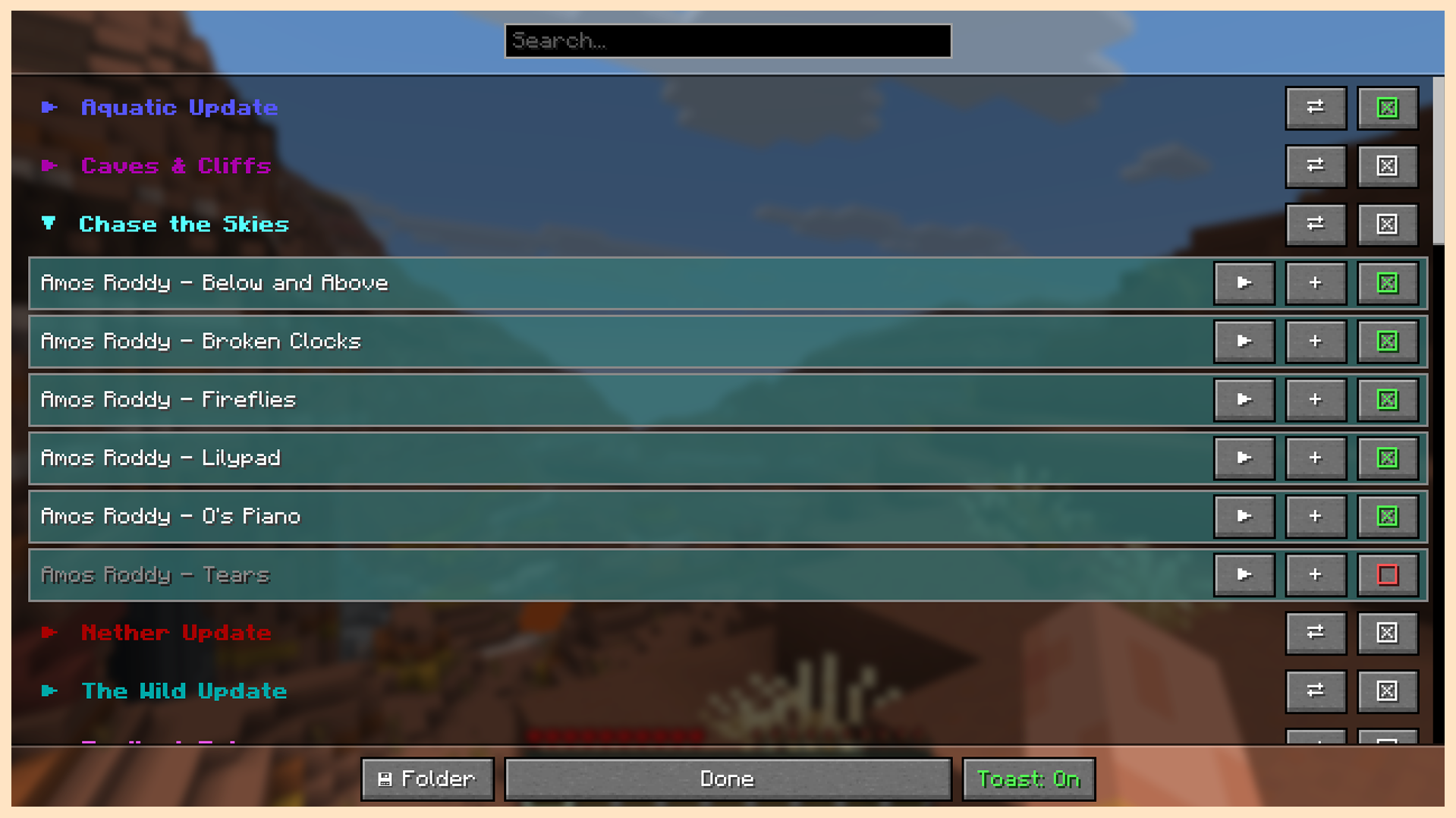
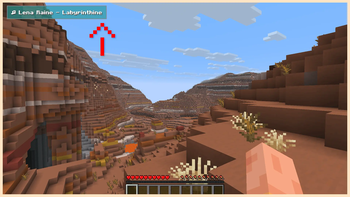
In Game Music Toast
Appears when a new song begins to play. Visibility can by toggled.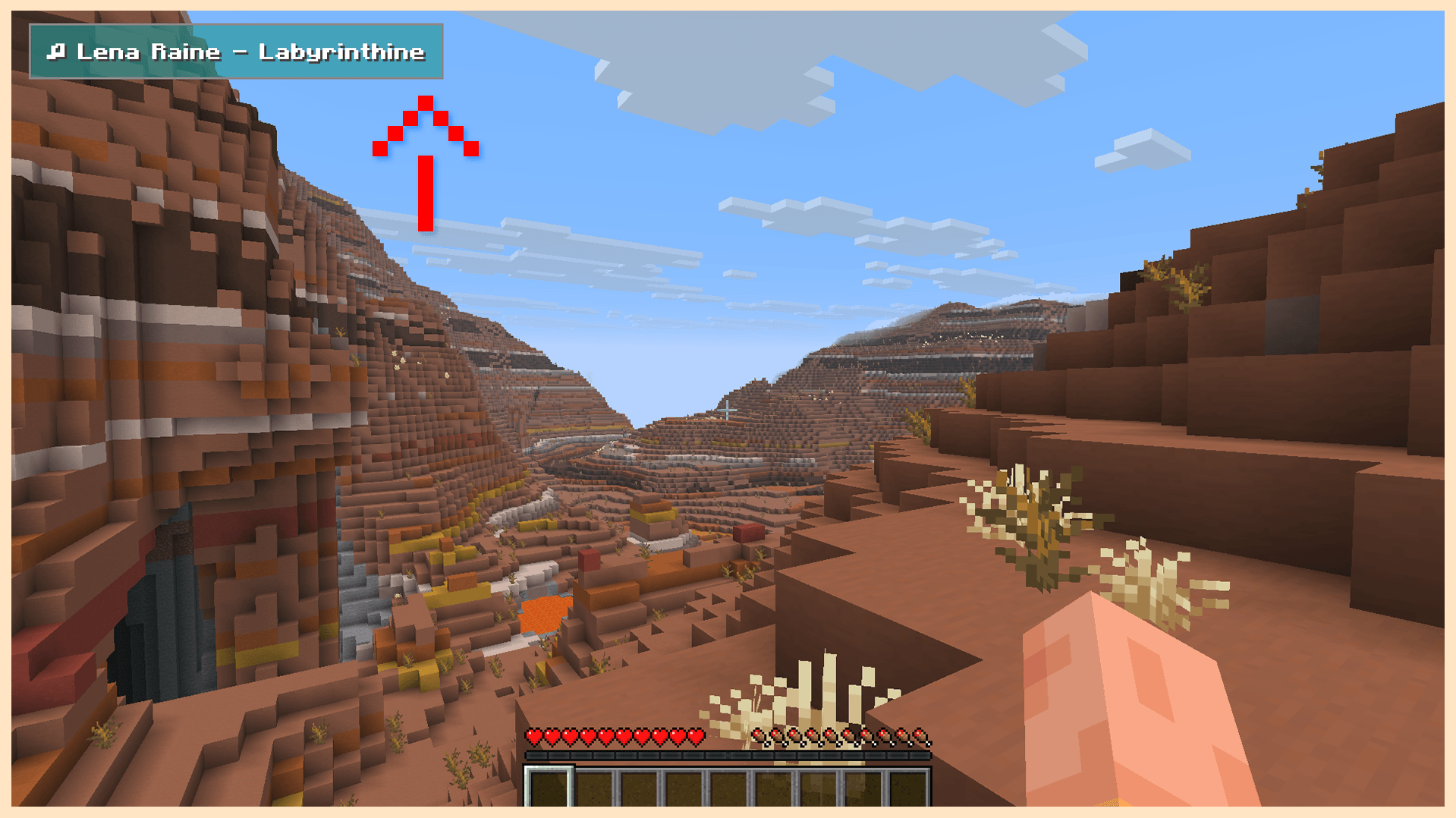
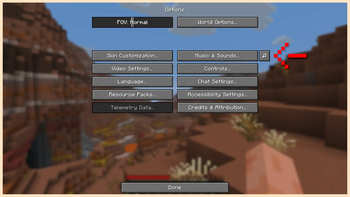
Music Player Menu Button
Accessed through the options menu or through a bindable hotkey.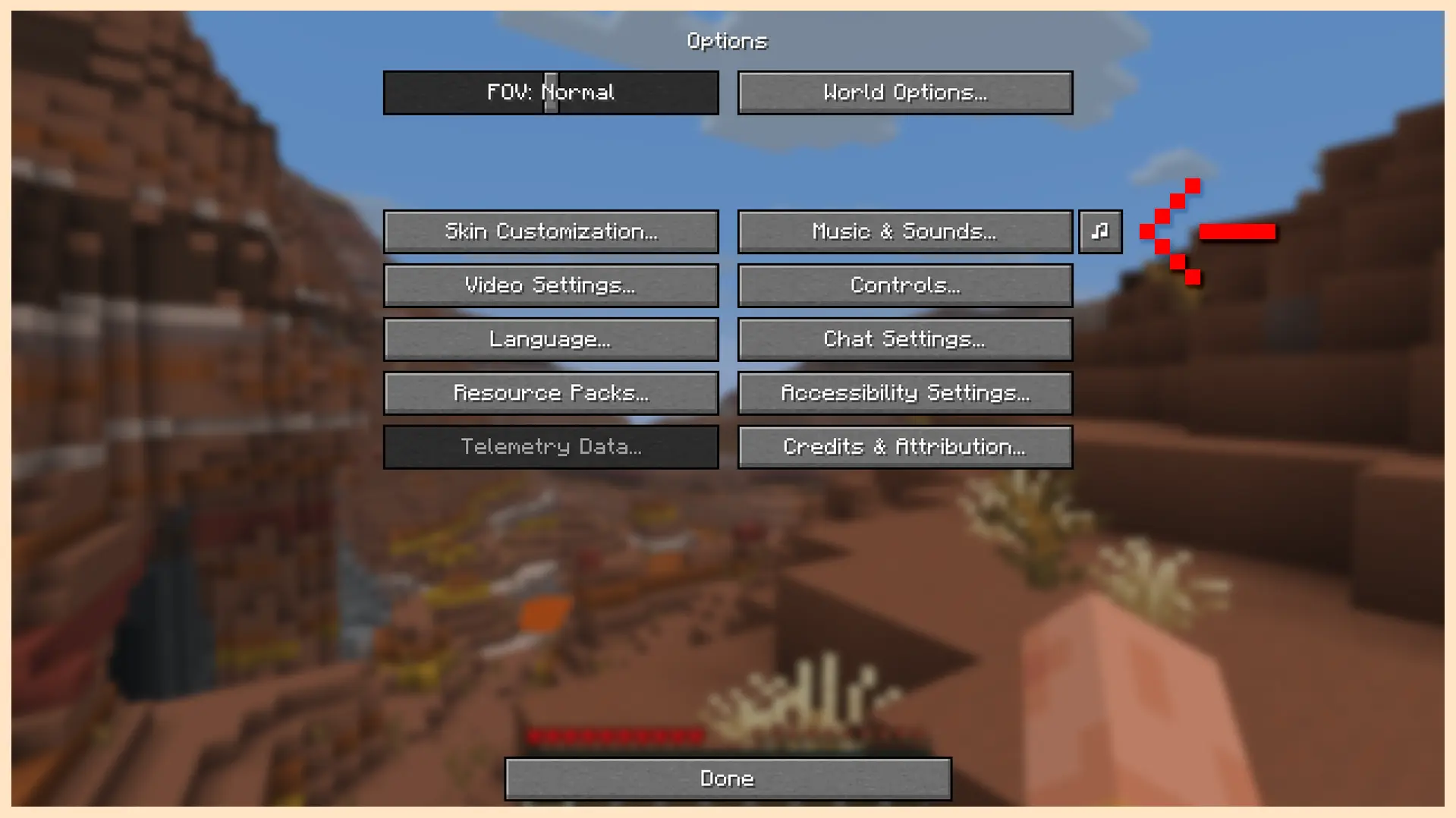
🎵 Minecraft Volumes Included
Volume Alpha
Volume Beta
Aquatic Update
Nether Update
Caves & Cliffs
The Wild Update
Trails & Tales
Tricky Trials
Chase the Skies
Echoing Void (Minecraft Dungeons)
Chaos Cubed (Coming Soon)
🔍 About
Music disc tracks are disabled by default.
Can be re-enabled through the in game config.
Two loop modes. Loop song, and loop queue.
Configure to allow for dimension dependent music shuffling.
Music volume is controlled by the default music slider.
The mod can be easily disabled with the stop button.
While disabled, music control is given back to the game.
Available Versions
How to Install Music Shuffle on Your Server
Order Server
Order a Minecraft Java server with at least 3 GB RAM (4 GB recommended).
Set fabric Loader
In the panel under "Egg", select the fabric loader and matching Minecraft version (26.1.2).
Install Mod
Open the mod browser in the dashboard and search for "Music Shuffle". Click "Install" – done! Alternatively, upload the .jar via SFTP to the /mods folder.
Compatibility
Mod Loaders
Minecraft Versions
26.1.2
Server-side
✗ UnsupportedRecommended RAM
4 GB(min. 3 GB)Frequently Asked Questions
Music Shuffle server crashes on startup – what to do?
Most common cause: wrong fabric version or insufficient RAM. Check the server log (latest.log) for "OutOfMemoryError" or "Mixin" errors. With Mado Hosting: ensure at least 3 GB RAM is allocated and the loader matches the mod version (26.1.2). You can switch loaders with one click in the panel.
Is Music Shuffle compatible with fabric?
Music Shuffle officially supports fabric for Minecraft 26.1.2. The Mado dashboard automatically detects incompatible loader combinations.
Server lagging with Music Shuffle – how to optimize performance?
Recommended RAM: 4 GB (per 8 players). Use /spark profiler to check if Music Shuffle consumes the most tick time. Common fixes: reduce server view-distance to 8-10, install "performant" or "starlight" as supplementary mods on Forge. With Mado Hosting, your server runs on NVMe SSDs with dedicated CPU cores for minimal latency.
Similar Mods




Rent Modded Server
Install Music Shuffle with just one click on your server.