
Neko UI
change and add more ui/hud
Screenshots
About this Mod
Neko UI
Introduction
Neko UI enhances your gaming experience by modifying the original HUD and adding a range of practical interfaces.
Important Notes
- Cores Mod Users: If you have the
Coresmod installed, please download the file without the "all" suffix to avoid conflicts. - JS Code Support: If you need to use JavaScript code to customize the interface, please additionally download and install the
GraalJSmod.(Run with Nashorn when the graaljs mod is not present)
Usage Guide
General Usage
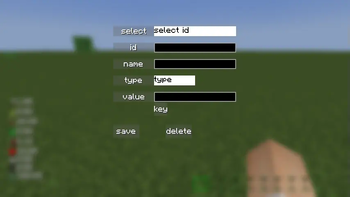
Neko UI offers extensive customization options. If you're not satisfied with the default interface, you can modify the configuration files to customize the HUD display to your liking.
If you encounter any issues during customization, please refer to the WIKI documentation or contact me using the contact information below.
JS Code Example
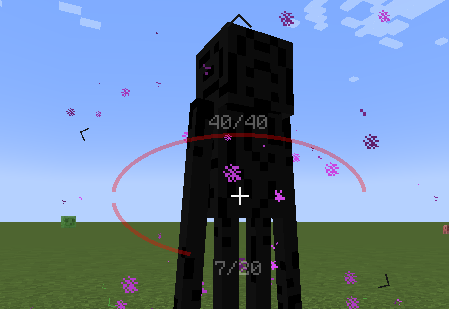
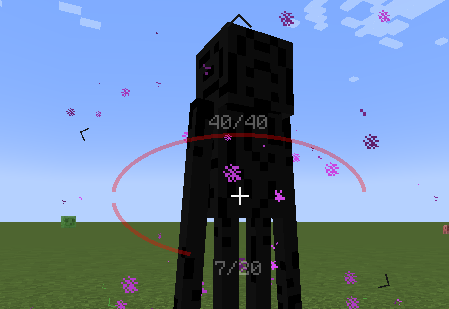
With JavaScript code, you can draw custom UI elements on the screen, such as two elliptical health bars.
Example: Center Health Bar
Interface Preview
Here are some interface previews of Neko UI, showcasing its features and customization options.
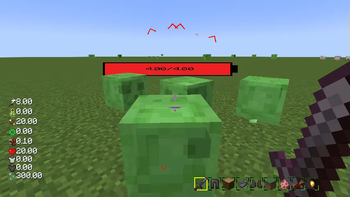
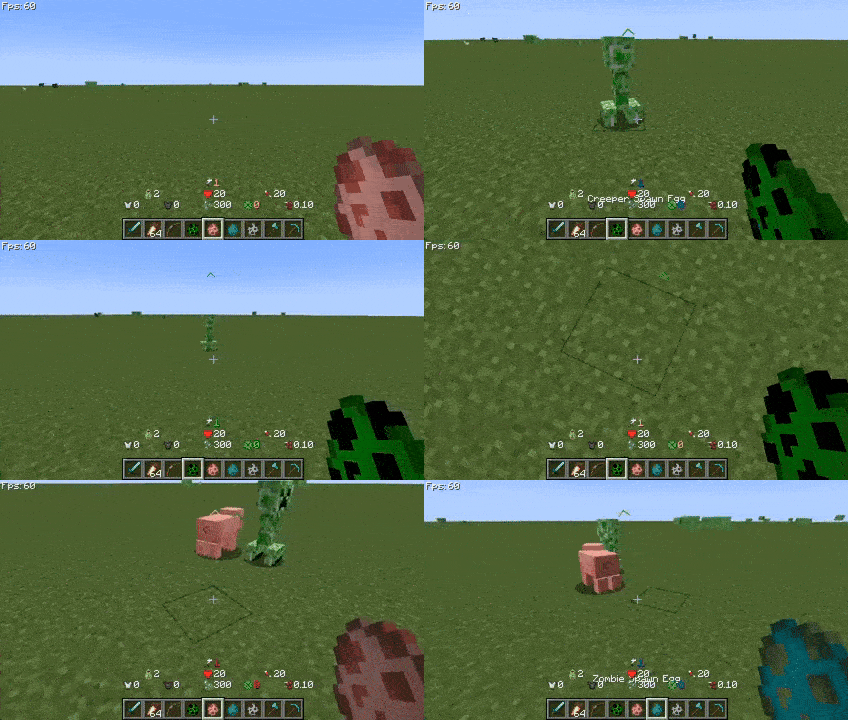
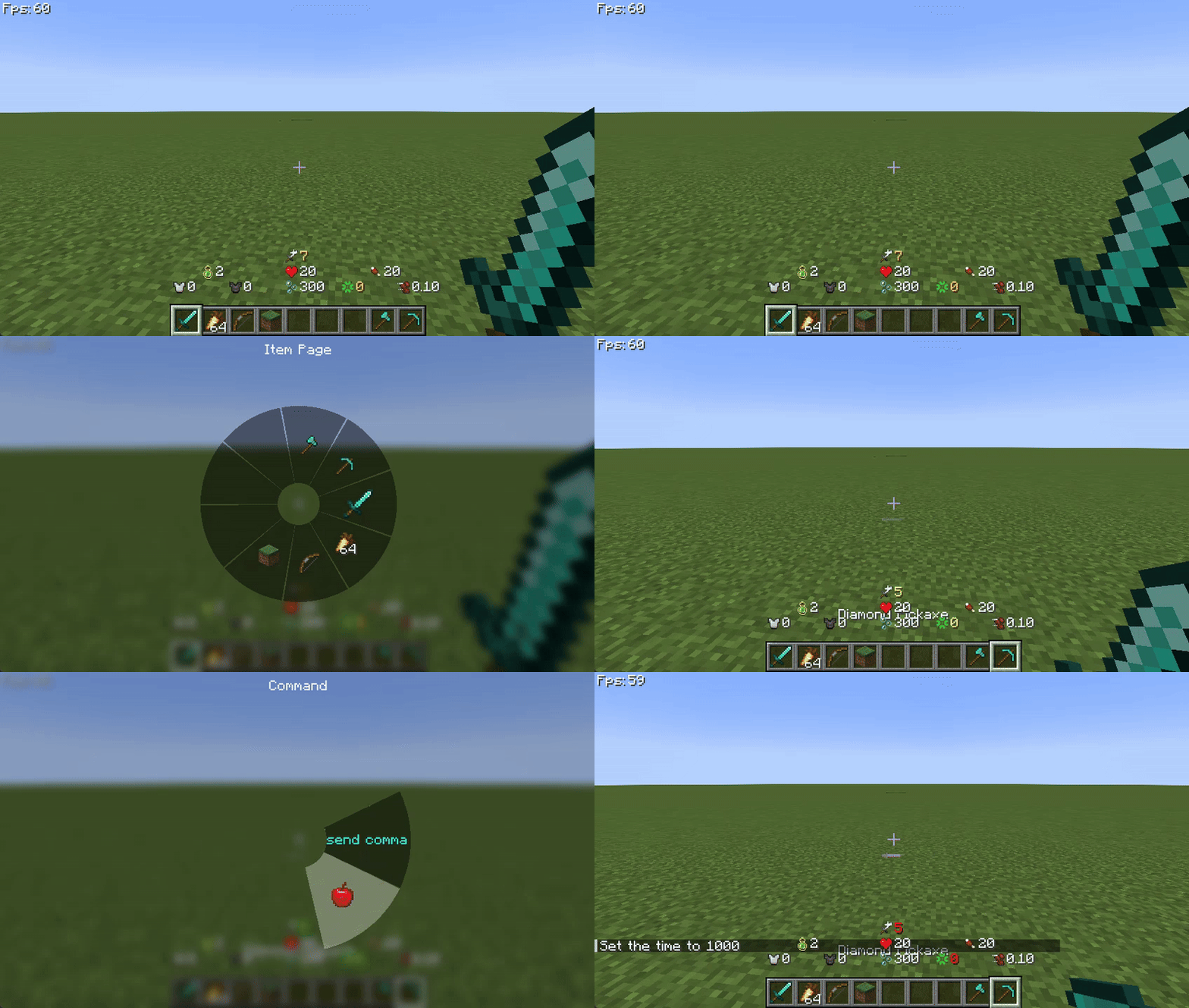
Custom HUD: The health bar, hunger bar, experience bar, and hotbar have been redesigned and can be enabled or disabled individually.
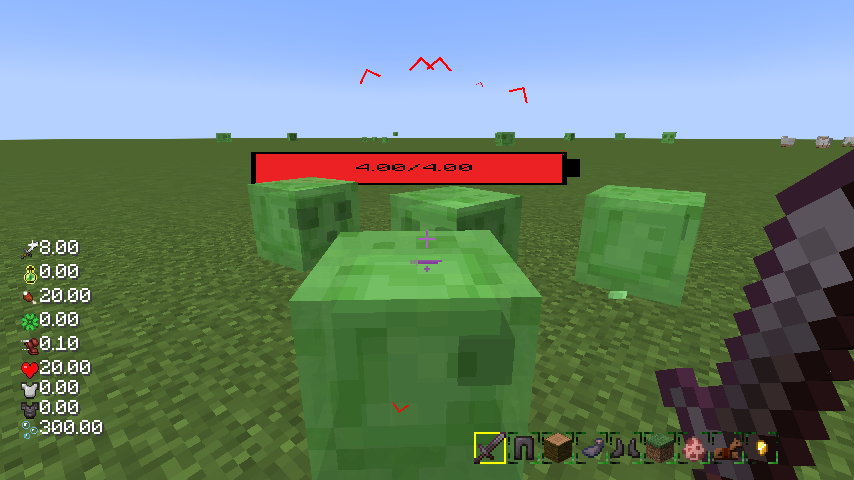
Creature Direction Indicator: Real-time display of creatures relative to your position, with dynamic scaling of icons based on distance for easy tracking.
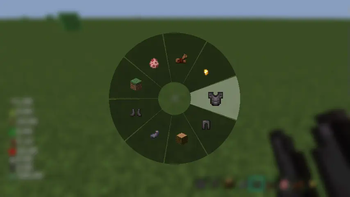
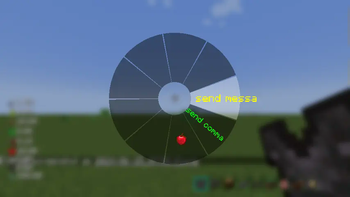
Quick Menu: Hold down the
TABkey to open the quick menu, switch interfaces with the left and right mouse buttons, slide to the desired option, and releaseTABto trigger.
More Information
If you have any questions, suggestions, or feedback, please feel free to contact me through the following methods.
Happy gaming!
Contact Information
Available Versions
How to Install Neko UI on Your Server
Order Server
Order a Minecraft Java server with at least 3 GB RAM (4 GB recommended).
Set forge Loader
In the panel under "Egg", select the forge loader and matching Minecraft version (26.1.2).
Install Mod
Open the mod browser in the dashboard and search for "Neko UI". Click "Install" – done! Alternatively, upload the .jar via SFTP to the /mods folder.
Compatibility
Mod Loaders
Minecraft Versions
26.1.2, 26.1.1, 1.21.11 (+9 more)
Server-side
✗ UnsupportedRecommended RAM
4 GB(min. 3 GB)Frequently Asked Questions
Neko UI server crashes on startup – what to do?
Most common cause: wrong forge version or insufficient RAM. Check the server log (latest.log) for "OutOfMemoryError" or "Mixin" errors. With Mado Hosting: ensure at least 3 GB RAM is allocated and the loader matches the mod version (26.1.2). You can switch loaders with one click in the panel.
Is Neko UI compatible with forge and neoforge?
Neko UI officially supports forge, neoforge for Minecraft 26.1.2, 26.1.1, 1.21.11. The Mado dashboard automatically detects incompatible loader combinations.
Server lagging with Neko UI – how to optimize performance?
Recommended RAM: 4 GB (per 8 players). Use /spark profiler to check if Neko UI consumes the most tick time. Common fixes: reduce server view-distance to 8-10, install "performant" or "starlight" as supplementary mods on Forge. With Mado Hosting, your server runs on NVMe SSDs with dedicated CPU cores for minimal latency.
Similar Mods


Rent Modded Server
Install Neko UI with just one click on your server.