
NeoBlock - The new OneBlock
New OneBlock, but an ultimate version with customizations.
Screenshots

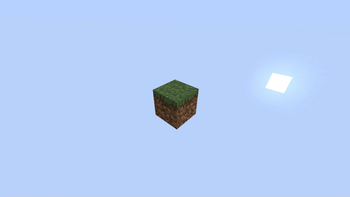
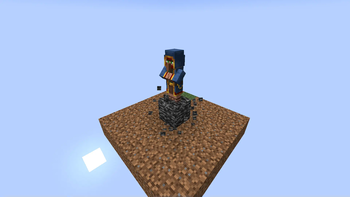
About this Mod
NeoBlock - The Ultimate OneBlock Experience, Reimagined
NeoBlock is a modern, fully customizable take on the classic OneBlock gameplay. Build your world from a single block—no datapacks, no premade worlds, just pure Minecraft magic tailored to your modpack.
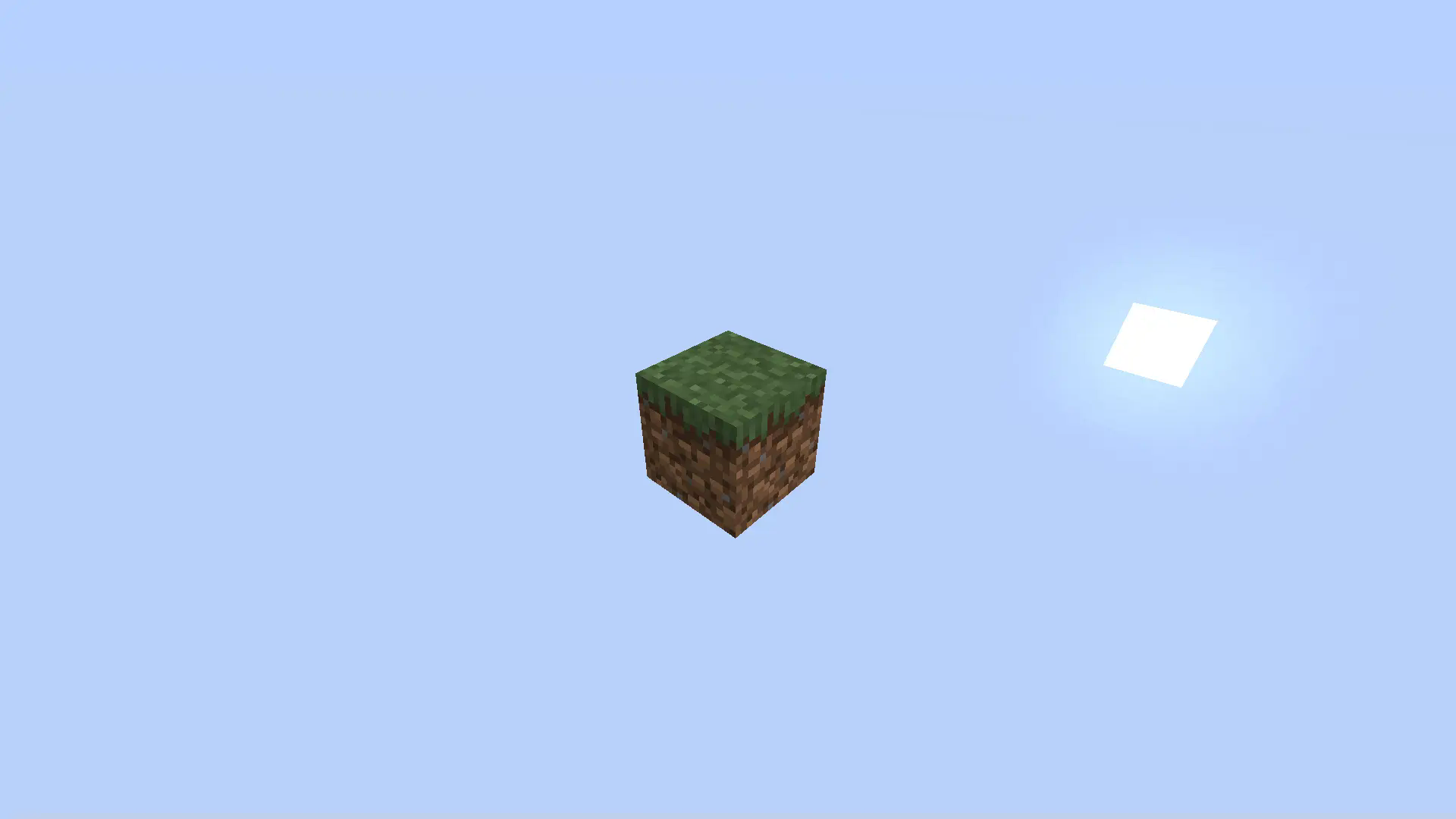
⚠️ Still in early development – your feedback matters!
Help shape NeoBlock into the ultimate OneBlock mod.
🔥 Why NeoBlock?
- ✅ No DataPacks Required
- ✅ No Prebuilt Worlds – Just select the NeoBlock preset
- ✅ Easy customization via clean config files
- ✅ Compatible with any mod – perfect for modpacks
🎮 Core Features
- Tiered progression with upgrade animations
- Auto-loading schematics – bring your structures to life
- Smart wandering traders – summon mobs you actually want
- Fully configurable block generation
- Vanilla-friendly by default, mod-friendly by design
🛠 Feedback & Contributions
NeoBlock is community-driven. We’d love your thoughts, issues, and ideas!
Create an issue or contribute at:
👉 GitHub Repository
📜 License
This project is licensed as All Rights Reserved.
You may not redistribute, modify, or reuse code or assets without explicit permission.
Available Versions
How to Install NeoBlock - The new OneBlock on Your Server
Order Server
Order a Minecraft Java server with at least 4 GB RAM (6 GB recommended).
Set forge Loader
In the panel under "Egg", select the forge loader and matching Minecraft version (1.21.4).
Install Mod
Open the mod browser in the dashboard and search for "NeoBlock - The new OneBlock". Click "Install" – done! Alternatively, upload the .jar via SFTP to the /mods folder.
Compatibility
Mod Loaders
Minecraft Versions
1.21.4, 1.21.3, 1.21.2 (+2 more)
Server-side
✓ RequiredRecommended RAM
6 GB(min. 4 GB)Frequently Asked Questions
NeoBlock - The new OneBlock server crashes on startup – what to do?
Most common cause: wrong forge version or insufficient RAM. Check the server log (latest.log) for "OutOfMemoryError" or "Mixin" errors. With Mado Hosting: ensure at least 4 GB RAM is allocated and the loader matches the mod version (1.21.4). You can switch loaders with one click in the panel.
Is NeoBlock - The new OneBlock compatible with forge and neoforge?
NeoBlock - The new OneBlock officially supports forge, neoforge for Minecraft 1.21.4, 1.21.3, 1.21.2. The Mado dashboard automatically detects incompatible loader combinations.
Server lagging with NeoBlock - The new OneBlock – how to optimize performance?
Recommended RAM: 6 GB (per 5 players). Use /spark profiler to check if NeoBlock - The new OneBlock consumes the most tick time. Common fixes: reduce server view-distance to 8-10, install "performant" or "starlight" as supplementary mods on Forge. With Mado Hosting, your server runs on NVMe SSDs with dedicated CPU cores for minimal latency.
Similar Mods




Rent Modded Server
Install NeoBlock - The new OneBlock with just one click on your server.